Git How To Remove The Last Commit Undoing The Last Commit And Keeping The Changes For A Next Commit Git What Are Differences Between Revert Revert Commit And Reset Hot How To Remove Last Commit On GIT YouTube Squashing Commits In Git How To Undo The Last Commit In Git Become Front End Expert Web Nov 6 2020 nbsp 0183 32 To undo the last commit without losing the changes you made to the local files and the Index invoke git reset with the soft option followed by HEAD 1 git reset soft HEAD 1 HEAD 1 is a variable that points to the previous commit The command above moves the current branch backward by one commit effectively undoing your last commit
Web Dec 23 2019 nbsp 0183 32 The easiest way to undo the last Git commit is to execute the git reset command with the soft option that will preserve changes done to your files You have to specify the commit to undo which is HEAD 1 in this case The last commit will be removed from your Git history git reset soft HEAD 1 Web Apr 12 2023 nbsp 0183 32 To undo i e revert the last commit you can use the following command where HEAD refers to the last commit in the history git revert HEAD Git will then open up a text editor asking you to enter a commit message for the new commit 1 Revert quot third commit quot 2 3 This reverts commit e97698ac66bec08055e23e3cc3d1885a4b63908 4
How To Undo The Last Commit In Git Become Front End Expert How To Undo Pushed Commits With Git DEV Community How Do I Revert A Git Repo To A Previous Commit O Reilly Remove Last Commit From Remote Git Repository CoderSathi How To Remove The File Or Folder From Git Cache Git Tracking Git Commands BytesofGigabytes How To Undo Last Git Commit Process Of Undoing The Last Commit In Git Git How To Revert Back The Last Commit WHO WILL CARE ECommerce First Steps With Git Clone Add Commit Push Earth Data Science
Git How To Remove The Last Commit
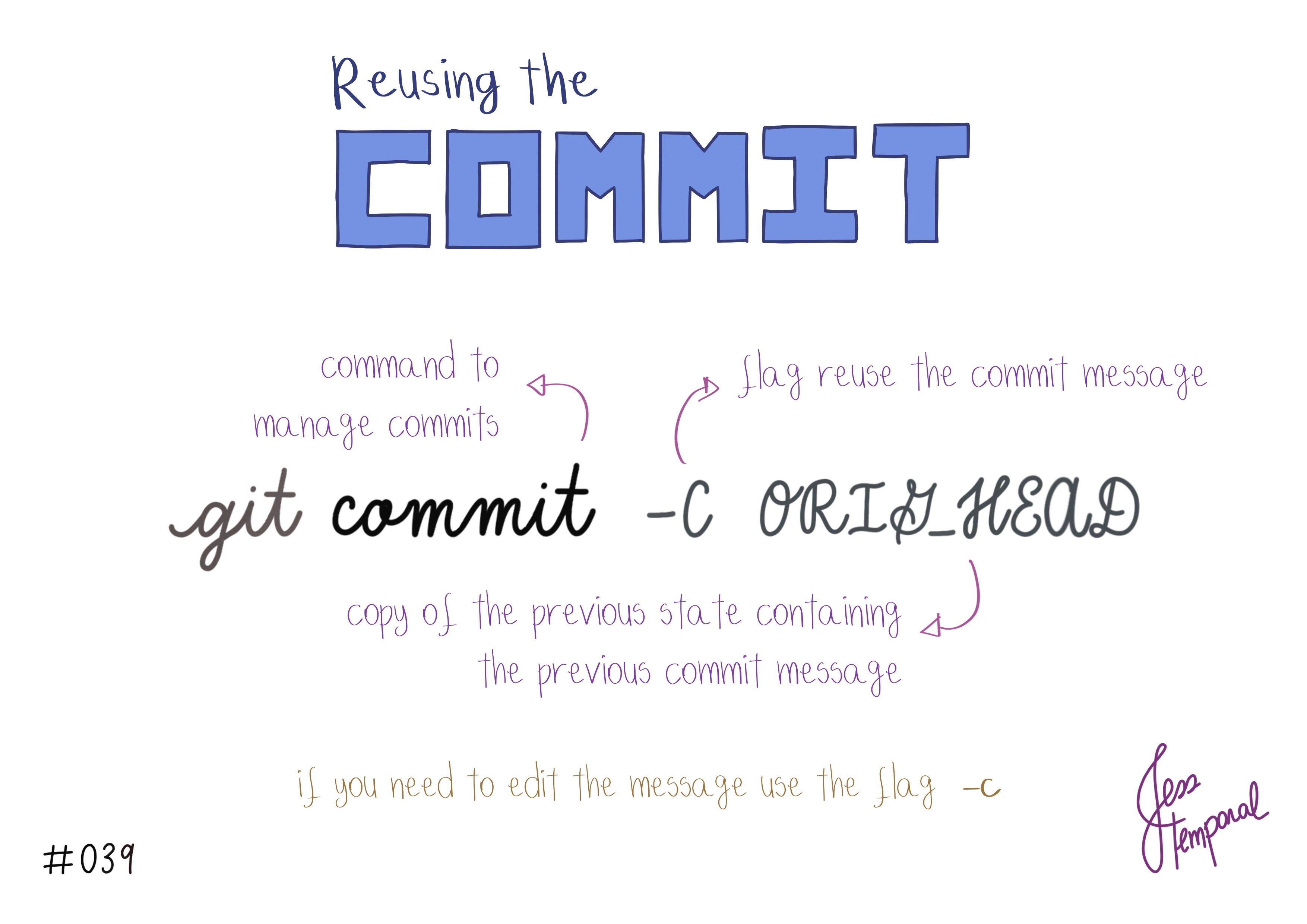 Git How To Remove The Last Commit
https://res.cloudinary.com/jesstemporal/image/upload/v1642878601/gitfichas/en/039/full_cvowy3.jpg
Web Jul 8 2022 nbsp 0183 32 Undo a Git Commit Updated April 17 2024 by Jeff Novotny Create a Linode account to try this guide Git is one of the most common and versatile version control systems VCS but it is not always simple and easy to use You can run into trouble when you commit an undesirable change to a repository
Pre-crafted templates use a time-saving service for developing a diverse range of documents and files. These pre-designed formats and layouts can be used for various personal and expert projects, including resumes, invitations, flyers, newsletters, reports, discussions, and more, simplifying the content creation procedure.
Git How To Remove The Last Commit
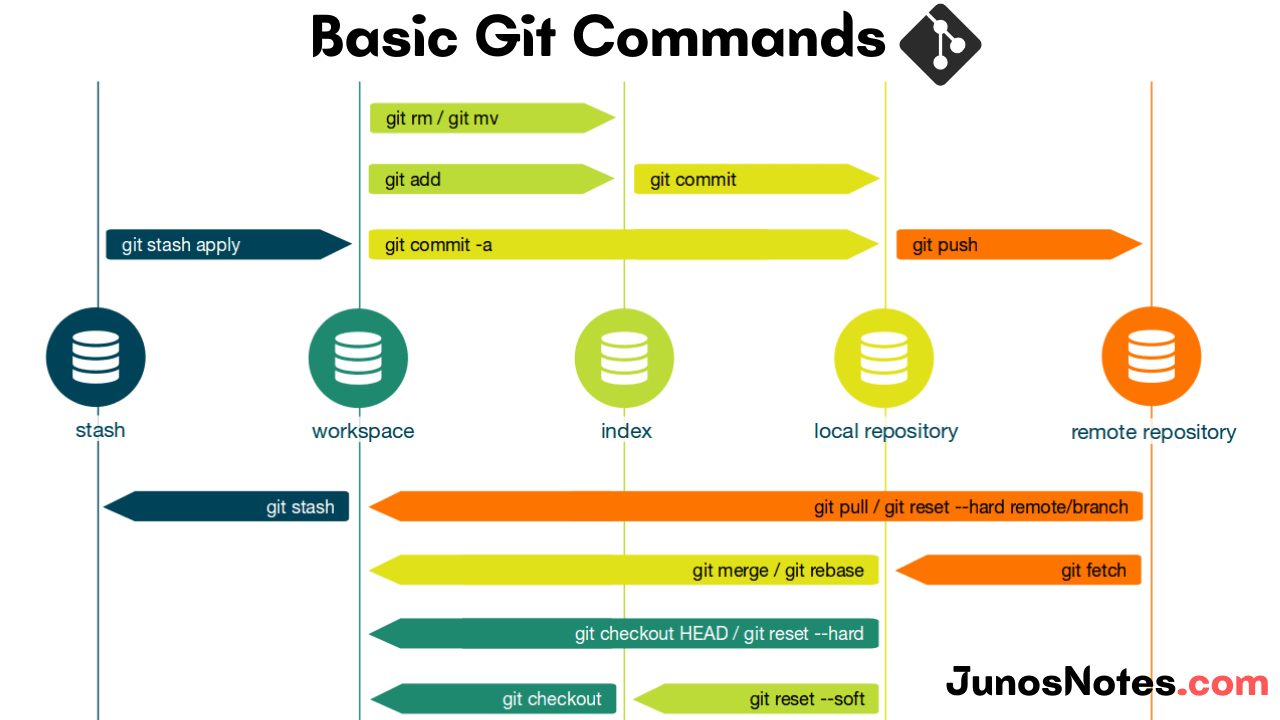
GIT Commands Basic To Advanced GIT Commands List That You Should Know
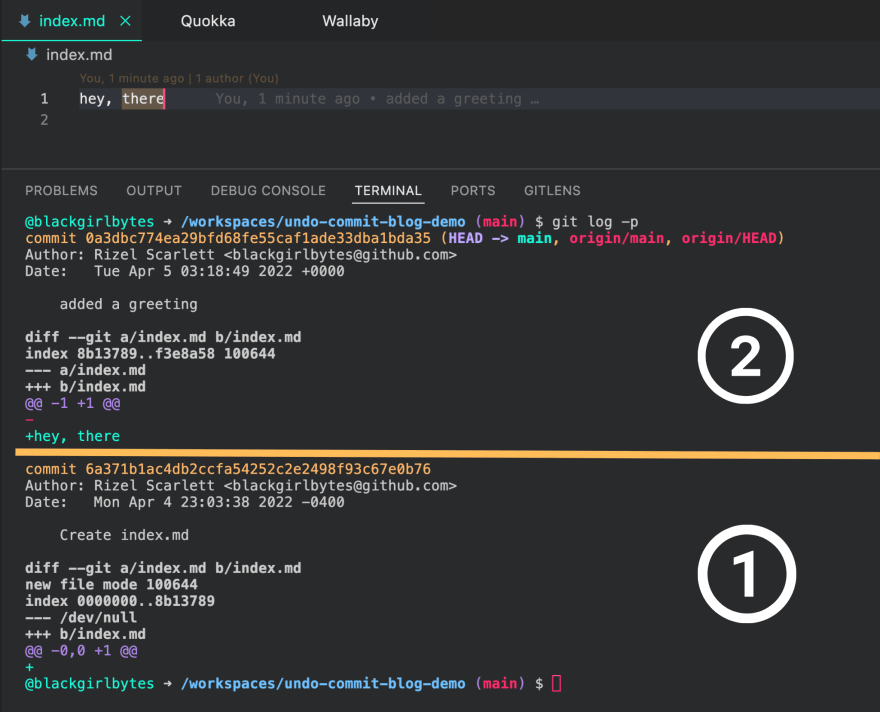
How To Undo Pushed Commits With Git DEV Community

How Do I Revert A Git Repo To A Previous Commit O Reilly

Remove Last Commit From Remote Git Repository CoderSathi
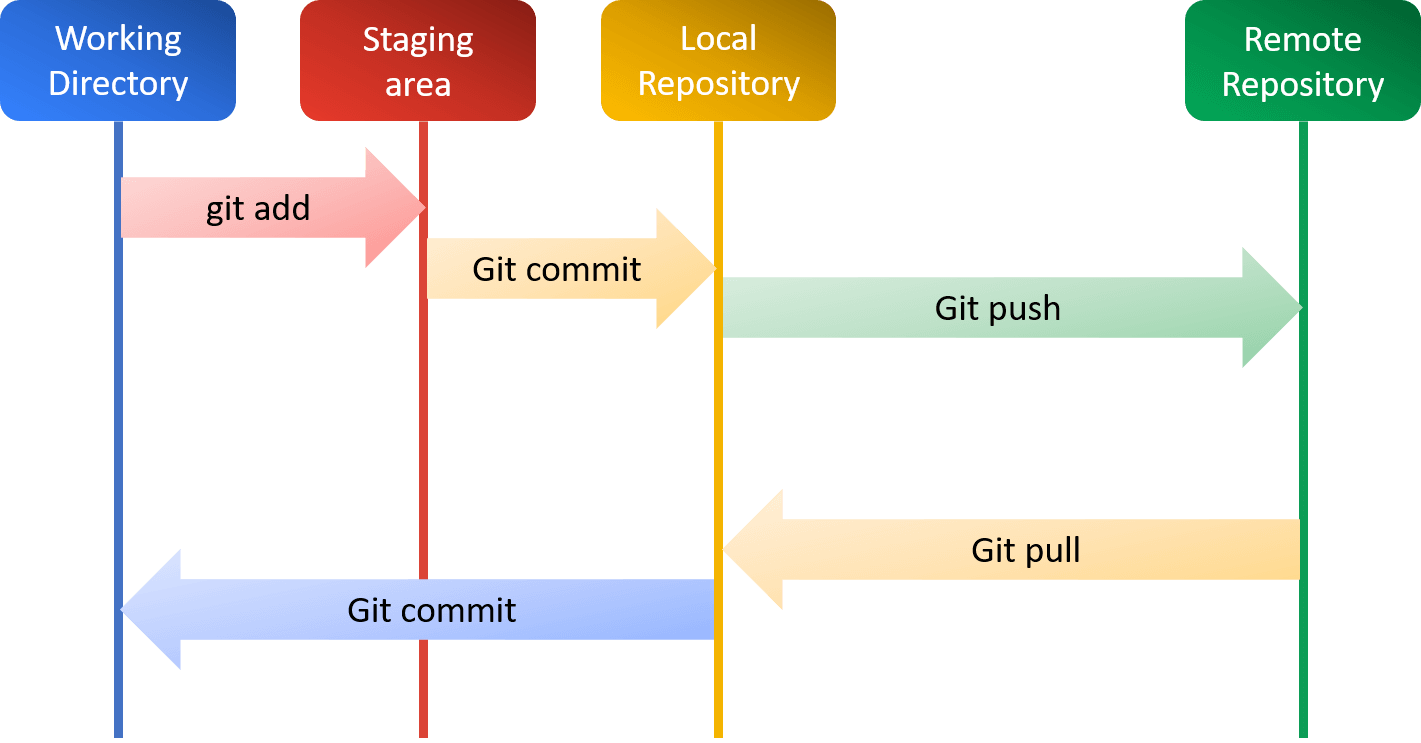
Git Commands BytesofGigabytes

How To Undo Last Git Commit Process Of Undoing The Last Commit In Git
Web How to undo the last Git commit To restore everything back to the way it was prior to the last commit we need to reset to the commit before HEAD If you don t want to keep your changes that you made git reset hard HEAD If you want to keep your changes git reset soft HEAD Now check your git log

Web Delete the last commit For example your last commit git push origin aa61ab32 master Now you want to delete this commit then an Easy way to do this following Steps First reset the branch to the parent of the current commit Force push it to the remote git reset HEAD hard git push origin f For particular commit you want to reset is

Web May 30 2010 nbsp 0183 32 Step 1 Find the commit before the commit you want to remove git log Step 2 Checkout that commit git checkout lt commit hash gt Step 3 Make a new branch using your current checkout commit git checkout b lt new branch gt Step 4 Now you need to add the commit after the removed commit git cherry pick lt commit hash gt
Web Aug 31 2021 nbsp 0183 32 There are two possible ways to undo your last commit We ll look at both of them in this article The revert command will create a commit that reverts the changes of the commit being targeted You can use it to revert the last commit like this git revert lt commit to revert gt You can find the name of the commit you want to revert using git log

Web 1 To remove a commit done locally You made a commit and then realized you want to remove it But you still want to keep your changes This is achieved by git reset soft HEAD HEAD means go back one commit from where HEAD is now This will get you to the state just before the last commit
Web Apr 14 2012 nbsp 0183 32 Removing the last commit To remove the last commit from git you can simply run git reset hard HEAD If you are removing multiple commits from the top you can run git reset hard HEAD 2 to remove the last two commits You can increase the number to remove even more commits Web Aug 18 2022 nbsp 0183 32 touch example file 1 txt touch example file 2 txt Add the files to the Git staging area then commit the staged changes git add git commit m quot Initialized repo quot Make some changes to the first file adding some content to it Then stage and commit those changes using the following commands echo quot Some example text for the first file quot
Web May 22 2023 nbsp 0183 32 Scenario 1 Undo the act of committing But Keep Your Changes and Staging Intact Scenario 2 Undo the Act of Committing and Also Unstage Your Changes But Keep Your Files Intact Scenario 3 Undo Everything including Discarding Your Changes and Resetting Your Files to the Previous Commit