Git Get Previous Version Of File Restore Previous Version Of Overwritten Deleted File Win 10 Excel Mac Os Sierra Restore Previous Version Lalapawebs Recover Previous Version Of Excel File Sharepoint Bettakey How To Roll Back Git Code To A Previous Commit How To Restore Previous Version Of A File Or Folder DummyTech Web Jul 13 2016 1 There are a number of reasons why you might want or need find and checkout an old version of a file in your git repository Maybe you edited a file in your feature branch and it is no longer needed and you want to
Web Apr 18 2021 nbsp 0183 32 As before this has to be run from the top of your working tree This checkout or restore tells Git that it should take all of the files from the specified good commit and copy them into your working tree area so that you can see them and the staging area so that they will be in the next commit Web Jul 26 2016 nbsp 0183 32 There are two ways to use the git checkout command A common use is to restore a file from a previous commit and you can also rewind your entire tape reel and go in an entirely different direction Restore a file This happens when you realize you ve utterly destroyed an otherwise good file
How To Restore Previous Version Of A File Or Folder DummyTech How To Open MATLAB Simulink File In Previous Version Of MATLAB Export MATLAB File To Older How Do I Revert A Git Repo To A Previous Commit O Reilly Free Sql Plus Download Wayplus Analyze Project Dependencies MATLAB Simulink MathWorks Deutschland Recover Deleted Files From Perforce Web Whatsapp Old Version Management And Leadership Recover Previous Version Of Excel File Mac Fabhooli
Git Get Previous Version Of File
 Git Get Previous Version Of File
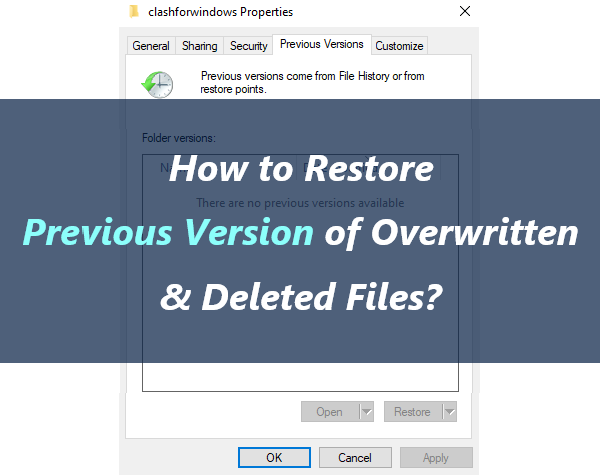
https://www.ubackup.com/screenshot/en/data-recovery-disk/others/restore-previous-version-of-file.png
Web Oct 7 2022 nbsp 0183 32 Solution 1 git diff Step 1 cd to your working tree directory and find the commit ID SHA 1 by listing commits with git log git diff lt commit SHA1 gt lt relative path file gt Example How to Install Postman on Ubuntu 20 04 git diff e8581zt api main go
Templates are pre-designed documents or files that can be used for different purposes. They can save time and effort by providing a ready-made format and design for developing different sort of content. Templates can be utilized for individual or expert tasks, such as resumes, invitations, leaflets, newsletters, reports, presentations, and more.
Git Get Previous Version Of File

Import MAT Files Into MATLAB MATLAB Simulink


How To Open MATLAB Simulink File In Previous Version Of MATLAB Export MATLAB File To Older
How Do I Revert A Git Repo To A Previous Commit O Reilly

Analyze Project Dependencies MATLAB Simulink MathWorks Deutschland

Recover Deleted Files From Perforce
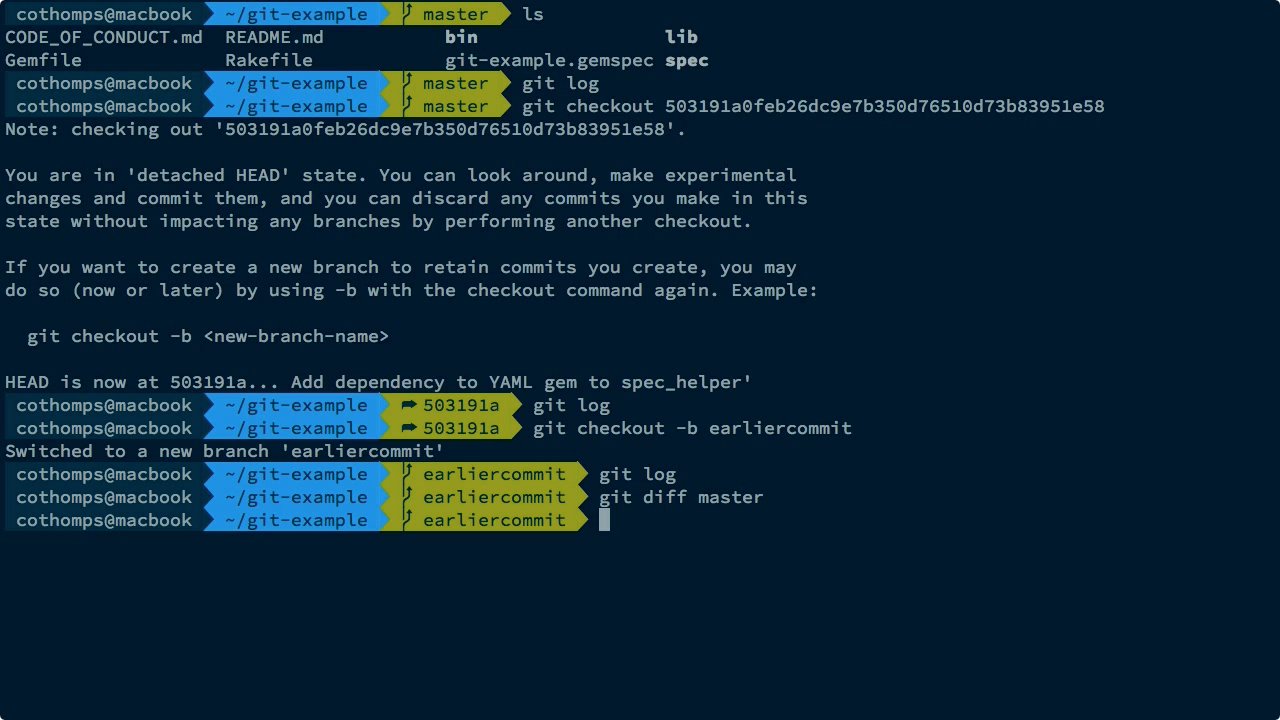
Web Aug 24 2018 nbsp 0183 32 Probably your best option is to checkout the old version of that file and then create a new commit Suppose your old commit was 1a2b3c git checkout 1a2b3c fileX Now you have a new status where all files are up to date but fileX is as it was at 1a2b3c Just create a new commit and you ve done
Web Jul 1 2017 nbsp 0183 32 you can restore the old version with git commit m quot Restore version of file txt from 27cf8e8 quot and git restore file txt or prior to Git v2 23 git checkout file txt you can add updates from the old to the new version only for some hunks by running git add p file txt then git commit and git restore file txt
Web 108 You can use git cat file to dump the contents of the file to the standard output and redirect that into your desired destination git cat file p lt sha1 gt file tex gt wherever tex The is necessary if you are in a subdirectory of the repository if you re in the top level of the repository it may be omitted
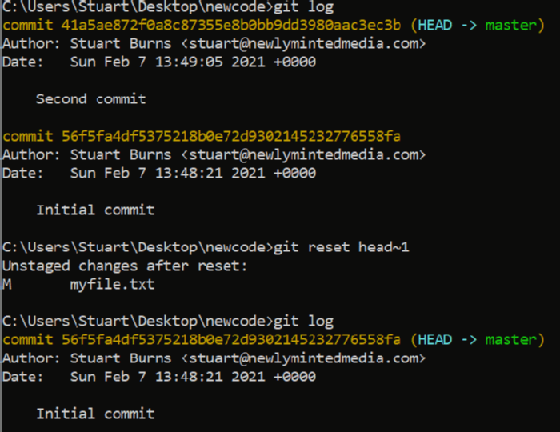
Web Jul 23 2009 nbsp 0183 32 according to lt kernel pub software scm git docs v1 6 0 6 and lt kernel pub software scm git docs v1 6 0 6 git reset html quot git reset lt commit gt lt file gt quot doesn t do exactly the same as quot git checkout lt commit gt lt file gt quot quot git reset lt commit gt lt file gt quot reverts lt file gt in the index from lt commit gt without touching lt file gt in the working tree but

Web Dec 26 2009 nbsp 0183 32 To show a history of changes to a particular file you can use git log git log p path to file The p tells it to show the diff between each revision and its parent To get a cumulative diff between two revisions take the ID of the two revisions and pass them to git diff git diff abc123 def456 path to file
[desc-11] [desc-12]
[desc-13]