Git Get File From Master To Branch Git How To Alias master As main Adam Johnson Git Merging Branches With Git In IntelliJ IDE ITecNote How To Use GitHub With VS Code In 2020 Merge Branch Pull Request Git Create Branch Without Being Master Mapsnaxre GIT Branch And Its Operations An Easy Understanding Digital Varys X theirs is not the opposite of strategy ours The two options do very different things The question is asking for the functionality of strategy theirs but your answer does not provide that What your answer does it tell git to try and automatically merge all files from otherbranch into currentbranch If and only if there are conflicts will the files from theirs be peferred
Git fetch remote Fetch all of the branches from the repository This also downloads all of the required commits and files from the other repository git fetch remote branch Same as the above command but only fetch the specified branch git fetch all A power move which fetches all registered remotes and their branches Pulling changes from a remote repository git pull is a convenient shortcut for completing both git fetch and git merge in the same command git pull REMOTE NAME BRANCH NAME Grabs online updates and merges them with your local work Because pull performs a merge on the retrieved changes you should ensure that your local work is committed
GIT Branch And Its Operations An Easy Understanding Digital Varys DevOps Essential Git Commands With Examples Pull Changes From Master Into Branch Top Answer Update Brandiscrafts Git Create Branch From Another Popdase Merge Branches Into Master Branch In GitHub Using Pull Requests SAP Git Branching Workflows How To Work With Different Branches Roy How To Merge A Branch Into Master Branch In Git YouTube How To Beat Ennard In Fnaf Help Wanted Java Nanny level Service One click Git Worktree Is This
Git Get File From Master To Branch
 Git Get File From Master To Branch
https://adamj.eu/tech/assets/2022-10-27-tangle.jpeg
Something like this master remotes origin develop remotes origin master remotes origin web remotes origin app Let s pretend you want to switch to the remotes origin develop branch Type following git checkout remotes origin develop Then type git branch all again to find this
Pre-crafted templates offer a time-saving service for producing a varied range of files and files. These pre-designed formats and designs can be used for numerous individual and expert projects, including resumes, invites, leaflets, newsletters, reports, discussions, and more, streamlining the content production process.
Git Get File From Master To Branch

DevOps SysAdmins How To Copy File From Master To Minions On Salt
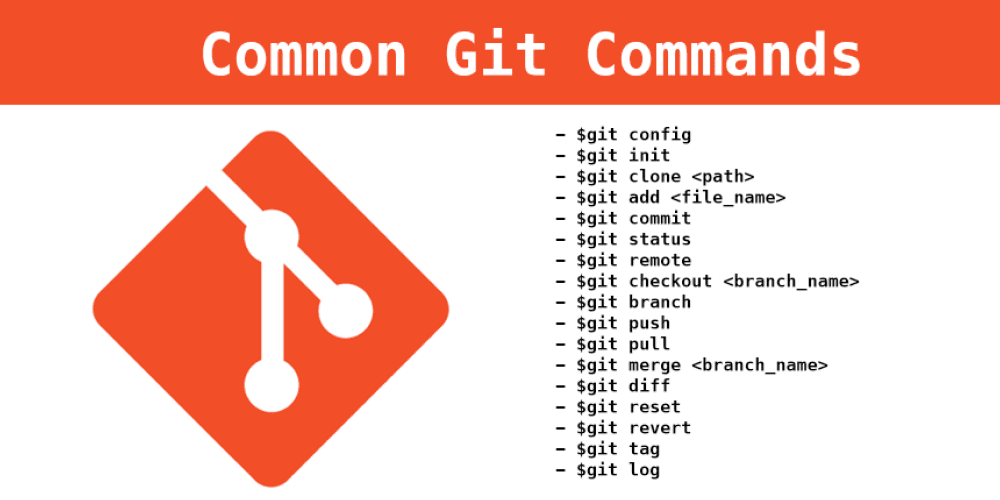
DevOps Essential Git Commands With Examples
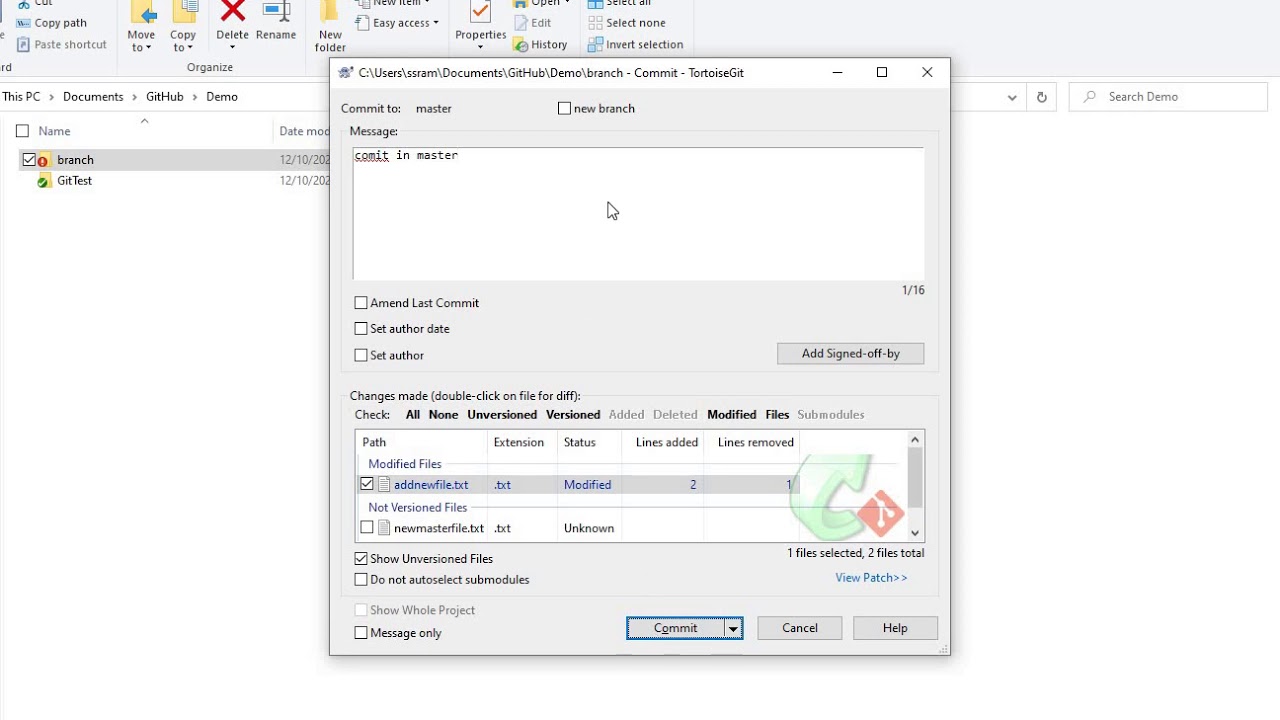
Pull Changes From Master Into Branch Top Answer Update Brandiscrafts
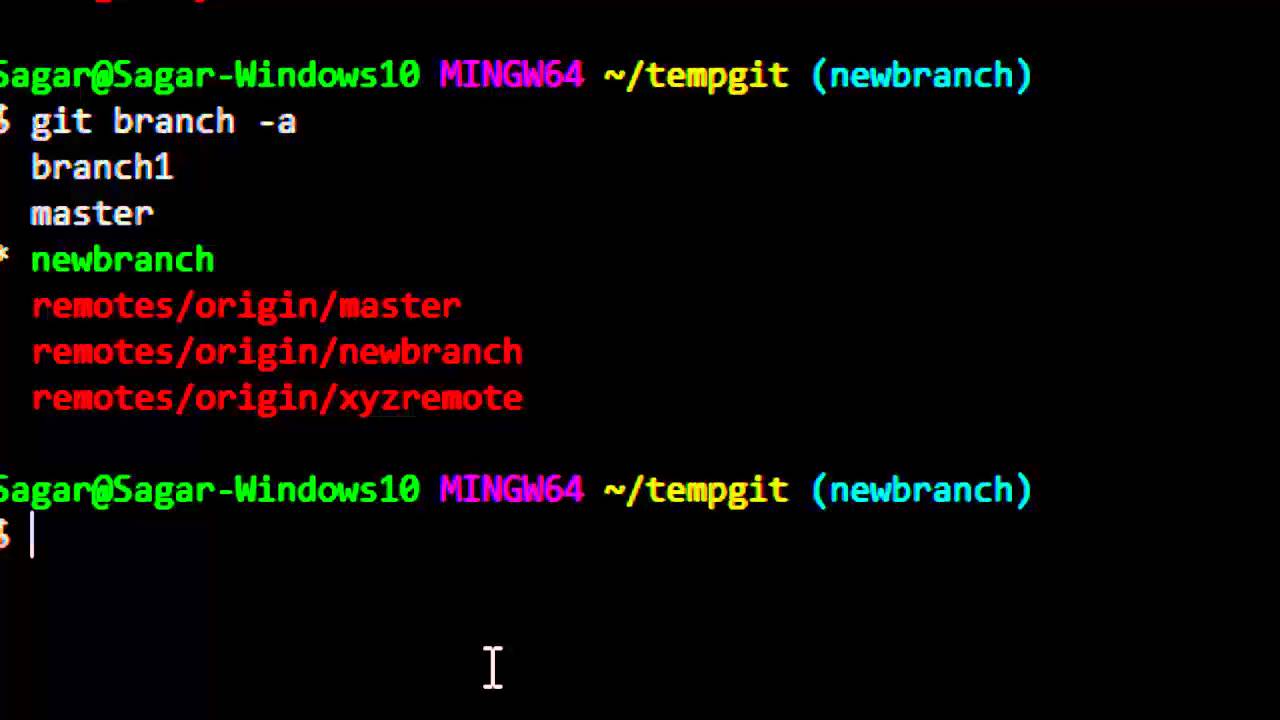
Git Create Branch From Another Popdase
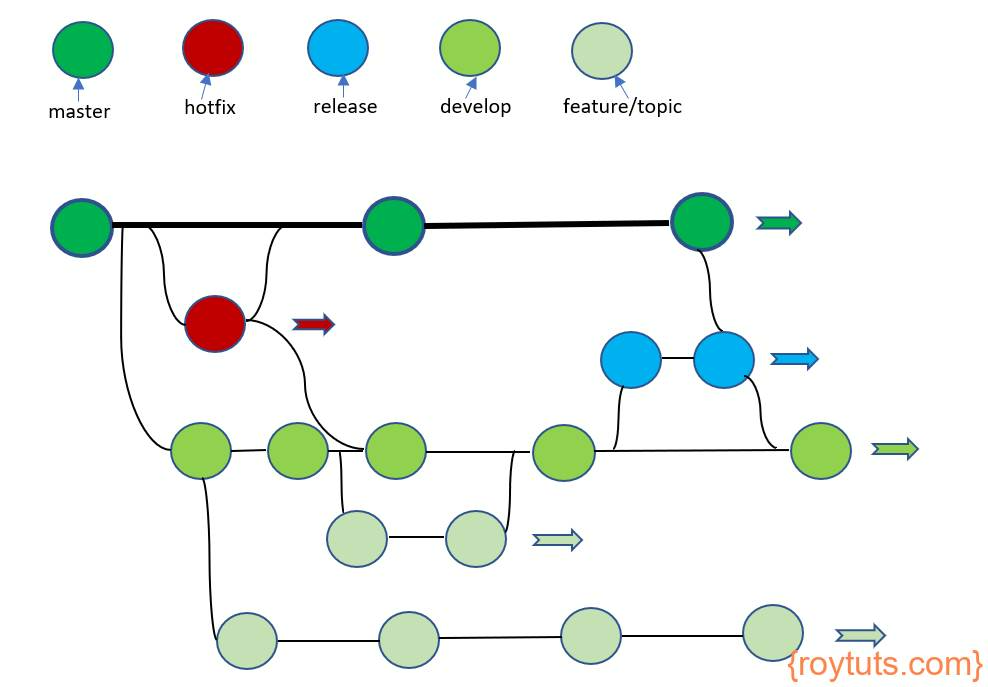
Git Branching Workflows How To Work With Different Branches Roy
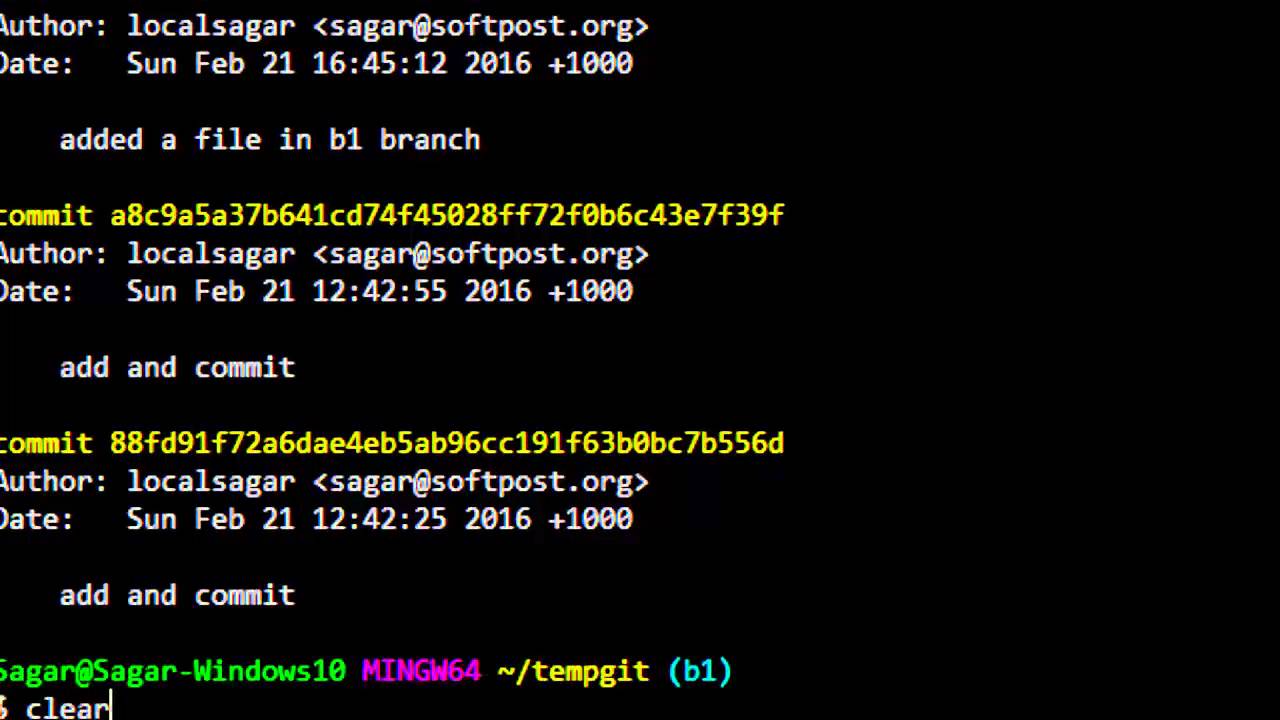
How To Merge A Branch Into Master Branch In Git YouTube

Git How to update checkout a single file from remote origin master Asked 13 years 4 months ago Modified 11 months ago Viewed 866k times 574 The scenario I make some changes in a single file locally and run git add git commit and git push The file is pushed to the remote origin master repository

3 Answers Sorted by 18 checkout to your branch myBranch git checkout myBranch get latest code from master branch to your branch git pull origin master Share
Git Merge only single file from master into current branch duplicate Ask Question Asked 7 years 2 months ago Modified 7 years 2 months ago Viewed 14k times 7 This question already has answers here How can I selectively merge or pick changes from another branch in Git 30 answers Closed 7 years ago I have just started using git

The git checkout command offers a simple way to get a file or a folder from another branch Here is the syntax to checkout a file from another branch git checkout other branch name path to your folder Here is the process to follow 1 Checkout to the branch where you want to copy the file git checkout feature A 2

How to get changes from master branch to local branch Ask Question Asked 7 years 1 month ago Modified 2 years 6 months ago Viewed 63k times 17 I have what I assume is a typical workflow Our project works with pull requests To develop new feature I create a dev branch
Follow the steps below 1 Switch to the branch where you want to copy the file Use git checkout or git switch git switch branch name For example The command switches the branch to main 2 Use the following syntax to check out the file from a separate branch git checkout branch name file path When git fetch is run with explicit branches and or tags to fetch on the command line e g git fetch origin master the refspec s given on the command line determine what are to be fetched e g master in the example which is a short hand for master which in turn means fetch the master branch but I do not explicitly say what remote
Step 1 Check Out the master Branch Start by switching to the master branch You can do this using the git checkout command git checkout master This command ensures that you re on the master branch which is the source of the changes you want to bring into your feature branch Step 2 Pull Latest Changes