Git Delete Specific Commits From History Git Useful Commands NTechDevelopers How To Use Git Delete File For Git Users EaseUS Why Can t We Delete Specific Commit In Git Understand Commit ID And Update Your Branch History With Rebase Azure Repos Microsoft Learn Git Delete SourceTree Commit History Stack Overflow Git is a fast scalable distributed revision control system with an unusually rich command set that provides both high level operations and full access to internals Git is an Open Source project
GitHub Copilot works alongside you directly in your editor suggesting whole lines or entire functions for you GitHub is where people build software More than 150 million people use GitHub to discover fork and contribute to over 420 million projects
Git Delete SourceTree Commit History Stack Overflow How To Delete A Remote Or Local Tag In Git Git Cloning Specific Commits git Clone commit git Clone commit Git Log Show In One Line oneline MSSQL DBA Blog Git Create Branch Off Previous Commit Ordersapje Squashing Commits With An Interactive Git Rebase Ona Which Git Merge Strategy Is Appropriate For Our Team How To Use GitLab Git Tutorial 28 How To Undo All Local Commits In A Branch To Reset To
Git Delete Specific Commits From History
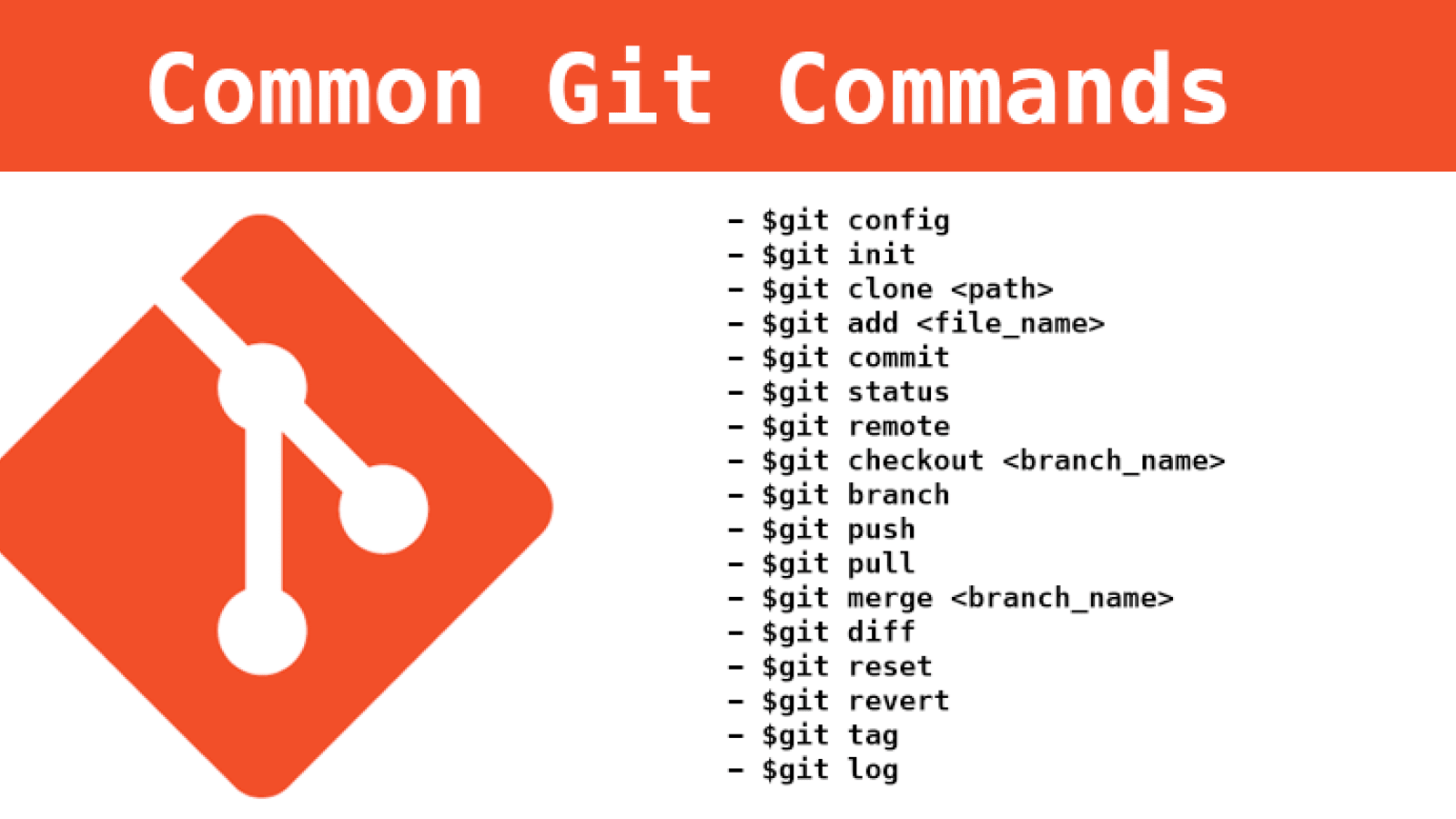 Git Delete Specific Commits From History
https://blog.ntechdevelopers.com/wp-content/uploads/2021/07/1-2.png
GIT CHEAT SHEET Git is the free and open source distributed version control system that s responsible for everything GitHub related that happens locally on your computer This cheat
Templates are pre-designed documents or files that can be used for various functions. They can save effort and time by providing a ready-made format and layout for producing different kinds of material. Templates can be utilized for individual or professional jobs, such as resumes, invitations, flyers, newsletters, reports, discussions, and more.
Git Delete Specific Commits From History
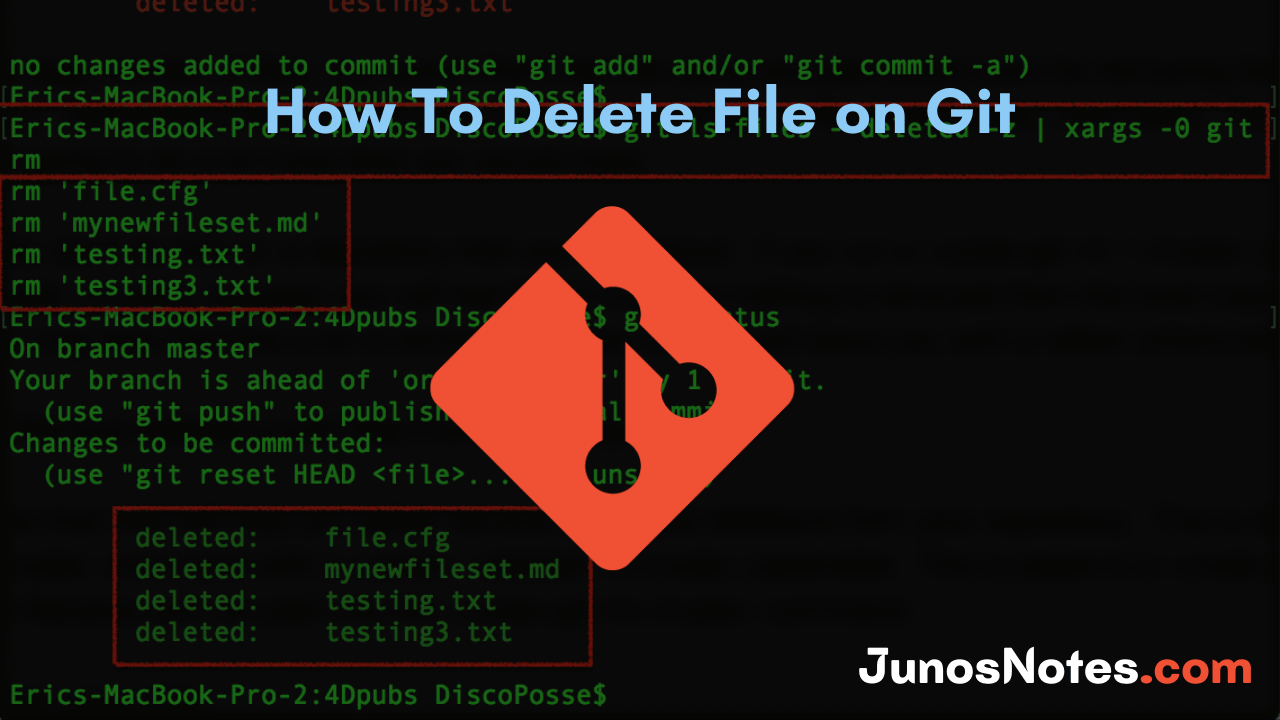
How To Delete File On Git Removing Files From Git Repository Using
How To Delete A Remote Or Local Tag In Git
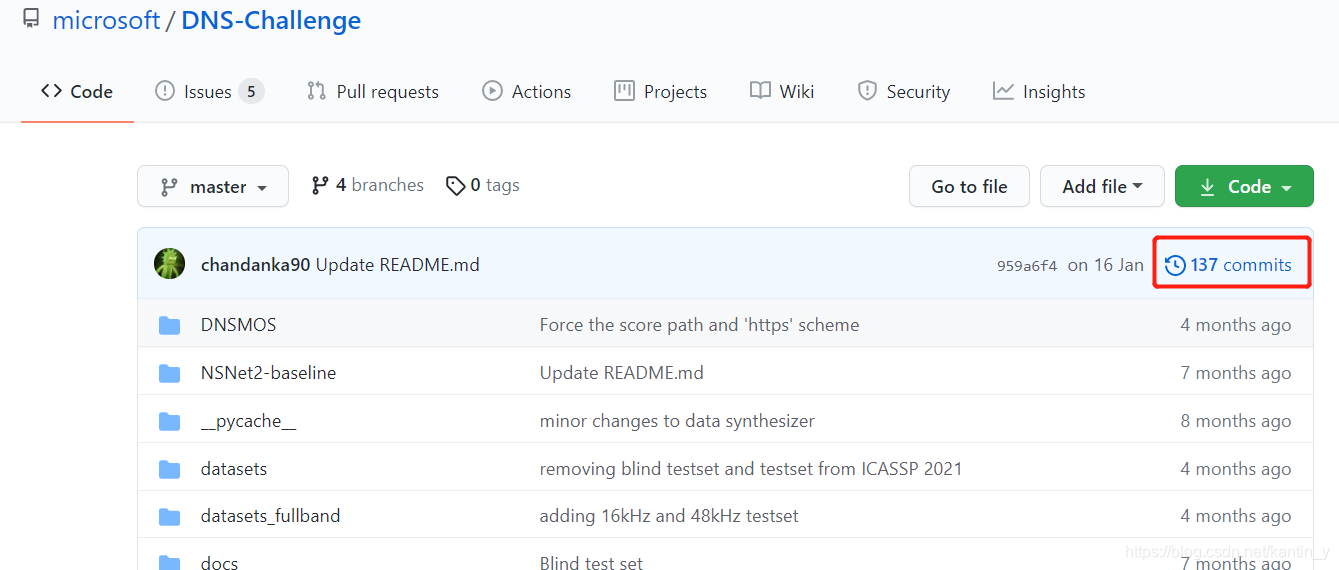
Git Cloning Specific Commits git Clone commit git Clone commit
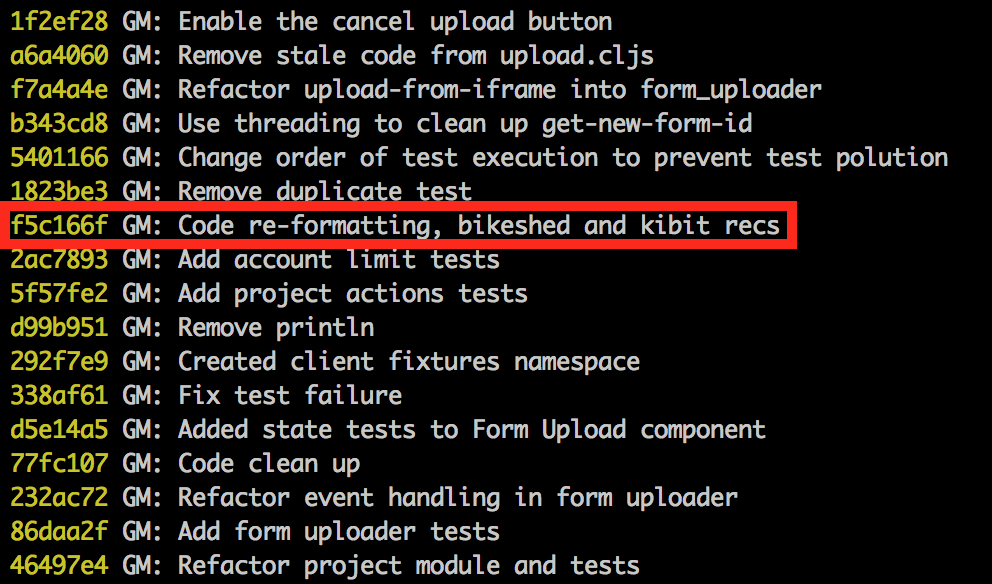
Git Log Show In One Line oneline MSSQL DBA Blog
Squashing Commits With An Interactive Git Rebase Ona
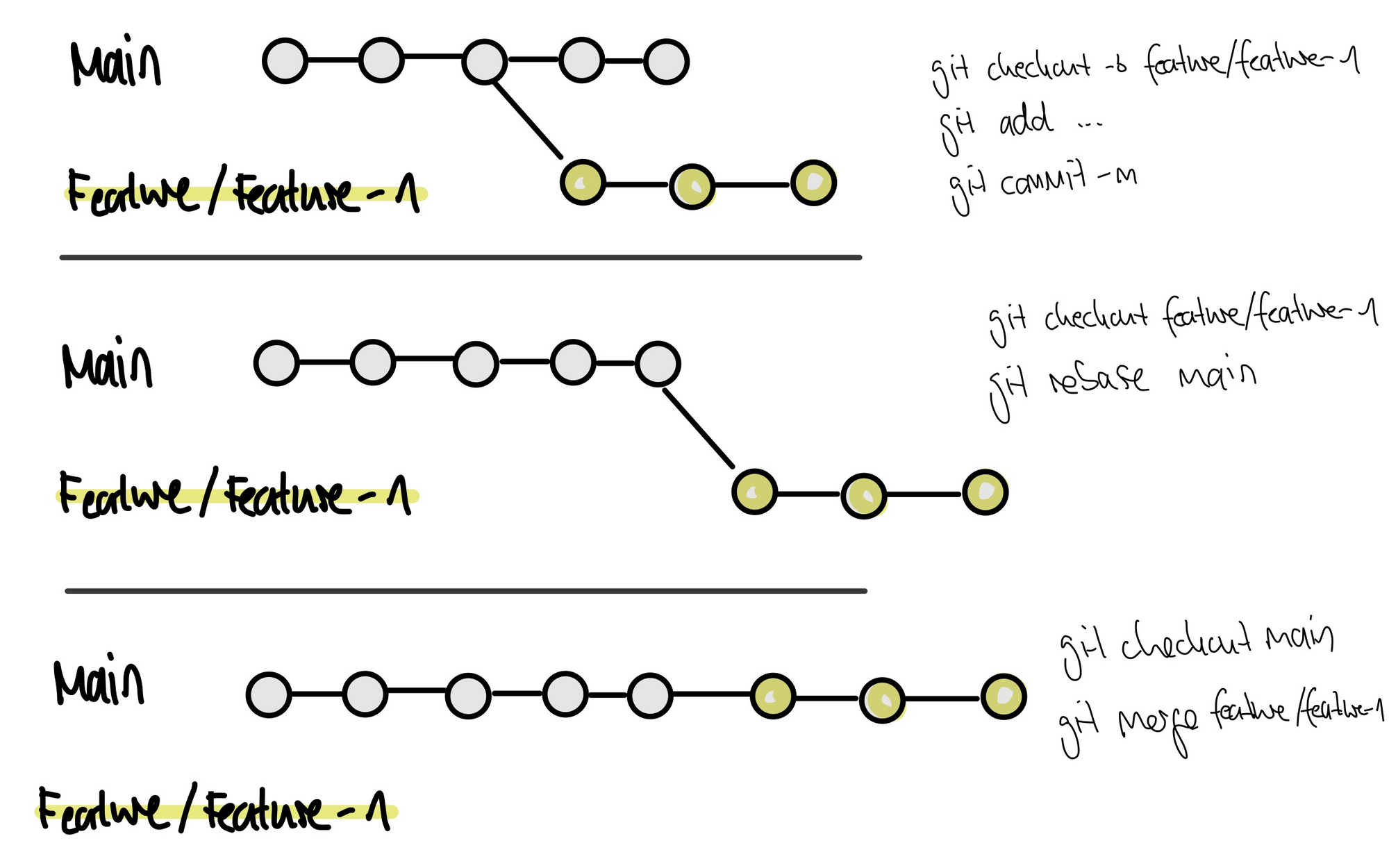
Which Git Merge Strategy Is Appropriate For Our Team
Git is a distributed version control software Version control is a way to save changes over time without overwriting previous versions Being distributed means that every developer working

The advantage of downloading Git from git scm is that your download automatically starts with the latest version of Git included with the recommended command prompt Git Bash The
Git Public Git Source Code Mirror This is a publish only repository but pull requests can be turned into patches to the mailing list via GitGitGadget https gitgitgadget github io

Git figures out how to intelligently merge this flow of changes and GitHub helps you manage the flow through features such as quot pull requests quot Where do I start If you re new to GitHub and

Learn about the version control system Git and how it works with GitHub
[desc-11] [desc-12]
[desc-13]