Git Delete All Local Branches Without Upstream Git Create Branch In Local Jawerdu How To Delete Local And Remote Branches In Git Delete Multiple Local Git Branches Sean C Davis How To Delete A Branch Using Git Command ItSolutionStuff Git Create Branch Tracking Remote Nasadinsights To delete local branches that don t exist in the upstream repository anymore you can follow these steps Ensure you re up to date First fetch the latest changes from the upstream git fetch prune The prune option will remove any remote tracking references that no longer exist on the remote This will help you ensure that you know which branches are truly gone from the upstream
The expression means all branches starting with the current branch We did git checkout master first so our current branch is master Thus v filters out our current branch the master and deletes all other local branches One Line Hard Delete Command to Delete All Local Branches in Git Finally as promised we will show you a single line hard delete command to delete all To delete local branches you can use the git branch command with the d or D option The d option will delete a branch only if it is already merged with its upstream branch the branch that it is tracking on the remote repository The D option will force delete a branch regardless of its merge status For example to delete a branch named
Git Create Branch Tracking Remote Nasadinsights Unstop Competitions Quizzes Hackathons Scholarships And Bad Characteristic Nature Park Git Remote Set Origin Towing From Now On Delete Multiple Local Branches In Git Code By Amir Amir Boroumand Git Delete Branch How To For Both Local And Remote CloudBees Git Delete Branch Locally And Remotely While It s Very Common To Need Delete Outdated Local Branches With The Prune Git Option And The Branch How To Delete Local And Remote Git Branches Refine How To Delete All Local Git Branches In One Go
Git Delete All Local Branches Without Upstream
 Git Delete All Local Branches Without Upstream
https://recodehive.com/wp-content/uploads/2021/04/Github-Tutorials-1024x576.jpg
Deleting Local Branches Use the d or D options with the git branch command to delete local branches The d option deletes the branch only if it s fully merged while D forcefully deletes the
Templates are pre-designed documents or files that can be utilized for numerous purposes. They can save time and effort by supplying a ready-made format and design for producing various sort of content. Templates can be used for personal or expert projects, such as resumes, invitations, leaflets, newsletters, reports, discussions, and more.
Git Delete All Local Branches Without Upstream

Types Of Indian Interior Design Styles Design Talk
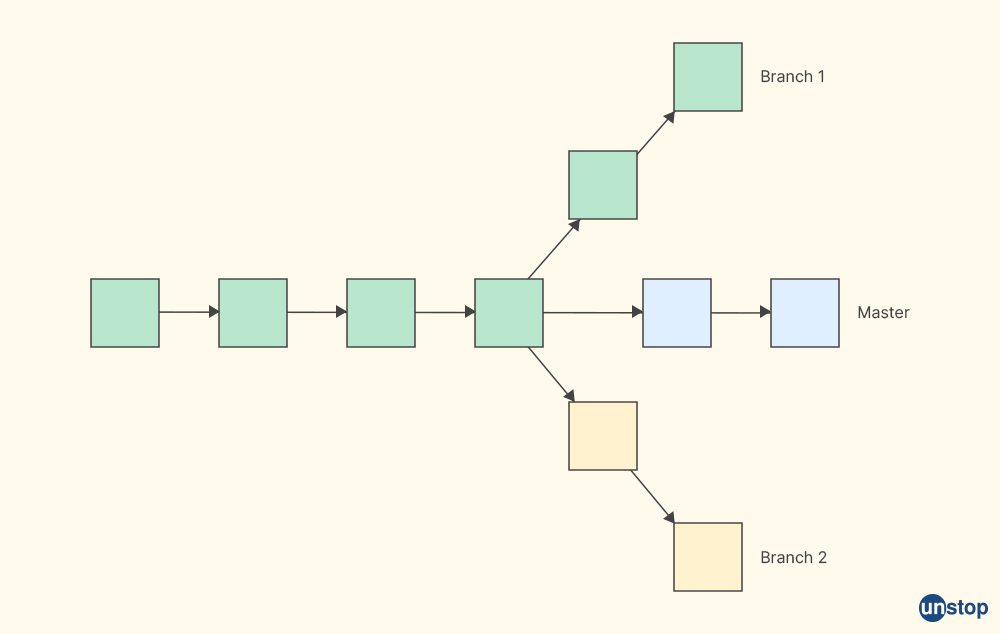
Unstop Competitions Quizzes Hackathons Scholarships And
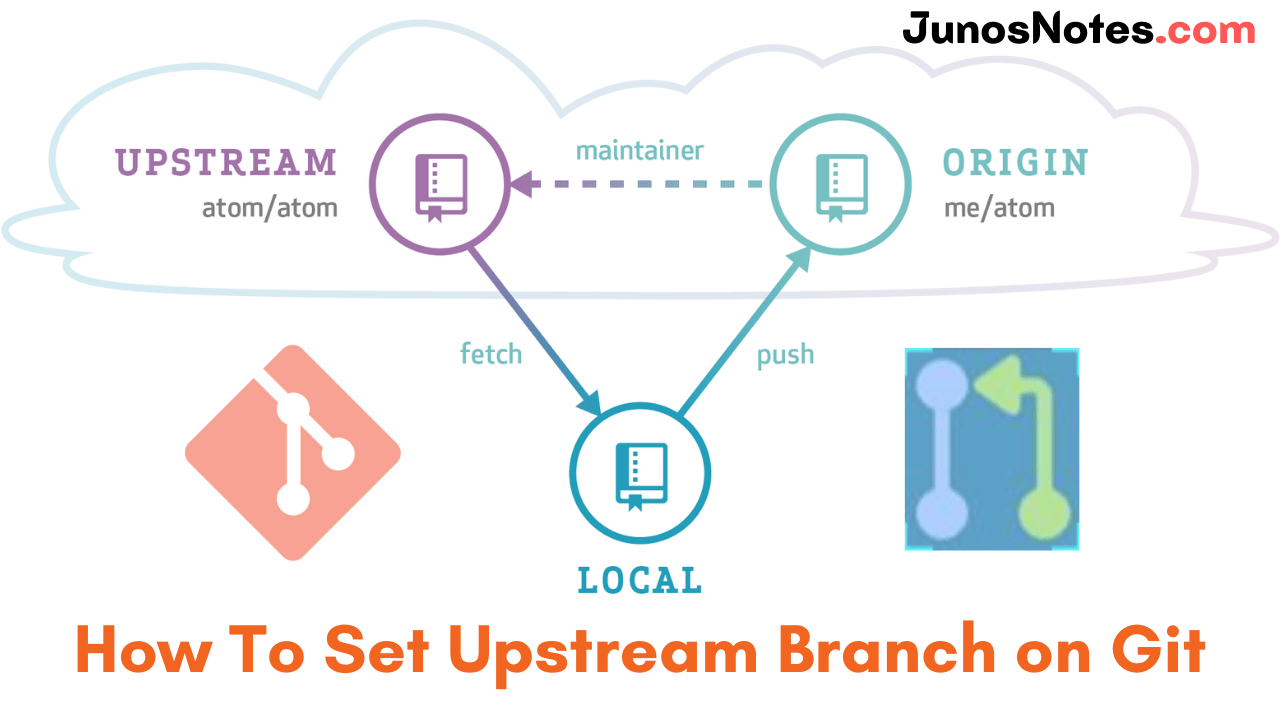
Bad Characteristic Nature Park Git Remote Set Origin Towing From Now On

Delete Multiple Local Branches In Git Code By Amir Amir Boroumand

Git Delete Branch Locally And Remotely While It s Very Common To Need

Delete Outdated Local Branches With The Prune Git Option And The Branch
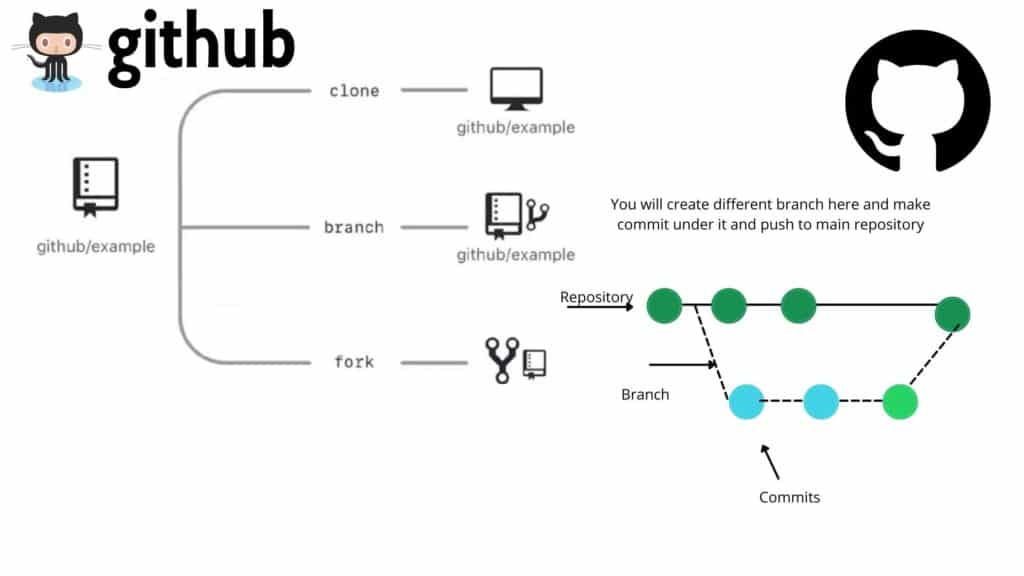
Awk 2 gone print 1 xargs r git branch D You can even add the above command as a git alias by running the following command Once this command has finished you can then do git gone and it will remove the local branches which remote branch has been deleted

Local branches are branches on your local machine and do not affect any remote branches The command to delete a local branch in Git is git branch d local branch name git branch is the command to delete a branch locally d is a flag an option to the command and it s an alias for delete It denotes that you want to delete something as

The easiest way to delete local Git branches is to use the git branch command with the d option git branch d branch The d option stands for delete and it can be used whenever the branch you want to clean up is completely merged with your upstream branch If your branch is named feature for example to
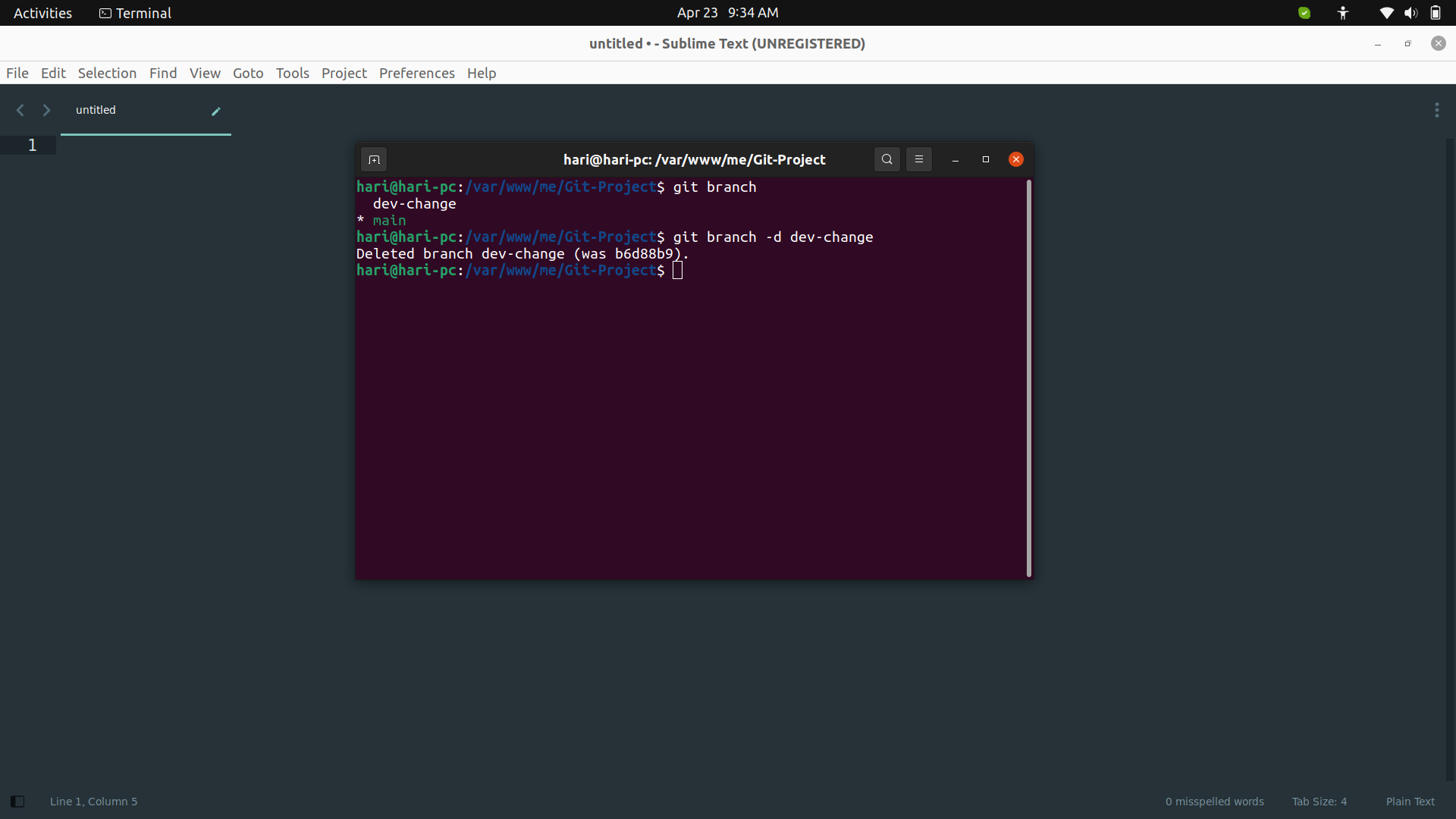
We can have many local branches that we might want to clean up in one go To delete a single branch use the following command git branch d BRANCH NAME use D for unmerged branches If you want to delete all merged local branches except master main use the following command

Cleaning your local branches ensures 1 Using less space on your device 2 Prevent Errors when sending local branches to remote you won t push to the remote old branches from months ago you
Git makes managing branches really easy and deleting local branches is no exception git branch d local branch In some cases Git might refuse to delete your local branch when it contains commits that haven t been merged into any other local branches or pushed to a remote repository This is a very sensible rule that protects you from Here s the command you ll need to delete a branch git branch d branch name You ll want to use the specific branch name rather than our placeholder The d flag here stands for delete and in a lowercase form you have some protection against deleting a branch with unmerged changes
Related How Tos Delete local branch git branch d branch to delete Delete local branch forcefully git branch D branch to delete Deletes the local branch called my branch to delete Note that if the branch is not merged upstream you need to force the deletion using the D option instead of d