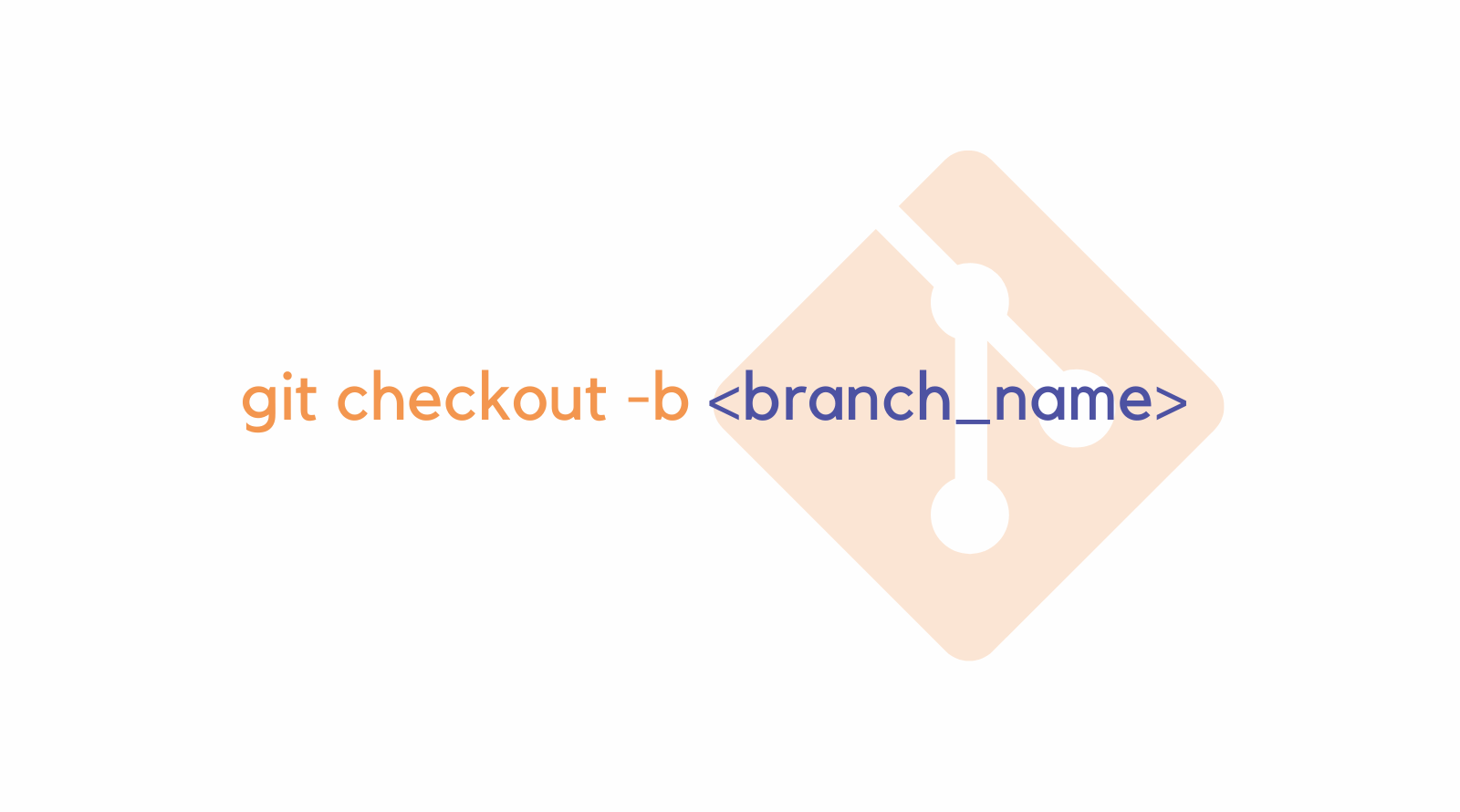
Git Create New Branch Without Local Commits Git Create Branch Tutorial WiseTut How To Create A Git Branch Learn Git Create New Branch From Current Git Create Branch Local Vseraregistry Git Push Local Branch To Remote How To Publish A New Branch In Git Create A Branch From A Previous Commit In Git Techie Delight The easiest way to create a Git branch is to use the git checkout command with the b option for a new branch Next you just have to specify the name for the branch you want to create git checkout b branch name As an example let s say that you want to create a new Git branch from the master branch named feature
You ll do the following Switch to your production branch Create a branch to add the hotfix After it s tested merge the hotfix branch and push to production Switch back to your original user story and continue working Basic Branching First let s say you re working on your project and have a couple of commits already on the master branch Just run the following command git branchMINGW64 c example master git checkout b new git branch git branchMINGW64 c example new git branch ls The new Git branch will be created the local changes you made on the other branch waiting there for you Nothing has been deleted Save current changes in a new Git branch
Create A Branch From A Previous Commit In Git Techie Delight Should You Require All Developers To Sign All Local Commits Git Tutorial 28 How To Undo All Local Commits In A Branch To Reset To Formaci n Geolog a Grave Maleta Facturada Medidas A Veces Pensativo Git Create Branch Readonly Ltlasopa Should You Require All Developers To Sign All Local Commits Git Create Branch From Terminal Lasopachristian Git intellij create new branch 01 Just Geek IT Auto Setup Remote Branch And Never Again See An Error About The Missing
Git Create New Branch Without Local Commits
 Git Create New Branch Without Local Commits
https://wisetut.com/wp-content/uploads/2021/07/image-50.png
September 9 2022 Git Git Push Local Branch to Remote How to Publish a New Branch in Git Kolade Chris Git branches let you add new features without tampering with the live version of your projects And if you work in a team different developers might have unique branches they work on
Templates are pre-designed files or files that can be used for various purposes. They can conserve effort and time by offering a ready-made format and layout for creating various type of material. Templates can be utilized for individual or expert tasks, such as resumes, invites, leaflets, newsletters, reports, discussions, and more.
Git Create New Branch Without Local Commits
Git Checkout b Study Experts

Should You Require All Developers To Sign All Local Commits

Git Tutorial 28 How To Undo All Local Commits In A Branch To Reset To

Formaci n Geolog a Grave Maleta Facturada Medidas A Veces Pensativo

Should You Require All Developers To Sign All Local Commits

Git Create Branch From Terminal Lasopachristian

212 Purging all the files doesn t get rid of the history You need to create a branch that has no history first and the add your config files These days git checkout has a orphan option that makes a branch with no history Here s the information on the orphan option orphan new branch

If you need to create a new git branch for your project one that is completely fresh and with no previous history or commits that can be done using the orphan flag of the switch command if you are using git 2 23 Fresh branch using git switch
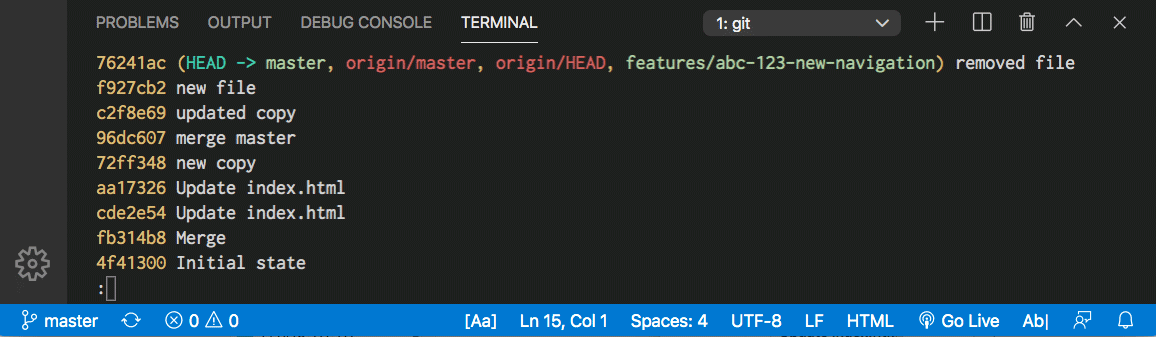
There are many ways to create a new Git branch In most cases it comes down to whether you are creating a branch from the main master branch or for example a new commit or tag One common method of creating a new branch is to use the syntax below git branch new branch name

Solution Move the local commits to a new branch First we got the name of the current branch using the command git branch Then we switched to a new local branch git checkout b banana peeler And we pushed the local branch to the remote system git push set upstream origin banana peeler Afterwards we switched back to the previous

Git create branch with existing local commits Ask Question Asked 7 years 6 months ago Modified 7 years 6 months ago Viewed 2k times 1 I have started working on a feature branch and made some changes and commit But I have not pushed these changes to remote tracking branch
So let s push our day s work into the develop branch This is a three step process github repo git add github repo git commit m Added a new feature github repo git push origin develop The above git commands first add the changes to a staging area Once staged the changes are committed to the working branch To create a new branch that is based on your currently checked out HEAD branch simply use git branch with the name of the new branch as the only parameter git branch new branch How do I create a new branch based on some existing one
We can create a new branch and switch to it using the git checkout command with the b option and branch name It looks like this git checkout b branch name Assume we want to create a new Git branch named pagination from the main branch