Git Command To Rename Remote Branch Name How Do I Rename A Local Branch In Git O Reilly GIT How To Rename Remote Branch YouTube How To Rename A File In Git YouTube Renaming A Git Branch Which Command Is Used To Rename A Branch In Git Renaming A Git Branch How To Rename The Current Branch In Git Uiux zone Web Mar 10 2022 nbsp 0183 32 Follow the steps below to rename a remote git branch Step 1 Delete the old name by running git push origin delete old branch name In the example I ve been using this would be git push origin
Web Mar 1 2023 nbsp 0183 32 Clone the master branch from the remote repository by using HTTPS or SSH For HTTPS run this command git clone https github user name your repository name git For SSH input Web Dec 19 2022 nbsp 0183 32 To rename the current local branch use quot git branch m new name quot To rename a local branch from inside another use quot git branch m old name new name quot
Renaming A Git Branch How To Rename The Current Branch In Git Uiux zone How To Quickly Rename A Local And Remote Branch In Git Blackdown How To Rename Git Local And Remote Branch Using Git Command Git Git How To Rename A Branch In Git How To Rename A Local Git Branch YouTube Git Rename Branch Linux Tutorials Learn Linux Configuration How To Rename Git Branch Local And Remote Cloudbooklet Rename Local And Remote Git Branch Delft Stack
Git Command To Rename Remote Branch Name
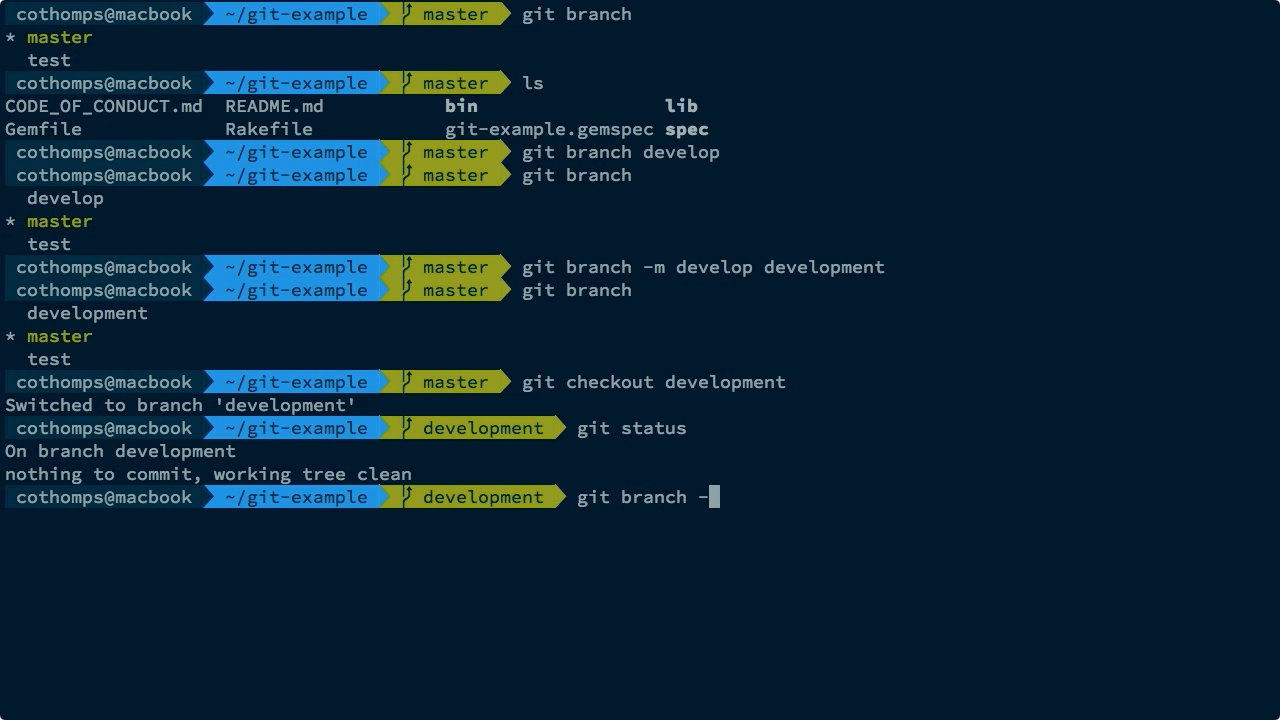 Git Command To Rename Remote Branch Name
https://www.oreilly.com/content/wp-content/uploads/sites/2/2020/01/how-do-i-rename-a-local-branch-in-git-1727730e0489bb84fa6893449aea93e2.png
Web Jan 5 2022 nbsp 0183 32 How to rename a remote git branch If you want to rename a branch that has already been pushed to a remote repository use the command below git push
Templates are pre-designed files or files that can be used for different functions. They can conserve time and effort by providing a ready-made format and design for producing different sort of content. Templates can be utilized for personal or professional tasks, such as resumes, invites, flyers, newsletters, reports, presentations, and more.
Git Command To Rename Remote Branch Name

How To Rename A Local Or Remote Branch In Git

How To Quickly Rename A Local And Remote Branch In Git Blackdown

How To Rename Git Local And Remote Branch Using Git Command Git

Git
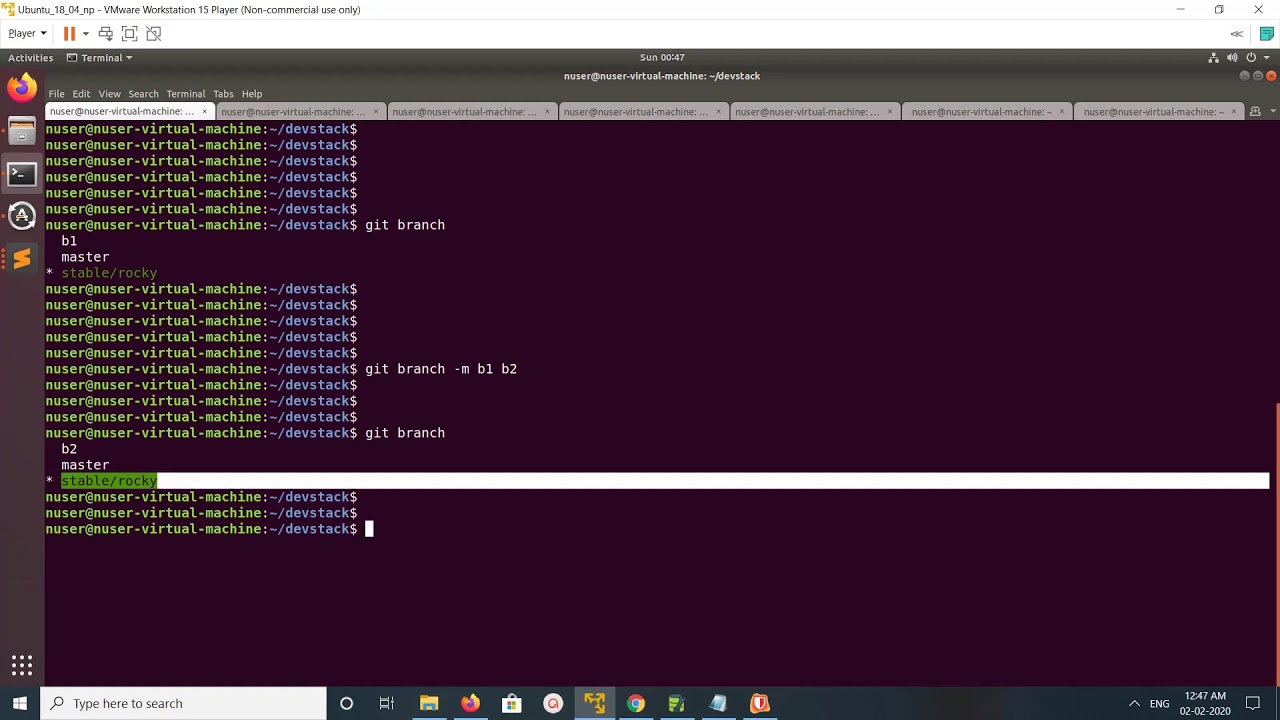
How To Rename A Local Git Branch YouTube

Git Rename Branch Linux Tutorials Learn Linux Configuration

Web The appropriate command is git branch a Now delete the branch with the old incorrect name from the remote repository To do this use the

Web To rename the local branch to the new name use the git branch command followed by the m option git branch m lt old name gt lt new
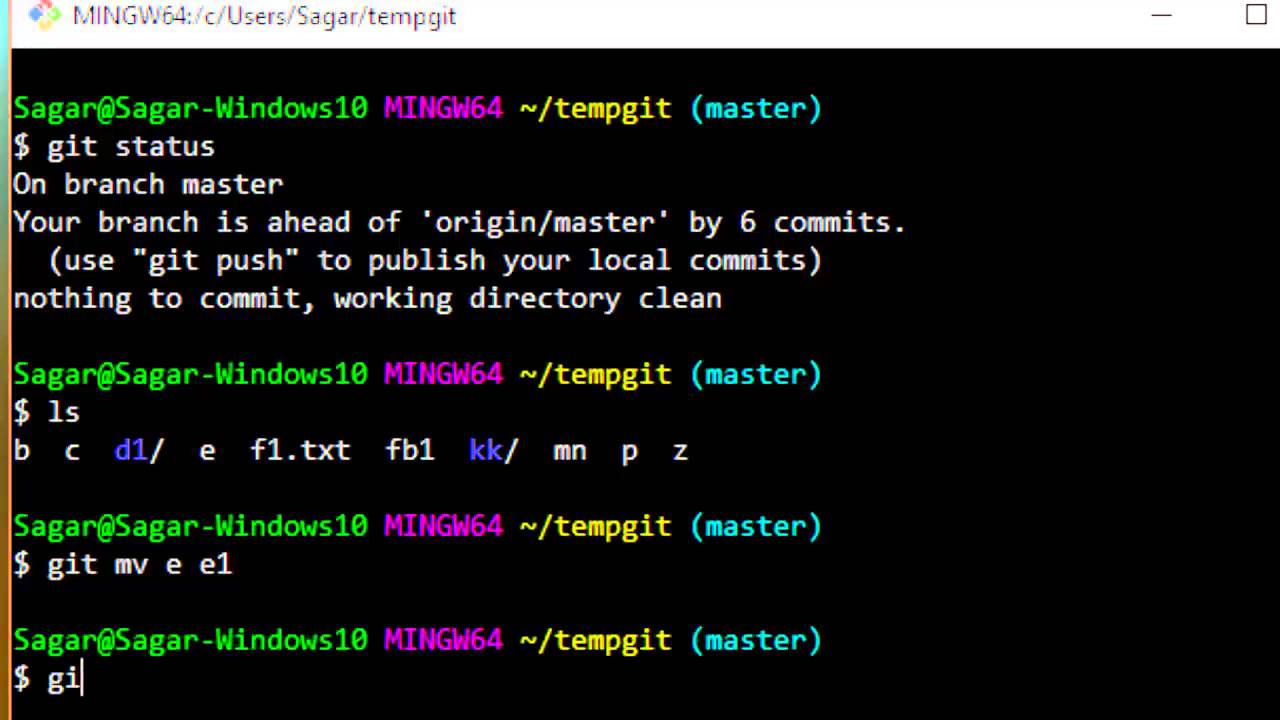
Web Jan 6 2020 nbsp 0183 32 Rename a Remote Git Branch 1 Verify the local branch has the correct name git branch a 2 Next delete the branch with the old

Web Aug 10 2021 nbsp 0183 32 Follow the steps below to rename a Local and Remote Git Branch Start by switching to the local branch which you want to rename git checkout lt old name gt Rename the local branch by typing git

Web Renaming local branches in Git is very easy If you want to rename the current HEAD branch you can use the following command git branch m lt new name gt If you want
Web About renaming branches Renaming a branch Updating a local clone after a branch name changes You can change the name of a branch in a repository Who can use this feature Web 39 Answers Sorted by 1 2 Next 18507 To rename the current branch git branch m lt newname gt To rename a branch while pointed to any branch git branch m
Web Jun 11 2019 nbsp 0183 32 In terms of Git commands here is how the process looks git branch m lt old branch name gt lt new branch name gt git push lt remote repo gt d lt old branch