Git Command Not Working In Vs Code Terminal Git Create Branch From Terminal Lasopachristian GIT Commands Basic To Advanced GIT Commands List That You Should Know Guake Terminal Vs Terminal Myweblalaf Command Cheatsheet Git Vs Hg Git Coding Tips Mobile Legends FindSource Git Useful Commands NTechDevelopers Web Dec 17 2022 nbsp 0183 32 git The term git is not recognized as the name of a cmdlet function script file or operable program Check the spelling of the name or if a path was included verify that the path is correct and try again At line 1 char 1 git init git visual studio code edited Dec 17 2022 at 1 39
Web Apr 6 2024 nbsp 0183 32 You can start your terminal and issue the git version command shell git version If you get a version number back then Git is installed on your machine Otherwise follow the official installation instructions for your operating system Web May 13 2021 nbsp 0183 32 Step 1 Open command palette CMD Shift P Step 2 Search quot Preferences Open User Settings JSON quot Step 3 Create a new field by typing quot quot double quotation key Inside the quotation type quot terminal quot a list of options will appear Step 4 Select terminal integrated profiles windows
Git Useful Commands NTechDevelopers Git Commands BytesofGigabytes Macos Terminal Git Tracking Vs VS Code Git Tracking Is Not In Sync A Launch json Setting For End to end Web Development Christian Heilmann Git Commands Cloud Studio Continuous Integration And DevOps Tools Setup And Tips Git Workflow How To Save Terminal Commands On A Mac Git Branches Working With Branches Part II Merge Conflicts Pin By Andr s R nai On Sz m t stechnika Application Programming
Git Command Not Working In Vs Code Terminal
 Git Command Not Working In Vs Code Terminal
https://i.stack.imgur.com/GoImX.png
Web Dec 16 2021 nbsp 0183 32 1 Answer Sorted by 1 First try reloading VSCode After that try running git version in your VSCode terminal if it shows you an error that means you did some part of your installation wrong and you do not have git installed and you ll have to reinstalled again
Pre-crafted templates provide a time-saving service for producing a diverse series of files and files. These pre-designed formats and designs can be utilized for various personal and expert jobs, consisting of resumes, invites, leaflets, newsletters, reports, presentations, and more, simplifying the material creation process.
Git Command Not Working In Vs Code Terminal
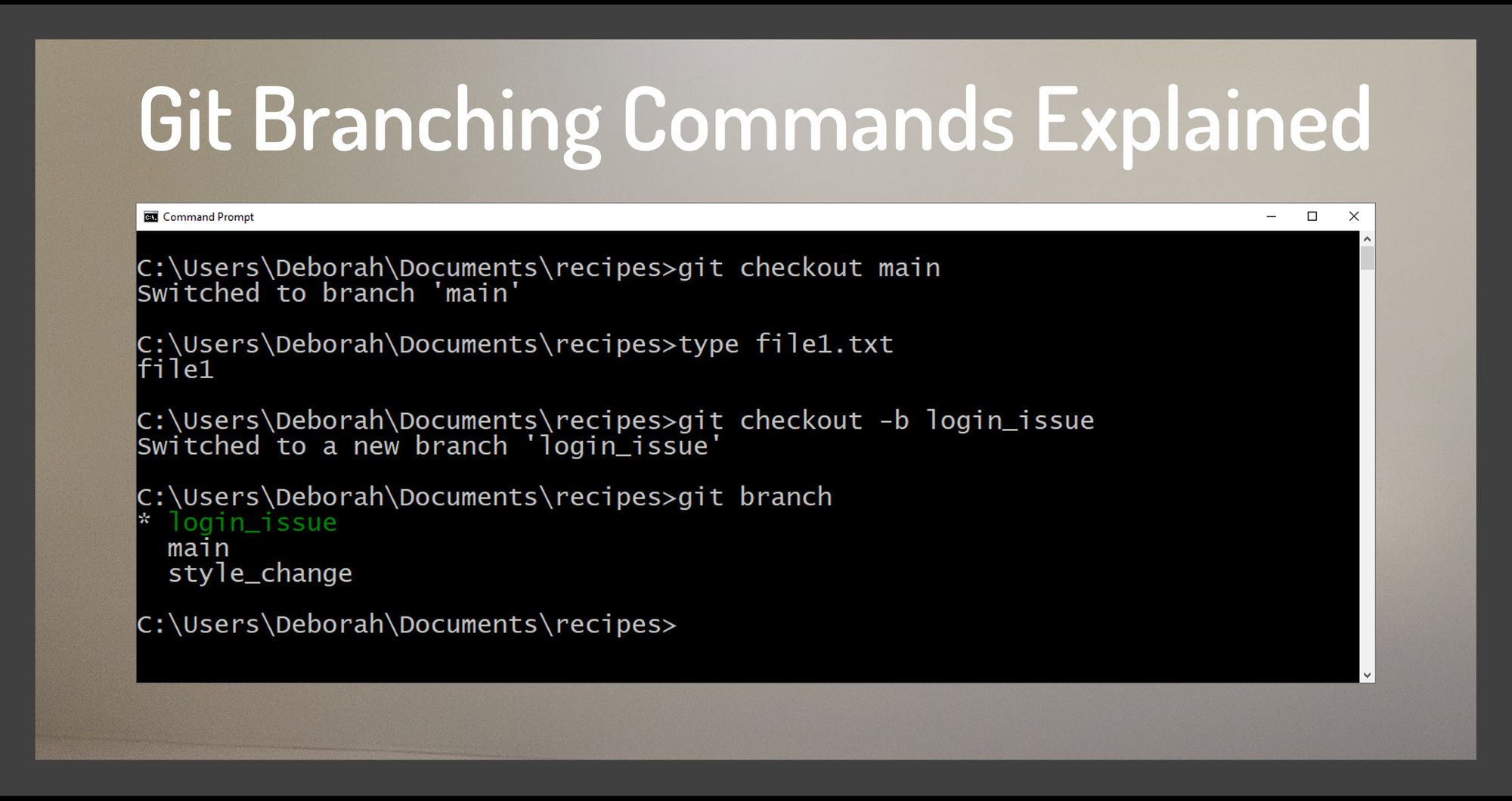
Git Branching Commands Explained With Examples
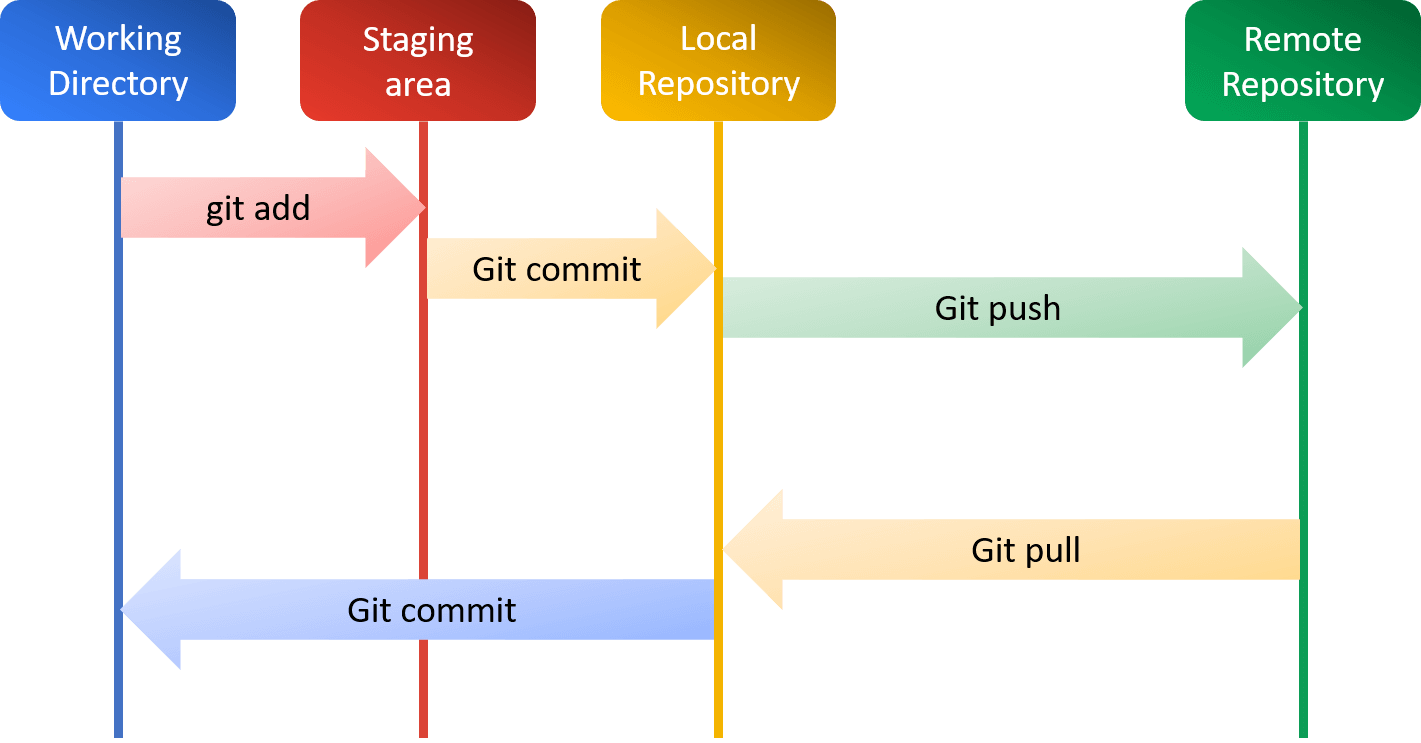
Git Commands BytesofGigabytes

Macos Terminal Git Tracking Vs VS Code Git Tracking Is Not In Sync
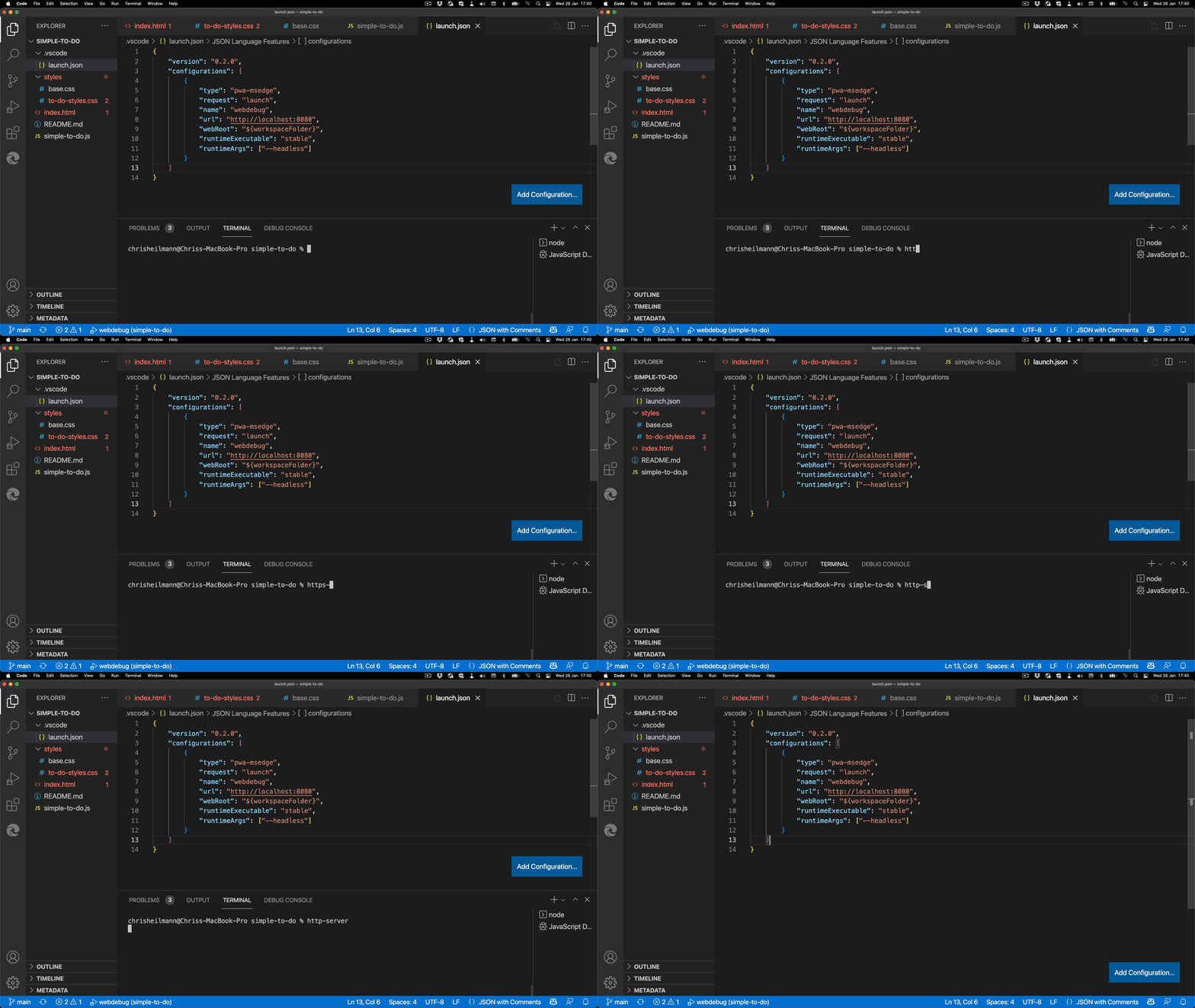
A Launch json Setting For End to end Web Development Christian Heilmann
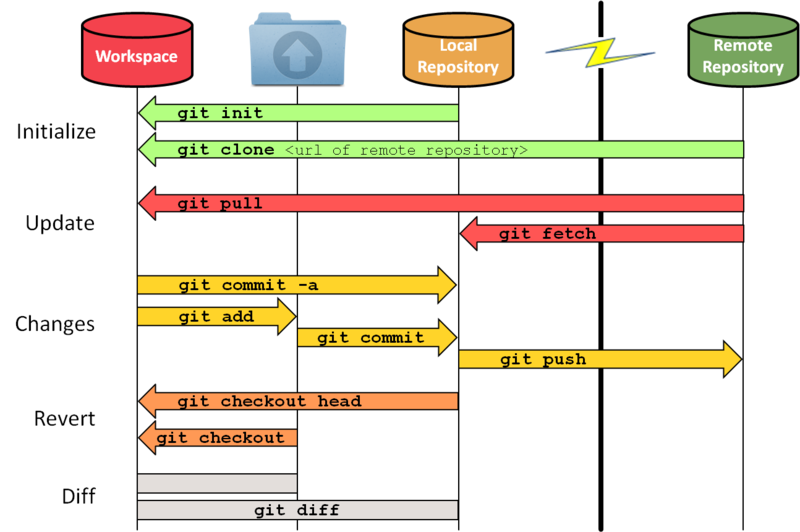
Continuous Integration And DevOps Tools Setup And Tips Git Workflow

How To Save Terminal Commands On A Mac

Web May 28 2023 nbsp 0183 32 First in the built in terminal type git version If that command does not work download and install the latest version of Git Else in VS Code s extensions in the search bar type builtin This will list all the built in extensions in VS Code categorized under different sections
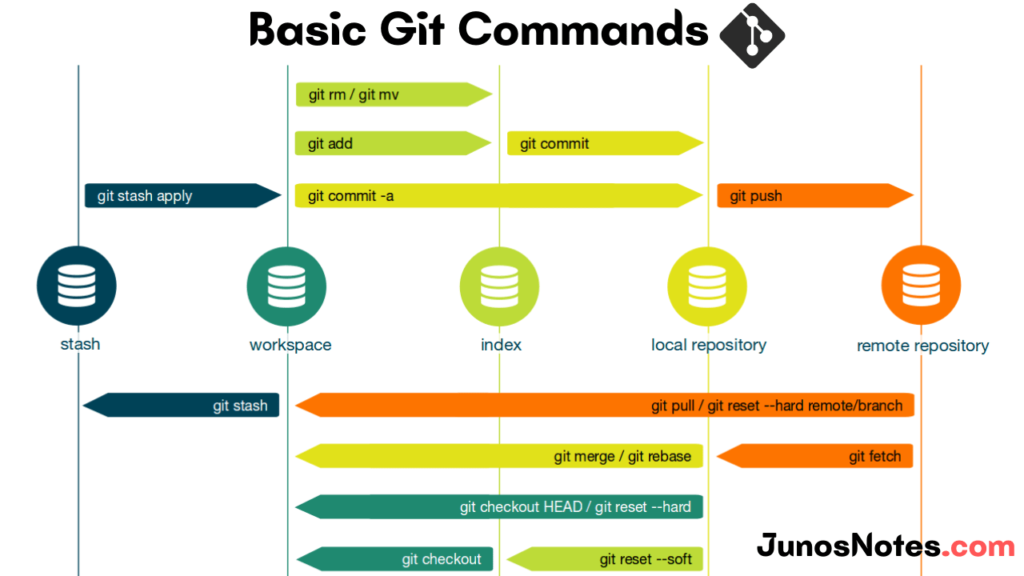
Web Set up Git in VS Code To use Git and GitHub in VS Code first make sure you have Git installed on your computer If Git is missing the Source Control view shows instructions on how to install it Make sure to restart VS Code afterwards

Web If your workspace is on your local machine you can enable Git source control by creating a Git repository with the Initialize Repository command When VS Code doesn t detect an existing Git repository the Source Control view will give you the options to Initialize Repository or Publish to GitHub
Web Troubleshooting steps To troubleshoot Integrated Terminal launch failures in Visual Studio Code follow these steps to diagnose issues Check your user settings Review these terminal integrated settings that could affect the launch terminal integrated defaultProfile platform The default shell profile that the terminal uses
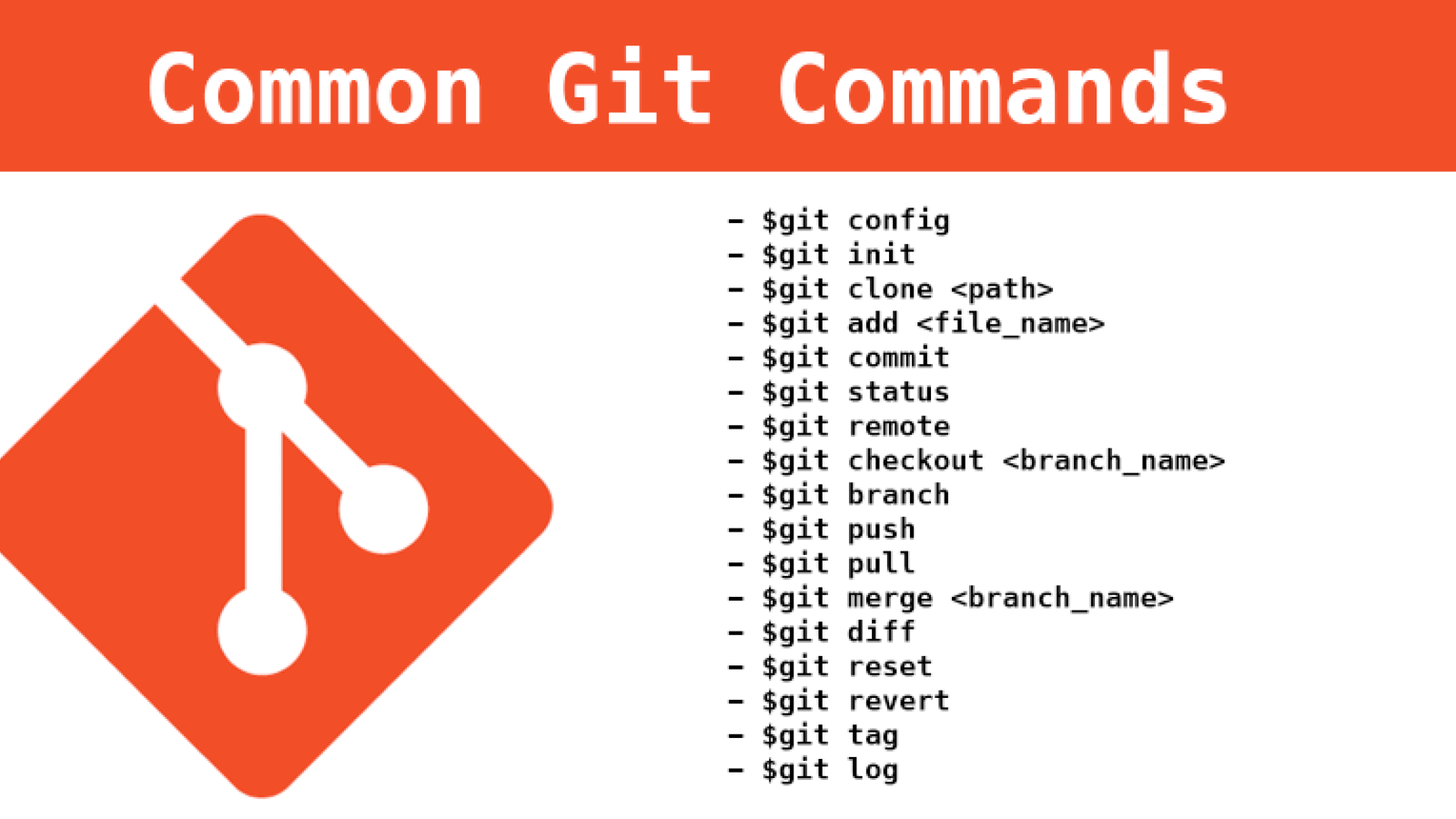
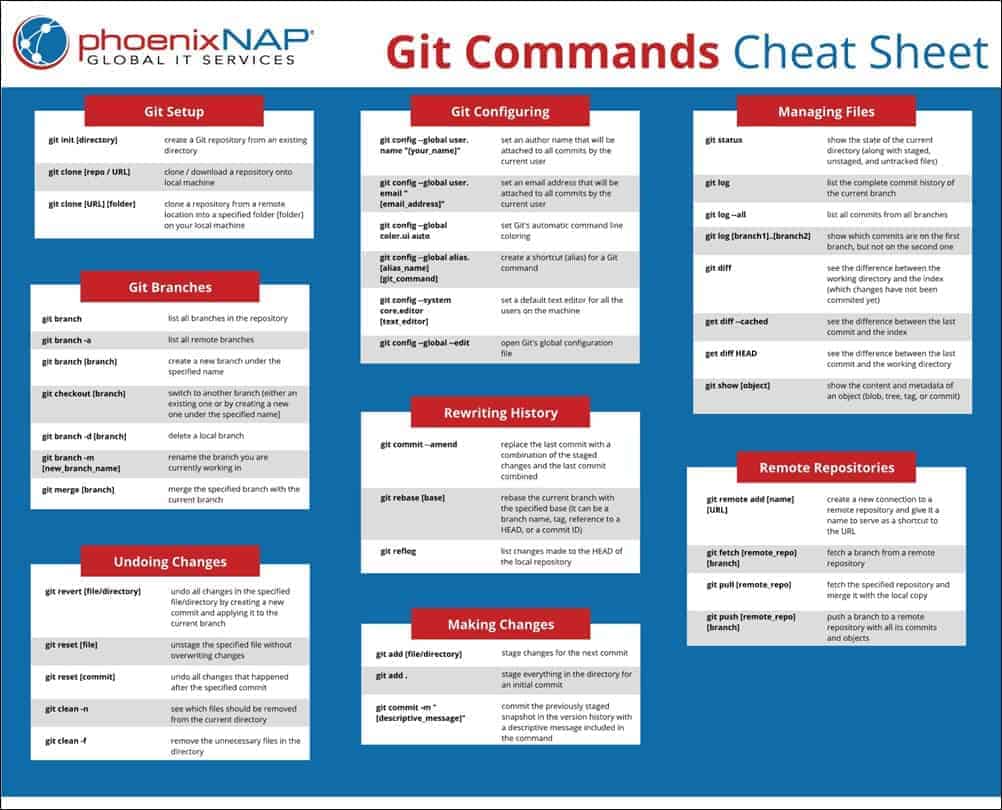
Web Jul 1 2023 nbsp 0183 32 Open the integrated terminal by clicking on View gt Terminal or using the shortcut Ctrl In the terminal run the following command to initialize a Git repository git init
Web Feb 2 2017 nbsp 0183 32 Steps to Reproduce Install Git Install Visual Studio Code Open any folder which is a git repository Get following message quot There was an issue running a git operation Please review the output or use a console to check the state of your repository quot Output does not display anything Below is the error i can see in developer tools console Web May 1 2020 nbsp 0183 32 Open Visual Studio Code and access the built in terminal You can open this by using the keyboard shortcut CTRL on Linux macOS or Windows In your terminal make a directory for a new project and change into that directory mkdir git test cd git test Then create a Git repository git init
Web Apr 13 2022 nbsp 0183 32 Cannot reproduce Have you tried to restart VS Code What error do you see in Output for Git extension My steps Opened new folder with some files but without git opened SCM panel and clicked on Initialize repo Version 1 67 0 insider user setup Commit e3f21a1 Date 2022 04 13T05 15 45 536Z Electron 17 4 0 Chromium