Git Clone Particular Remote Branch Git Clone Clone Software Protection Dongle Fasrpico How To Use git Clone With A Custom SSH Key RJS GIT Learn Git Clone Command Options YouTube Git Clone On Windows Coding And Techology Articles Web Mar 4 2024 nbsp 0183 32 In this tutorial we ll demystify the process of cloning all remote branches in Git First we ll start with the basics of the git clone command moving through how to list and checkout remote branches Then we ll delve into methods for cloning every branch in
Web git clone single branch By default git clone will create remote tracking branches for all of the branches currently present in the remote which is being cloned The only local branch that is created is the default branch Web DESCRIPTION Clones a repository into a newly created directory creates remote tracking branches for each branch in the cloned repository visible using git branch remotes and creates and checks out an initial branch that is forked from the cloned repository s currently active branch
Git Clone On Windows Coding And Techology Articles 5 Easy Steps To Git Clone With A Specific SSH Key Master Your Workflow GIT git github clone git github github Clone CSDN Git Clone How To Use Git Clone W3Docs Git Online Tutorial Getting Changes From A Remote Repository GitHub Docs Getting Started With Git For Windows Gambaran Clone A Particular Remote Brach Using Git Clone Command Code2care How To Clone A Git Repository
Git Clone Particular Remote Branch
 Git Clone Particular Remote Branch
https://velog.velcdn.com/images/chang626/post/bfceb845-c201-4474-8c35-14ac39ea08e9/image.png
Web Feb 10 2023 nbsp 0183 32 You can clone any remote repository with git clone command The default clones the master main branch from remote You can also specify the branch name with b option to clone a specific branch git clone b 5 8 branch https github WordPress WordPress git
Templates are pre-designed files or files that can be used for numerous functions. They can save time and effort by providing a ready-made format and layout for creating different kinds of material. Templates can be used for individual or professional tasks, such as resumes, invites, flyers, newsletters, reports, discussions, and more.
Git Clone Particular Remote Branch

Git Create Branch Tracking Remote Nasadinsights

5 Easy Steps To Git Clone With A Specific SSH Key Master Your Workflow
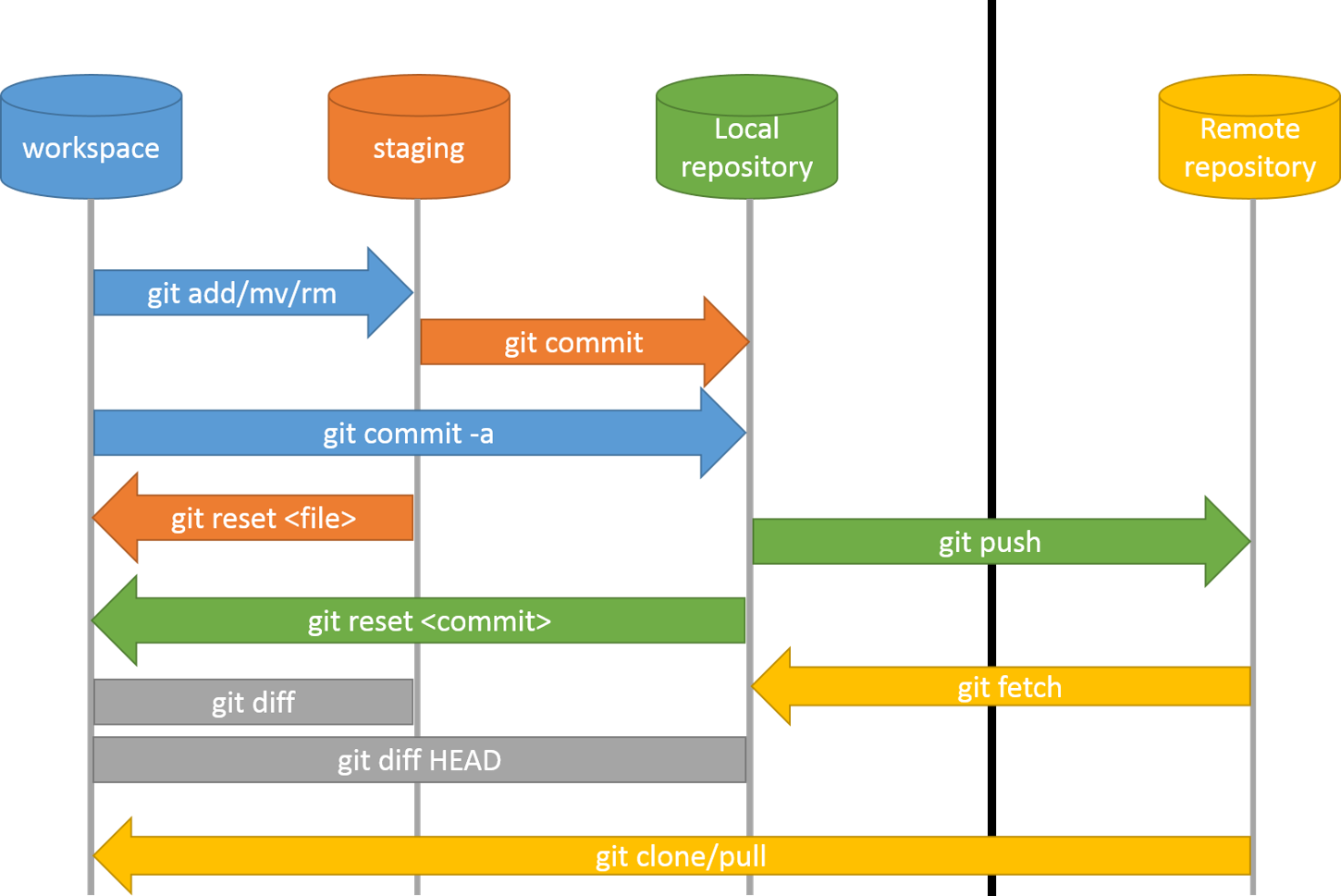
GIT
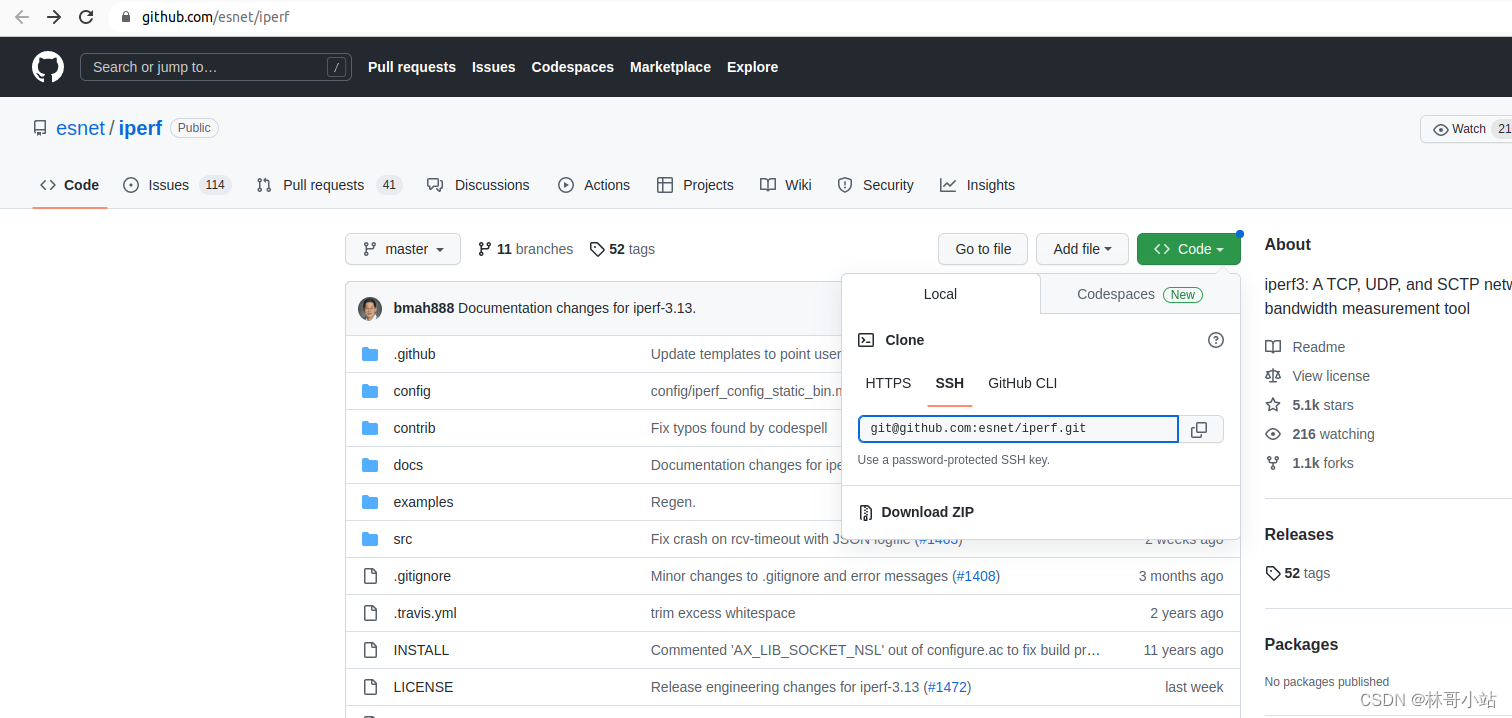
git github clone git github github Clone CSDN
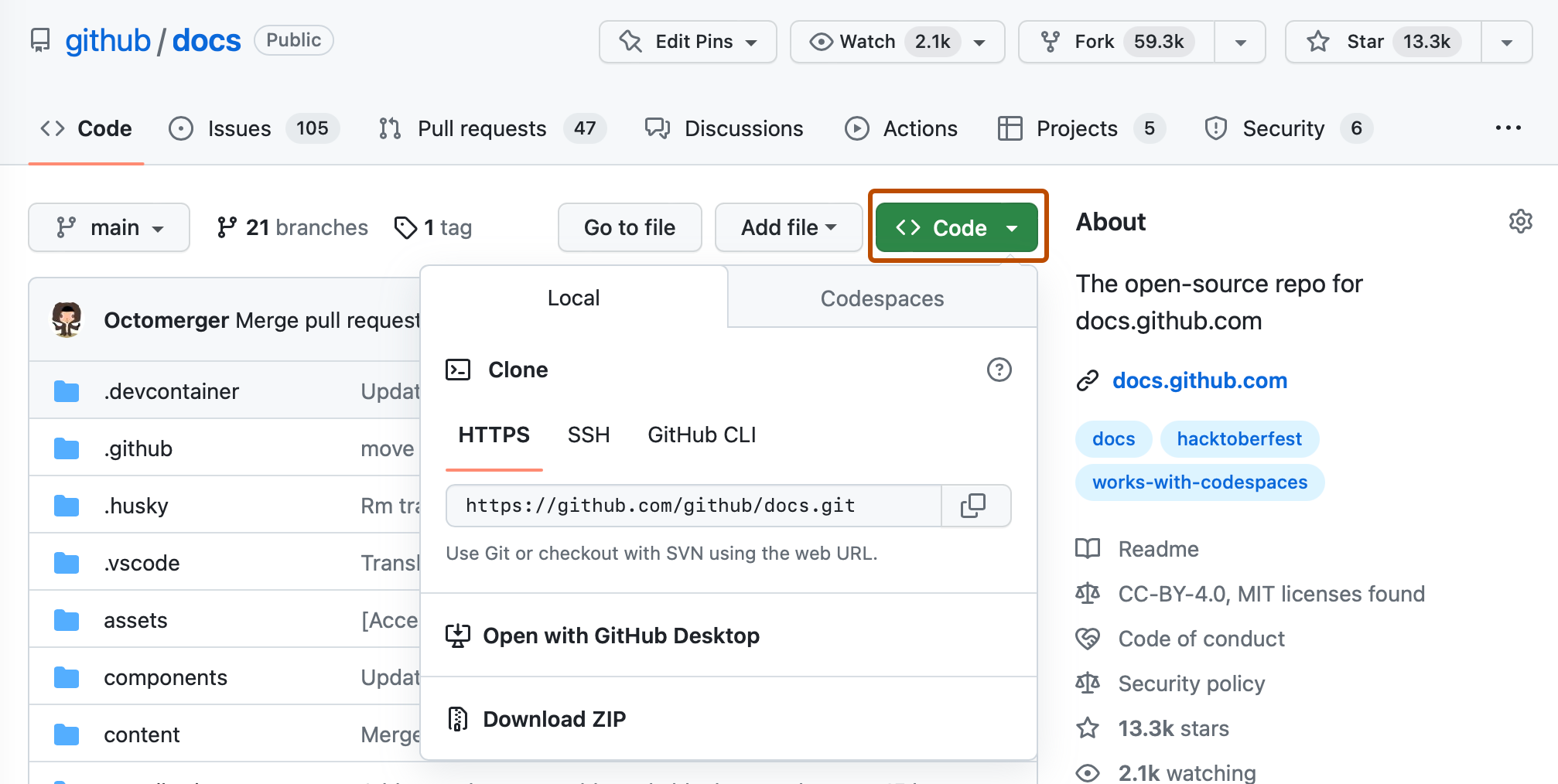
Getting Changes From A Remote Repository GitHub Docs
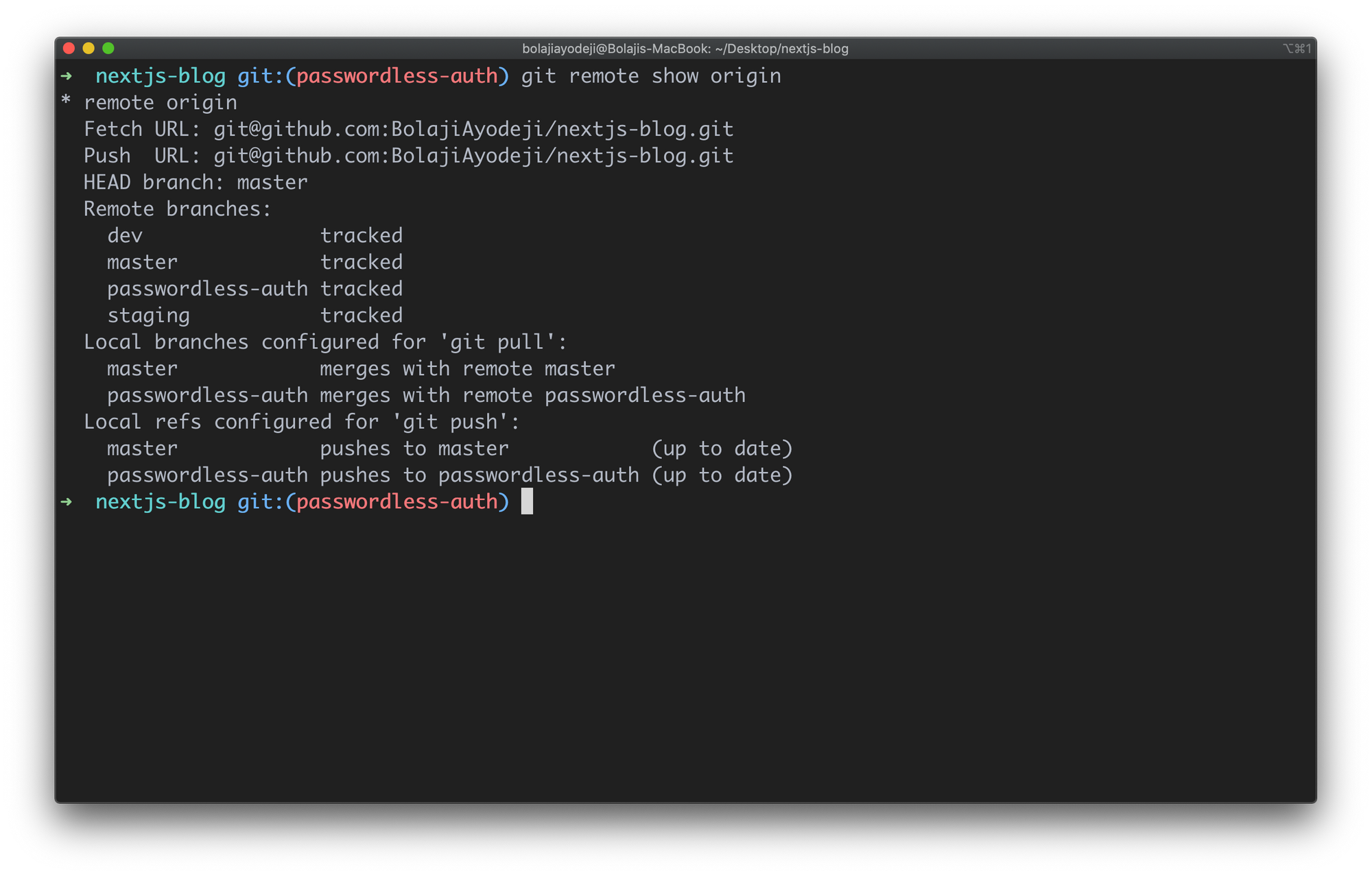
Getting Started With Git For Windows Gambaran
Web Jun 30 2020 nbsp 0183 32 git clone b passwordless auth git github BolajiAyodeji nextjs blog git This automatically configures passwordless auth as the local branch but still tracks other branches Option Two git clone branch lt branchname gt single branch lt remote repo url gt or git clone b lt branchname gt single branch lt remote repo url gt Here b is just an

Web Apr 6 2023 nbsp 0183 32 The command used to clone a Git branch is git clone However the git clone command clones all the branches and the remote HEAD usually the master main branch There are two ways to clone a single Git branch with git clone Method 1 Clone the entire repository fetch all the branches and check out the specified branch after the cloning

Web Oct 19 2015 nbsp 0183 32 Very simple and straightforward steps are as follows git fetch origin This will bring all the remote branches to your local git branch a This will show you all the remote branches git checkout track origin lt branch you want to checkout gt Verify whether you are in the desired branch by the following command

Web Note the git1 7 10 April 2012 actually allows you to clone only one branch clone only the remote primary HEAD default origin master git clone lt url gt single branch as in git clone lt url gt branch lt branch gt single branch lt folder gt Note lt url gt is the URL of the remote repository and does not reference the branch cloned

Web May 19 2019 nbsp 0183 32 When a branch is cloned from a remote repository the master branch is pulled by default While for most use cases this is likely desirable but sometimes you just want one specific branch at first Git allows us to specify a branch name using the b flag when we clone from a remote repo
Web Steps to cloning remote branches Here we suggest 4 steps that you can take and have a copy of a remote git branch Cloning the remote and change direction Firstly clone the remote repository and cd into it git clone git example exampleProject cd exampleProject Listing branches Web Dec 14 2023 nbsp 0183 32 Firstly to clone a particular branch from a Git repository you need to use the b option followed by the name of the branch you want to clone For instance if the branch s name is quot feature branch quot the command would look like this git clone b feature branch git github user repo git Tips and Tricks
Web Nov 15 2021 nbsp 0183 32 https github username Repo git If you take this URL and run git clone it will download the default branch usually master You can change this with some flags usually done in one of two ways git clone branch dev https github username Repo git git clone branch dev single branch