Crop Tool In Affinity Designer Affinity Designer: Crop an Image into a Circle (ScriptVerse) - YouTube How to Crop and Straighten an Image using Affinity Photo - YouTube Affinity Designer: Crop an Image into a Circle Crop Tool in Affinity Photo on the iPad - YouTube Vector Crop Tool in Affinity Designer | Design Bundles Click on your image with the Vector Crop Tool to select it Once it s selected you should notice vertical and horizontal edges along with
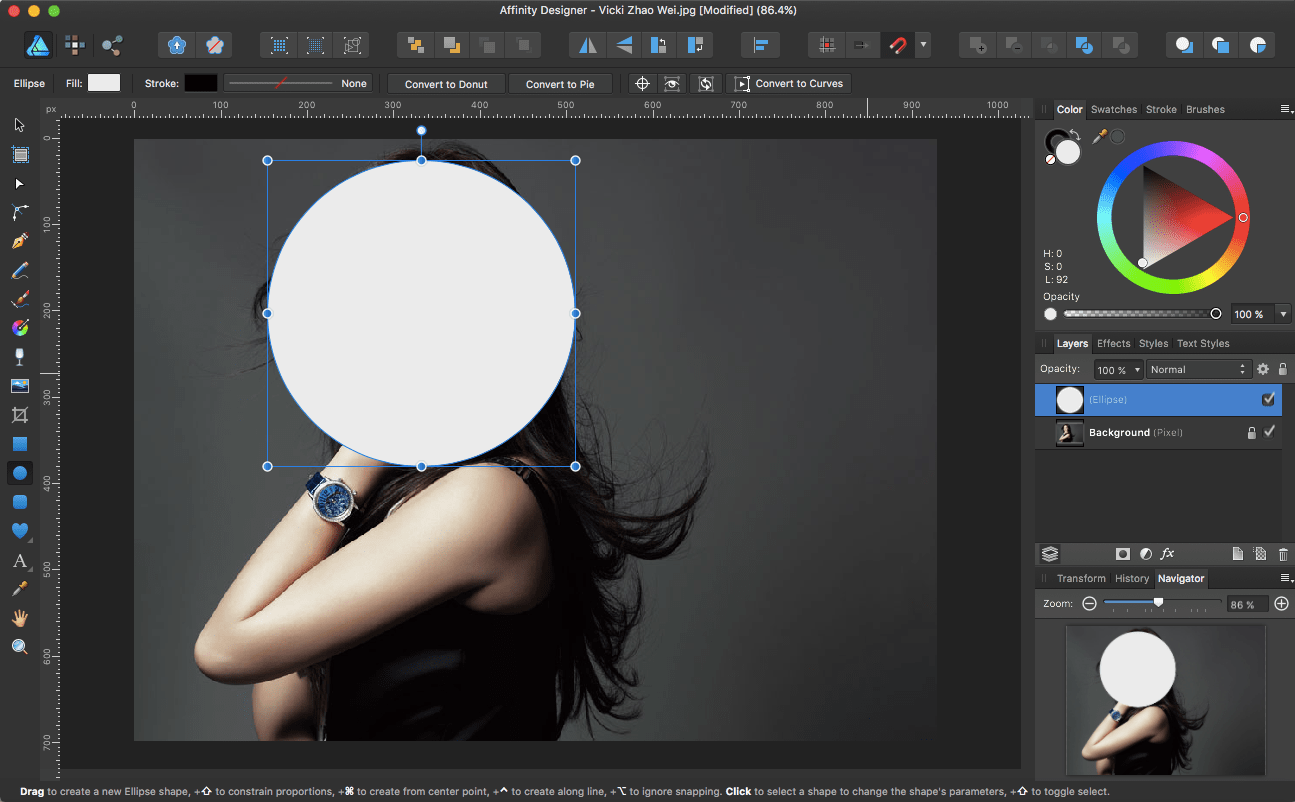
Affinity Designer Crop Image in a Circle Shape 1 Launch Affinity Designer 2 Click File Open and open the image you want to crop you can also press Click on the Vector Crop Tool select the Background layer and place your cursor over the image Check that the small crop box appears If not
Vector Crop Tool in Affinity Designer | Design Bundles How to Cut and Crop in Affinity Designer | Design Bundles Straighten Horizon with Crop Tool in Affinity Photo - YouTube Crop tool true crop of an image - Affinity on Desktop Questions (macOS and Windows) - Affinity | Forum Crop Tool Behavior in Photo - Affinity on Desktop Questions (macOS and Windows) - Affinity | Forum How to Crop in Illustrator Custom image cropping in PowerPoint | BrightCarbon Affinity Publisher Tutorial - Cropping Images - YouTube How To Crop An Image In Affinity Designer - YouTube
Crop Tool In Affinity Designer
 Crop Tool In Affinity Designer
https://i.ytimg.com/vi/70D9bQ1aZ4M/maxresdefault.jpg
Affinity Photo s Crop Tool is non destructive and offers a wealth of cropping options You can crop to While cropping you ll also have
Templates are pre-designed files or files that can be utilized for different functions. They can conserve effort and time by providing a ready-made format and design for developing different kinds of material. Templates can be used for individual or professional jobs, such as resumes, invitations, flyers, newsletters, reports, presentations, and more.
Crop Tool In Affinity Designer

Affinity Designer: Crop an Image into a Circle

How to Cut and Crop in Affinity Designer | Design Bundles

Straighten Horizon with Crop Tool in Affinity Photo - YouTube
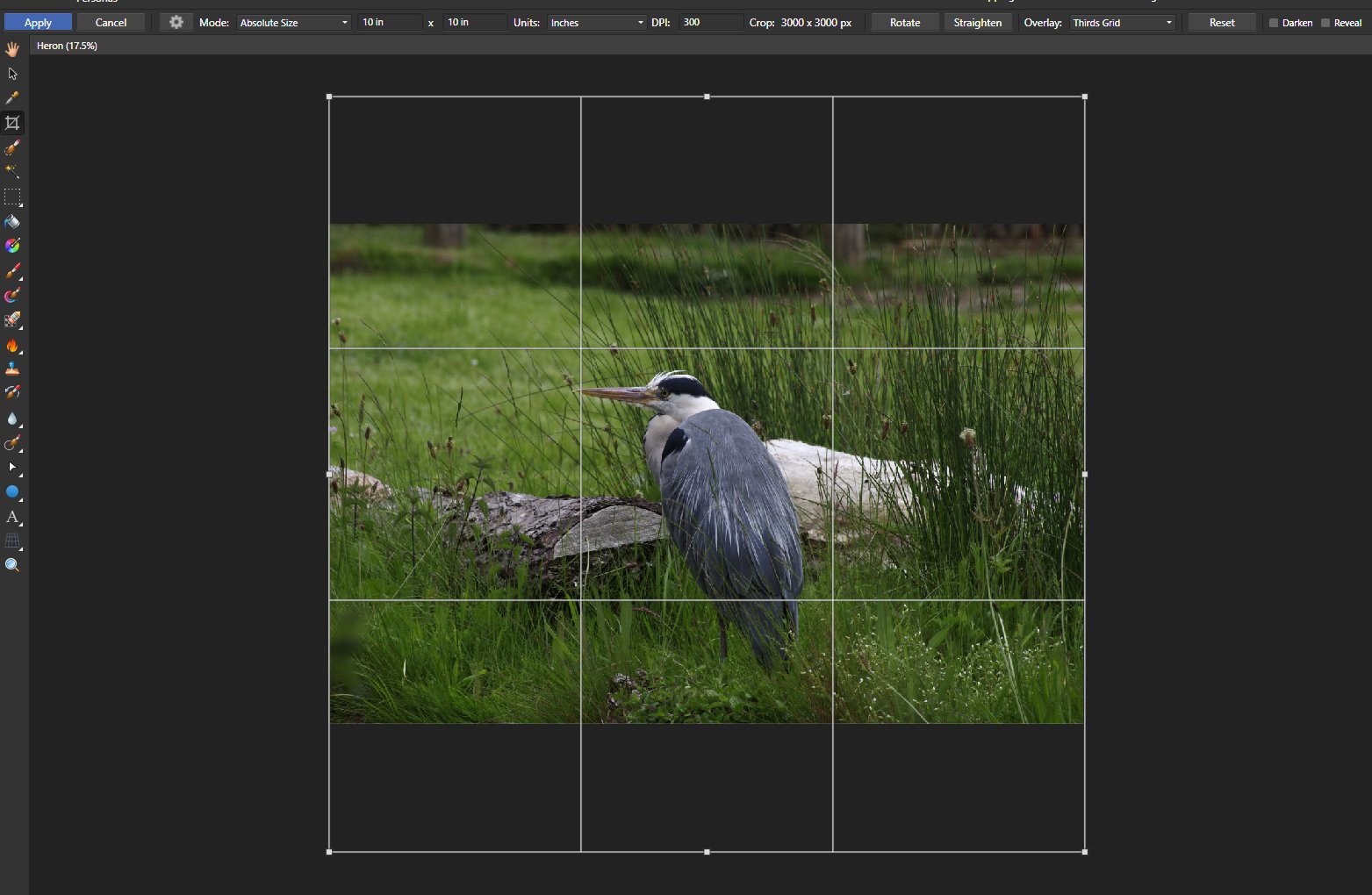
Crop tool true crop of an image - Affinity on Desktop Questions (macOS and Windows) - Affinity | Forum

How to Crop in Illustrator
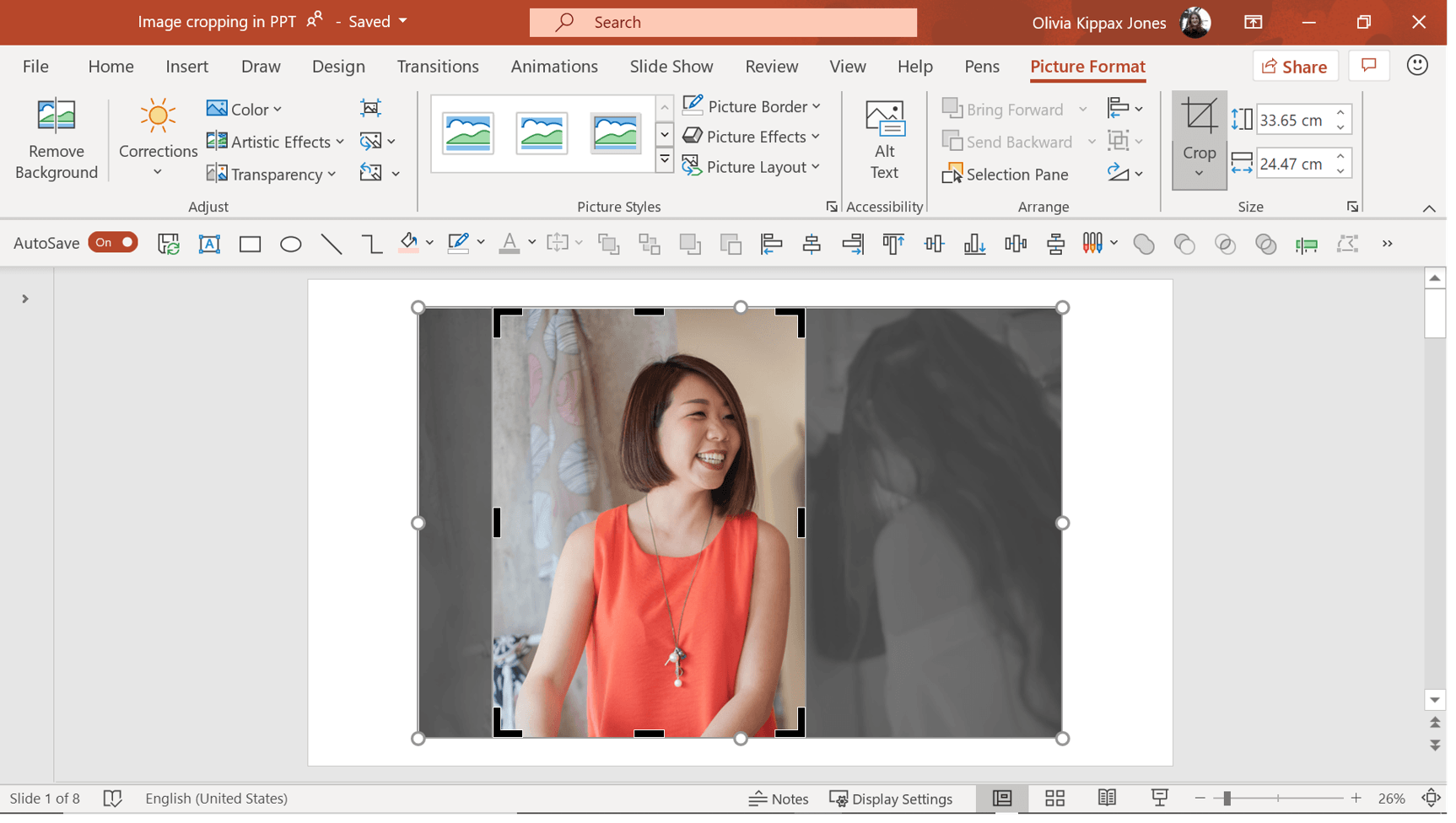
Custom image cropping in PowerPoint | BrightCarbon

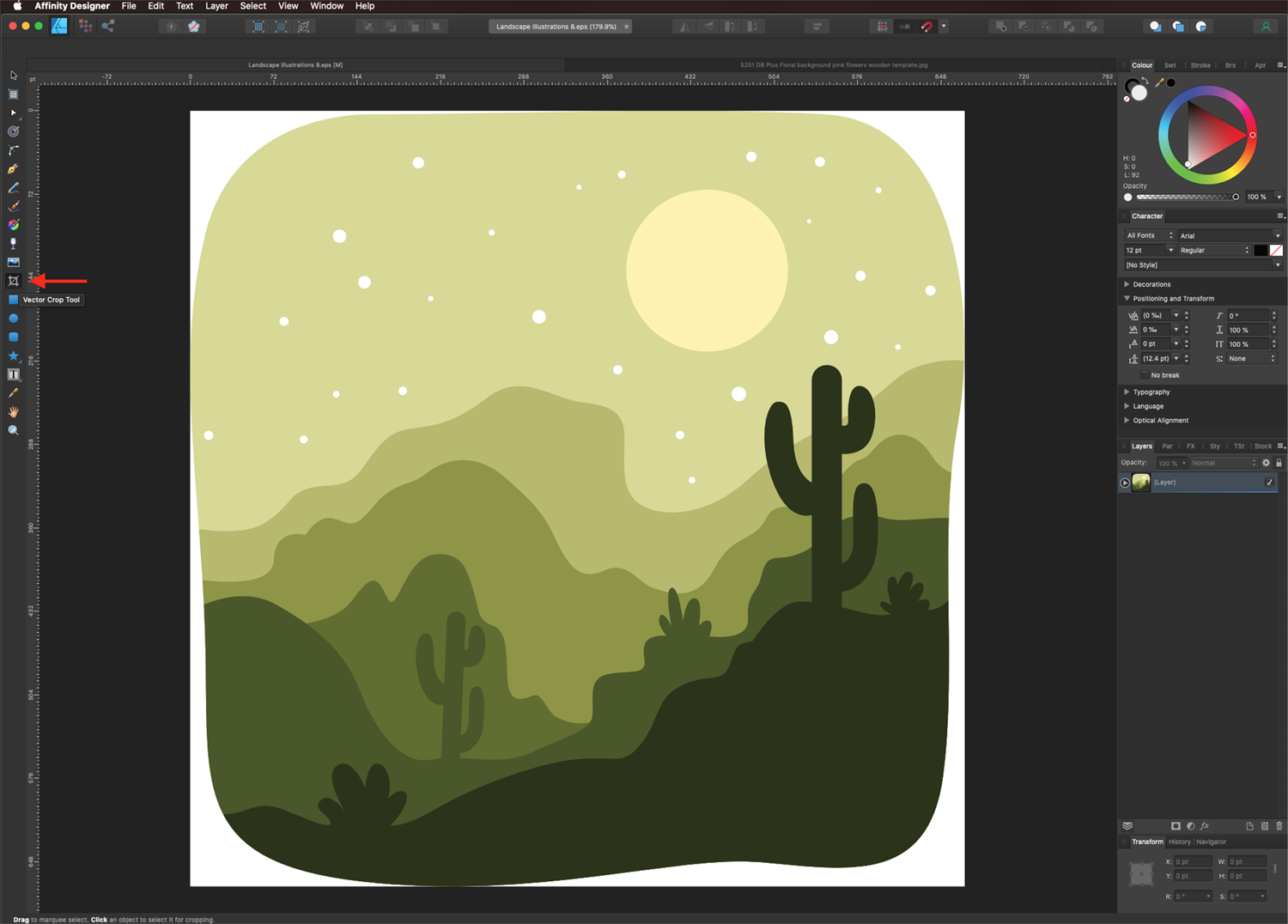
To crop an image in Affinity Designer grab the Vector Crop Tool click on your image to select it then manually drag the corners of the image inward until the

From the Tools panel on the left select the Crop Tool From the context toolbar select a crop mode from the Mode pop up menu From the context toolbar
The Crop Tool in Affinity Designer is an object based crop tool which means it only crops actually masks the object layer you have selected

Open your image in Affinity Photo In the Photo Persona select the crop tool from the Tools Palette or press C on your keyboard Click and
Cropping to a Selection as a New Image Layer Create a new consolidated or merged layer in your image using the shortcut Shift Cmd Option
Why to avoid the Crop Tool in the Affinity Photo Develop Persona How you can use the Crop to Tool rotate and straighten crooked photos Control cropping ratios Snap the Crop Tool to the Edges of a Layer in Affinity Photo Enable Snapping by clicking on the magnet icon at the top or by going to View
Open your image in Affinity Designer by navigating to File Open Once your image is on the canvas select it and navigate to the Vector Crop Tool in the