Git Checkout Create New Branch From Master Create A New Branch Github Command Line Hot Sex Picture Git Create Branch Local Vseraregistry Create A Branch From A Previous Commit In Git Techie Delight Git Good With Visual Studio Code GEO Jobe Git Flow Confusion On Release Branch ErrorsFixing Web Dec 28 2019 nbsp 0183 32 Conclusion Create Git branch using checkout The easiest way to create a Git branch is to use the git checkout command with the b option for a new branch Next you just have to specify the name for the branch you want to create git checkout b lt branch name gt
Web Jul 25 2018 nbsp 0183 32 To create a new branch there is a git branch command After you have created a branch you need to switch in this branch using a git checkout command But it is also possible to create a new Git branch and switch in this branch using only one git checkout command with b option Web Feb 12 2017 nbsp 0183 32 git checkout b release 1 6 it will create a new branch that branches off from master I know I could probably just keep doing quot git checkout b new branch name quot creating a linear branch of a branch of a branch but I m pretty sure that would screw up Git s subway like branch diagram
Git Flow Confusion On Release Branch ErrorsFixing Advanced Git Tutorial Git Branching Strategies Git Support To Create Local Branch From Specific Remote Branch Issue Git Create Branch From A Branch Vseraselling How To Switch Branch In Git In VS Code Fast Tutorial No Command Git Create Branch With Anothers Code Gdper How To Create A New Branch And Checkout In Git YouTube Crear Y Usar Ramas En Git Delft Stack
Git Checkout Create New Branch From Master
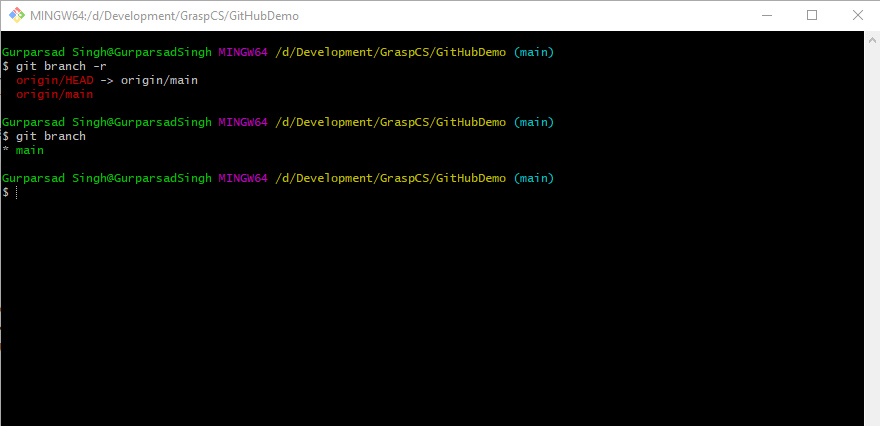 Git Checkout Create New Branch From Master
https://1.bp.blogspot.com/-oQuvZcmn6vk/YQY1ASLDFGI/AAAAAAAAAqY/JhfZRvlI1Mwy907TinUe-x7Bk1a_kLqvACLcBGAsYHQ/s880/5.png
Web 17 Answers Sorted by 2507 The problem with the other two answers is that the new master doesn t have the old master as an ancestor so when you push it everyone else will get messed up
Pre-crafted templates offer a time-saving option for creating a varied variety of files and files. These pre-designed formats and layouts can be made use of for various personal and professional tasks, consisting of resumes, invites, flyers, newsletters, reports, discussions, and more, simplifying the material development procedure.
Git Checkout Create New Branch From Master
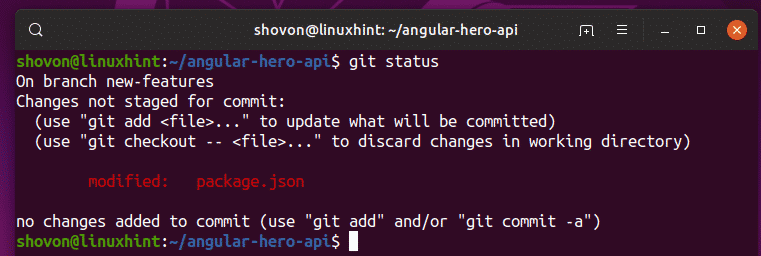
Git Create Branch From Current Local Branch Naxretalking
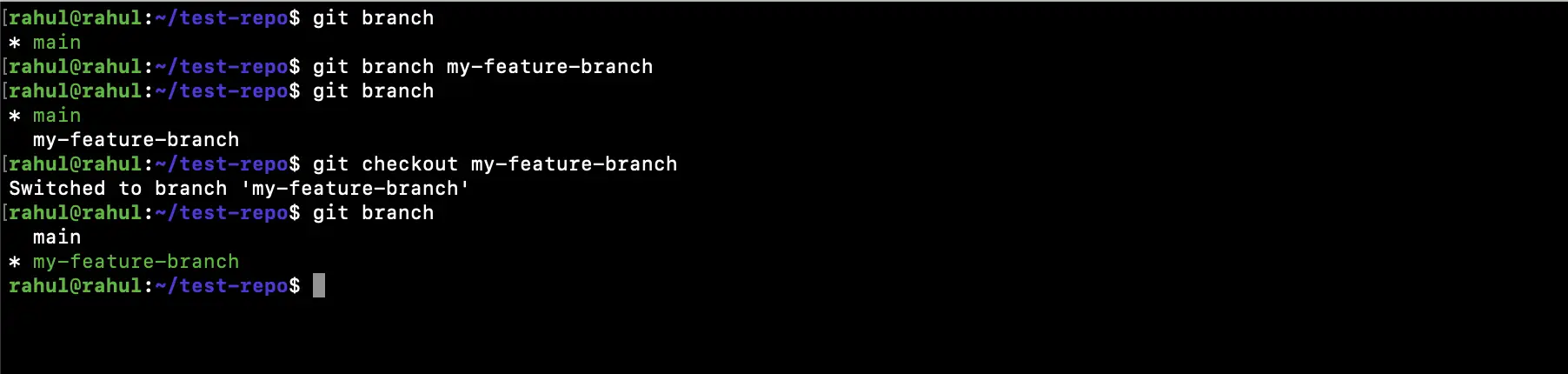
Advanced Git Tutorial

Git Branching Strategies

Git Support To Create Local Branch From Specific Remote Branch Issue

How To Switch Branch In Git In VS Code Fast Tutorial No Command
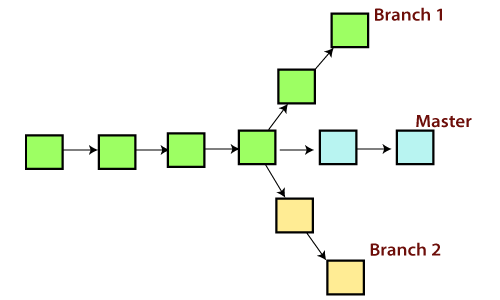
Git Create Branch With Anothers Code Gdper
Web Jul 14 2018 nbsp 0183 32 Create new branch from master without checking it out Ask Question Asked 5 years 1 month ago Modified 5 years 1 month ago Viewed 3k times 11 Instead of doing this git checkout master git checkout b quot master copy quot is there a way to create the master copy branch without either of the above steps
Web Dec 17 2010 nbsp 0183 32 So if you want to create a new branch called quot subbranch of b1 quot under the branch named quot branch1 quot follow the steps Checkout or change into quot branch1 quot git checkout branch1 Now create your new branch called quot subbranch of b1 quot under the quot branch1 quot using the following command git checkout b Now after

Web Git checkout works hand in hand with git branch The git branch command can be used to create a new branch When you want to start a new feature you create a new branch off main using git branch new branch Once created you can then use git checkout new branch to switch to that branch
Web Nov 9 2022 nbsp 0183 32 Now I would use the following commands git branch newBranch master to create a new branch off of master branch git checkout newBranch to checkout the newly created branch Remember that untracked files wont be modified unless they git merge A to merge the committed changes from branch A to the

Web To create a new branch and switch to it at the same time you can run the git checkout command with the b switch git checkout b iss53 Switched to a new branch quot iss53 quot This is shorthand for
Web Jul 30 2013 nbsp 0183 32 Git introduced switch in version 2 23 to handle changing of branches specifically and avoid the use of checkout which can be confusing by the sheer amount of operations it can do Among other possibilites git switch lt branch gt to switch to an existing branch git switch c lt new branch gt to create a new branch and switch to it Share Web To create a new branch that is based on your currently checked out HEAD branch simply use quot git branch quot with the name of the new branch as the only parameter git branch lt new branch gt How do I create a new branch based on some existing one
Web Jan 4 2023 nbsp 0183 32 1 Here is one regular situation when this can occur if you start from a brand new empty repo you just ran git init and haven t done anything else yet the starting branch named master by default does not exist yet you may see that git HEAD says refs refs heads master but git branch list will have an empty output