Git Checkout Branch With Local Changes Git Checkout Remote Branch Code Examples Tutorials More How To Checkout Git Branches Interactively Amit Merchant A Blog On Continuous Integration And DevOps Tools Setup And Tips Git Workflow Renaming A Git Branch How To Rename The Current Branch In Git Git Checkout Explained How To Checkout Change Or Switch A Branch In Git 12 After I have messed around with directories created removed and added edited both text and binary files how do I tell git to throw away all my changes and bring the branch down again as if I never messed with anything Currently I m doing these two commands git stash git stash clear git pull remote branch which seems to work
Basically it can be used to throw away local changes When you run the following command Git will ignore unmerged entries git checkout f BRANCH NAME Alternative git checkout force BRANCH NAME Undo Changes in your Working Directory You can use the git checkout command to undo changes you ve made to a file in your working directory Git branch create with local changes example Don t worry you can easily create a new Git branch without losing your local changes Just use Git s switch or checkout commands and your new branch will be created with all of your current changes left intact Just run the following command
Git Checkout Explained How To Checkout Change Or Switch A Branch In Git Visual Studio Git Microsoft Learn GIT Branch And Its Operations An Easy Understanding Digital Varys What Is CI CD How It Helps Teams Deliver Better Software Faster How To Push Local Git Repository To Github YouTube Git Checkout How To Do Git Checkout Example Of Git Checkout GIT Creating A New Branch And Switching To It With Just One Command Git Checkout Remote Branch Code Examples Tutorials More
Git Checkout Branch With Local Changes
 Git Checkout Branch With Local Changes
https://stackify.com/wp-content/uploads/2023/02/What-is-Git-Checkout-Remote-Branch_-.png
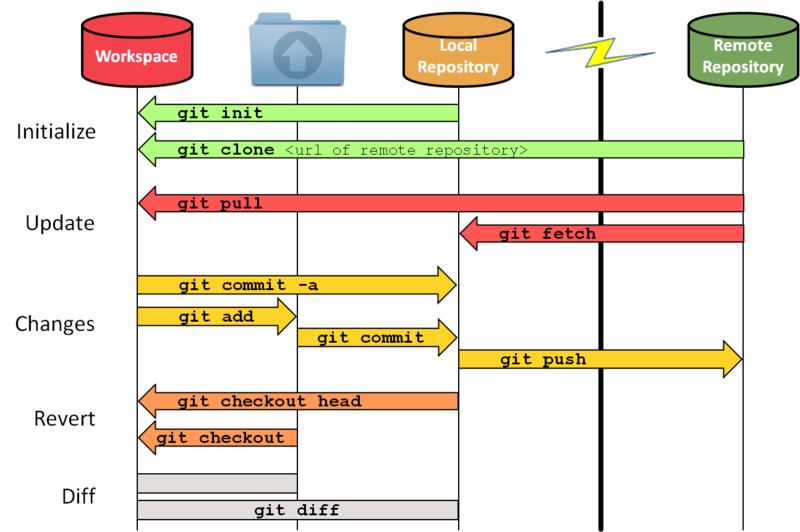
The git checkout command lets you navigate between the branches created by git branch Checking out a branch updates the files in the working directory to match the version stored in that branch and it tells Git to record all new commits on that branch Think of it as a way to select which line of development you re working on
Templates are pre-designed files or files that can be used for numerous purposes. They can save time and effort by supplying a ready-made format and layout for creating different kinds of material. Templates can be used for personal or professional tasks, such as resumes, invites, leaflets, newsletters, reports, discussions, and more.
Git Checkout Branch With Local Changes

What Is Git Checkout Remote Branch How It Works When To Use It
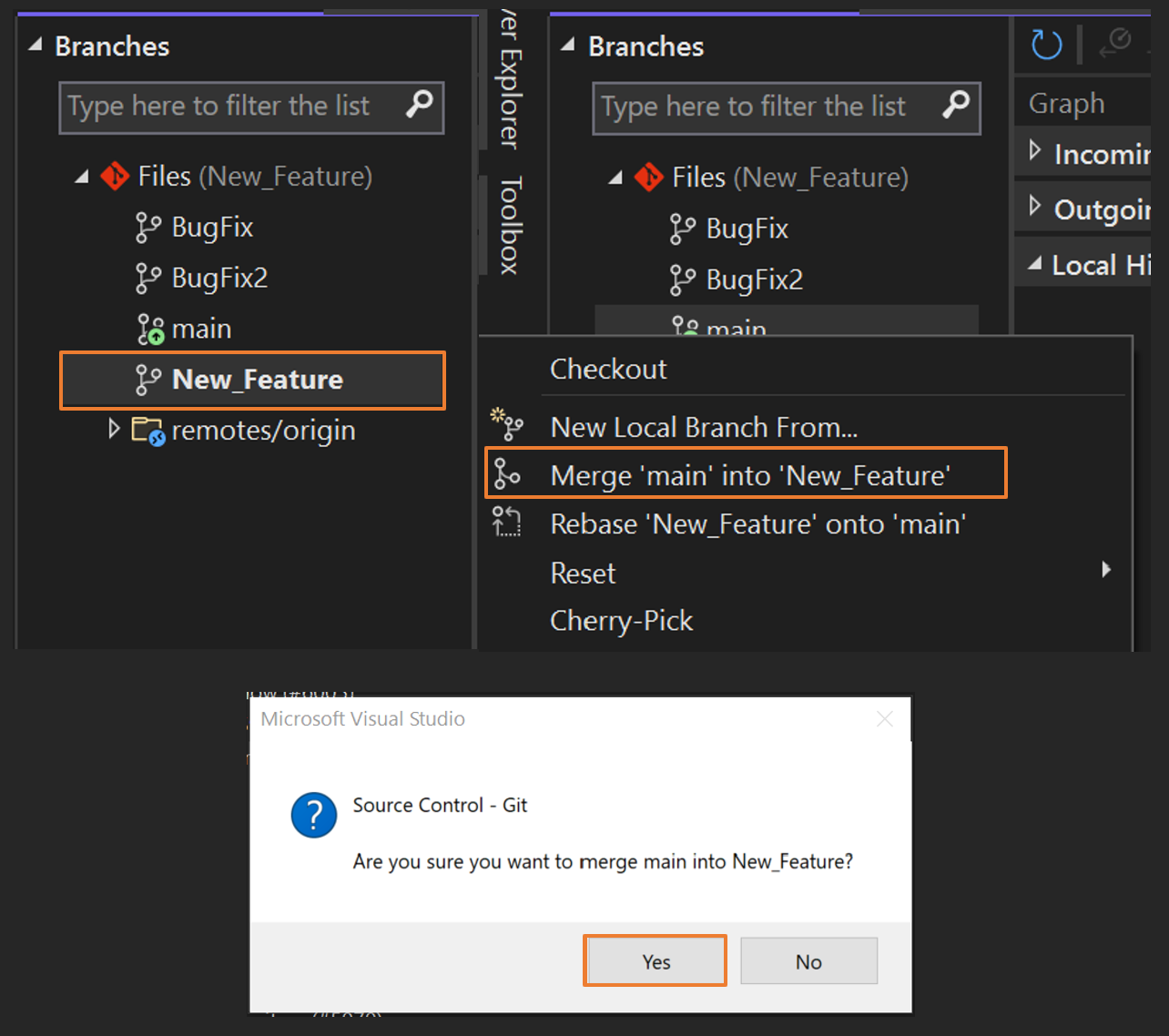
Visual Studio Git Microsoft Learn

GIT Branch And Its Operations An Easy Understanding Digital Varys
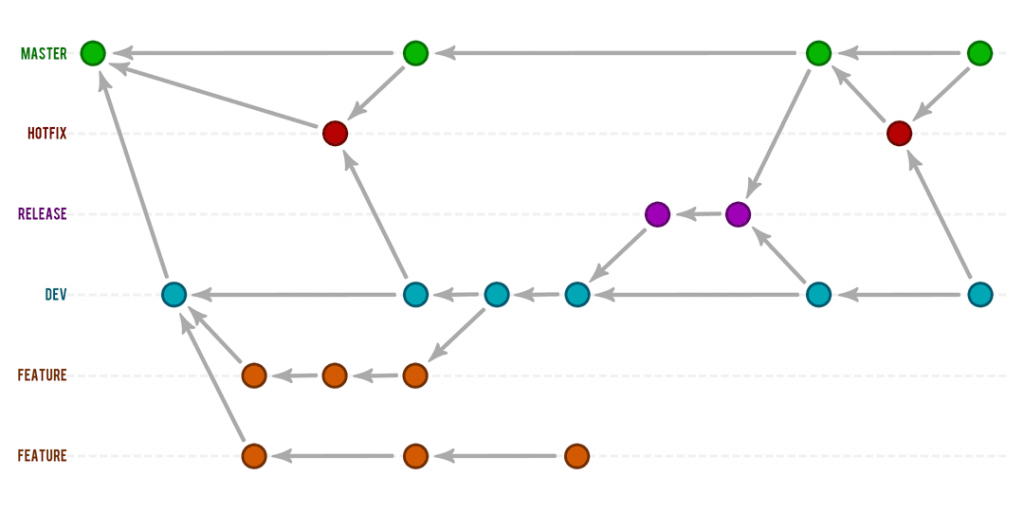
What Is CI CD How It Helps Teams Deliver Better Software Faster

Git Checkout How To Do Git Checkout Example Of Git Checkout
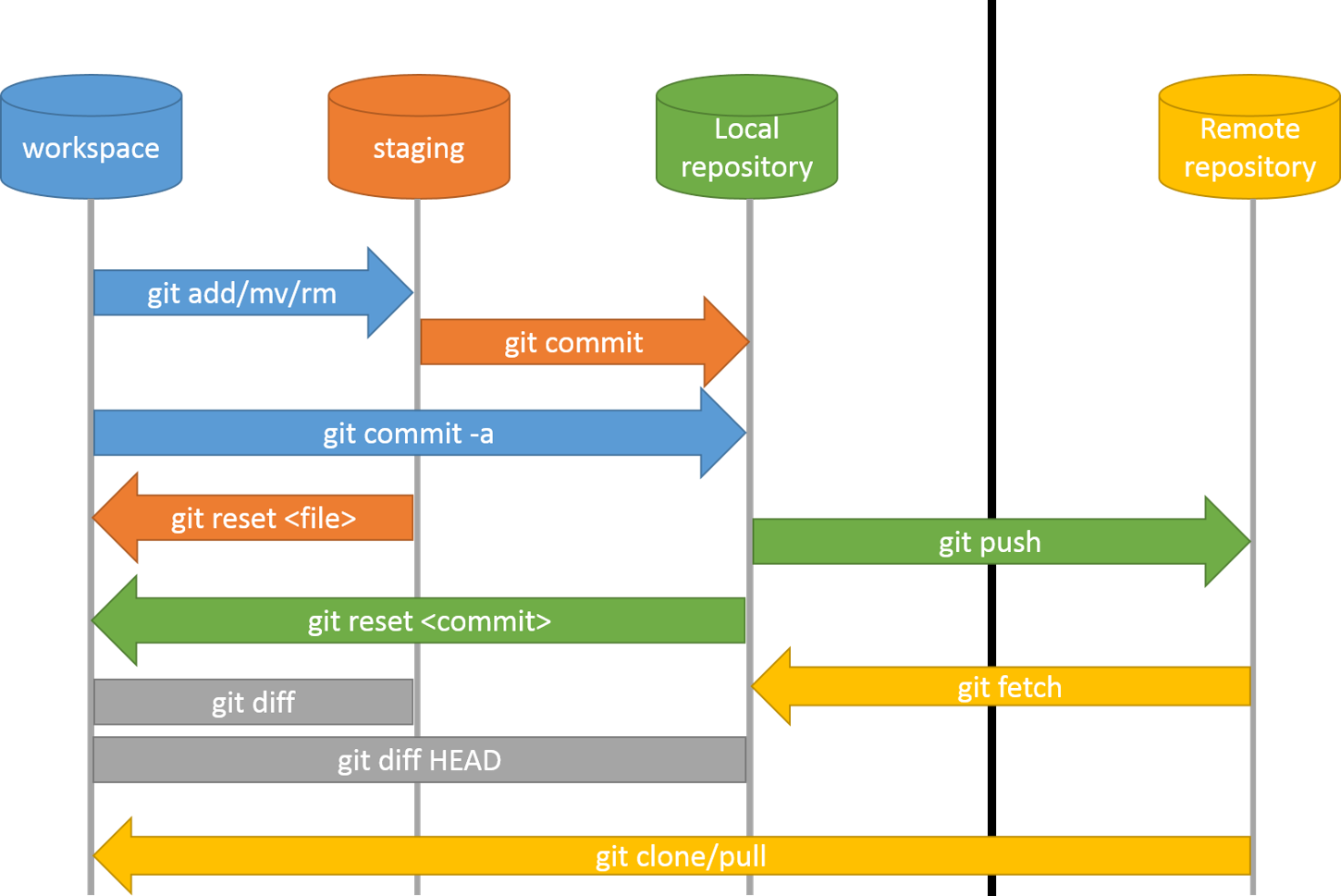
GIT

Follow these steps Create a new branch git branch newfeature Checkout new branch this will not reset your work git checkout newfeature Now commit your work on this new branch git commit s Using above steps will keep your original branch clean and you dont have to do any git reset hard
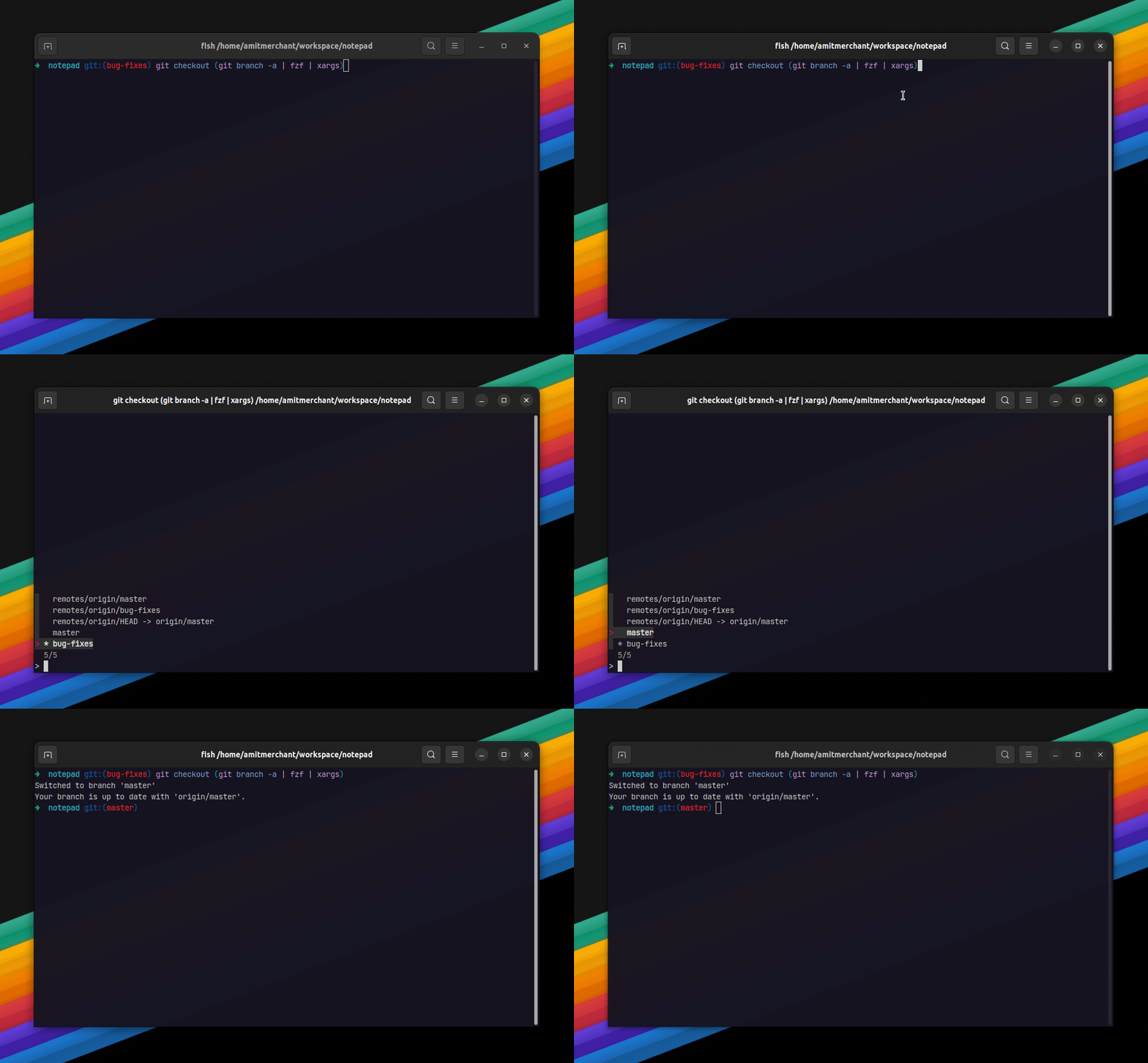
Important Options branch name The name of a local branch that you want to switch to By specifying the name of a local branch you will switch to this branch and make it the current HEAD branch b new branch Creates a new local branch and directly switches to it This can be used as a shortcut instead of the following two commands
Feb 27 2014 at 22 49 Add a comment 6 Answers Sorted by 548 There are a bunch of different ways depending on how far along you are and which branch es you want them on Let s take a classic mistake git checkout master pause for coffee etc return edit a bunch of stuff then oops wanted to be on develop

Git checkout with changes from one branch to another duplicate Ask Question Asked 5 years 2 months ago Modified 5 years 2 months ago Viewed 7k times 3 This question already has answers here Checkout another branch when there are uncommitted changes on the current branch 10 answers Closed 5 years ago I am on branchX

Local modifications to the files in the working tree are kept so that they can be committed to the branch If branch is not found but there does exist a tracking branch in exactly one remote call it remote with a matching name and no guess is not specified treat as equivalent to git checkout b branch track remote branch
What does Git Checkout Remote Branch mean When you begin a project with Git you get two environments the local master branch which exists in your computer and the remote master branch which exists in a Git supported platform like GitHub To checkout a branch from a remote repository use the git fetch command and then git branch r to list the remote branches Pick the branch you need and use a command of the form git checkout b new branch name origin remote branch name
To make another branch say contact form active the git checkout command is used This does two things for you a It makes contact form the current HEAD branch b It replaces the files in your working directory to match exactly the revision that contact form is at