Git Change Remote Username And Password How To Find Mysql Username And Password In Linux Systran Box GIT Branch And GIT Merge Git Change Remote URL In Local Repository TecAdmin Github Git Prompts For Username And Password For Git Push Origin How To Get Git Config Username And Email Step 1 After the successful installation of Git on your system you have to right click wherever you want to open the Git tab Click on the Git Bash Here icon Now here we will see the location of where the program is opened when the window opens Git Bash opened on Desktop Step 2 In the Git Bash window type the below command and press enter
Git will sometimes need credentials from the user in order to perform operations for example it may need to ask for a username and password in order to access a remote repository over HTTP Some remotes accept a personal access token or OAuth access token as a password In order to change the URL of a Git remote you have to use the git remote set url command and specify the name of the remote as well as the new remote URL to be changed git remote set url remote name remote url For example let s say that you want to change the URL of your Git origin remote In order to achieve that you would
How To Get Git Config Username And Email Intellij Idea How To Change The Master Username At Git In WebStorm Windows How Do I Make Git Ask For A Username And Password Every Time How To Set Up User Name And Email In Git YouTube Git Remote Invalid Username Or Password Fatal Authentication How To Change Git Remote Origin URL DevsDay ru Why User Empathy Is Important For A Product Manager By Karan Gogna Remote Permission To UserName repo git Denied To OtherUserName Fatal Remote Permission To UserName repo git Denied To OtherUserName Fatal
Git Change Remote Username And Password
 Git Change Remote Username And Password
https://syscdn.systranbox.com/1663307003786.jpg
To permanently set Git username and password fields issue the following command in the terminal window for Git to use a credential store git config global credential helper store If all things go right the next time you perform a fetch or pull from a remote repository you are prompted for your Git username and password
Pre-crafted templates use a time-saving service for creating a diverse variety of documents and files. These pre-designed formats and designs can be made use of for numerous individual and expert jobs, including resumes, invitations, flyers, newsletters, reports, discussions, and more, improving the content production process.
Git Change Remote Username And Password
Login Username And Password Interface 1330142 Vector Art At Vecteezy

Intellij Idea How To Change The Master Username At Git In WebStorm

Windows How Do I Make Git Ask For A Username And Password Every Time
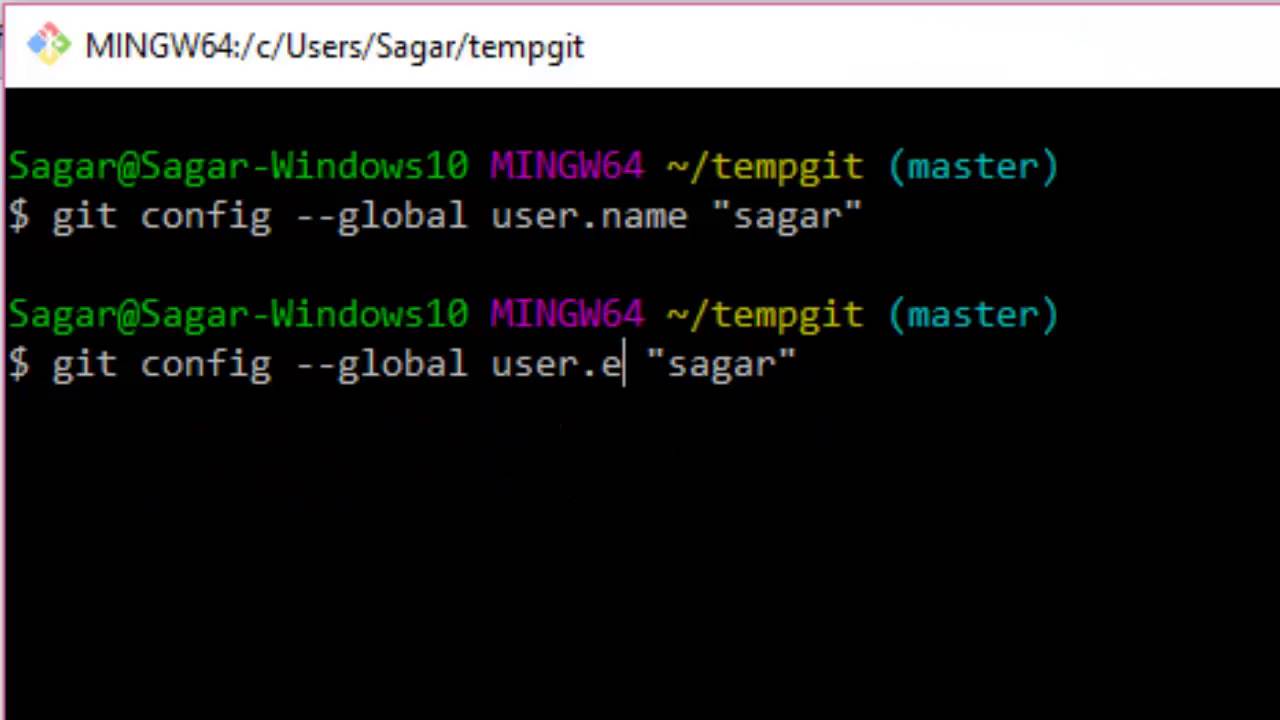
How To Set Up User Name And Email In Git YouTube
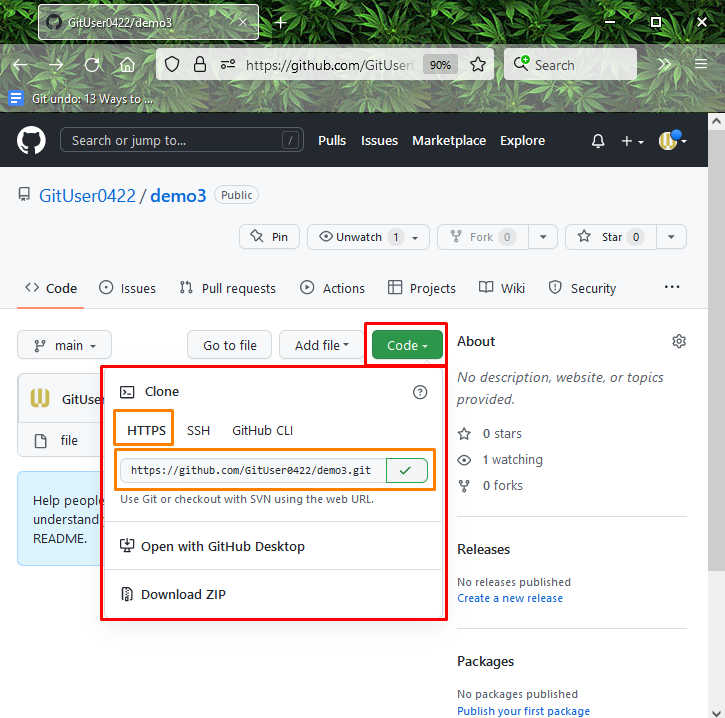
How To Change Git Remote Origin URL DevsDay ru

Why User Empathy Is Important For A Product Manager By Karan Gogna

The git remote set url command takes two arguments An existing remote name For example origin or upstream are two common choices A new URL for the remote For example If you re updating to use HTTPS your URL might look like https github OWNER REPOSITORY git
Set Username and Password in Remote URL To save credentials you can clone Git repository by setting a username and password on the command line git clone https USERNAME PASSWORD github path to repo git The username and password will be stored in git config file as a part of the remote repository URL

Open Git Bash Change the current working directory to the local repository where you want to configure the name that is associated with your Git commits Set a Git username git config user name Mona Lisa Confirm that you have set the Git username correctly git config user name Mona Lisa Further reading Setting your commit email address

If Git needs a username and password to access a remote connection it takes the following steps to prompt the user for input First it tries to invoke an application that allows the users to input credentials The following values are checked in order to determine the application to use GIT ASKPASS environment variable

To solve this either use a different remote name or rename the original remote p n h2 tabindex 1 dir auto a id user content removing a remote repository class anchor aria hidden true tabindex 1 href removing a remote repository svg class octicon octicon link viewBox 0 0 16 16 version 1 1 width
The username johndoe and the password mypass123 is provided in the remote url with the git clone command If the username and password are correct the cloning of the remote repository begins immediately However this is not safe as the password will be in the shell ex bash history To set the GitHub username and password in Linux run this git command below git config global credential helper store This command keeps the username and password in plain text on your local machine When you pull or push to a GitHub repository you will be asked for a username and password
3 Answers Sorted by 30 Using SSH The common approach for handling git authentication is to delegate it to SSH Typically you set your SSH public key in the remote repository e g on GitHub and then you use that whenever you need to authenticate