Git Change Remote Repository Password GIT Branch And GIT Merge Clone Git Linux Git Clone Option QFB66 How To Update Local Repository From Remote Repository In Git YouTube Git Change Remote URL In Local Repository TecAdmin GIT Tutorial Remote Repositories Vividbreeze Dev Blog Let s start with the basics in which no credentials have been configured If Git needs a username and password to access a remote connection it takes the following steps to prompt the user for input First it tries to invoke an application that allows the users to input credentials The easiest way to enable SSH for a Git repository is
You can use the command git remote set url to change a remote s URL Choosing a URL for your remote repository There are several ways to clone repositories available on GitHub When you view a repository while signed in to your account the URLs you can use to clone the project onto your computer are available below the repository details To switch over is pretty simple you will need to create a new SSH key if you don t have one add it to your account and then swap your local repo over to the new endpoint if you ve already cloned First check if you have an SSH key already Your default one is usually stored here on Linux macOS cat ssh id rsa pub
GIT Tutorial Remote Repositories Vividbreeze Dev Blog PLEASE HELP Can t Push Code To GitHub Repository Anymore Community Git Remote Code Along Learn co What Is Git ORIGIN The Git Remote Add Command Everything You Need To Know About Error Failed To Push Some Refs To How To Add Change URL For Remote Git Repository Tech Language Fixed Command add apt repository Not Found In Ubuntu TechPiezo Git Commands Cloud Studio The Analytics Engineering Guide Git Workflow
Git Change Remote Repository Password
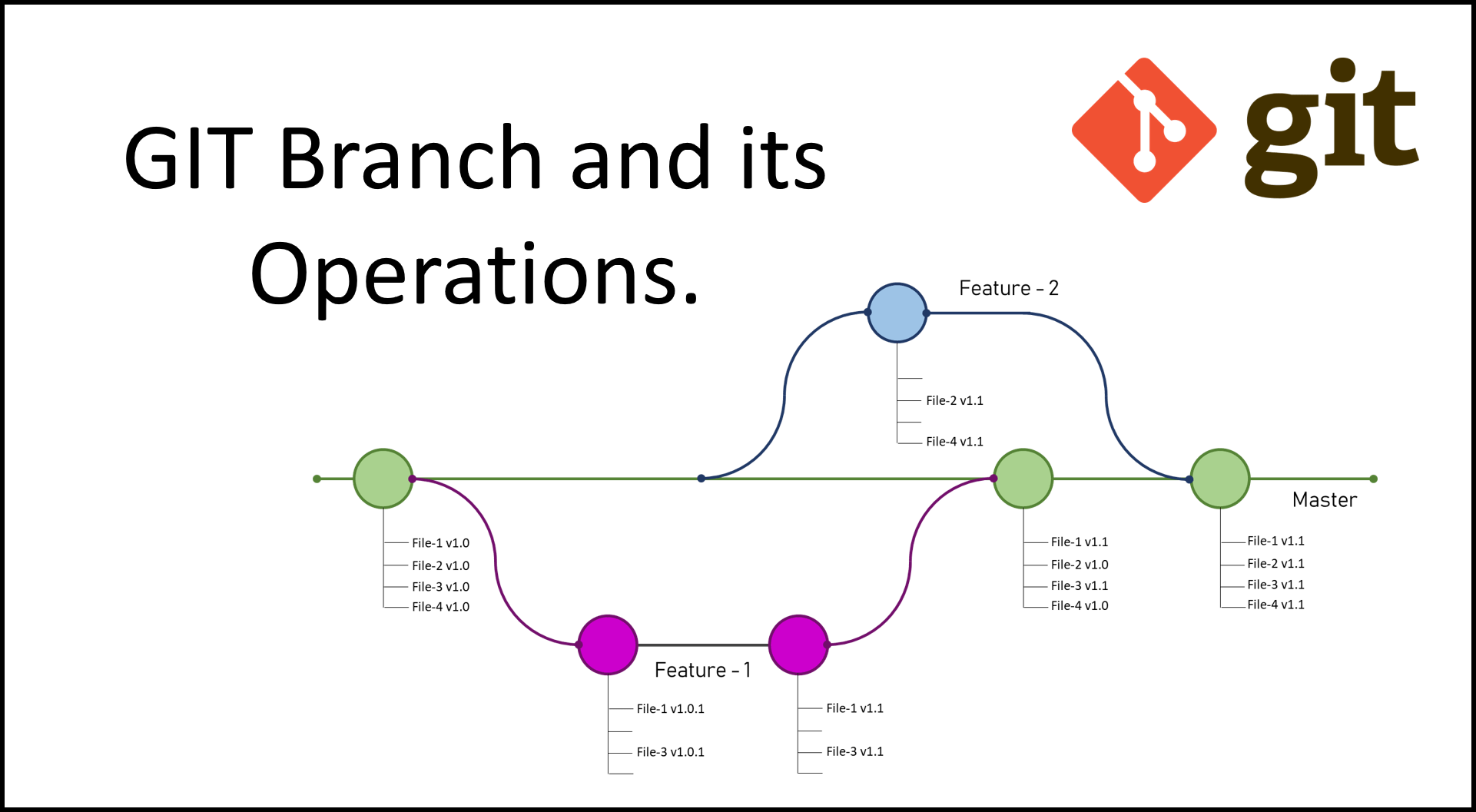 Git Change Remote Repository Password
https://digitalvarys.com/wp-content/uploads/2019/06/GIT-Branchand-its-Operations.png
1 Delete the github credentials in the windows credential manager http www digitalcitizen life credential manager where windows stores passwords other login details Git should ask you again Share Follow answered Jan 20 2017 at 23 43
Templates are pre-designed files or files that can be used for numerous purposes. They can conserve time and effort by providing a ready-made format and design for producing various kinds of content. Templates can be used for personal or expert projects, such as resumes, invitations, flyers, newsletters, reports, discussions, and more.
Git Change Remote Repository Password

Drupal Git Remote Existing Distant Project To Local Stack Overflow

PLEASE HELP Can t Push Code To GitHub Repository Anymore Community
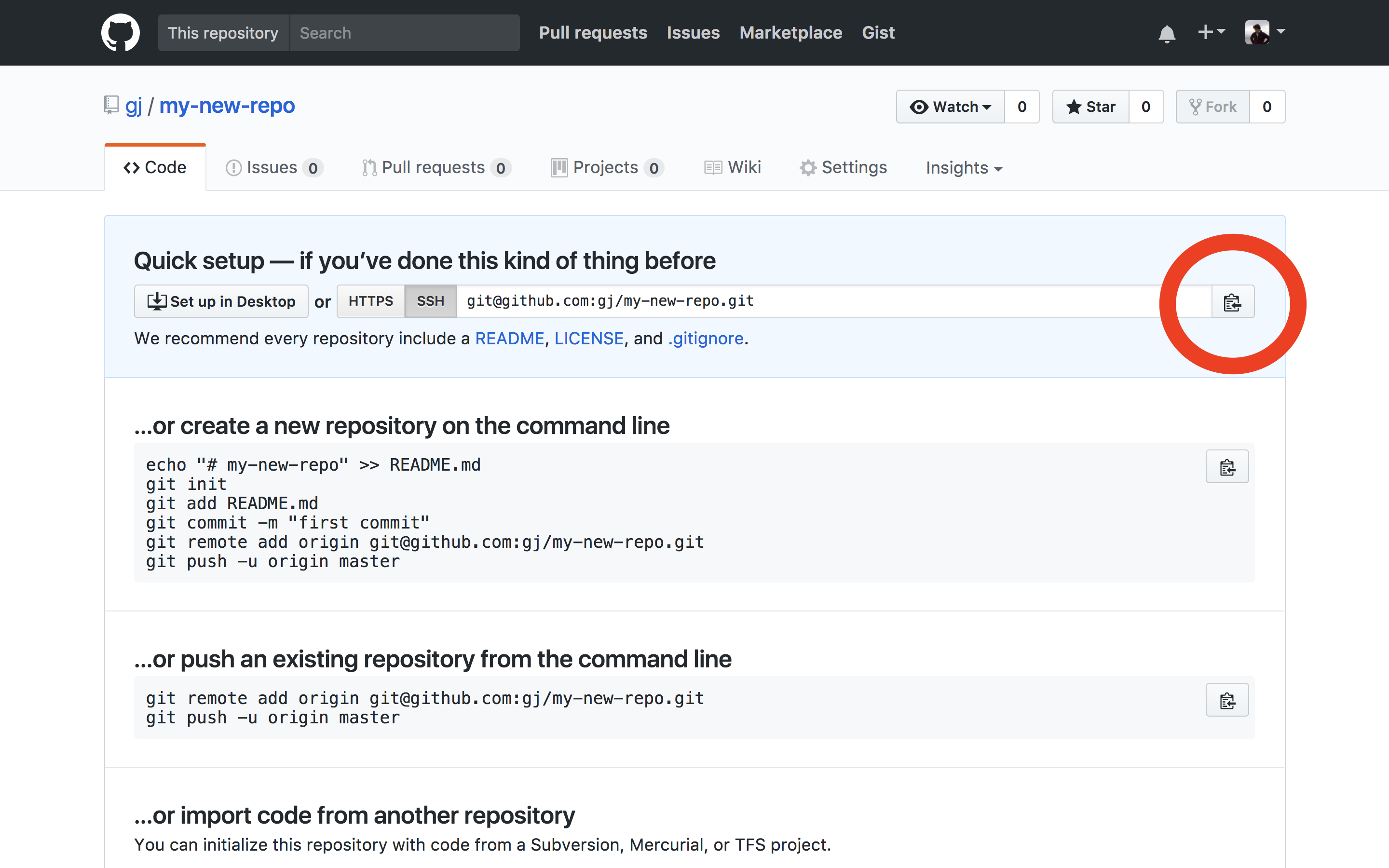
Git Remote Code Along Learn co
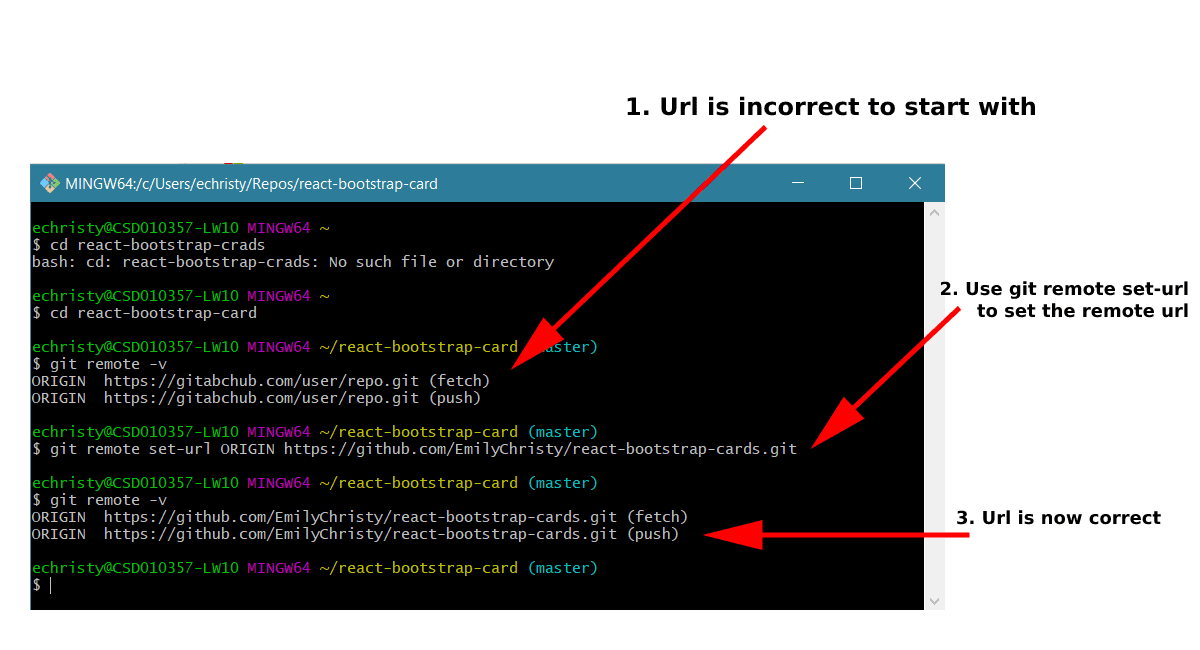
What Is Git ORIGIN The Git Remote Add Command
How To Add Change URL For Remote Git Repository Tech Language

Fixed Command add apt repository Not Found In Ubuntu TechPiezo
The git remote set url command changes an existing remote repository URL Tip For information on the difference between HTTPS and SSH URLs see About remote repositories The git remote set url command takes two arguments An existing remote name For example origin or upstream are two common choices A new URL for the remote For example
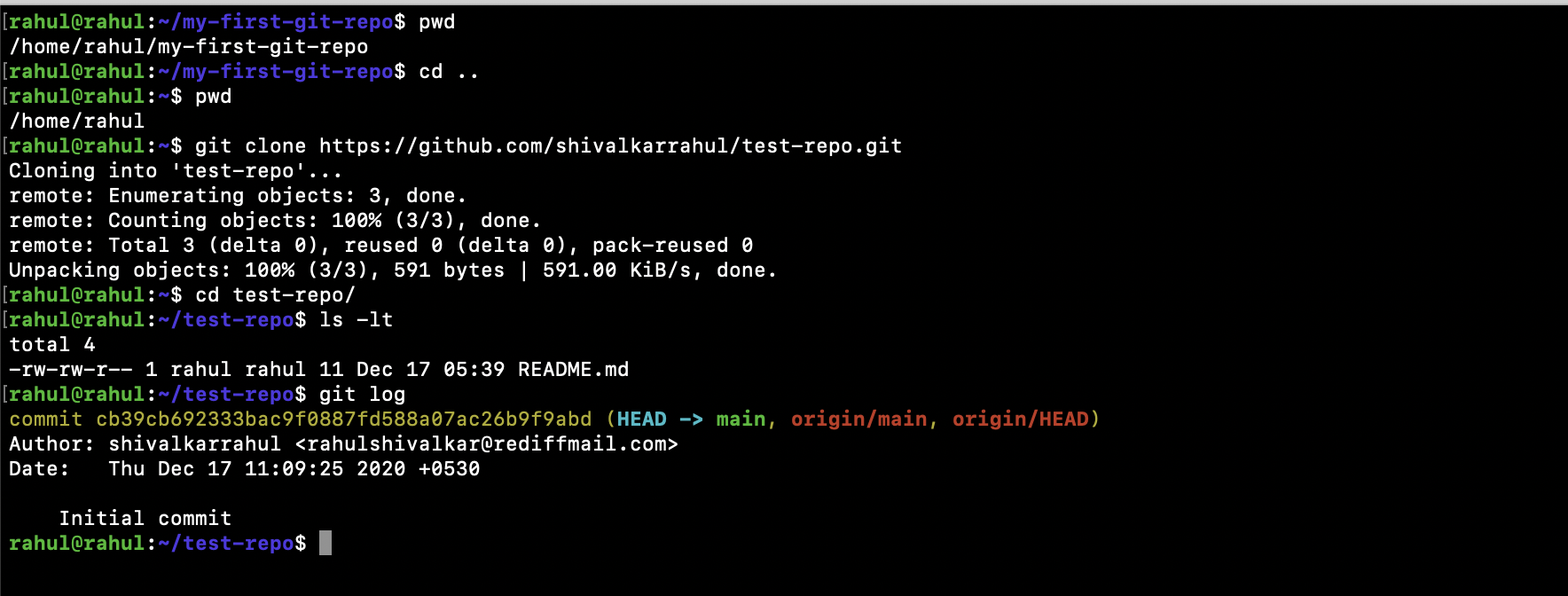
1 Answer Sorted by 2 There is no password for git as git doesn t handle authentification If you need to change your server user s password just issue theses commands ssh myuser my adresse ip passwd
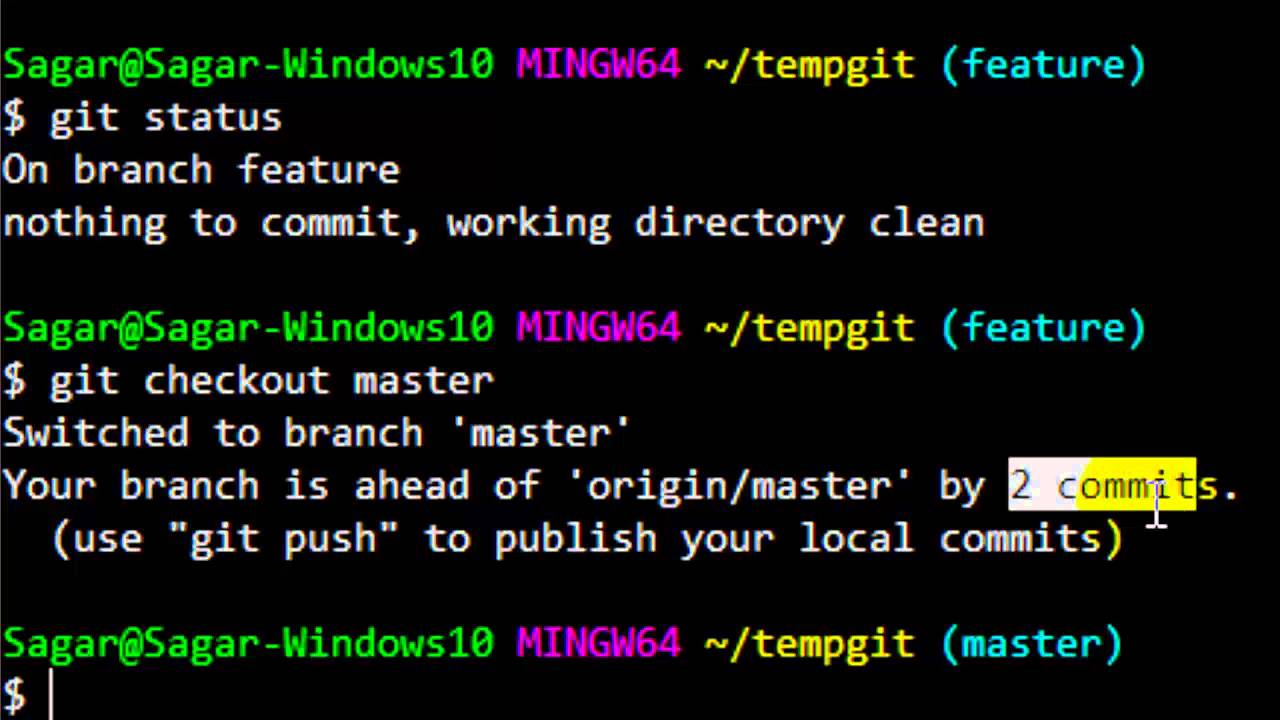
Simple use git config global credential helper wincred and enter userID and password then this will be stored for you next time you change your password rerun above command Akshay Lokur Mar 6 2017 at 5 52 If all else fails and you re using TortoiseGit you might want to try an action via that

Learn to work with your local repositories on your computer and remote repositories hosted on data variables product product name n n n n categories 18 articles n remotes n categories managing remotes n articles managing remote repositories n articles adding a remote n github using git adding a remote n
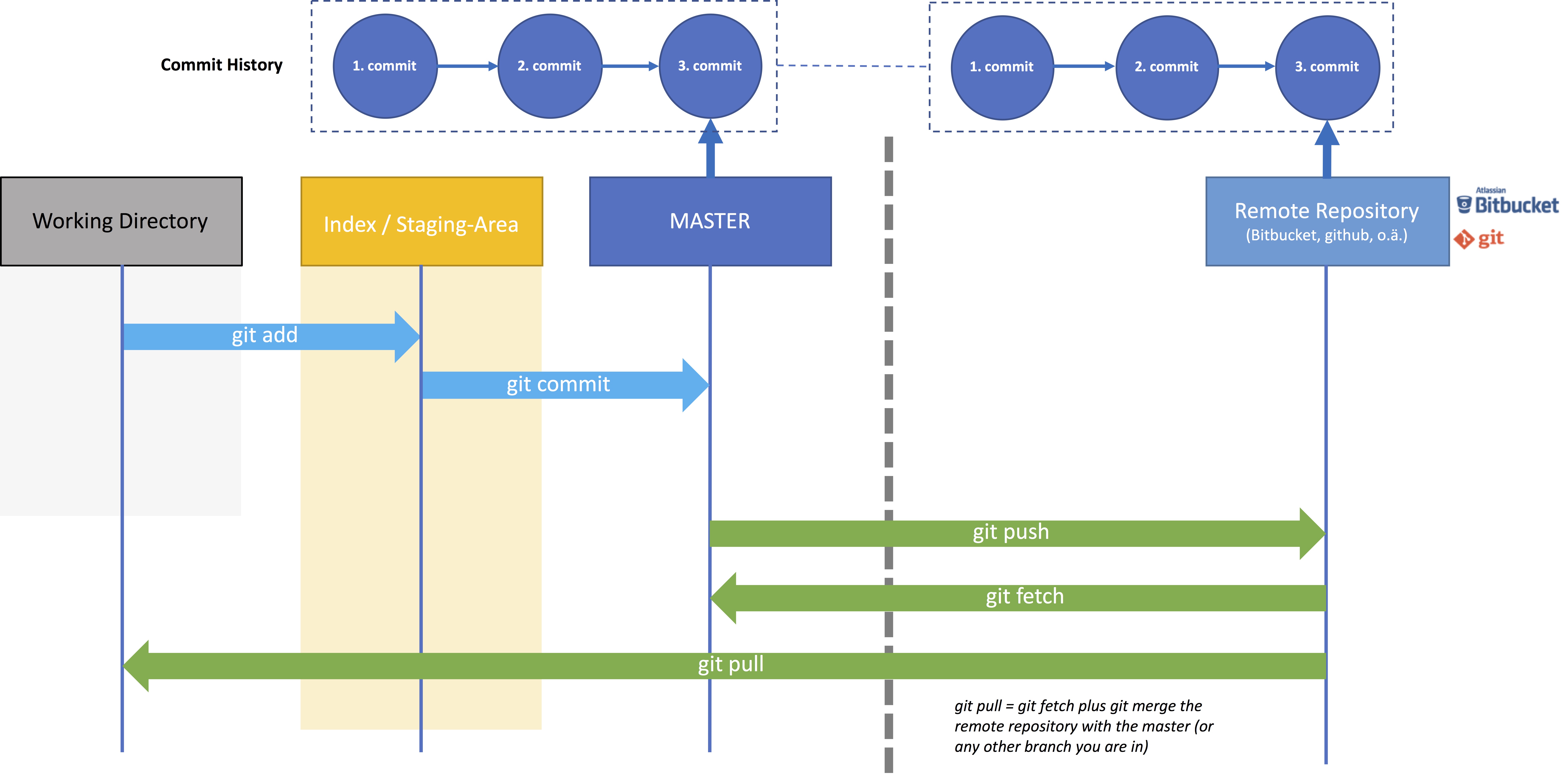
Git will sometimes need credentials from the user in order to perform operations for example it may need to ask for a username and password in order to access a remote repository over HTTP Some remotes accept a personal access token or OAuth access token as a password
If you clone a repository the command automatically adds that remote repository under the name origin So git fetch origin fetches any new work that has been pushed to that server since you cloned or last fetched from it It s important to note that the git fetch command only downloads the data to your local repository it doesn t automatically merge it with any of your work Aug 1 2016 at 9 43 1 Really Just remove and add the remote again Starting from scratch is inconvenient and error prone in some operations Jason S Nov 25 2016 at 22 25 1 This can also happen after enabling two factor authentication in this case you should follow the instruction here stackoverflow a 34919582 2898283 mechatroner
Go to https github settings tokens and Log In Click Generate new token and then confirm your password 3 Add a token name you can use a naming convention to help keep track of who