Git Change History On Remote Git Change Remote URL In Local Repository TecAdmin Jan David Narkiewicz Developer Git Adding Remote Origin To A Local Git Workflow 183 Gitbook Riset Renaming A Git Branch How To Rename The Current Branch In Git How To Change Git Remote Origin URL DevsDay ru WEB Add a remote named lt name gt for the repository at lt URL gt The command git fetch lt name gt can then be used to create and update remote tracking branches lt name gt lt branch gt
WEB Options for getting changes These commands are very useful when interacting with a remote repository clone and fetch download remote code from a repository s remote WEB Jul 30 2021 nbsp 0183 32 First you ll need to stage your changes git add And then amend git commit amend no edit The no edit flag will make the command not modify the
How To Change Git Remote Origin URL DevsDay ru Working With Git For Windows Open Source For You Mastering Git Understanding Git Remote Add Origin Git How Can I Generate A Diff For A Single File Between Two Branches Download Git History Extension 0 6 19 For Visual Studio Code GIT Branch And Its Operations An Easy Understanding Digital Varys Git Create Branch From Another Branch Console Lasopaireland How Does Git Work Git Is A DVCS Distributed Version By Sunil All Things Git Alex DiLiberto
Git Change History On Remote
 Git Change History On Remote
https://tecadmin.net/wp-content/uploads/2023/01/git-set-remote-url.png
WEB First the TL DR use these four commands with caution more on this later and enjoy a tidy ship 1 Reset the repo to the initial commit preserving the current state of the files on your local machine 2 Stage
Templates are pre-designed files or files that can be used for numerous purposes. They can save effort and time by offering a ready-made format and layout for creating various sort of content. Templates can be utilized for personal or professional tasks, such as resumes, invitations, flyers, newsletters, reports, discussions, and more.
Git Change History On Remote
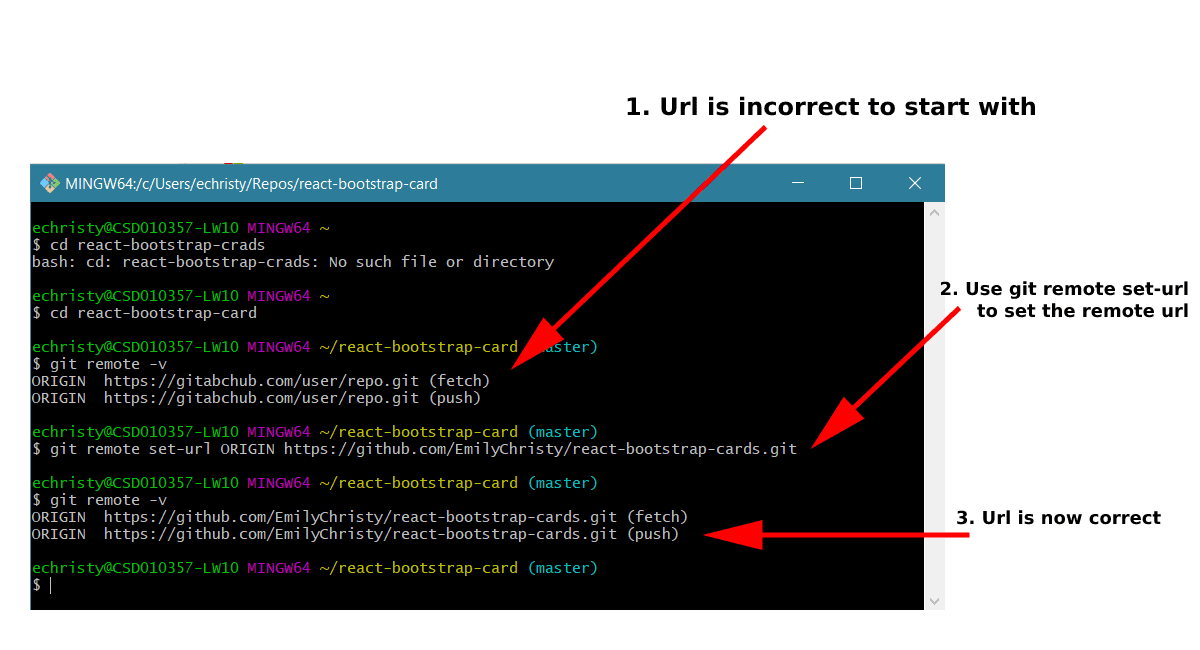
What Is Git ORIGIN The Git Remote Add Command

Working With Git For Windows Open Source For You

Mastering Git Understanding Git Remote Add Origin

Git How Can I Generate A Diff For A Single File Between Two Branches

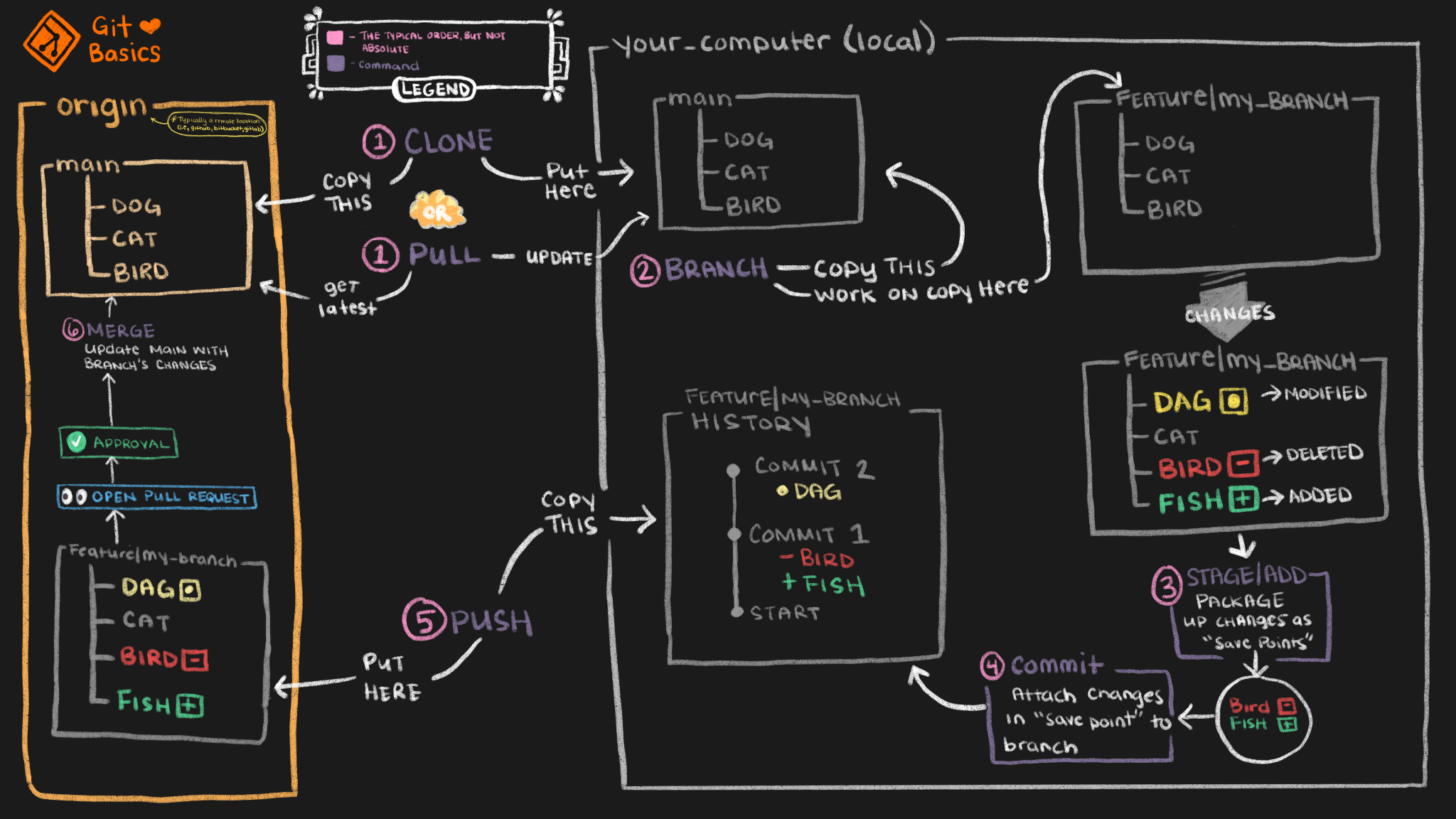
GIT Branch And Its Operations An Easy Understanding Digital Varys
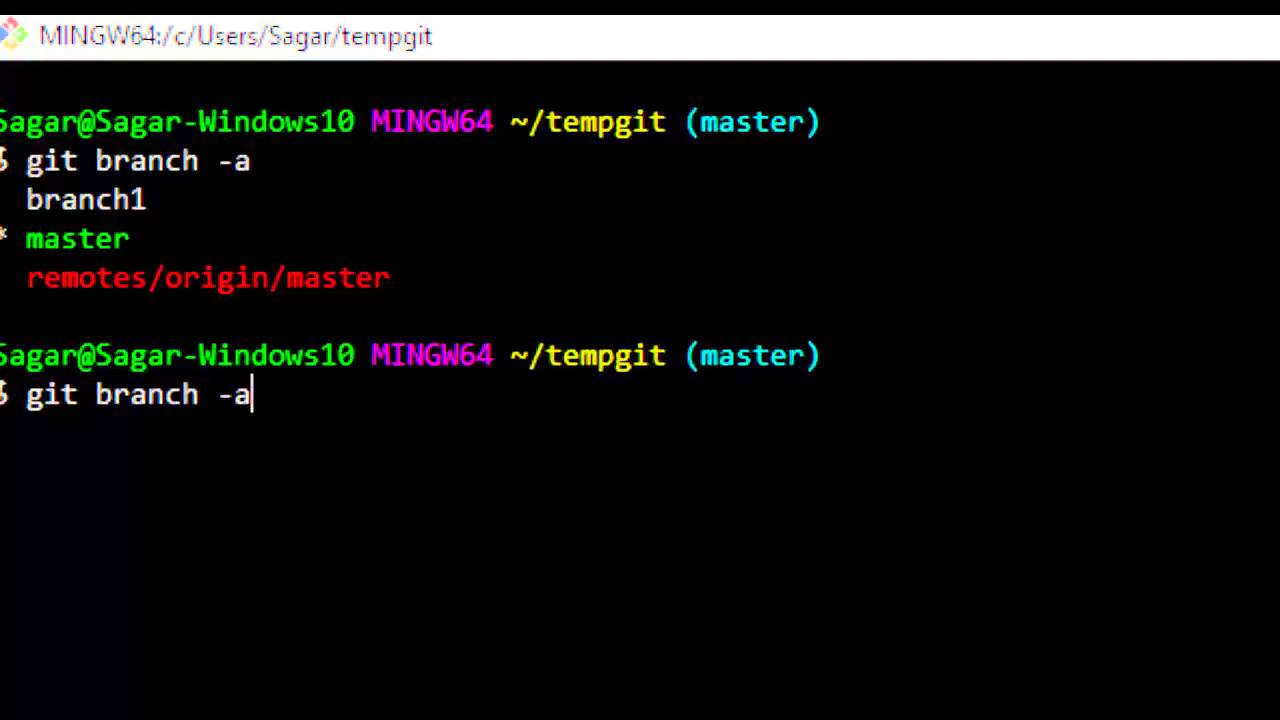
Git Create Branch From Another Branch Console Lasopaireland
WEB Rewriting History Many times when working with Git you may want to revise your local commit history One of the great things about Git is that it allows you to make decisions
WEB Apr 7 2012 nbsp 0183 32 1 git rebase i HEAD 2 2 Changed my last commit line to quot edit quot saved and closed the file 3 git reset HEAD 4 git stash save 5 Removed the changes I don t
WEB The first step is to start an interactive rebase Let s rebase both commits with git rebase i HEAD 2 giving us this rebase plan pick 237b246 Add C program skeleton pick b3f188b

WEB There are many ways to rewrite history with git Use git commit amend to change your latest log message Use git commit amend to make modifications to the most recent commit Use git rebase to combine
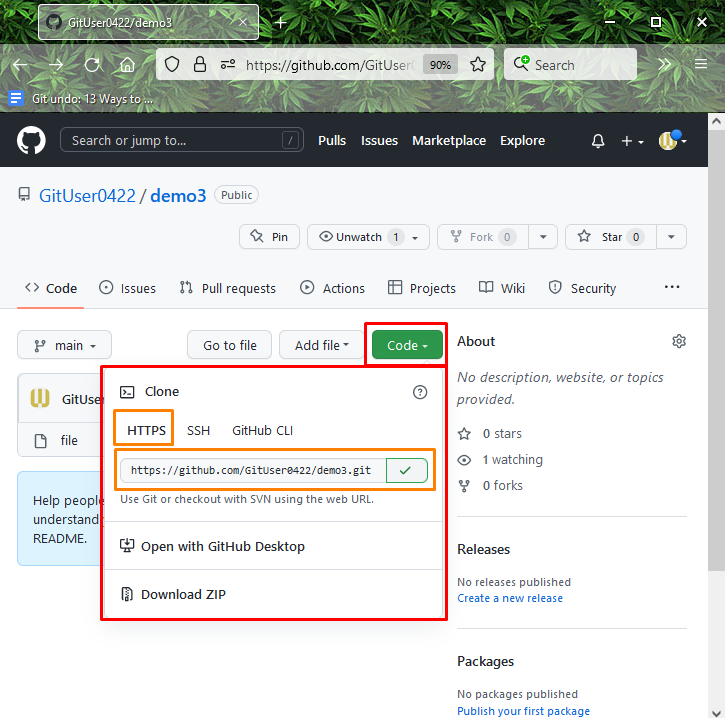
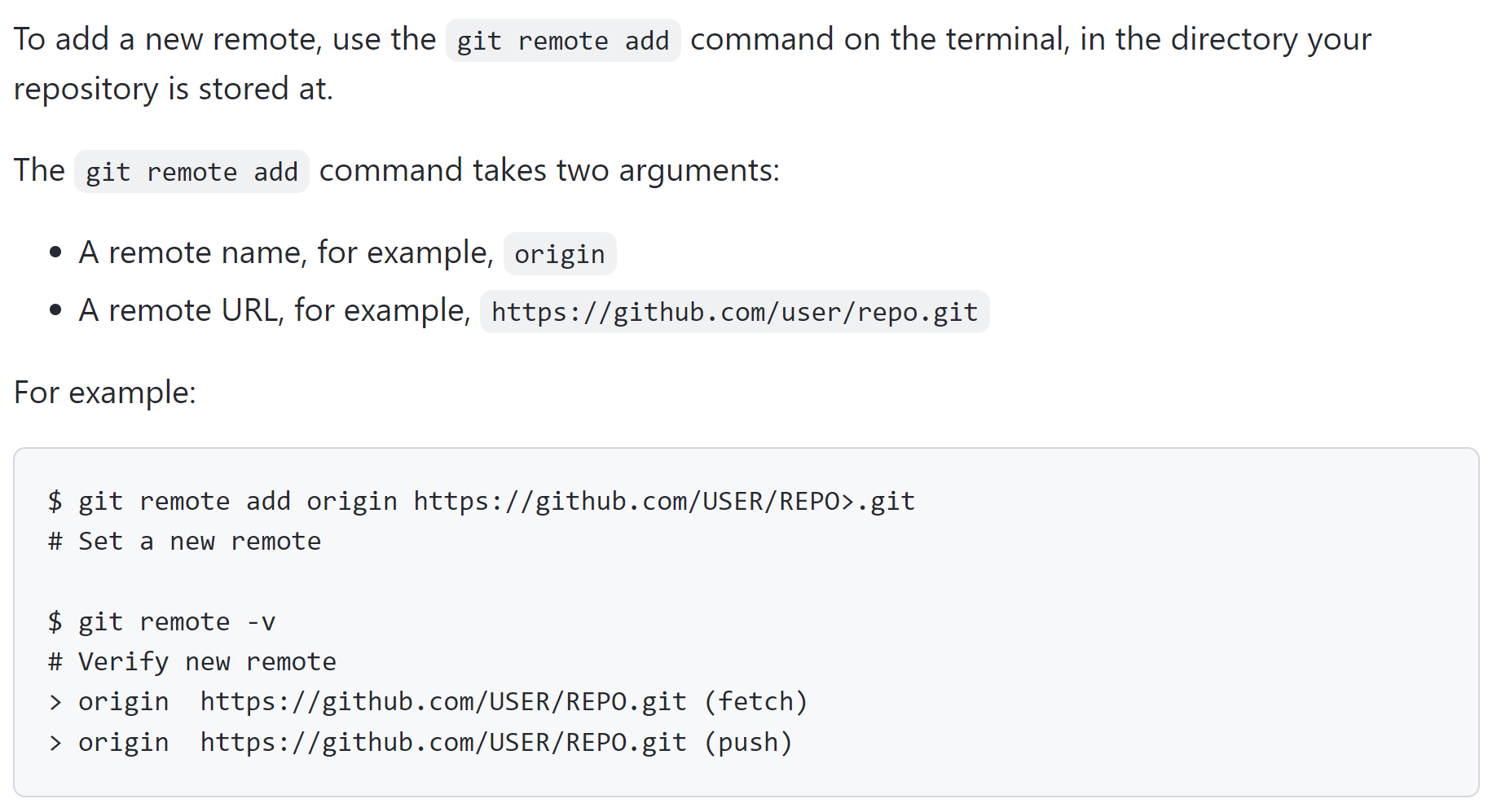
WEB Adding Remote Repositories We ve mentioned and given some demonstrations of how the git clone command implicitly adds the origin remote for you Here s how to add a new
WEB Mar 8 2021 nbsp 0183 32 Now run the command below to reset your remote branch to origin If you have a different remote and default branch name not origin or main respectively just WEB Dec 20 2022 nbsp 0183 32 To clear the history of the master branch we can do the operations of creating a clean temporary branch add all files into the temporary branch and commit
WEB Jun 12 2018 nbsp 0183 32 Steps to get to a clean commit history understand rebase and replace pulling remote changes with rebase to remove merge commits on your working branch