Git Change Default Branch Master To Main Python Git Create Branch Drivelasem How To Get My Branch As Default In Azure Devops Pipeline Stack Overflow GitLab Getting Started Websoft9 GIT Branch And GIT Merge Change Default Branch For Git Repository Product Updates Nulab Step 1 Create a new branch The first step is to create a new branch called main from the existing master branch git branch m master main This command renames the master branch to main Step 2 Push the new branch to the remote repository Next you need to push the new main branch to the remote repository git push u origin main
Steps Step 1 Move the master branch to main Step 2 Push main to remote repo Step 3 Point HEAD to main branch Step 4 Change default branch to main on GitHub site Step 5 Delete master branch on the remote repo Step 1 Move the master branch to main The new Git default branch name 404 That page does not exist That page may have moved or changed address Contact your GitLab administrator if you think this is a mistake Get Help Why we re joining the Git community and updating master to main
Change Default Branch For Git Repository Product Updates Nulab Rename Your Git Default Branch From Master To Main with GitLab How To Convert GitHub Repositories To main Rename Branch Master To Main In Azure DevOps GitLab Change Default Branch Level Up Rename Your Git Default Branch From Master To Main with GitLab Change The Default Branch On Your Git Repo Git How To Change The Main Branch To Master On Github Command Line Change The Default Git Branch Name From Master To Main
Git Change Default Branch Master To Main
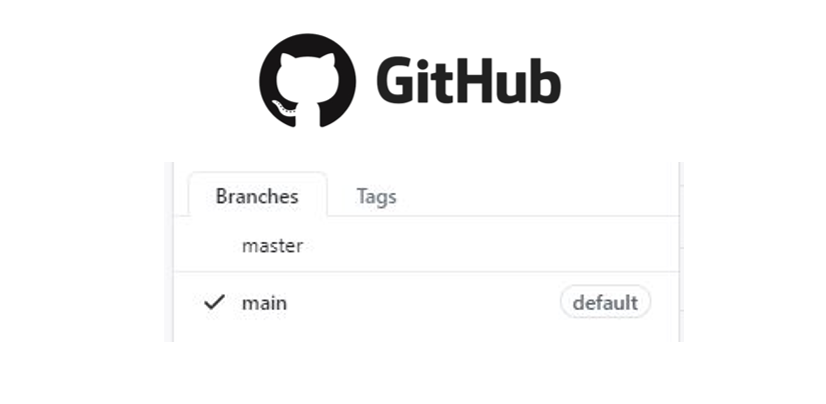 Git Change Default Branch Master To Main
https://pythonforundergradengineers.com/posts/git/images/cover_master_to_main.png
You probably have created a new git repository with a default branch of main before When working with an existing repository with a default branch of master how do you safely change the default branch to main Create main branch from master First create a branch called main with all the commit history from master by using the m
Pre-crafted templates use a time-saving service for producing a diverse range of documents and files. These pre-designed formats and designs can be utilized for various individual and expert jobs, including resumes, invites, flyers, newsletters, reports, presentations, and more, simplifying the material creation process.
Git Change Default Branch Master To Main

How Do I Change The Git Default Branch Name For New Repositories From

Rename Your Git Default Branch From Master To Main with GitLab
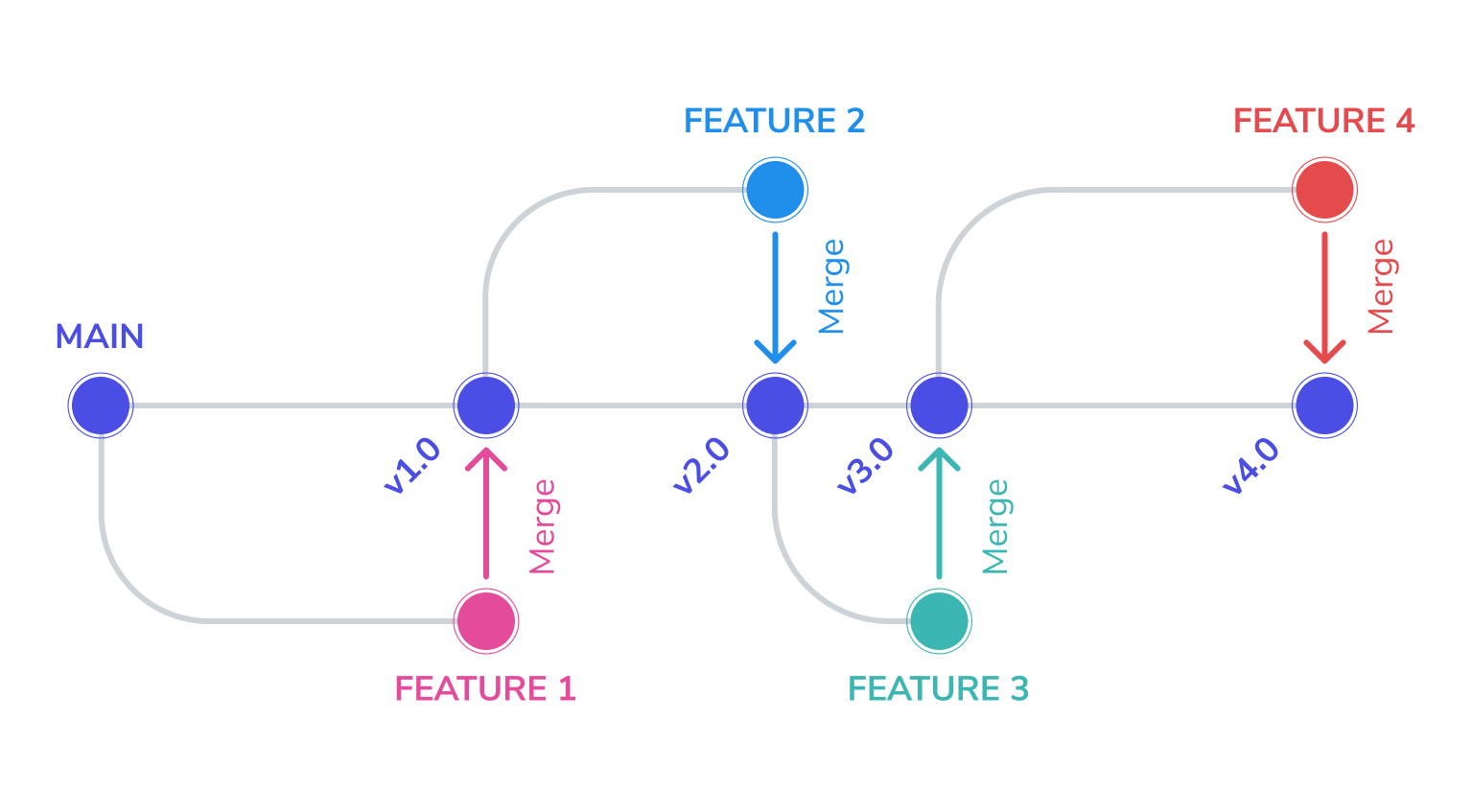
How To Convert GitHub Repositories To main
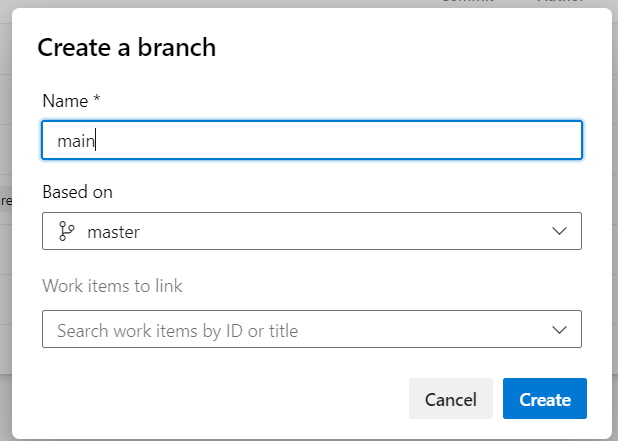
Rename Branch Master To Main In Azure DevOps

Rename Your Git Default Branch From Master To Main with GitLab
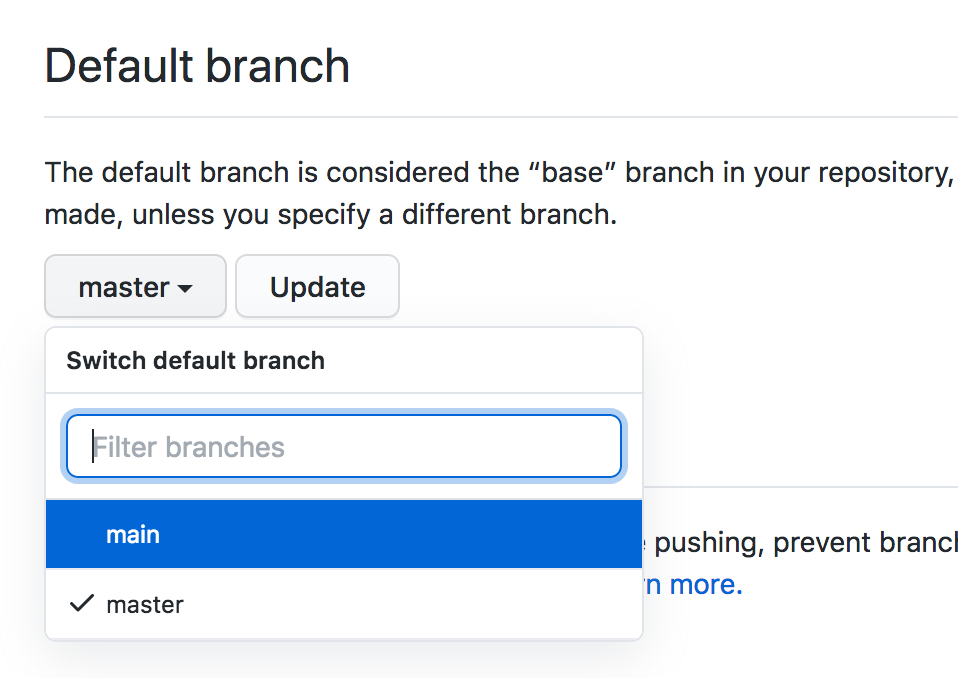
Change The Default Branch On Your Git Repo
Following the FAQ article How to Rename the master branch to main in Git and the GitHub documentation itself you can rename your local branch from master to main git branch m master main push to main git push u origin main update your default branch on GitHub side Then delete the remote master branch git push origin delete master
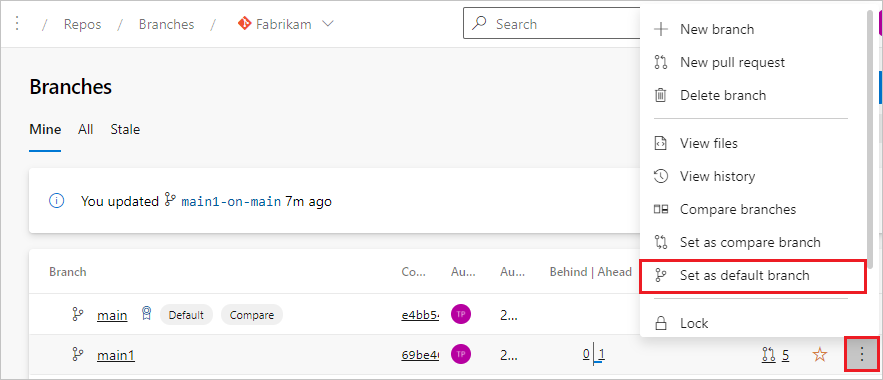
Download Now for Free Renaming the Local master Branch to main The first step is to rename the master branch in your local Git repositories git branch m master main Let s quickly check if this has worked as expected git status On branch main Your branch is up to date with origin master nothing to commit working tree clean
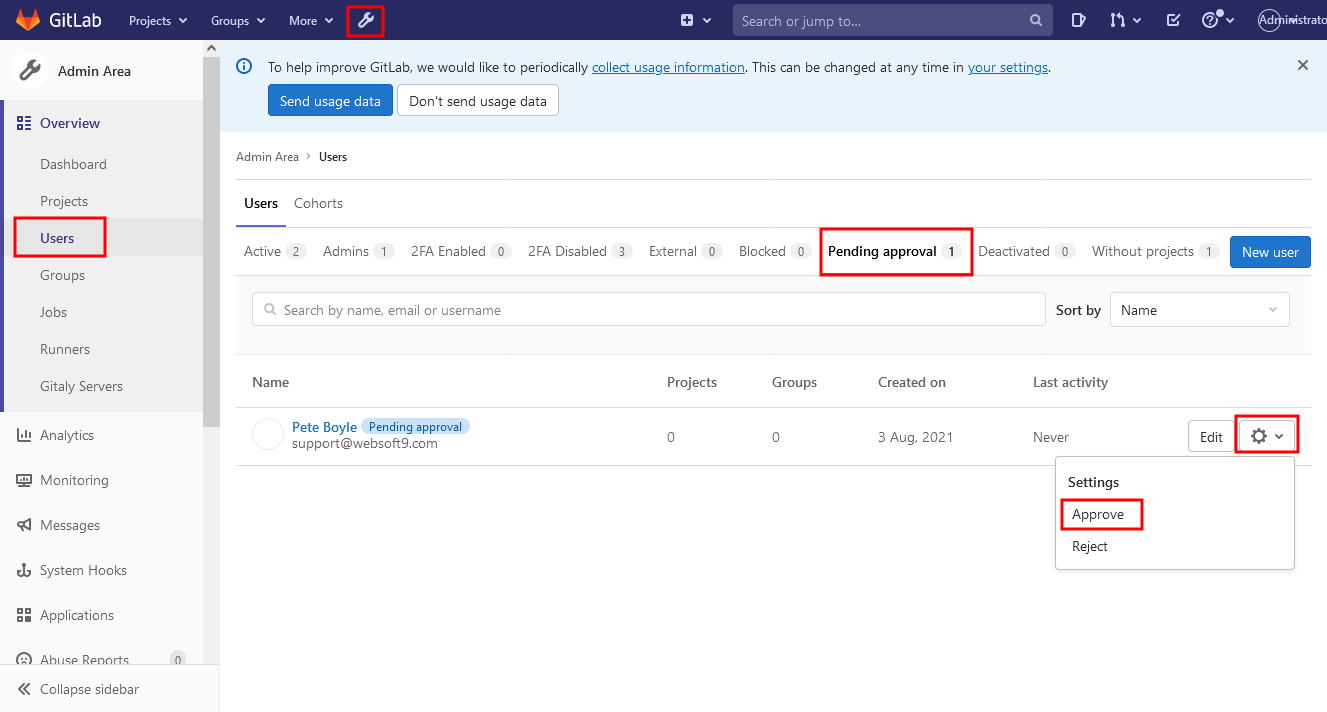
Git version 2 29 introduced the ability to switch the default branch name from master to main In practice there s never been anything special about Git s master branch However the branch is so ubiquitous that users often believe that it can t be deleted or removed from a project without harming the repository These are false assumptions
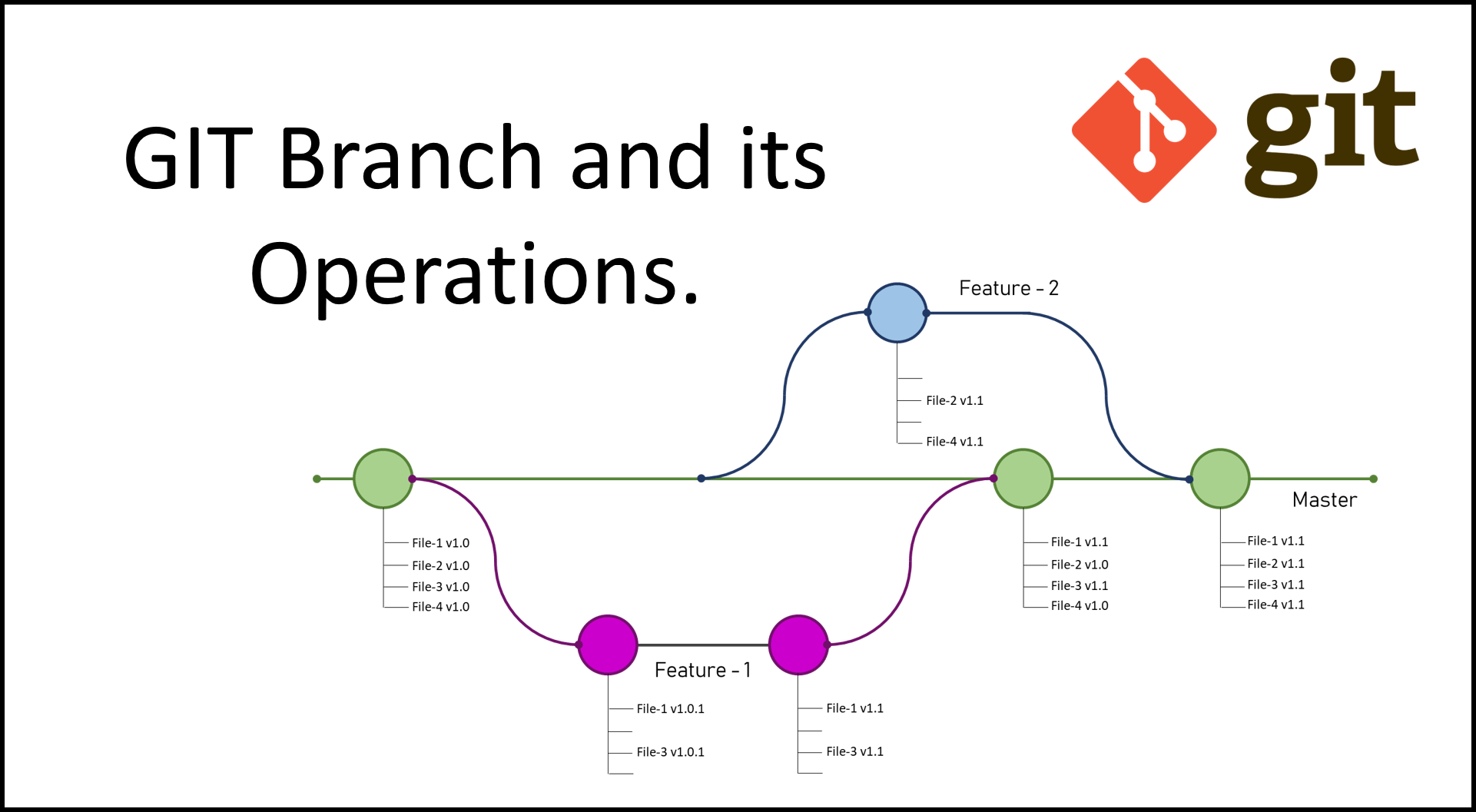
On GitHub navigate to the main page of the repository Under your repository name click Settings If you cannot see the Settings tab select the dropdown menu then click Settings Under Default branch to the right of the default branch name click Select the branch dropdown menu and click a branch name Click Update

Remote To https github shanselman WindowsTerminalHere git new branch HEAD main That was easy NOTE Changing the default branch to main also has the benefit of starting with ma so that autocomplete TAB muscle memory still works Another great option for your main github branch is latest The goal is to just be unambiguous
On the left sidebar select Search or go to and find your project Select Settings Repository Expand Branch defaults For Default branch select a new default branch Optional Select the Auto close referenced issues on default branch checkbox to close issues when a merge request uses a closing pattern Scott covered this nicely with links to topics that show how master originated from BitKeeper There is evidence to strongly suggest it does pertain to the outdated oppressive and perverse master slave metaphor rather than master copy Edited 17th October 2020 a bit late I know Git now lets you set a default branch for init and GitHub now defaults to main
Since creating a new default branch git pull into master from origin master Also any new branch will it be from master or develop As you can see