Get Screen Resolution Windows 10 Solved Can t Adjust Screen Resolution In Windows 10 How To Change Screen Resolution In Windows 10 LaptrinhX News VIEW SCREEN RESOLUTION WINDOWS 10 CMD Command YouTube How To Change Screen Resolution In Windows 10 2 Methods Windows 10 How To Adjust Screen Resolution YouTube Verkko 18 tammik 2017 nbsp 0183 32 Select System 4 Click Advanced display settings 5 Click on the menu under Resolution 6 Select the option you want We strongly recommend going with the one that has Recommended next
Verkko 4 kes 228 k 2021 nbsp 0183 32 Right click on the Windows desktop and select Display Settings Under Display resolution select the drop down menu Look for the Recommended resolution which is your display s native Verkko 5 syysk 2022 nbsp 0183 32 When you find the resolution you ll see it displayed as Width x Height in pixels e g 1920 x 1080 or using terms like 4K UHD which means 3840 x 2160 or
Windows 10 How To Adjust Screen Resolution YouTube Change Screen Resolution In Windows 10 HowPChub How To Change Screen Resolution Windows 10 Solved Driver Easy Can t Change Screen Resolution Windows 10 Fixed With 5 Ways Solved Can t Adjust Screen Resolution In Windows 10 Opgelost Kan De Schermresolutie Niet Aanpassen In Windows 10 Ramen 10 2 NA INA DA PROMIJENITE REZOLUCIJU EKRANA U WINDOWS 10 SOFT Solved Can t Adjust Screen Resolution In Windows 10 Windows 10 Screen Resolution Locked Peercrimson
Get Screen Resolution Windows 10
 Get Screen Resolution Windows 10
https://howtofixwindows.com/wp-content/uploads/2020/12/change-display-resolution.jpg
Verkko 6 jouluk 2015 nbsp 0183 32 Option One Change Screen Resolution of Display in Settings Option Two Change Display Mode and Screen Resolution of Display in Advanced Display
Pre-crafted templates offer a time-saving option for developing a varied variety of documents and files. These pre-designed formats and designs can be used for different personal and expert tasks, consisting of resumes, invitations, leaflets, newsletters, reports, discussions, and more, simplifying the material development process.
Get Screen Resolution Windows 10

Screen Resolution Windows 10 Forums
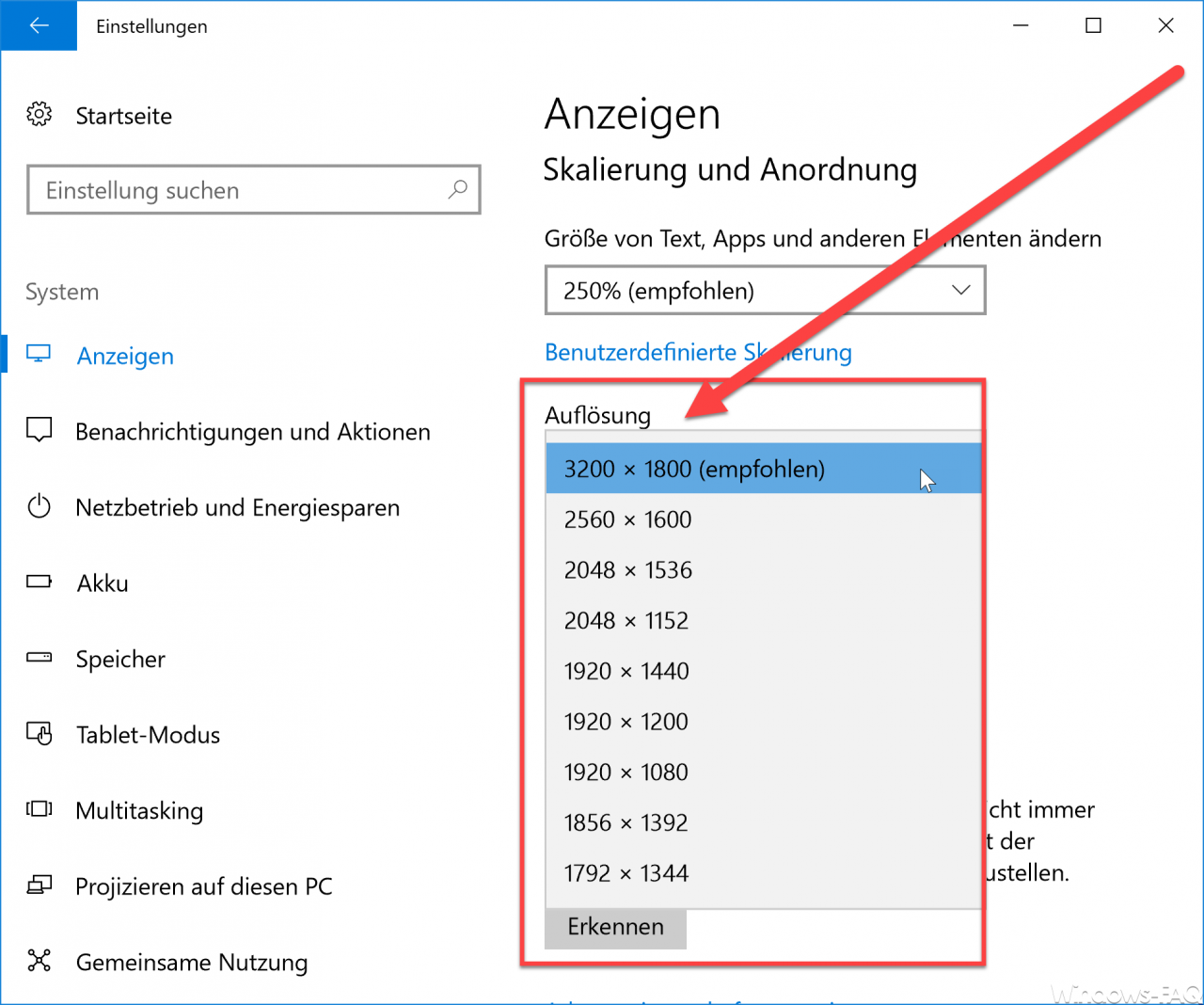
Change Screen Resolution In Windows 10 HowPChub
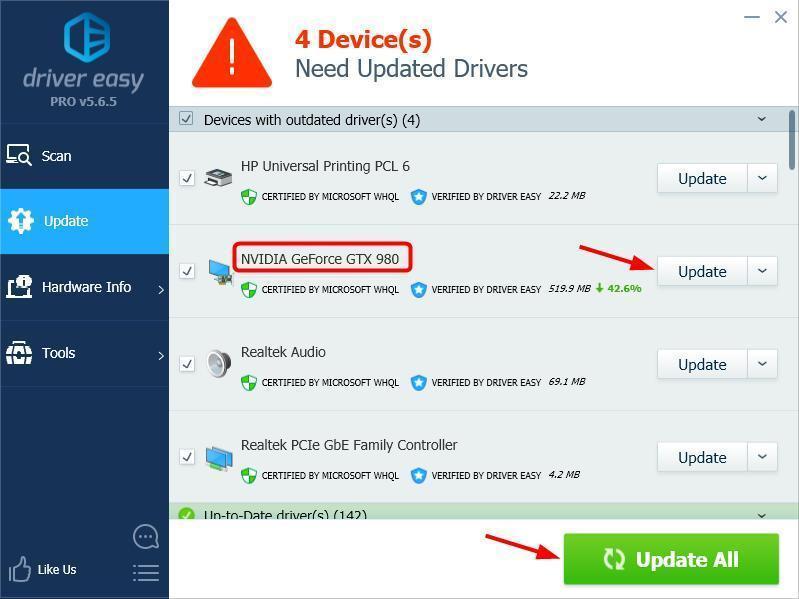
How To Change Screen Resolution Windows 10 Solved Driver Easy
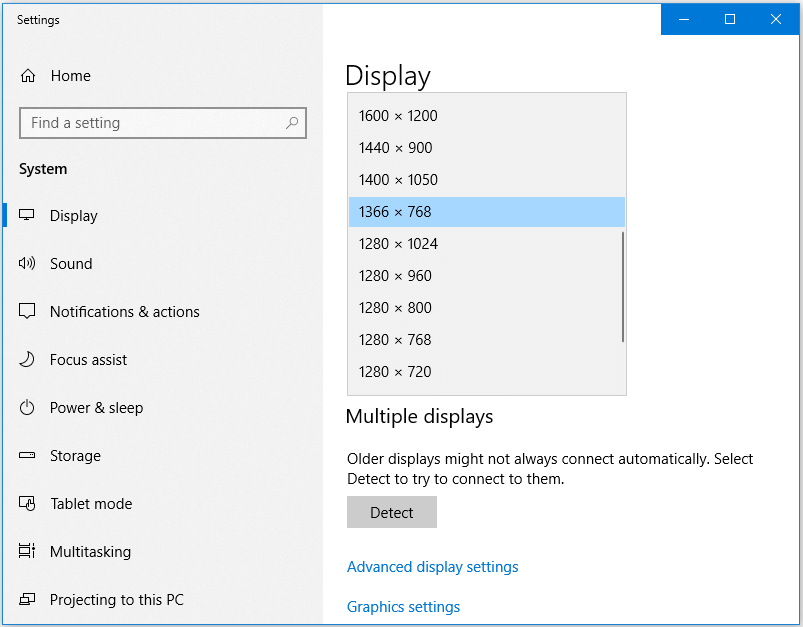
Can t Change Screen Resolution Windows 10 Fixed With 5 Ways

Opgelost Kan De Schermresolutie Niet Aanpassen In Windows 10 Ramen 10
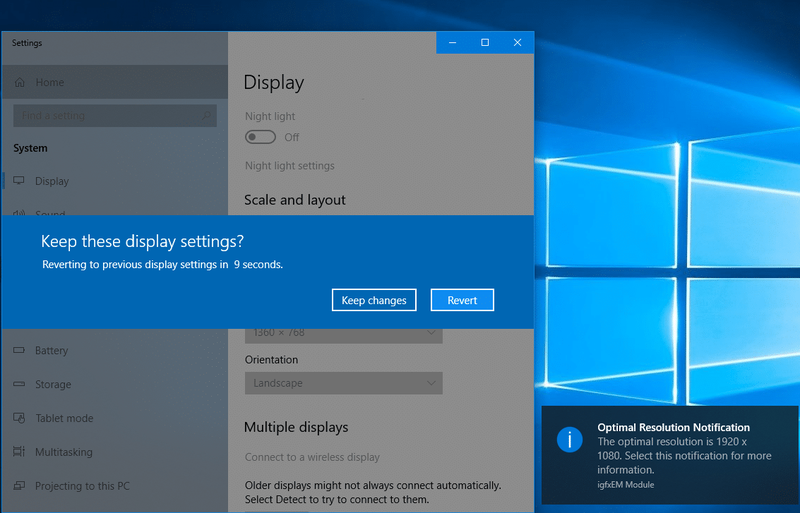
2 NA INA DA PROMIJENITE REZOLUCIJU EKRANA U WINDOWS 10 SOFT

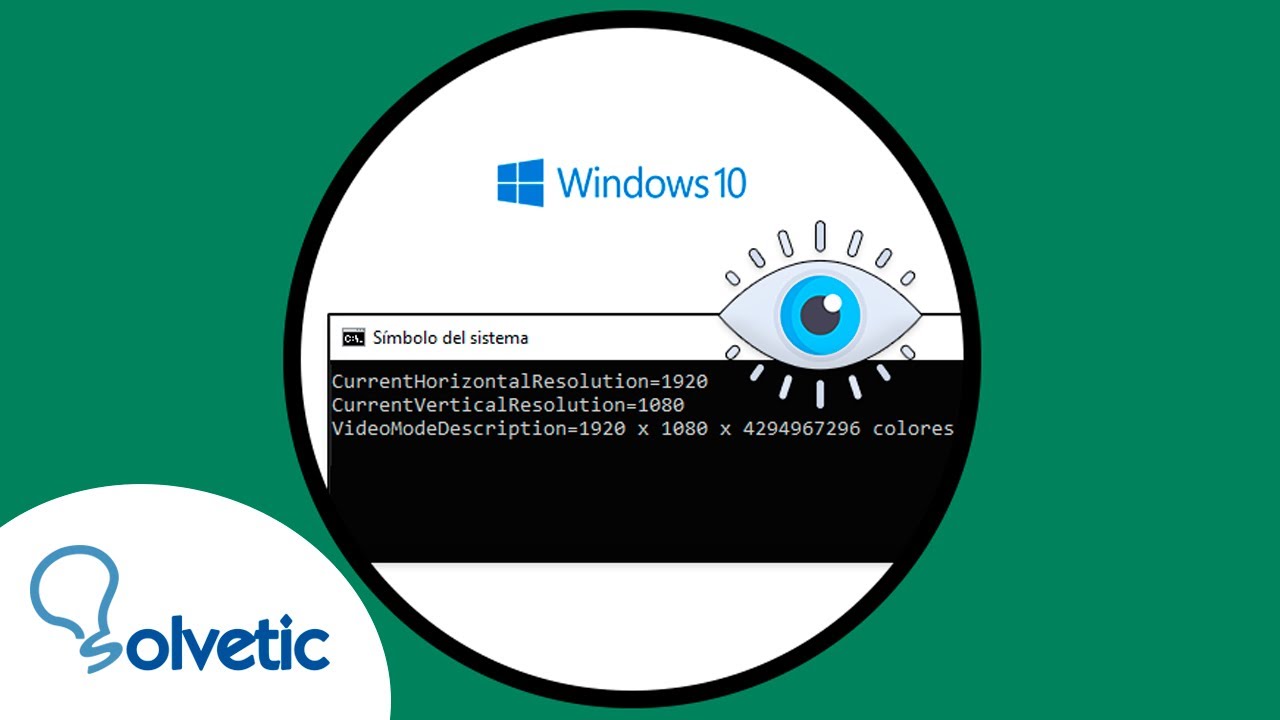
Verkko 13 toukok 2019 nbsp 0183 32 3 I m trying get the current screen resolution on windows via command line Based on most of the answers I ve found I should use wmic

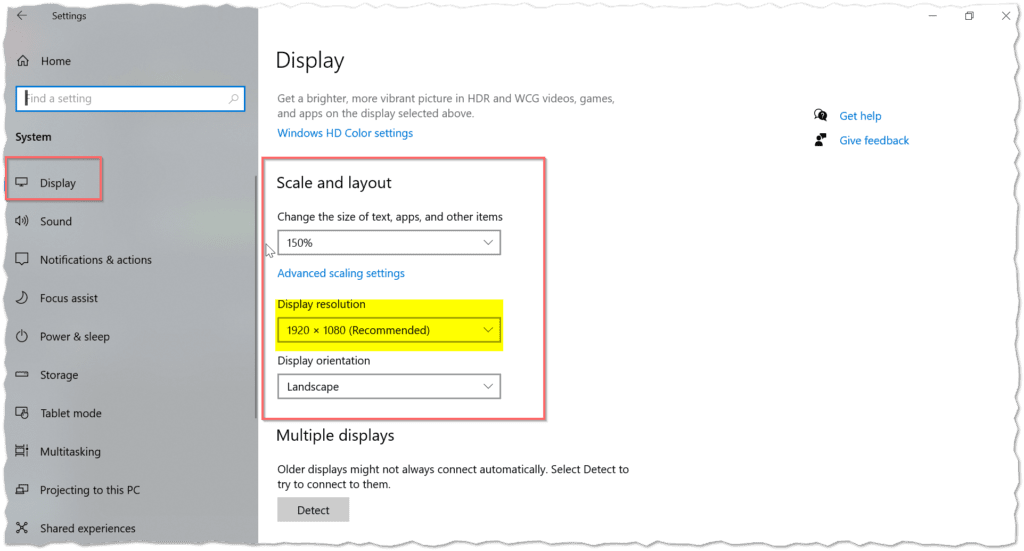
Verkko To change your screen resolution use the drop down menu next to Display resolution Note You should use the Recommended resolution If you change the resolution
Verkko 6 elok 2019 nbsp 0183 32 Click on the arrow next to the resolution that s currently set to see a drop down of available options Select the resolution
Verkko How to get the screen resolution in windows 10 with command prompt or powershell Asked 6 years 6 months ago Modified 6 years 6 months ago Viewed 31k times 1 I have been trying to run wmic path

Verkko 10 lokak 2021 nbsp 0183 32 This post helps to get 1920x1080 resolution on 1366x766 screen in Windows 11 10 You can set 1920x1080 display resolution using two ways
Verkko First press the Start key I on your keyboard to open the Windows 10 Settings app After opening the Settings app go to the System gt Display page You will see the Verkko 14 helmik 2018 nbsp 0183 32 1 Right click on the screen and select Display Settings 2 Select Screen Resolution and Work your way up the list of allegedly supported settings
Verkko 3 jouluk 2020 nbsp 0183 32 Step 1 Right click Windows Start menu and choose Settings Step 2 Find the Ease of Access on the panel click on it Step 3 In the Display section find