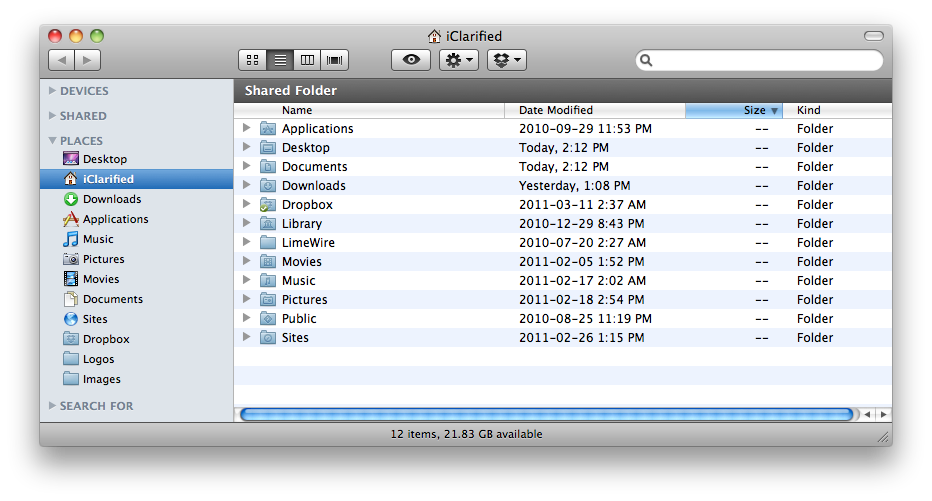
Get Folder Size Mac Terminal PowerShell Get Folder Size On Windows 10 11 Here s A Full Guide Get Folder Size Show Folder Sizes In Mac OS X List View How To Display Folder Size In Mac OS X Finder IClarified StarGaze A Luxurious And Modern Portfolio Theme Web Aug 22 2014 nbsp 0183 32 4 Answers Sorted by 122 A better answer to this question 2 years on using Terminal in OSX 10 11 is to simply add h to the ls command to get human readable file sizes To my understanding in later OSX editions using brew to install coreutils is not required If I am wrong someone correct me
Web Mar 9 2017 nbsp 0183 32 For casual Mac users an easier way to get the size of a directory is through the Finder using the Get Info command on any specified folder Getting the Size of a Directory via Command Line From the Terminal command line issue the following syntax to see the size of a directory du sh directory path Web May 17 2016 nbsp 0183 32 Say you are looking for big files in your home directory use this command find size 1G Replace with the directory of interest Update My original response was wrong but I ll keep it to remind myself If you are trying to get the size of a file try this stat f z filename Normal file stat L f z filename symbolic link file
StarGaze A Luxurious And Modern Portfolio Theme Sample Powershell Scripts To List Directory Contents Grosstask Get Folder Size Powershell Shop Cheapest Save 44 Jlcatj gob mx Screenshot Example How To Get Folder Size In NET Seek The Sun Slowly Windows 11 10 PowerShell Gamingdeputy Japan 5 18 23 00 5 18 23 00
Get Folder Size Mac Terminal
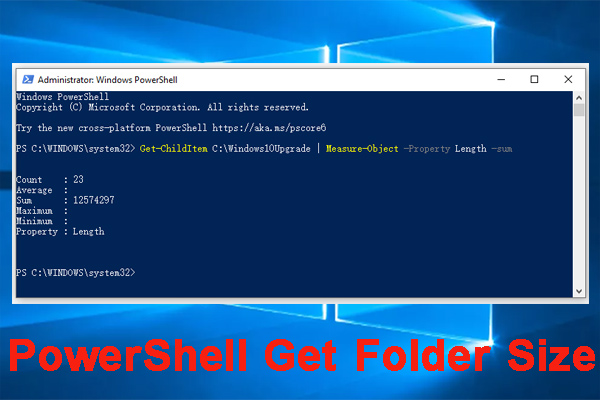 Get Folder Size Mac Terminal
https://www.partitionwizard.com/images/uploads/articles/2022/11/powershell-get-folder-size/powershell-get-folder-size-thumbnail.jpg
Web Add a comment 1 You can also use tree du h du calculates the size of the contents of directories like du and h uses human readable file sizes Or if you only want to see the sizes of the contents of directories use just du or du h You can use gsort
Pre-crafted templates offer a time-saving solution for producing a varied variety of documents and files. These pre-designed formats and designs can be made use of for numerous personal and professional tasks, consisting of resumes, invites, flyers, newsletters, reports, presentations, and more, streamlining the content development process.
Get Folder Size Mac Terminal

How To Sort Folders By Size In Windows Fix Type
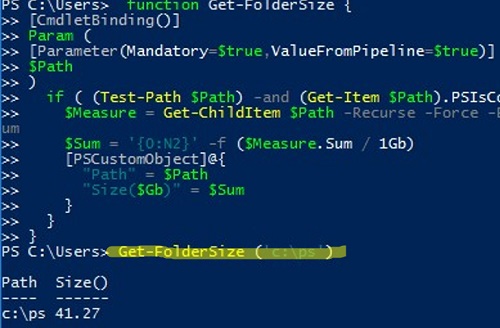
Sample Powershell Scripts To List Directory Contents Grosstask

Get Folder Size Powershell Shop Cheapest Save 44 Jlcatj gob mx
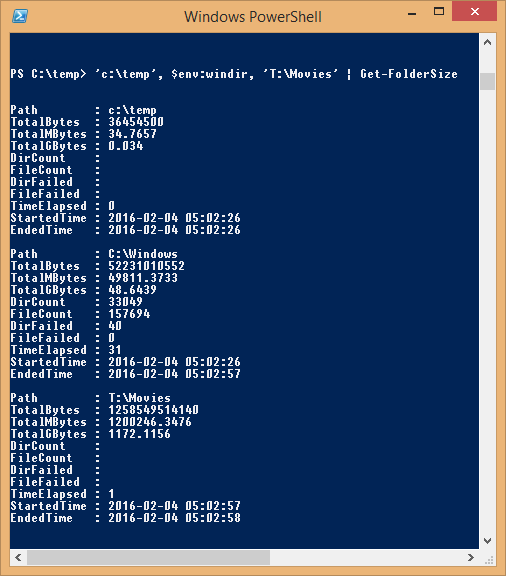
Screenshot Example
Windows 11 10 PowerShell Gamingdeputy Japan
5 18 23 00
Web Aug 26 2016 nbsp 0183 32 From the Terminal type du sh and that will give you a listing of your files and folders with their sizes By issuing du sh in the Terminal I can see the sizes of all my files

Web You can use du ah which displays sizes of all files and directories recursively This can be combined with sort so you ll see the top 20 biggest directories in the current folder du ah sort rh head 20

Web Aug 3 2010 nbsp 0183 32 10 Answers Sorted by 291 If you want to show all the directories in the current directory du sh 788K foo 500K bar 931K baz To show them starting from another directory du sh path to dir 48K path to dir dir1 4 0K path to dir dir2 6 7M path to dir dir3 20K path to dir dir4 8 0K path to dir dir5 44K path to dir dir6
Web Mar 31 2020 nbsp 0183 32 Sometimes we want to have a quick check the size of a specific directory in your current place from the terminal where you are working Instead of opening Finder application a common and unique file explorer on Mac this need can be done by running the following command du sh lt directory gt
Web Dec 6 2016 nbsp 0183 32 Size of files and directories on mac via terminal differs from actual size Ask Question Asked 6 years 10 months ago Modified 6 years 10 months ago Viewed 9k times 3 On a mac I want to calculate the size of a folder ls la produces the following output PC aggregations user ls la total 16 drwxr xr x 4 user staff 136 Dec 6 14 33
Web Oct 14 2023 nbsp 0183 32 Below are the ways to find the size of a directory and a file using Terminal app on a Mac Steps to Know Directory Size on Mac Open Terminal app using Spotlight Search Move to the directory that you want to know the size of Example Copy du sh You will see the size of the directory displayed in KB MB GB Web Jun 12 2021 nbsp 0183 32 To list out file folder sizes for a specific directory in terminal you can use the du command which stands for Disk Usage however you will also want to include a few flags in this command as well du sh This will output the current directory files and folders into Human Readable text
Web Feb 20 2015 nbsp 0183 32 26k 24 64 88 32 1 Strictly speaking you can t Linux has directories not folders 2 There s a difference between the size of a directory which is a special file holding inodes that point to other files and the size of the contents of that directory