Get All Object Properties Powershell How To Change Object Properties With AutoLISP YouTube PowerShell Basics The Power Of Where Object YouTube Is It Possible To Get All Object Properties In BOM List In Advance PowerShell Sort Object Syntax Parameters And Examples Of PowerShell Where Object Taking On PowerShell One Cmdlet At A Time Weekly Blog Get Member will show you all the members properties etc of the object requested It is doing exactly what you asked of it 1 Get Aduser has a default property set it gets from AD e g DisplayName samaccountname and etc If you want more then you need to ask for more From TechNet for Get Aduser Properties
This example gets all the members properties and methods of service objects retrieved by the Get Service cmdlet including the intrinsic members such as PSBase PSObject and the get and set methods PowerShell Get Service Get Member Force Get Service Schedule PSBase Get Member is a powerful tool that allows to see the type and structure of objects in PowerShell
Where Object Taking On PowerShell One Cmdlet At A Time Weekly Blog Managing PowerShell Functions The Lonely Administrator 15 Powershell Working With Items And Item Properties YouTube How To Get All Properties And Methods Of A Powershell Object YouTube Sustainability Free Full Text A Semantic And Social Approach For What Is PowerShell And Why Use It Get Process Taking On PowerShell One Cmdlet At A Time Weekly Blog PowerShell 7 Windows Module Compatibility Thinking Aloud List Of Class And Object Properties relationships In The Ontology
Get All Object Properties Powershell
 Get All Object Properties Powershell
https://i.ytimg.com/vi/gpyfY7U9LLA/maxresdefault.jpg
PowerShell How to show all of an object s properties and values 26 MAR 2013 1 min read about powershell I was scratching my head looking at a complex NET object and wondering how to get all of the values out of it For example date New Object System DateTime date Write Host Because I was doing it remotely in a job
Pre-crafted templates offer a time-saving solution for producing a varied range of documents and files. These pre-designed formats and layouts can be utilized for different individual and expert projects, consisting of resumes, invites, leaflets, newsletters, reports, presentations, and more, streamlining the material creation process.
Get All Object Properties Powershell
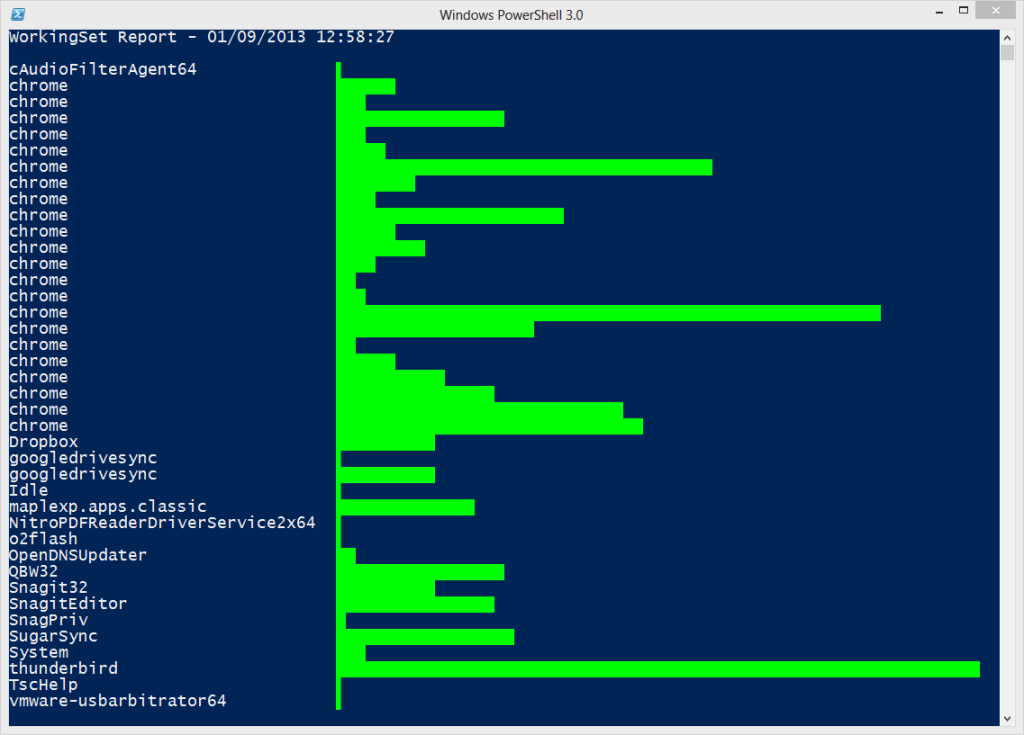
Graphing With The PowerShell Console The Lonely Administrator
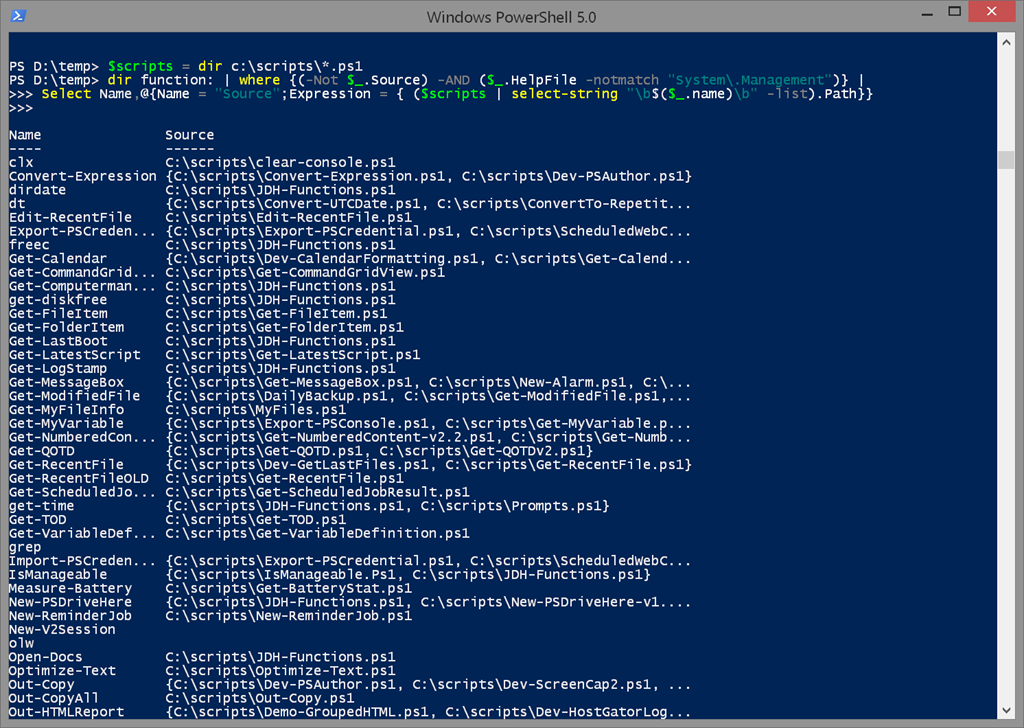
Managing PowerShell Functions The Lonely Administrator

15 Powershell Working With Items And Item Properties YouTube

How To Get All Properties And Methods Of A Powershell Object YouTube

What Is PowerShell And Why Use It

Get Process Taking On PowerShell One Cmdlet At A Time Weekly Blog
The following example selects all of the properties by piping the results of Get Service to Select Object and specifying the wildcard character as the value for the Property parameter PowerShell Get Service Name w32time Select Object Property Output

Get WinEvent gets all events in the Windows PowerShell log and saves them in the a variable Then a is piped to the Select Object cmdlet The Select Object command uses the Index parameter to select events from the array of events in the a variable The index of the first event is 0
The most common way to get the values of the properties of an object is to use the member access operator Type a reference to the object such as a variable that contains the object or a command that gets the object Then type the operator followed by the property name
You can use the hidden psobject memberset on any object in PowerShell to access its underlying properties programmatically foreach user in Get ADUser jtest foreach property in user psobject Properties if Value like jtest Property Name has value Value Share Improve this answer Follow

The Get ItemProperty cmdlet is designed to work with the data exposed by any provider To list the providers available in your session type Get PSProvider For more information see about Providers Related Links Clear ItemProperty Copy ItemProperty Move ItemProperty New ItemProperty Remove ItemProperty Rename ItemProperty Set ItemProperty
Use Get WmiObject to Show All Properties of a PowerShell Object Retrieve the Class Instance Object Information Use Format List Cmdlet to Display Properties There are requirements to find information about the Windows machine and its components such as network application and services The Common Information Model CIM is an open source Run the Get Service command select the first 20 objects via the Select Object cmdlet and store the objects in a variable named testServices Select only the Name Status and DependentServices properties as follows testServices Get Service Select Object Property Name Status DependentServices First 20
PowerShell Where Object is by far the most often used tool for filtering data Mostly due to its power and at the same time simplicity It selects objects from a collection based on their