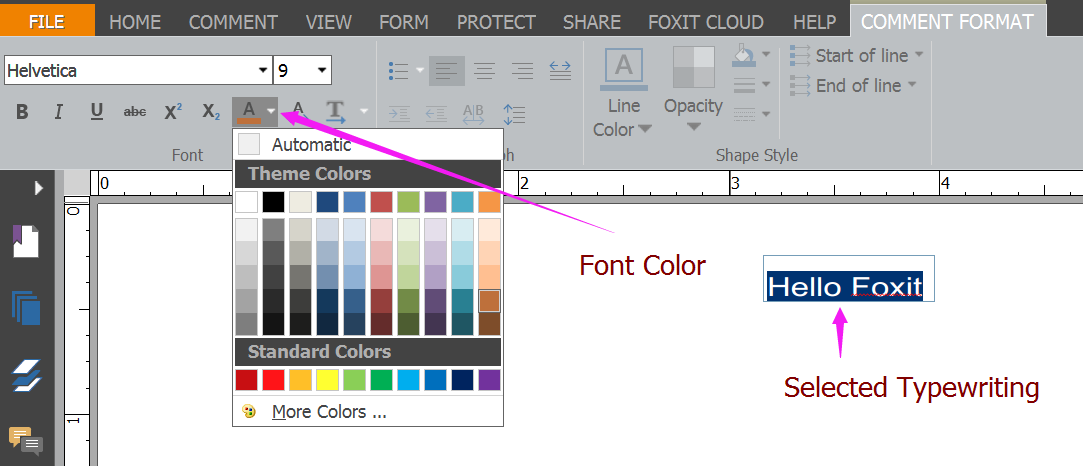
Foxit Pdf Edit Text Size How To Change The Font Color Of The Typewriter Help Center Foxit Why A New Font Type And Size That I Selected For Pop up Note Cannot Be Why A New Font Type And Size That I Selected For Pop up Note Cannot Be Download Foxit Advanced Pdf Full Crack Solari Impinty How To Change Pdf Page Size Saudijes Web Foxit PDF Editor gives you the capability to personalize and fine tune the Ribbon in the way you want With this feature you can customize Quick Access Toolbar and the A Font and Font Size Specifies the default font and size for text in the comment pop up notes These settings are applicable when you specify them before
Web Works like a word processor reflow text across paragraphs columns and pages change document layout modify text size font or line spacing and add multimedia Just click where you need to make changes and use our intuitive Web Advanced PDF editing capabilities for PDF documents with more complex layout Link join or split text blocks to connect text or set text to flow throughout the entire document for more powerful PDF editing Move and resize text blocks to change to a more compelling layout View tutorial
How To Change Pdf Page Size Saudijes How To Edit Or Change Scan based PDF Help Center Foxit Software How To Edit Or Change Scan based PDF Help Center Foxit Software How To Reduce Pdf File Size Using Foxit Phantom Cukasap Tips And Tricks To Insert Text Into PDF I Cannot Highlight And Edit On A Standard Document Help Center How To Reduce Pdf File Size Using Foxit Phantom Nsayi How To Change The Font Size Of A Document Help Center Foxit Software How To Edit A Pdf With Foxit Reader Geraface
Foxit Pdf Edit Text Size
 Foxit Pdf Edit Text Size
https://kb.foxit.com/hc/article_attachments/360051519132/1445856870700123.png
Web Advanced PDF Editing Advanced PDF editing capabilities for PDF documents with more complex layout Link join or split text blocks to connect text or set text to flow throughout the entire document for more powerful PDF editing Move and resize text blocks to change to a more compelling layout View tutorial
Pre-crafted templates use a time-saving service for creating a diverse series of documents and files. These pre-designed formats and layouts can be utilized for numerous personal and expert tasks, consisting of resumes, invites, leaflets, newsletters, reports, discussions, and more, streamlining the material creation process.
Foxit Pdf Edit Text Size

Download Foxit Pdf Editor Cruisedads
How To Edit Or Change Scan based PDF Help Center Foxit Software
How To Edit Or Change Scan based PDF Help Center Foxit Software
How To Reduce Pdf File Size Using Foxit Phantom Cukasap
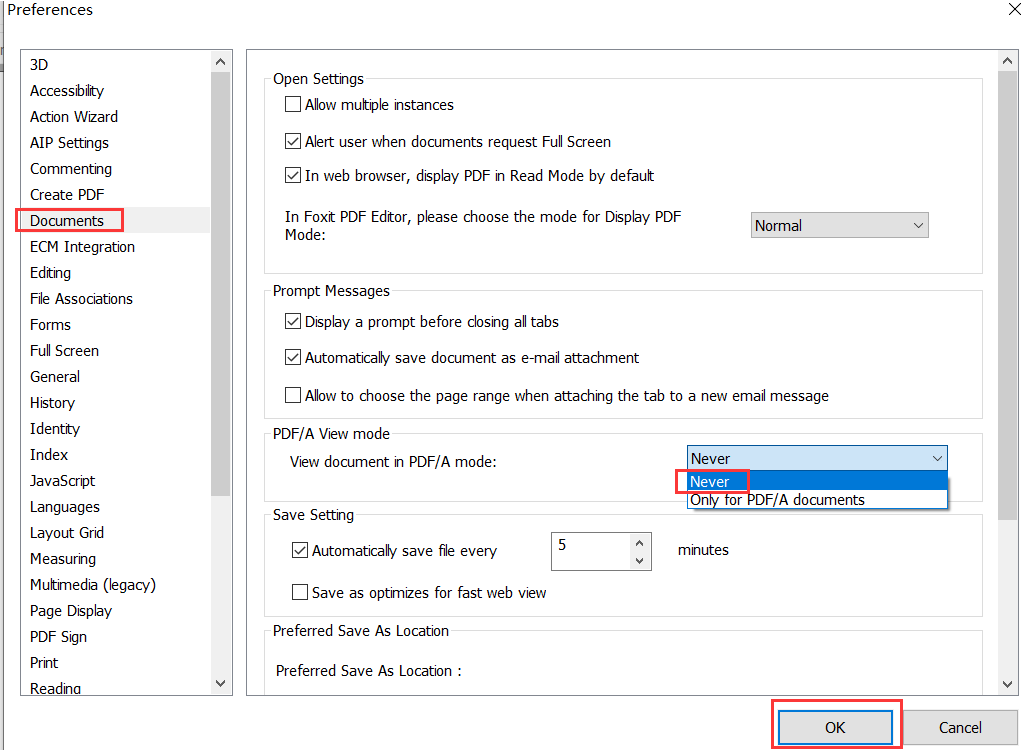
I Cannot Highlight And Edit On A Standard Document Help Center
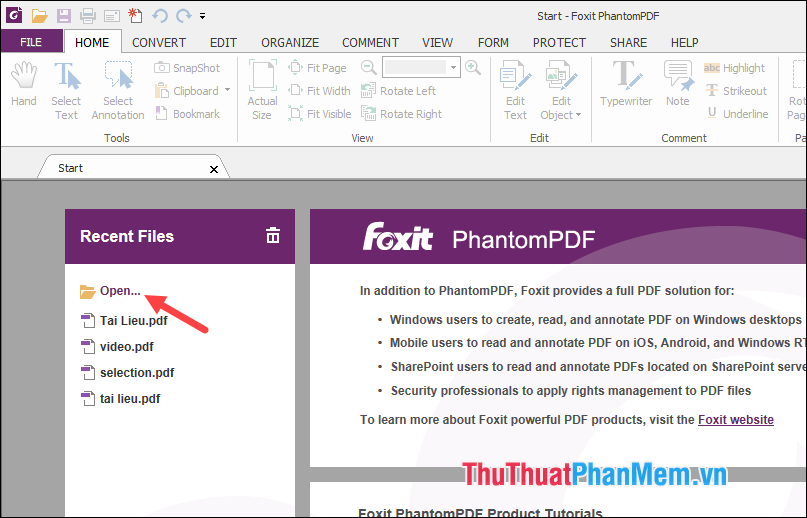
How To Reduce Pdf File Size Using Foxit Phantom Nsayi

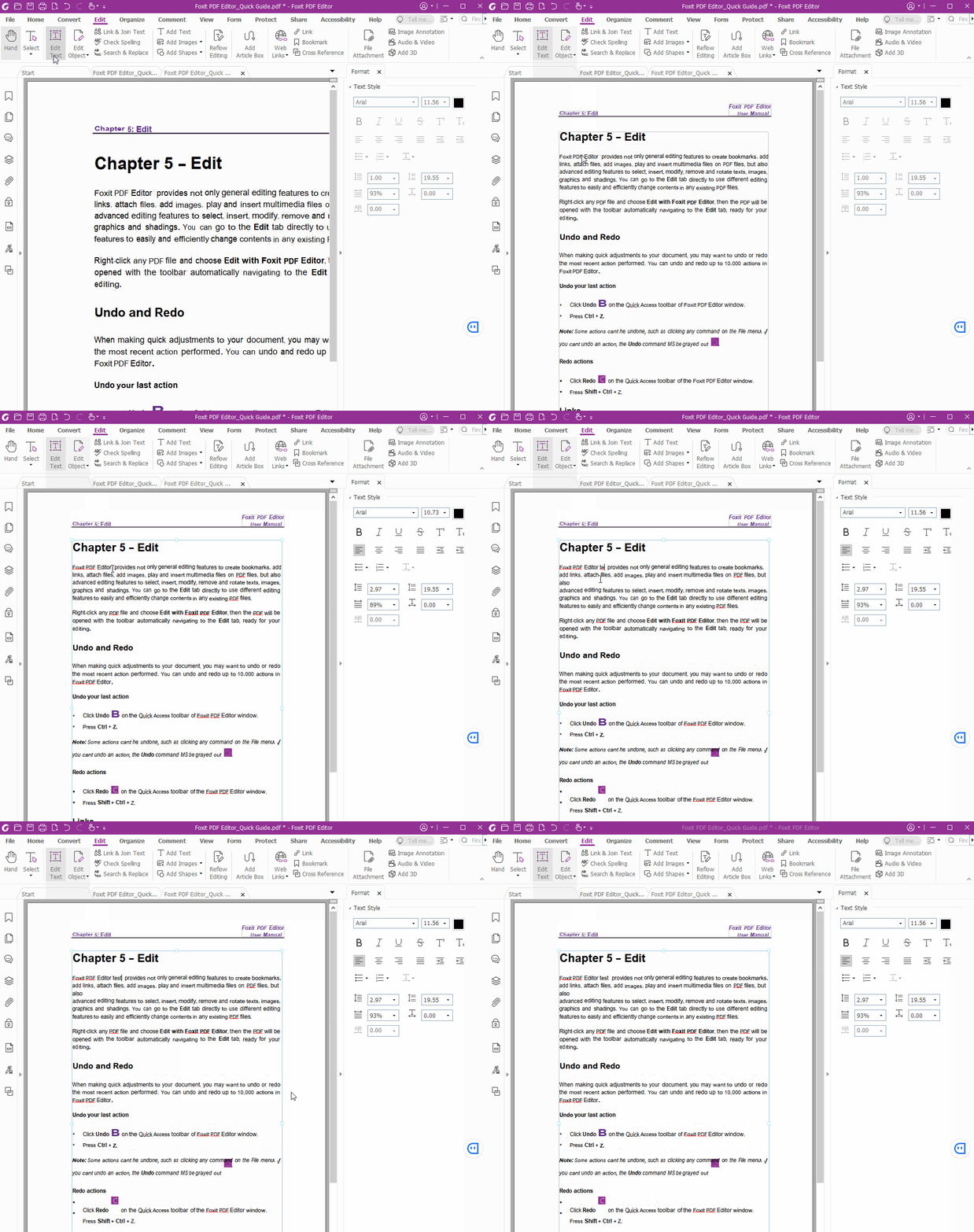
Web Aug 18 2020 nbsp 0183 32 To change the way text appears in your PDF file simply select the text you re editing then use the EDIT tab to select a different font type adjust size change the margins of a content block and modify the paragraph alignment and spacing You can change the alignment of the text change its size make it bold or even italicize it

Web Click and hold the left mouse button on the scroll bar next to the quot Size quot section Move the mouse up and down to view the available default text sizes Click on the size of your choice it will appear in the box labeled quot Size quot Alternatively you may enter a numerical value of your choice in the box

Web 1 Open the PDF document you want to resize pages 2 Right click the target page s on the Pages thumbnails choose Resize Pages Or choose Organize gt Resize Pages In the pop up Resize Pages dialog box specify the page range For the Resize item you can choose All pages in range Even Pages or Odd

Web In the Edit tab you can choose the font and font size from the drop down menus or type in them directly in the boxes and do other formatting as needed Refer to the tables below for the instructions about the buttons More editing features please refer to the instruction on quot Edit Objects quot Buttons in the Font group Buttons in the Paragraph group

Web The default is the magnification set in the File tab or Foxit PDF Editor in the menu bar gt Preferences gt Page Display gt Zoom level Open to page Specify the page that appears when you open the document Tip If users specify the layout settings in the initial view and page display preferences the settings in initial view will prevail
Web Nov 1 2021 nbsp 0183 32 Select the text you want to change then use the EDIT tab to change the font type adjust size change the margins of a content block and modify the paragraph alignment and spacing You can even run a spell check on your content to ensure you didn t introduce any typos Web Aug 18 2020 nbsp 0183 32 To change the way text appears in your PDF file simply select an text you re editing then use the EDIT tab to choice a different font type adjust select change the borders of one content block and modify the article alignment and spacing You can changing the alignment of the text change its size make it bold alternatively even
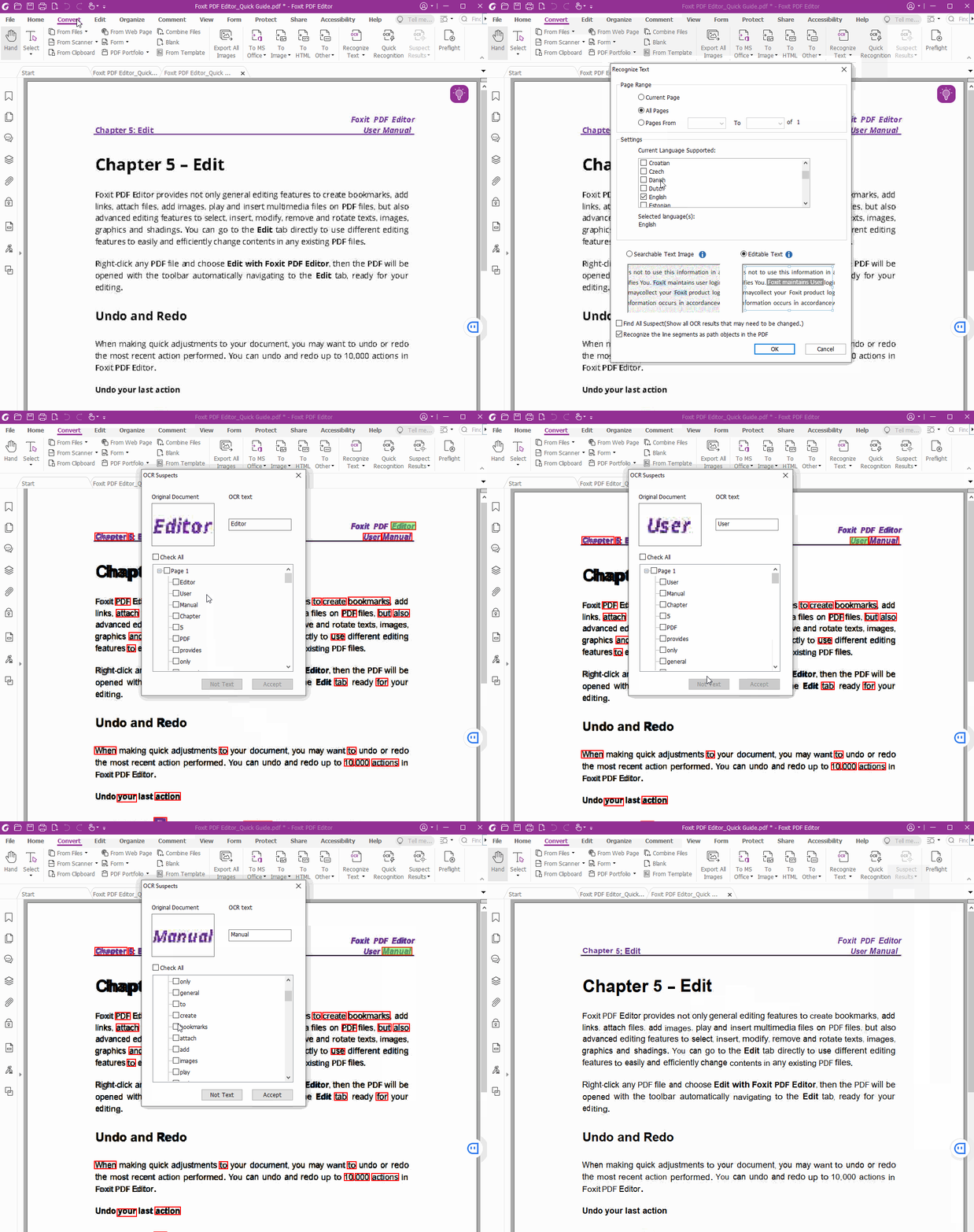
Web Aug 18 2020 nbsp 0183 32 Foxit PhantomPDF is a full fledged text editor both you can try it free PhantomPDF enables it to annotate text add notes highlight undo strikeout text and additional then save the change to your newly edited PDF With the Edit Text command you can amend writing in a para in nearly the same way you d achieve it in Microsoft