Formula For Average On Google Sheets How To Calculate Weighted Average In Google Sheets A Comprehensive Guide The Ultimate Guide To Calculating Simple Moving Average In Google Sheets How To Calculate Average In Excel From Different Sheet Haiper Top 55 Most Useful Google Sheets Formula Cheat Sheet Top 55 Most How To Find Mean In Excel Spreadsheet Haiper Minimum Maximum Count Count numbers See an example To find the average grade Highlight the range B2 B5 In the bottom right click Sum Choose Avg In the bottom right you ll see Avg 87
Google Sheets supports cell formulas typically found in most desktop spreadsheet packages Functions can be used to create formulas that manipulate data and calculate strings and numbers Select the cell you want to calculate the mean in and type the following formula AVERAGE A A where the data set you want to find the mean of is stored in column A Step 2 Hit enter to complete your formula and the
How To Find Mean In Excel Spreadsheet Haiper How To Find Average In Excel Haiper How To Calculate Difference Between Dates On Google Sheets How To Calculate Median Formula Haiper Calculating Average Speed Acsany How To Get Average In Google Sheets The Ultimate Guide To Calculating How To Calculate AVERAGE In Google Spreadsheets How To Calculate Average Speed How To Calculate Mean In Google Sheets
Formula For Average On Google Sheets
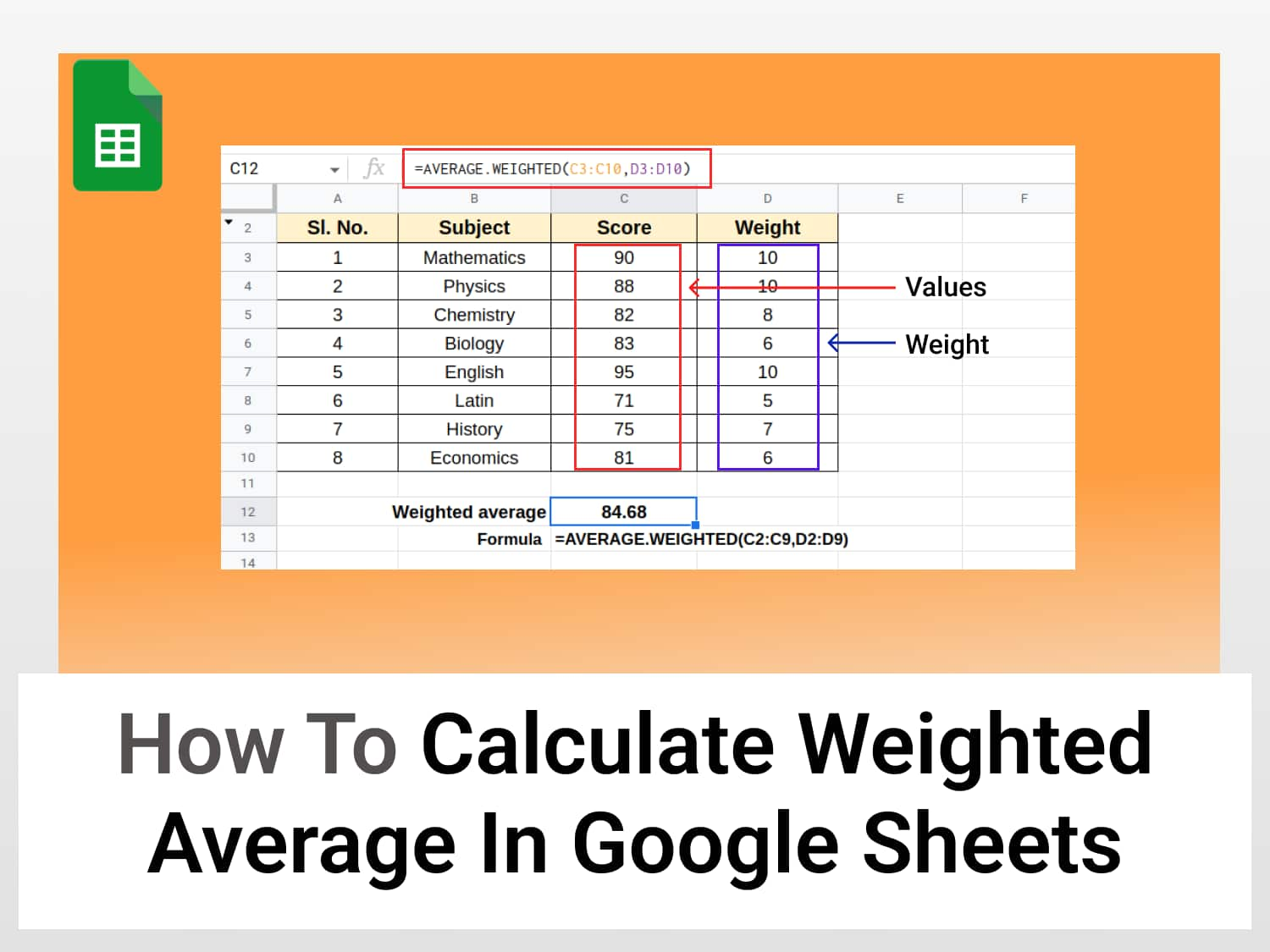 Formula For Average On Google Sheets
https://blog.tryamigo.com/wp-content/uploads/2022/09/weighted-average.jpg
Google Sheets Average is a useful tool for calculating the average of a range of numbers in a Google Sheets spreadsheet It is a simple and easy to use function that can be used in a variety of real world scenarios Using the formula AVERAGEIF B2 B6 50 calculates the average score for students who scored
Pre-crafted templates offer a time-saving solution for creating a varied series of documents and files. These pre-designed formats and layouts can be used for numerous personal and professional tasks, consisting of resumes, invitations, flyers, newsletters, reports, presentations, and more, simplifying the content production procedure.
Formula For Average On Google Sheets
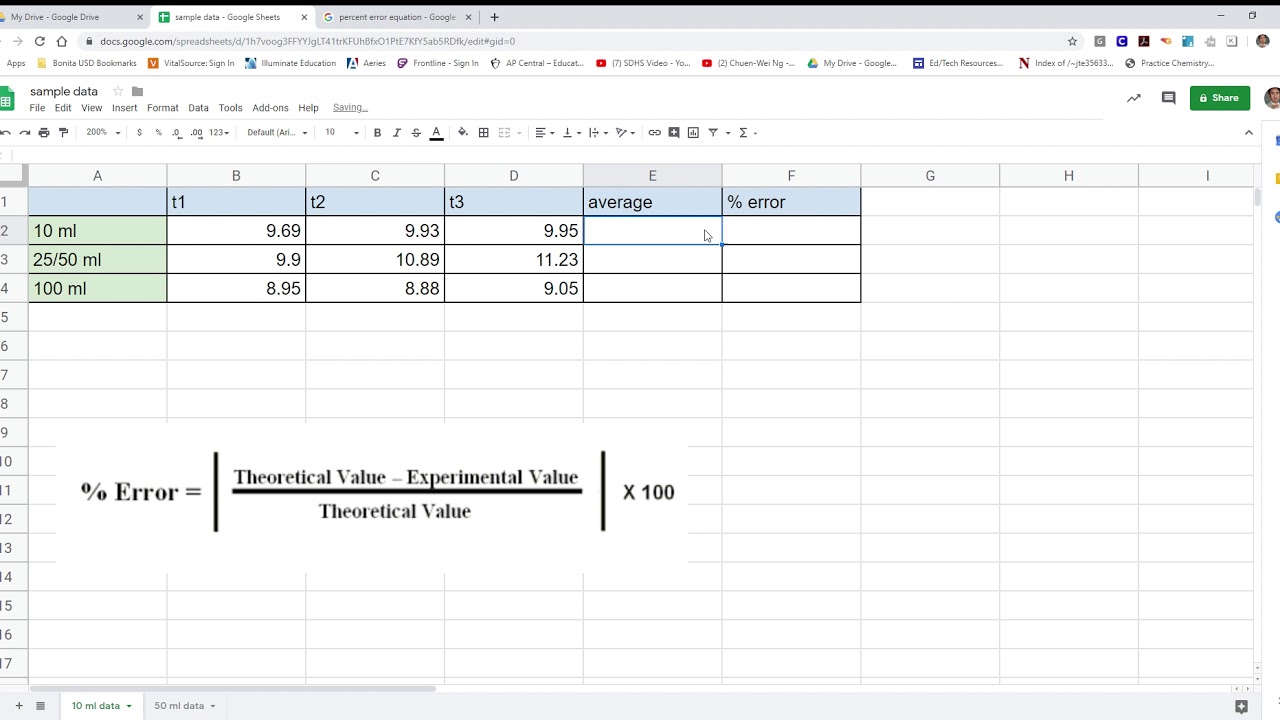
How To Calculate Average And Percent Error In Google Sheets YouTube
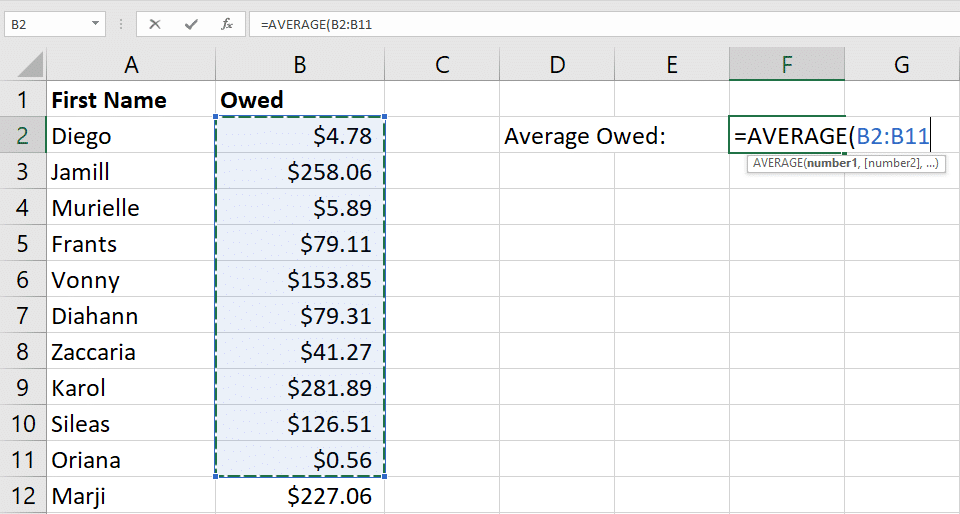
How To Find Average In Excel Haiper

How To Calculate Difference Between Dates On Google Sheets

How To Calculate Median Formula Haiper

How To Get Average In Google Sheets The Ultimate Guide To Calculating

How To Calculate AVERAGE In Google Spreadsheets

To average in Google Sheets follow these steps Type AVERAGE or click Insert Function AVERAGE Type the range of cells that contain the numbers that you want to average such as A1 A Press Enter on the keyboard The final formula looks like this AVERAGE A1 A

Google Sheets AVERAGEIF Function The Google Sheets AVERAGEIF function can calculate the average of a set of data if it meets a specific condition Here is the syntax for the AVERAGEIF function AVERAGEIF criteria range criterion avg range The formula requires three parameters to work

Sample Usage AVERAGE A2 A100 B2 B100 4 26 AVERAGE 1 2 3 4 5 C6 C20 Syntax AVERAGE value1 value2 value1 The first value or range to consider when calculating the average

The syntax for the AVERAGE function is AVERAGE number 1 number 2 number 30

AVERAGE Function The AVERAGE function is a premade function in Google Sheets which calculates the average arithmetic mean It is typed AVERAGE and gets a list of cells AVERAGE value1 value2 You can select cells one by one but also ranges or even multiple ranges
Let s go straight into real business examples where we will deal with actual values and textual strings and how we can write our own AVERAGE function in Google Sheets to compute those data The Anatomy of the AVERAGE Function The way we write the AVERAGE function is as follows AVERAGE value1 value2 Syntax AVERAGE value1 value2 Arguments value1 The first value or array to consider when calculating the mean value2 It s optional and repeatable Any additional values or arrays to consider when calculating the mean It supports 30 arguments See the use of the Average function in Google Sheets average A2 A4
To use the AVERAGE function in Google Sheets specify the range that contains the values that you want to average like this AVERAGE AC3 AC12 The formula above tells Google Sheets Average the numbers in the range AC3 AC12 Here is a detailed example of using the AVERAGE function