Format Php File In Visual Studio Code Mac Reparaci n Posible Pegamento Terminado Visual Studio Code Install Mac Visual Studio Code Download Git Repository Storepag Microsoft Unveils Visual Studio Code For Mac A Cross platform Code Visual Studio Code Mac Klavye K sayollar DefKey Best Visual Studio Code Extensions Korearety To format code in Visual Studio Code you can use the following steps Select the text that you want to format or press Ctrl A to select all of the text in the current document Press
PHP Formatter After installing as an extension with Visual Studio Code this extension automatically formats your PHP code in accordance with PSR 0 PSR 1 PSR 2 or Symfony style conventions Our PHP formatter can be highly customized to follow those guidelines Fully customizable formatter is available for PREMIUM users Community version users can setup the
Best Visual Studio Code Extensions Korearety Code Formatting In Visual Studio Code Beinyu Visual Studio Code How To Run PHP In Visual Studio Code On Mac OS TechDecode Tutorials Solved Do In Visual Studio Code Screenshots Of The Chegg Com Www 10 Top HTML Text Editors For Mac TechCreative How To Refactor Code In Visual Studio Code Visual Studio Code Keyboard Shortcuts Salesforce Blog Solved Where Is How To Install Visual Studio Code On Mac
Format Php File In Visual Studio Code Mac
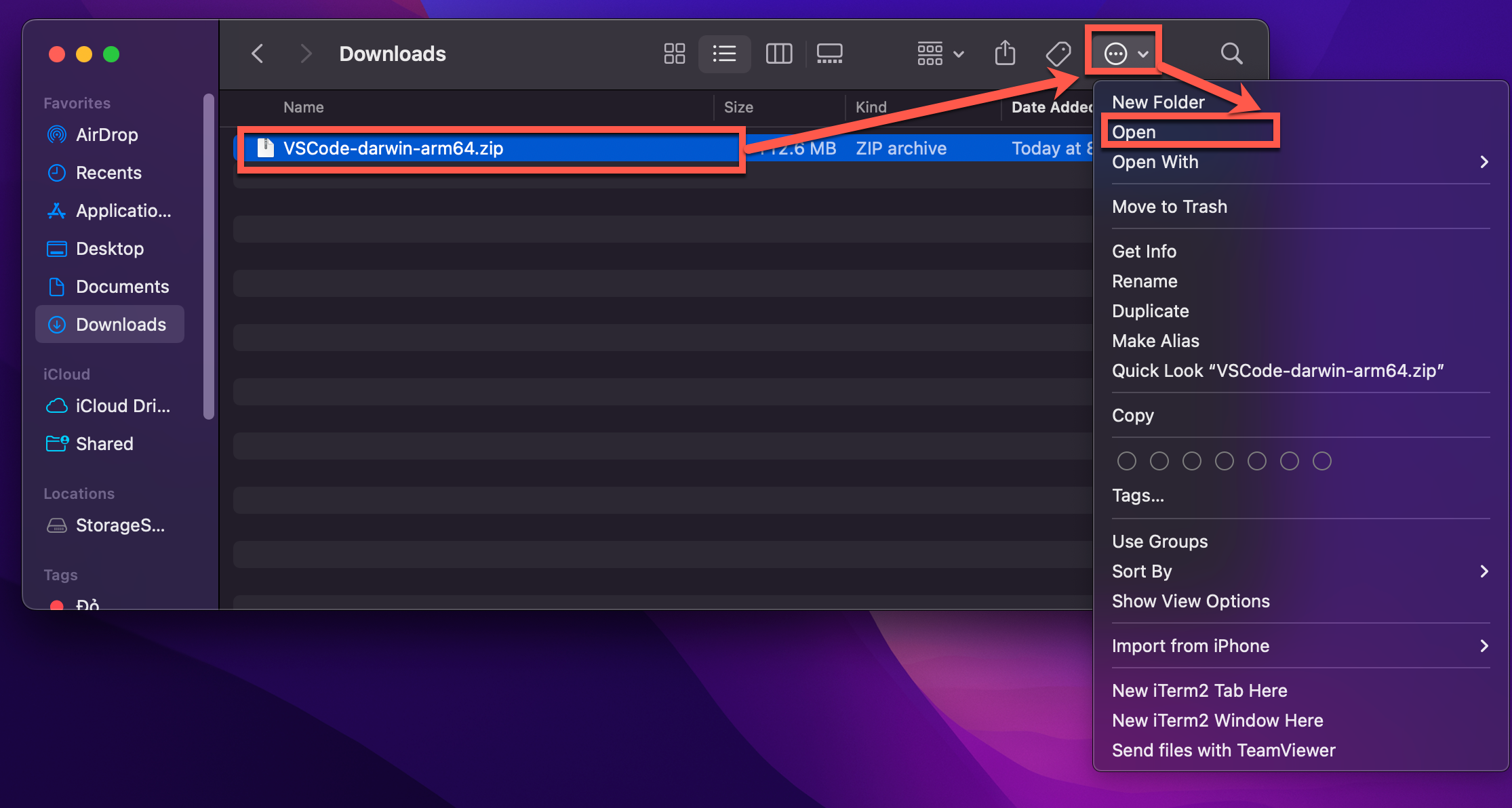 Format Php File In Visual Studio Code Mac
https://adamtheautomator.com/wp-content/uploads/2022/10/image-158.png
1 Using Shortcuts 2 Enable Auto Format on Save Paste 3 Conclusion Using Shortcuts VS Code provides handy shortcuts that can help you quickly and conveniently
Templates are pre-designed documents or files that can be used for different functions. They can save effort and time by providing a ready-made format and design for developing different kinds of material. Templates can be used for personal or expert tasks, such as resumes, invites, flyers, newsletters, reports, presentations, and more.
Format Php File In Visual Studio Code Mac

How To Set Java Home Environment Variable In Microsoft Visual Studio

Code Formatting In Visual Studio Code Beinyu

Visual Studio Code
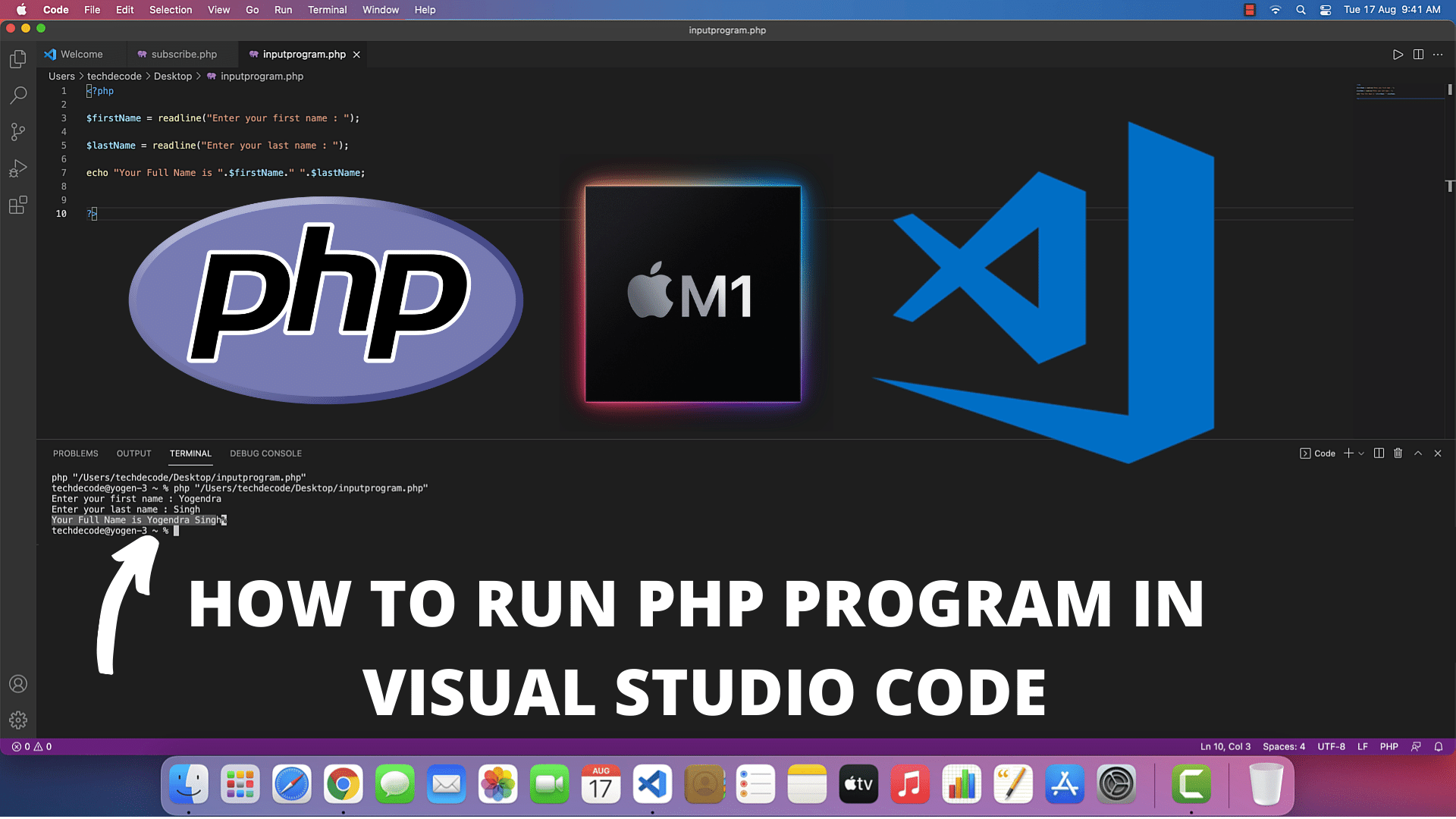
How To Run PHP In Visual Studio Code On Mac OS TechDecode Tutorials

10 Top HTML Text Editors For Mac TechCreative

How To Refactor Code In Visual Studio Code
Linux and macOS php validate executablePath usr bin php or php validate executablePath usr local bin php Snippets Visual

Code Formatting Shortcut Visual Studio Code on Windows Shift Alt F Visual Studio Code on MacOS Shift Option F Visual Studio Code on Ubuntu
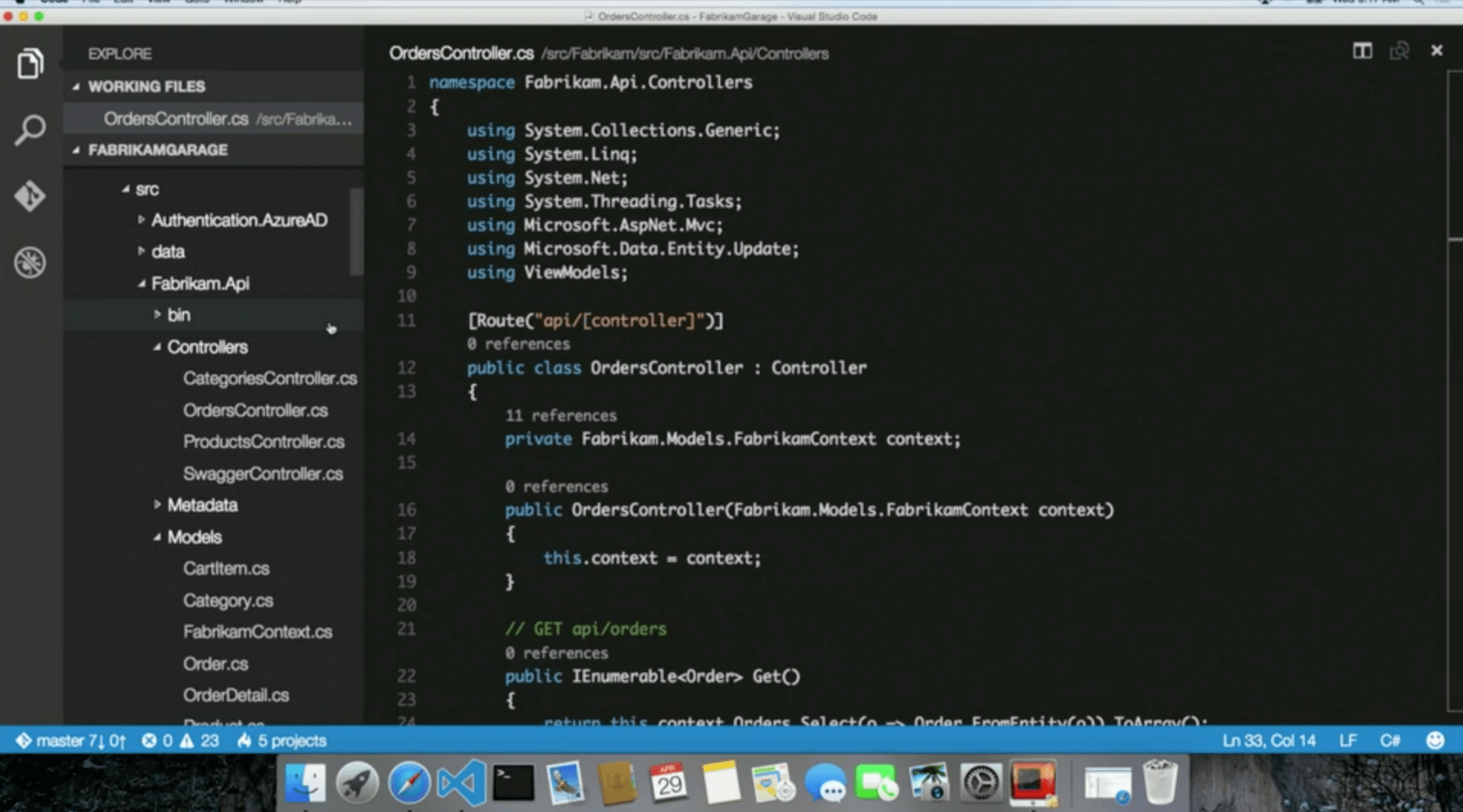
Open VS Code Preferences Settings Search for php cs fixer About 4 options down you ll see a field for the config file path Enter the absolute path like so Set
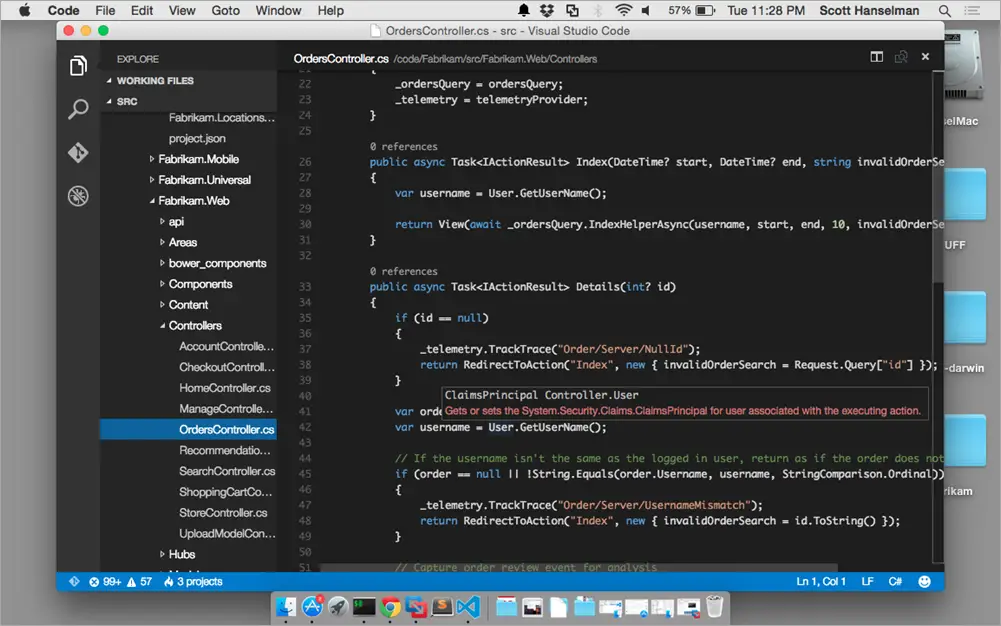
To import an existing PHP project into VS Code click on the first icon on the left menu bar or type CTRL SHIFT E to access the file explorer Click the Open Folder button and select your project s directory
72 rowsphpfmt for Visual Studio Code The missing phpfmt extension for Visual Studio Code Installation Open command palette F1 and select Extensions Install Extension
While coding in PHP using VSCode there are plenty of extensions that provide code formatting Some of those are PHP Intelephense phpfmt and PHP To run PHP in Visual Studio Code on a Mac you will first need to install the Visual Studio Code editor and the PHP extension from the Visual Studio Code
Use PHP With Visual Studio Code Install PHP On your local PC you can check our guide on how to set up your PHP interpreter We discuss how to install PHP