Format Date In Excel As Text Format Date In Excel YouTube Excel Formula Convert Date To Text Exceljet 12 Format Excel How To Format Date In How To Change Excel Date Format And Create Custom Formatting 2022 Riset Kuinka K ytt Excelin DATEVALUE funktiota 2023 Web There are four simple ways to convert dates to text in Excel Using the TEXT function most commonly used Using the TEXT to COLUMN option Using the copy paste method Using VBA Use of Date to Text in Worksheet
Web Mar 11 2015 nbsp 0183 32 To convert text to a date use these guidelines How to convert text to date and number to date in Excel Try this formula Try this formula DATE RIGHT D1 4 MONTH 1 amp LEFT D1 3 MID D1 5 2 Web Date to Text in Excel is a method to convert a date value into text format And we can perform the conversion using the TEXT Text to Columns wizard VBA code and Notepad Users can change the Dates to Texts in a worksheet to display the date value as a string instead of a number
Kuinka K ytt Excelin DATEVALUE funktiota 2023 Dump Material Forgiven How To Set Excel Date Format Loop Sweet Taste Datetime PowerApps Excel Stack Overflow Excel TODAY Function Excel One Minute Quick Reference The Learning Zone How To Insert Dates In Excel How To Convert Text To Date In Excel All Things How How To Create A Shortcut To Today S Date In Excel Pixelated Works How To Add Last Updated Or Similar Before The Date In Excel Excel Excel DATE 2023
Format Date In Excel As Text
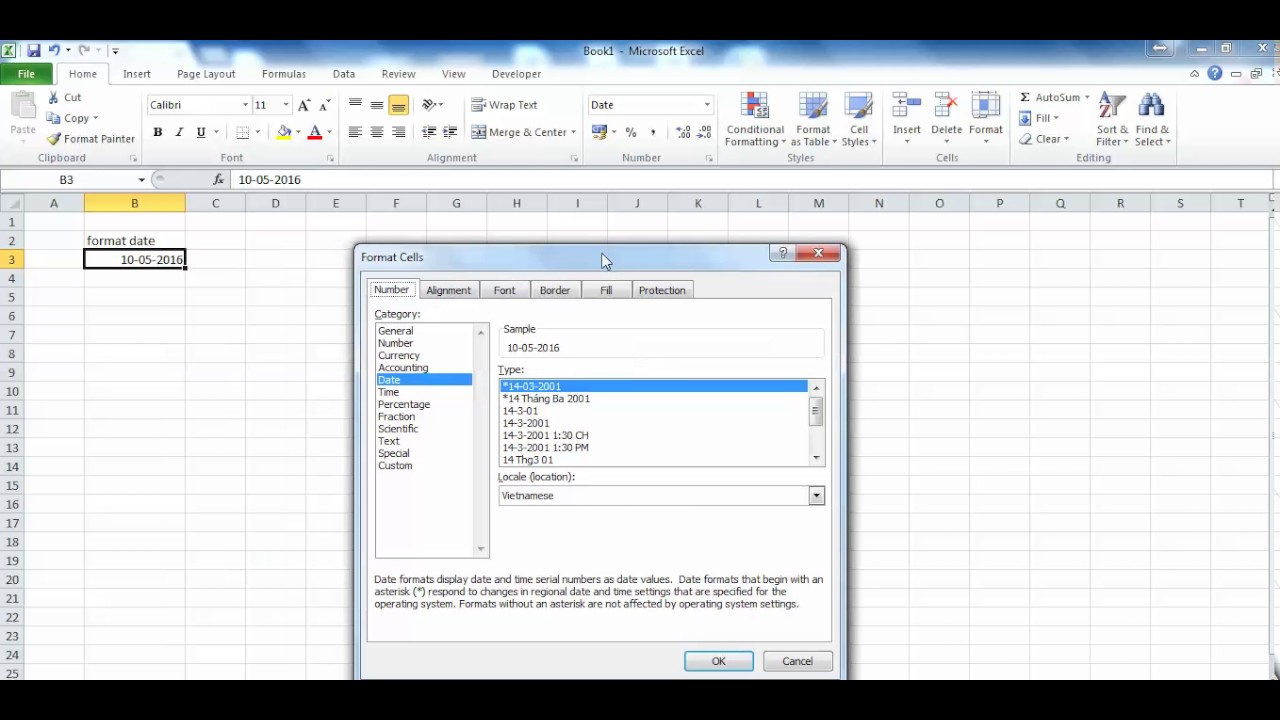 Format Date In Excel As Text
https://i.ytimg.com/vi/xdp5xTfqSPw/maxresdefault.jpg
Web Feb 2 2012 nbsp 0183 32 When you enter some text into a cell such as quot 2 2 quot Excel assumes that this is a date and formats it according to the default date setting in Control Panel Excel might format it as quot 2 Feb quot If you change your date setting in Control Panel the default date format in Excel will change accordingly
Templates are pre-designed documents or files that can be utilized for numerous purposes. They can save time and effort by supplying a ready-made format and design for producing various type of material. Templates can be utilized for individual or expert jobs, such as resumes, invites, leaflets, newsletters, reports, presentations, and more.
Format Date In Excel As Text
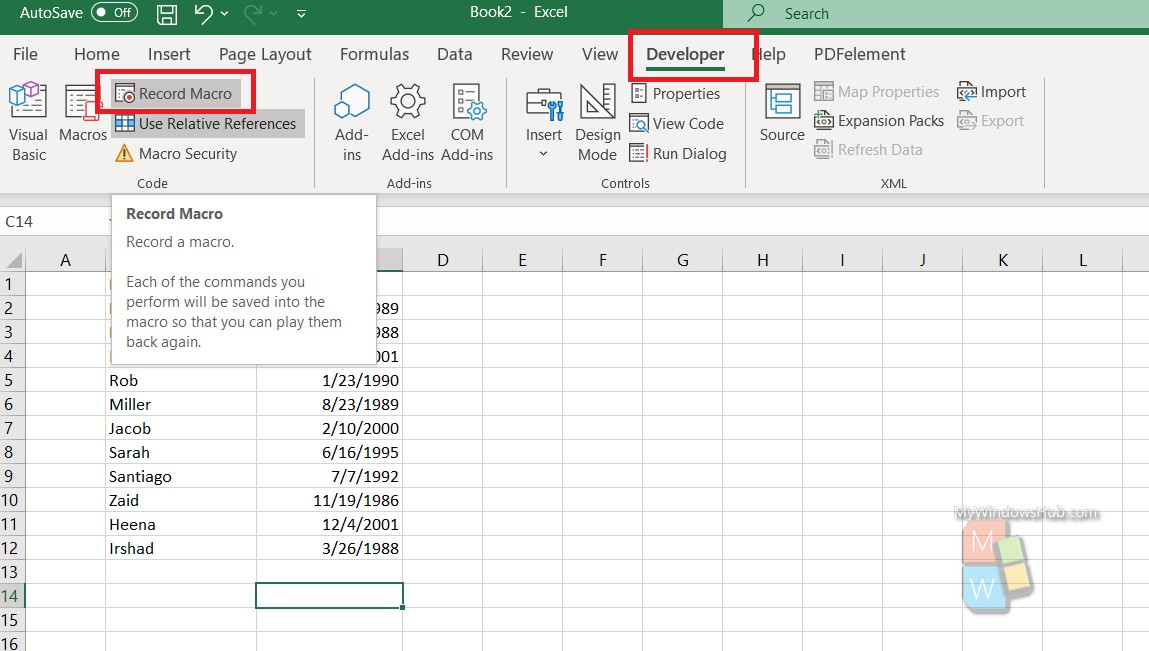
How Do You Use An Excel Template Image To U
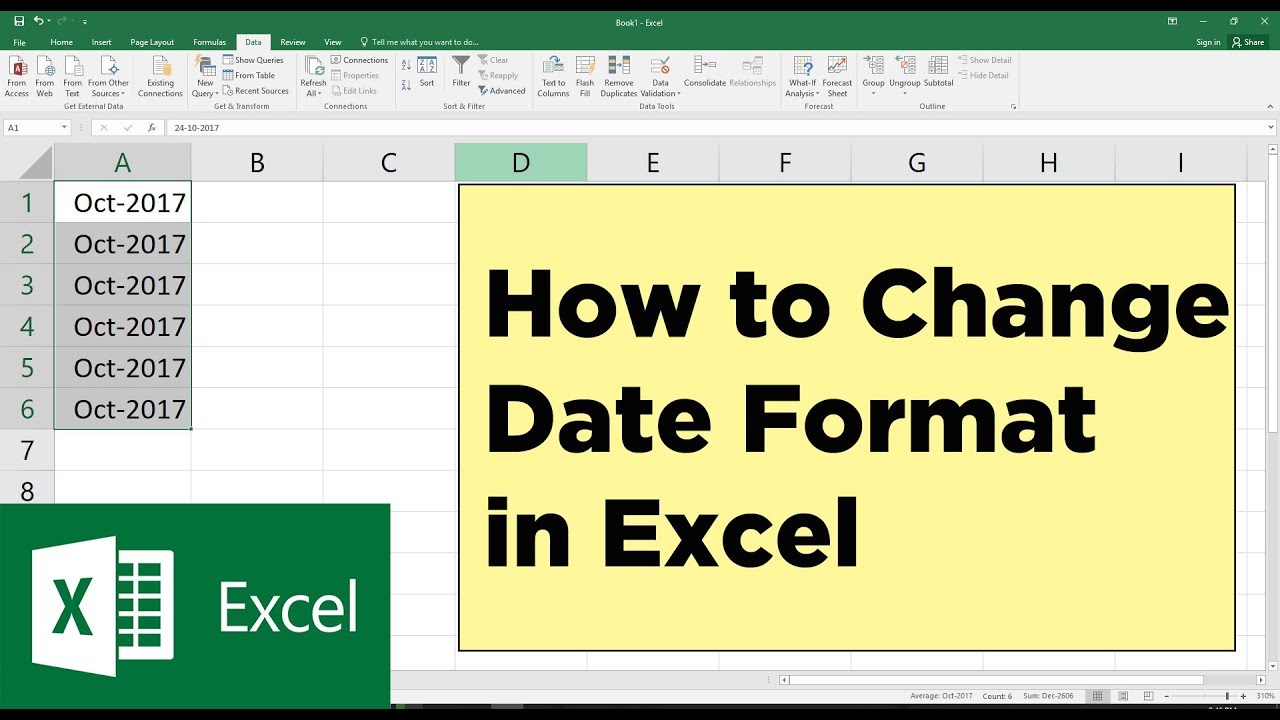
Dump Material Forgiven How To Set Excel Date Format Loop Sweet Taste

Datetime PowerApps Excel Stack Overflow

Excel TODAY Function Excel One Minute Quick Reference The Learning Zone

How To Convert Text To Date In Excel All Things How

How To Create A Shortcut To Today S Date In Excel Pixelated Works

Web Mar 22 2023 nbsp 0183 32 In your Excel worksheet format the dates exactly as you want the text strings to look like Select all of the dates you want to convert and press Ctrl C to copy them Open Notepad or any other text editor and paste the copied dates there Notepad automatically converts the dates to the text format

Web Feb 18 2014 nbsp 0183 32 Press CTRL H to open the Find amp Replace dialog box lt Enter a decimal place in the Find what field and a forward slash in the Replace with field Click Replace All Excel should detect that your text is now a number and
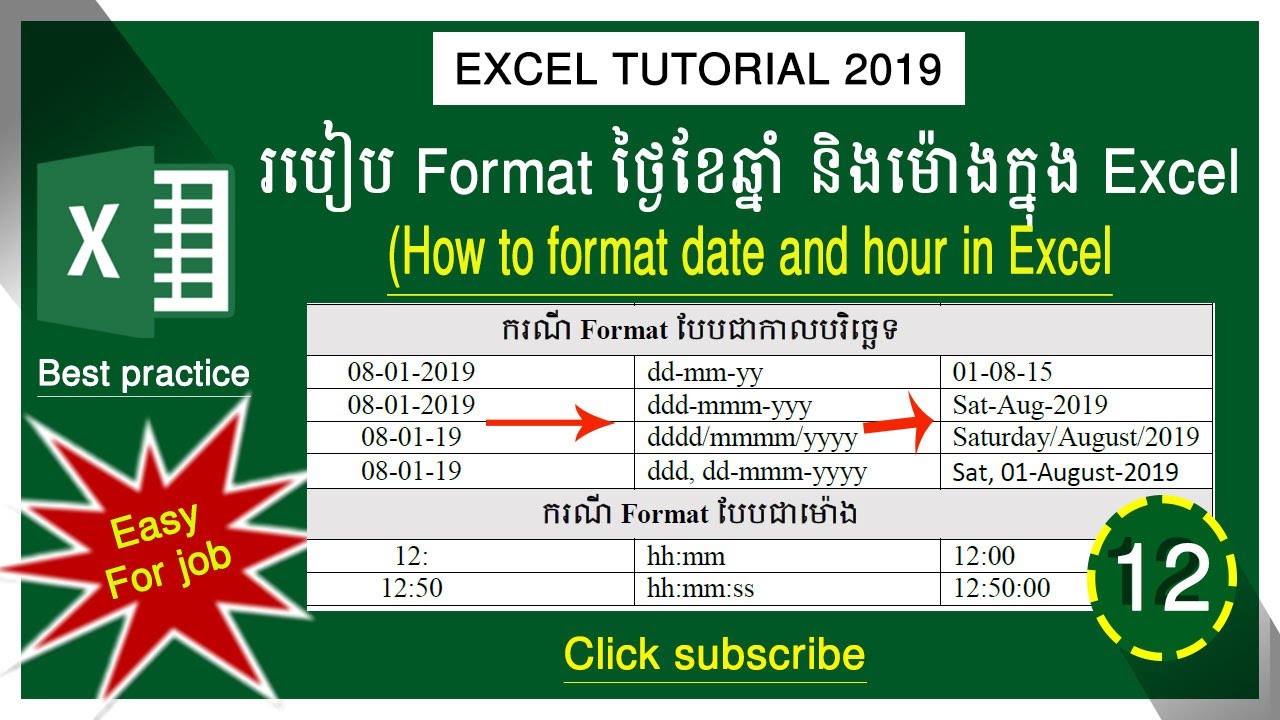
Web To convert a text date in a cell to a serial number use the DATEVALUE function Then copy the formula select the cells that contain the text dates and use Paste Special to apply a date format to them Follow these steps Select a blank cell and verify that its number format is General

Web Convert Date to Text using Text Function TEXT function is best used when you want to display a value in a specific format In this case it would be to display the date which is a number in the date format Let s first see how the text function works Here is the syntax TEXT value format text It takes two arguments

Web As you can see Excel removed the formatting from the date in cell B2 In the next example you ll see how the TEXT function lets you apply the format you want Our updated formula is Cell C2 A2 amp quot quot amp TEXT B2 quot mm dd yy quot Date format
Web Mar 20 2023 nbsp 0183 32 Where Value the numeric value to be converted to text It can be a number date reference to a cell containing a numeric value or another function that returns a number or date Format text the format that you want to apply It is supplied in the form of a format code enclosed in the quotation marks e g quot mm dd yy quot The TEXT function is Web Apr 2 2023 nbsp 0183 32 Why Convert Date to Text in Excel Method 1 Using Text Function Method 2 Using Format Cells Dialog Box Method 3 Using CONCATENATE Function Method 4 Using Custom Number Formatting Method 5 Using Power Query Method 6 Using VBA Macro Conclusion FAQs 1 Convert Date to Text in Excel Introduction
Web Jul 4 2023 nbsp 0183 32 For example if your Windows 10 or 11 PC shows the Country or region as the United States in the Time amp Language gt Region section of the Settings app Excel will format valid dates as DD MM YYYY like 7 4 2023