Form Change Text Box Size Illustrator Resize Text Box Without Changing Font Size Pro Guide How To Change Text Box Size In PowerPoint YouTube Excentric U or Chaise Longue Html Form Text Box Size Simple How To Change Text Box Size Photoshop For Logo Design How To Change Text Box Size WITHOUT Changing Text Scale In Illustrator 1 Set width in HTML In HTML you can use the width attribute to set the width of an element Alternatively you can also use the size attribute to define the width of the input 2 Set width with CSS It is good practice to separate CSS from HTML markup The idea is to define a class to set the width CSS property
3 Answers Sorted by 109 For a input type text element input font size 18px or for a textarea textarea font size 18px or for a select select font size 18px you get the drift Share Follow answered Jan 22 2010 at 12 56 Pekka 444k 145 974 1090 select can render a text box Joey Jan 22 2010 at 12 59 1 Here is better solution Scenario is I have a textbox that Filled on form usercontrol So I want to change Form Height each time number of line in textBox change but its height is not less than MinHeight a constant
How To Change Text Box Size WITHOUT Changing Text Scale In Illustrator Frequent Answer How To Change Text Box Size In Revit Solved Change Text Box Size Without Changing Text Scale Adobe Solved Change Text Box Size Without Changing Text Scale Adobe How To Change The Color Of Text In HTML Using JavaScript PeterElSt How To Draw A Text Box In Photoshop Kidnational Html Text Color Itcomp jp Change Text Box Size Without Altering Type Adobe Community 10730573 Unity3d How To Change Text By Script In Unity
Form Change Text Box Size
 Form Change Text Box Size
http://fontsaga.com/wp-content/uploads/2022/01/Illustrator-Resize-Text-Box-Without-Changing-Font-Size.jpg
The TextBox has a Font property if you click that item in the Properties Window after selecting the TextBox of course a dialog box will come up allowing you to set all of the Font properties including the Font Size This can be done in code as well if you need to do it interactively for some reason
Pre-crafted templates use a time-saving service for creating a varied range of documents and files. These pre-designed formats and designs can be used for numerous individual and professional projects, consisting of resumes, invitations, leaflets, newsletters, reports, presentations, and more, improving the content development procedure.
Form Change Text Box Size

Photoshop How To Change Text Box Size Without Stretching Distorting
Frequent Answer How To Change Text Box Size In Revit
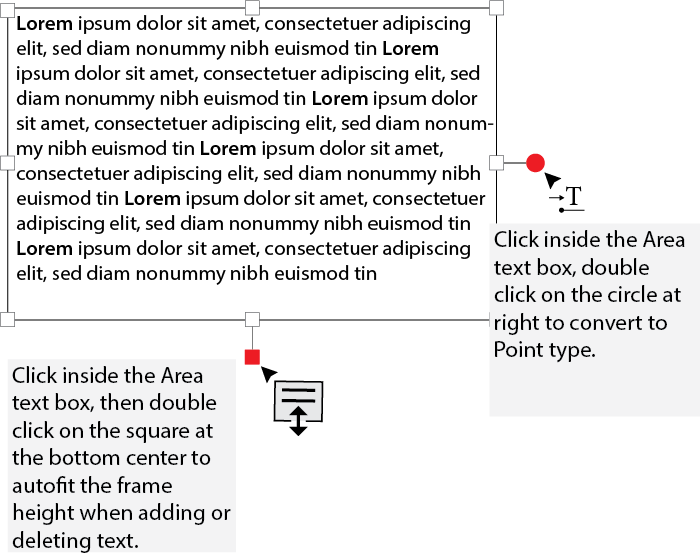
Solved Change Text Box Size Without Changing Text Scale Adobe

Solved Change Text Box Size Without Changing Text Scale Adobe
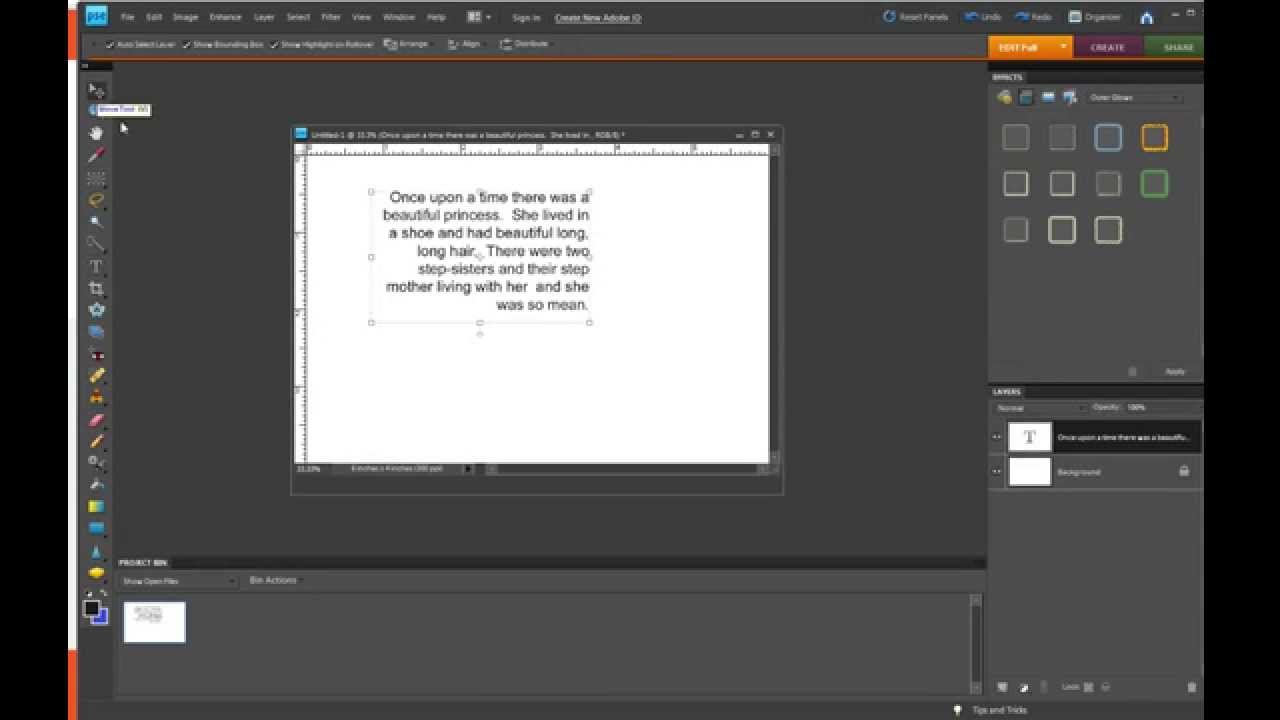
How To Draw A Text Box In Photoshop Kidnational

Html Text Color Itcomp jp
Use the border property to change the border size and color and use the border radius property to add rounded corners First Name Example input type text border 2px solid red
An HTML form with two input fields with a width of 50 and 4 characters form action action page php label for fname First name label input type text id fname name fname size 50 br br label for pin PIN label input type text id pin name pin maxlength 4 size 4 br br input type submit value Submit

Bootstrap Input Sizing Previous Next Input Sizing in Forms Set the heights of input elements using classes like input lg and input sm Set the widths of elements using grid column classes like col lg and col sm Height Sizing Small input Default input Large input The following examples shows input elements with different heights

To open the dialog box on the form template double click the text box whose properties you want to change The following table describes some of the ways in which you can customize a text box and offers reasons why you might do so
The CSS box sizing property allows us to include the padding and border in an element s total width and height Without the CSS box sizing Property By default the width and height of an element is calculated like this width padding border actual width of an element height padding border actual height of an element
You can change the size of all your text boxes with the following code Just adjust the values if necessary If you would like to adjust a specific text box you can change the width of the text box by changing the size attribute in the fields options Click on the field then click on the gear in the top right of the field to open the options Go into yourForm Designer cs Scroll down to your textbox Example below is for textBox2 object Add this this textBox2 AutoSize false and set its size to whatever you want this textBox2 Size new System Drawing Size 142 27
Open the Properties dialog box using one of the following methods To edit a single form field double click it or right click it and choose Properties To edit multiple form fields select the fields that you want to edit right click one of the selected fields and choose Properties Change the properties on each of the available tabs as needed