Force Shutdown Windows Powershell Shortcut Keys For Shut Down What Are The Shortcut Keys To Shut Down Shutdown Windows 11 Como Verificar A Vers o Do PowerShell No Windows 10 Etechpt How To Force Shutdown A Windows Laptop Step by Step DeviceTests PowerShell Shutdown Computer Force YouTube Web Dec 18 2023 nbsp 0183 32 The simplest way is to use the Remote Desktop Terminal Services command line tool logoff exe For details at the PowerShell prompt type logoff To log off the current active session type logoff with no arguments You can also use the shutdown exe tool with its logoff option PowerShell shutdown exe l Another option is
Web Introduction PowerShell enables IT Admin or Software Engineer to automate shutting down restarting or logging off Windows computer In this blog post we will walk through how to achieve those tasks using PowerShell Solution Using Stop Computer and Restart Computer Cmdlet Web Oct 15 2020 nbsp 0183 32 Restart Computer ComputerName SRV1 Force The Restart Computer cmdlet has a few parameters to configure how to command interacts with the computer as shown below ComputerName The system that you intend to restart This parameter can take the following remote addresses NetBIOS IP Address or the Fully Qualified Domain
PowerShell Shutdown Computer Force YouTube PowerShell Commands Quiz On Level Up Manage Your Files Using PowerShell Schedule Your Tasks With Windows Powershell Vs Command Prompt What s The Difference Anyway Windows PowerShell Free Download My Software Free Restart Windows Using Cmd And PowerShell ShellGeek Feel The Force Stack MassiveJoes Force Windows 7 To Close Running Apps Without Displaying Warning While Powershell 7 2 1 Is Not Available On Windows 10 Update Yet Edit
Force Shutdown Windows Powershell
 Force Shutdown Windows Powershell
https://assets.mspimages.in/wp-content/uploads/2022/05/Shut-Down-Shortcut-Key.png
Web Learn how to use Powershell to shutdown a local or remote computer running Windows in 5 minutes or less
Templates are pre-designed files or files that can be used for numerous functions. They can save effort and time by providing a ready-made format and layout for producing various sort of material. Templates can be used for individual or professional projects, such as resumes, invites, leaflets, newsletters, reports, presentations, and more.
Force Shutdown Windows Powershell

Master The PowerShell WhatIf Parameter
PowerShell Commands Quiz On Level Up

Manage Your Files Using PowerShell Schedule Your Tasks With
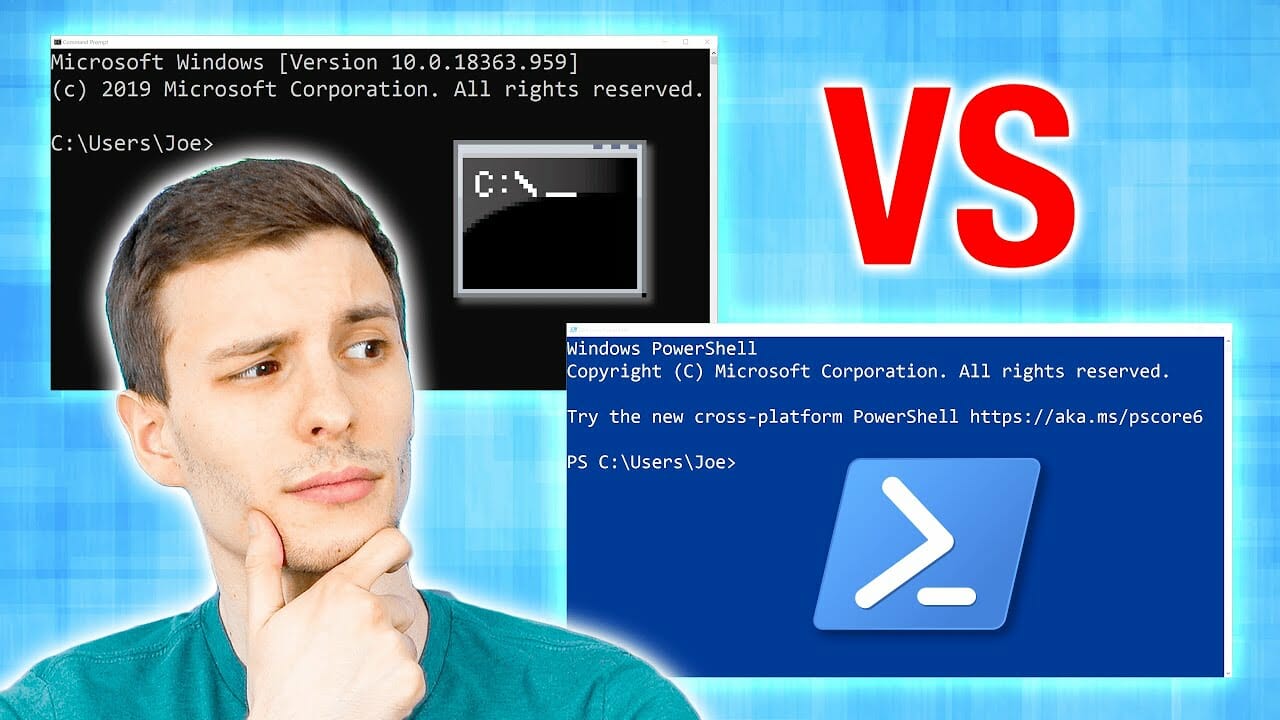
Windows Powershell Vs Command Prompt What s The Difference Anyway
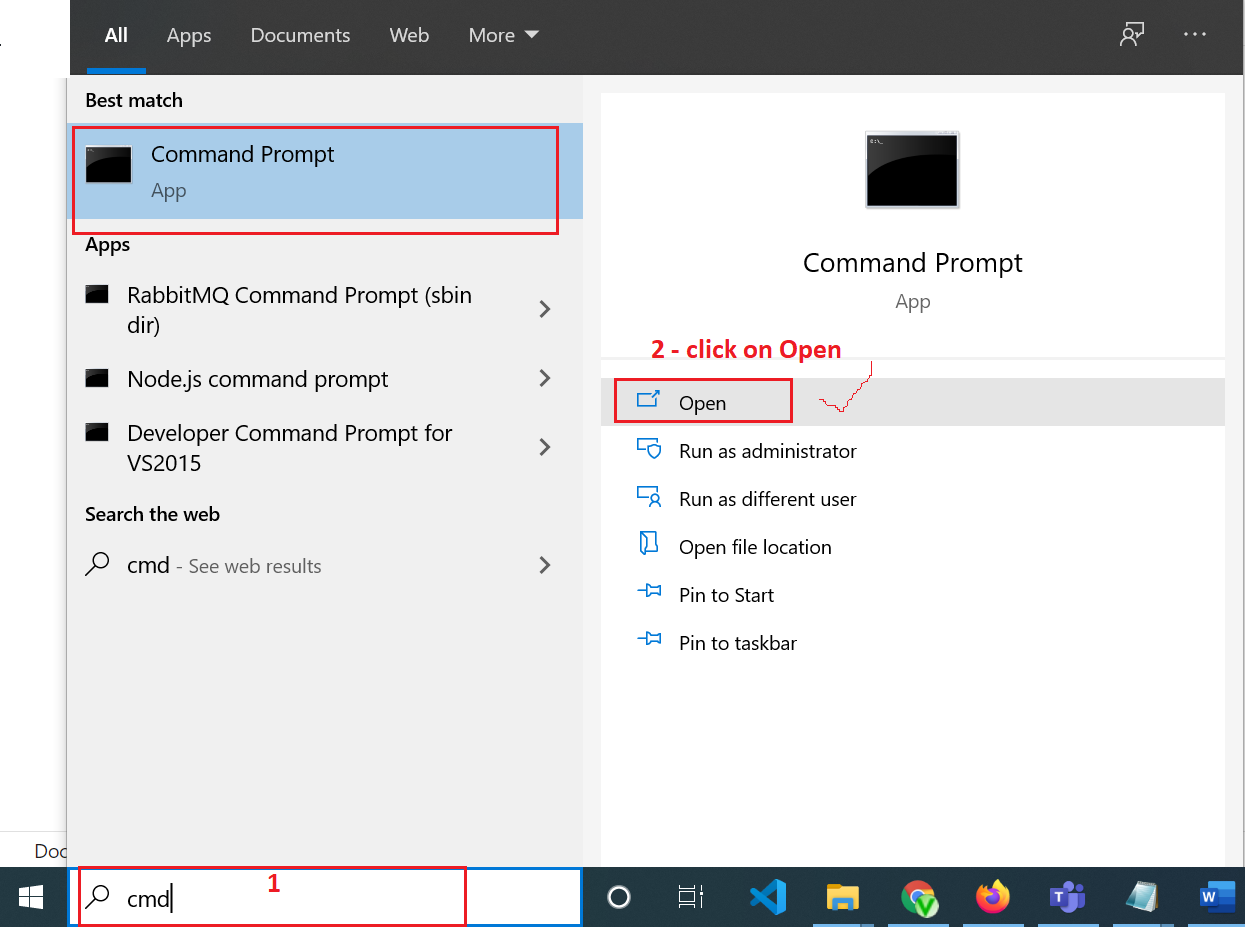
Restart Windows Using Cmd And PowerShell ShellGeek

Feel The Force Stack MassiveJoes
Web Oct 28 2020 nbsp 0183 32 Add a comment 1 If you want to shut down computer on Workgroup environment Scenario You want to shut down computer named HP ZBook from your computer named PC1 Step 1 On PC1 gt Start Powershell in admin mode Step 2 On PC1 gt Run command to check if HP ZBOOK is in trusted host list of PC1

Web Open the Command Prompt or PowerShell The command you need to know is shutdown followed by a command or argument Go ahead and type in shutdown or restart now to see a list of available commands For example type in shutdown r to restart your computer or shutdown s to shut down your computer
Web Dec 29 2022 nbsp 0183 32 The following two commands are available in Windows PowerShell to shutdown and reboot the computer Restart Computer and Stop Computer Both commands allow you to shutdown or restart a local or remote computer over the network

Web In Windows Restart Computer uses the Win32Shutdown method of the Windows Management Instrumentation WMI Win32 OperatingSystem class This method requires the SeShutdownPrivilege privilege be enabled for the user account used to restart the machine On Linux and Mac OS Restart Computer uses the sbin shutdown bash tool

Web Jan 8 2019 nbsp 0183 32 PowerShell Stop Computer Cmdlet If you want to use PowerShell to shutdown your machine choose the Stop Computer cmdlet The PowerShell Stop Computer cmdlet is very similar to the operating system s built in shutdown command A likely scenario is that you wish to down a remote server
Web Apr 26 2018 nbsp 0183 32 0 If you ve executed a delayed shutdown shutdown t 60 you can use shutdown a to cancel the pending event If the machine is actively shutting down you have the shutdown screen in front of you with the in progress animation on screen all you can do is hope an open program won t close so you get the opportunity to cancel Web Jan 14 2017 nbsp 0183 32 Modified 7 years ago Viewed 4k times 0 I would like to create a script that detect and delay a shutdown on Windows 10 PC s and show a Message if a USB Stick is plugged in at the moment of the shutdown My problem is that my script is not stop the shutdown Im pretty new to Powershell
Web Logging off the remote computer gwmi win32 operatingsystem ComputerName MyServer Win32Shutdown 0 Parameter computername the computer we want to connect to If the computername parameter is not present or then the script will retrieve information from the local machine Run with different credentials