Force Delete Folder Windows 10 Access Denied Haciendo Naturaleza Permanentemente Opel Manta Gsi Tuning Gusano Windows Fixboot Access Denied Error FIXED Studytonight Force Delete Folder In Windows 11 Easy And Fast HowPChub How To Force Delete A Folder Windows 10 11 RevoUninstaller Turistika tanie epot Folder Lock Problem Need More Space Uhlie Klin If while trying to delete a folder you are getting the Access is denied launch the CMD as an administrator for this press the Win keybutton to open the Start menu type in cmd to search for the Windows command prompt and press the Ctrl Shift Enter Cool Tip Delete a file or a folder that is open in another program Read more
1 Log in as administrator You will first need to find out if you have enough privileges on your Windows 10 device to delete a specific folder Reboot your Windows Windows 10 device Log in with your administrator account and password Go to the directory where the folder is and try to delete it Method 5 Use Safe Mode to Delete Files that Say Access Denied When a file or folder asks for administrative permissions for deletion then you should use the Safe Mode to force delete files and folders Click on the Start Menu and open Settings Click Update and Security and select Recovery Under Advanced Startup select Restart Now
Turistika tanie epot Folder Lock Problem Need More Space Uhlie Klin How To Fix Access Is Denied Windows 10 TechCult Force Delete Folder In Windows 11 Easy And Fast HowPChub How To Force Delete Folder Or File In Windows 1011 Easeus CLOUD HOT GIRL How To Force Delete File Or Folder In Windows 10 Using CMD YouTube How To Force Delete A Folder Windows 10 11 RevoUninstaller How To Force Delete Files Or Folders In Windows 10 A File Folder Vrogue Access Denied 10 5 Force Delete Folder How To Delete Or Move Or Rename Inaccessible
Force Delete Folder Windows 10 Access Denied
 Force Delete Folder Windows 10 Access Denied
https://i.pinimg.com/originals/a1/f8/e8/a1f8e8b95ed55ba5360edff3e7d1ebf3.jpg
Here s how to force delete a folder on Windows 10 Step 1 Press Win E to open File Explorer Find the file or folder that is to be deleted Copy the location of the file or folder Step 2 Click the Search button and type in cmd Click on Run as administrator on the right panel to open it with admin rights
Pre-crafted templates use a time-saving solution for creating a varied variety of documents and files. These pre-designed formats and layouts can be utilized for various individual and expert projects, consisting of resumes, invites, leaflets, newsletters, reports, presentations, and more, streamlining the content production procedure.
Force Delete Folder Windows 10 Access Denied
Access Denied Error On Windows 10 SOLVED 6 Quick Solutions

How To Fix Access Is Denied Windows 10 TechCult
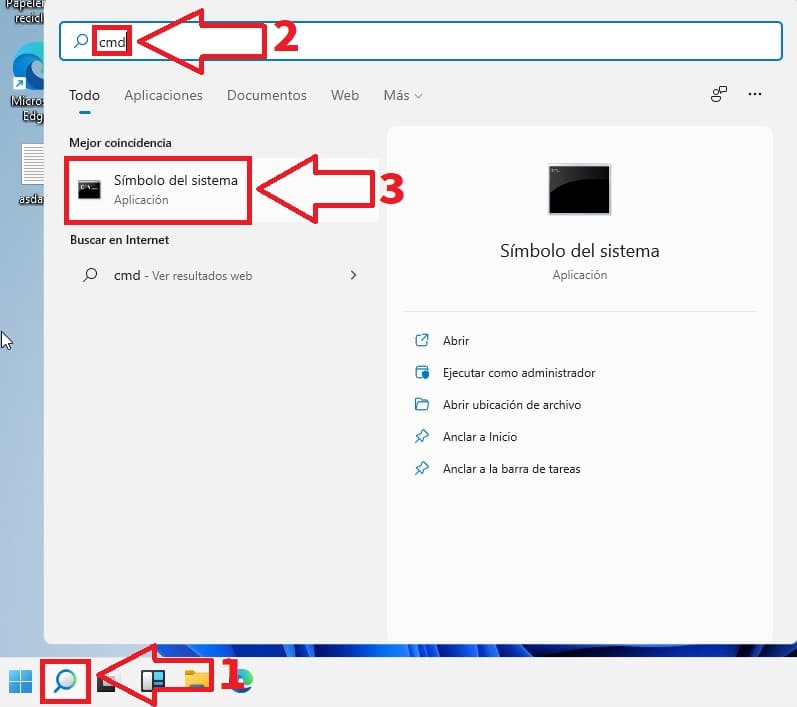
Force Delete Folder In Windows 11 Easy And Fast HowPChub
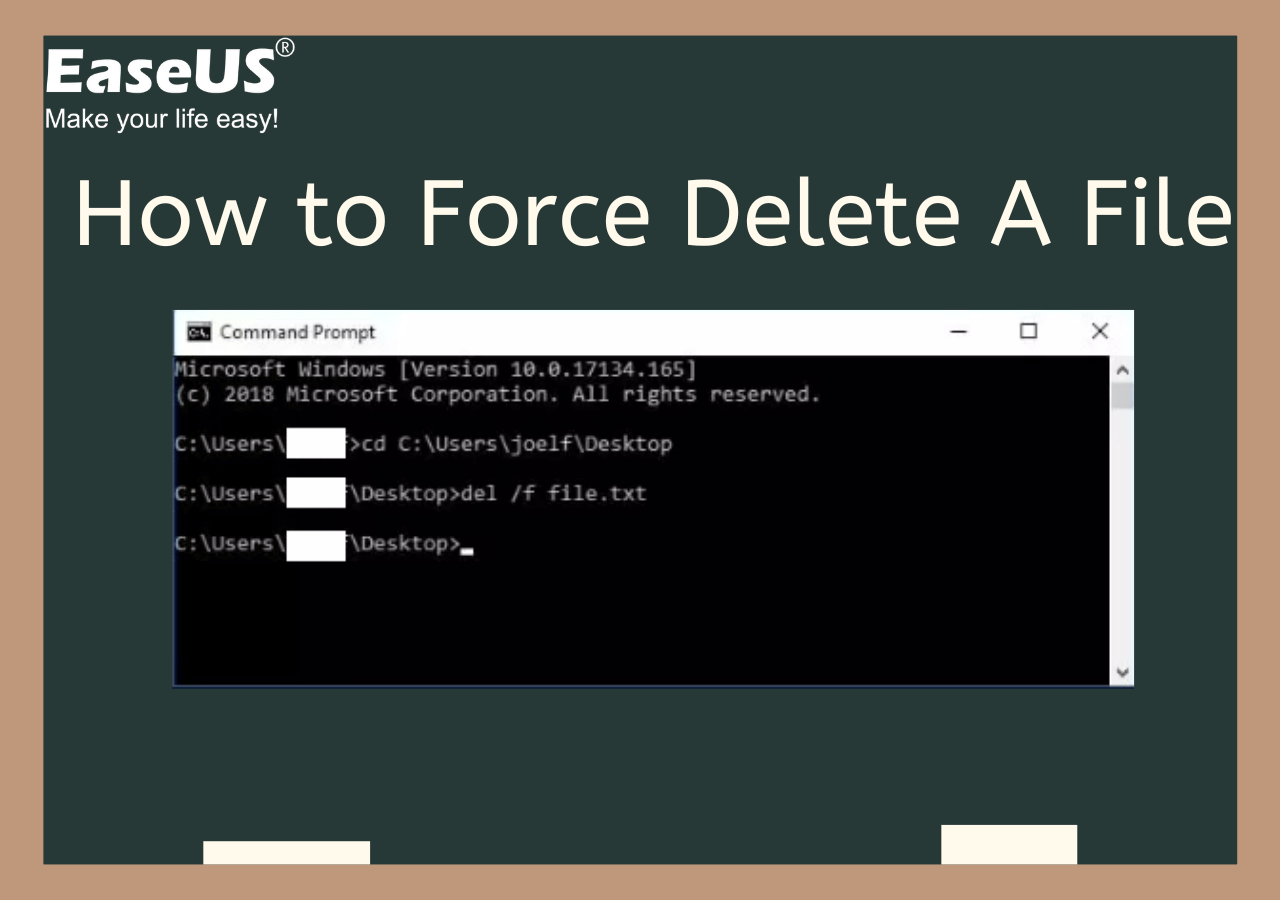
How To Force Delete Folder Or File In Windows 1011 Easeus CLOUD HOT GIRL
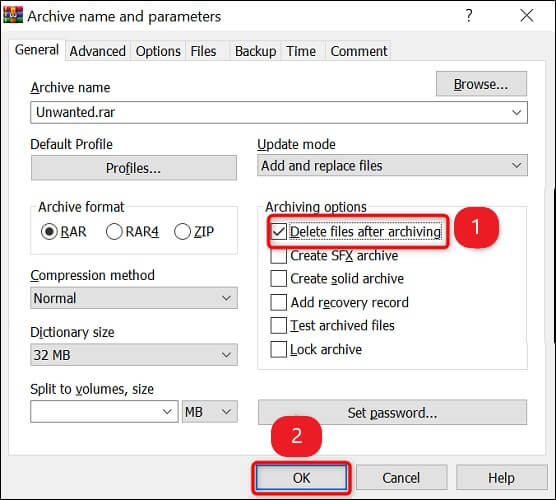
How To Force Delete A Folder Windows 10 11 RevoUninstaller
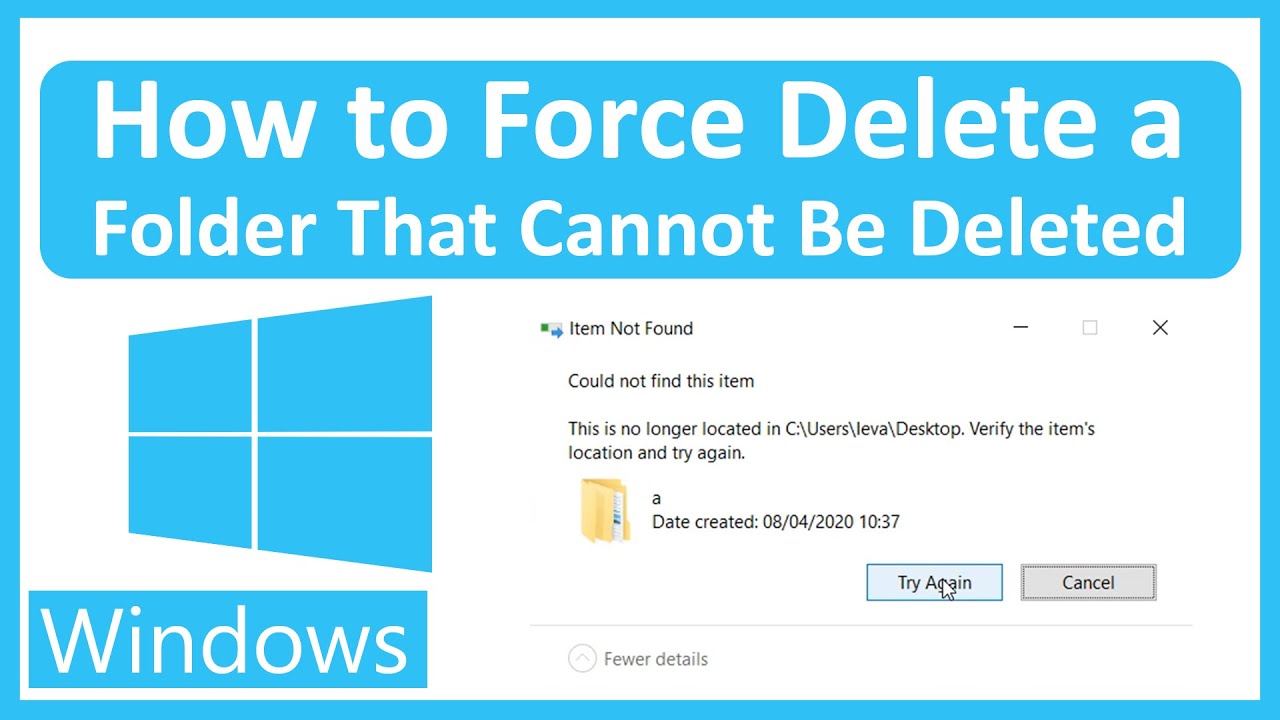
How To Force Delete Files Or Folders In Windows 10 A File Folder Vrogue

Part 1 Causes of Access Denied When You Delete Folders Part 2 Run CMD Force Delete Folder Access Denied Part 3 Closing all programs with task manager Part 4 Deleting Undeletable Files Folders by Running a Third Party Program Part 5 Use ProcessExplorer to identify which program locks the file

To delete a folder with Command Prompt run Command Prompt as an Admin then run rmdir s q PATH TO FOLDER Try booting into Safe Mode to minimize the chances of a program using the folder you want to delete then try deleting it again Are you having trouble deleting a folder from your Windows 10 or Windows 11 PC
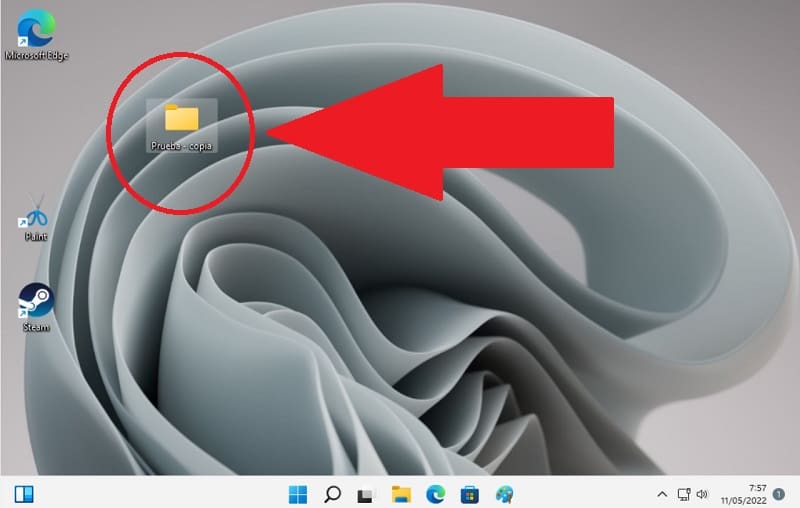
1 Select the file or folder you want to delete It should be highlighted Keep in mind that this method will permanently delete the file Back up the files if you want to recover them later 1 2 Press Shfit Del This keyboard combination will bypass the Recycle Bin and delete the file permanently
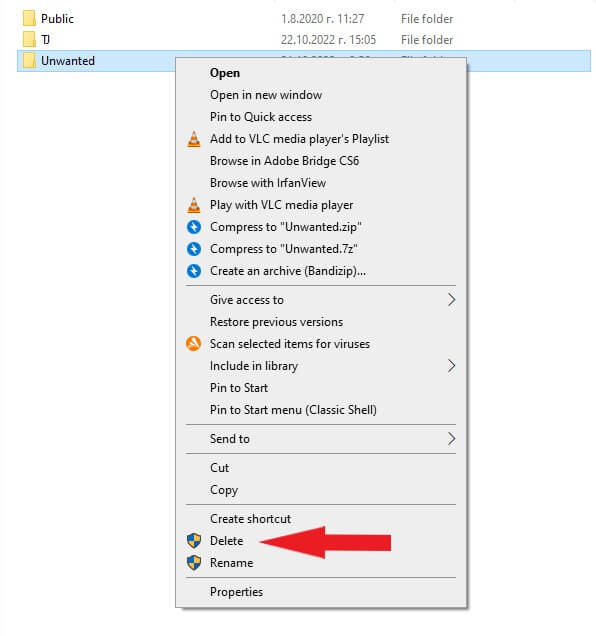
15 This question does not show any research effort it is unclear or not useful Save this question Show activity on this post I m going to delete 1 mp3 but it gives me the error Access is denied More info about file s perms attrib 1 mp3 A C Users Alipour Desktop 1 1 mp3 I also used attrib s h 1 mp3 but still it can not be deleted by

The most common fix to try when you see folder access denied is to take ownership of the folder through File Explorer Here s how to do this First right click the folder or file in question and select Properties On the resulting window switch to the Security tab Next click the Advanced button for more options
You may be trying to delete a system file The Recycle Bin is either full or corrupted The file or folder is infected with malware or a virus The disk is write protected or full You get the Access Denied warning when you try deleting files or folders from a mounted external drive This is a tutorial on how to delete folders in Windows 10 which can not be deleted due to a Access denied error This video shows you how to take ownership
An Access Denied error message can occur due to the following reasons the folder ownership has changed you do not have appropriate permissions or the file is encrypted We suggest following the steps given by GuyMcCausland and Amarjeet Paul on this thread and see if the issue will persist