For Input Type Text JS Animated How To Change The Placeholder Text Color Of An Input Tutorial Creating An Accessible Contact Form In HTML Scale Your Android Keyboard Layout For Input Type text The Screen Sho Flickr How To Style A Title In CSS TheSassWay Google Chrome tips From productivity to customization learn how to get things done more quickly with your browser
Sign in to Gmail Tip If you sign in to a public computer make sure to sign out before you leave the computer Learn how to sign in on a device that s not yours On your device go to the Apps section Tap Google Play Store The app will open and you can search and browse for content to download
How To Style A Title In CSS TheSassWay HTML Forms Learn 18 HTML Input Types HTML5 2020 YouTube Html Input Css Class Fujisawa style jp Tra Poreme aj Zahvat Input Type File Shiraberu Html Type Textarea Ab out jp 34 Javascript Add Placeholder To Input Javascript Answer Html Text Field Sakeikura jp CSS Input Text Code To Use In Your Own Forms Html Input Checkbox Ryogujo jp
For Input Type Text
 For Input Type Text
https://www.templatemonster.com/help/wp-content/uploads/2015/08/How_to_change_the_placeholder_text_color_of_an_input-1.jpg
The Google Authenticator app can generate one time verification codes for sites and apps that support Authenticator app 2 Step Verification If you set up 2 Step Verification you can use the
Templates are pre-designed files or files that can be utilized for various purposes. They can save time and effort by providing a ready-made format and layout for creating various kinds of content. Templates can be utilized for individual or expert projects, such as resumes, invitations, leaflets, newsletters, reports, presentations, and more.
For Input Type Text
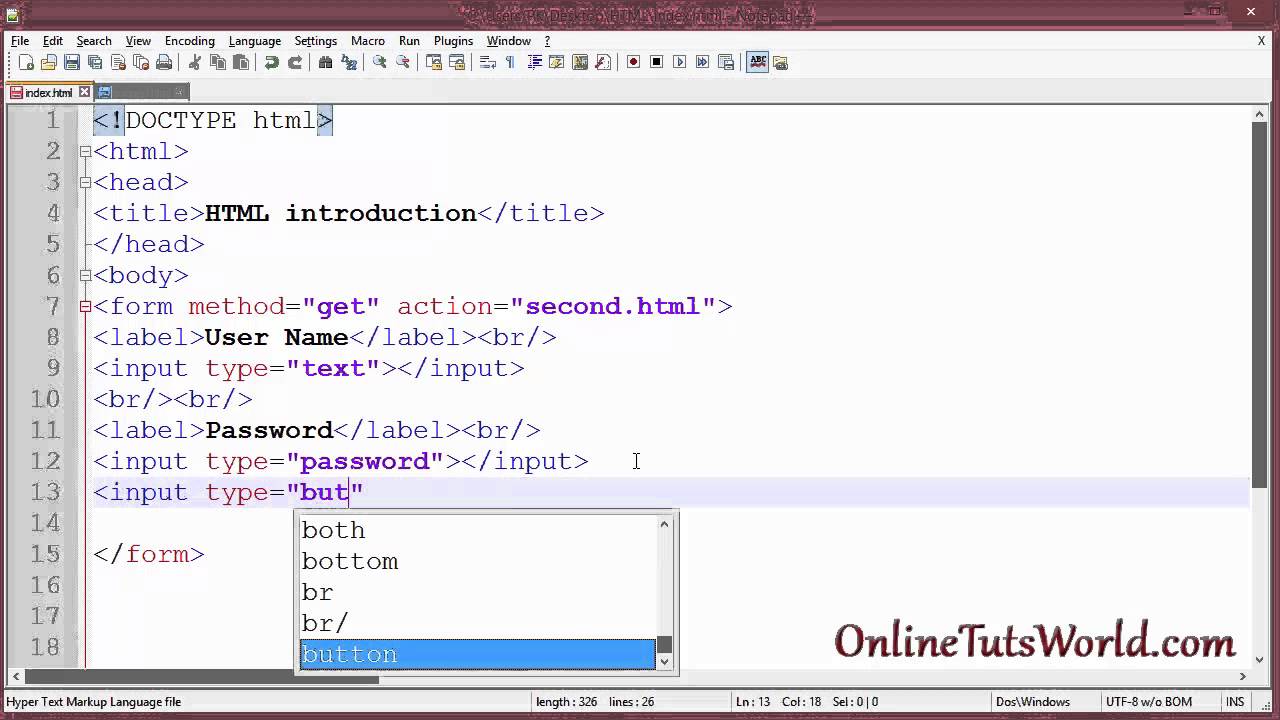
Html Input Type Text Lovely posca jp
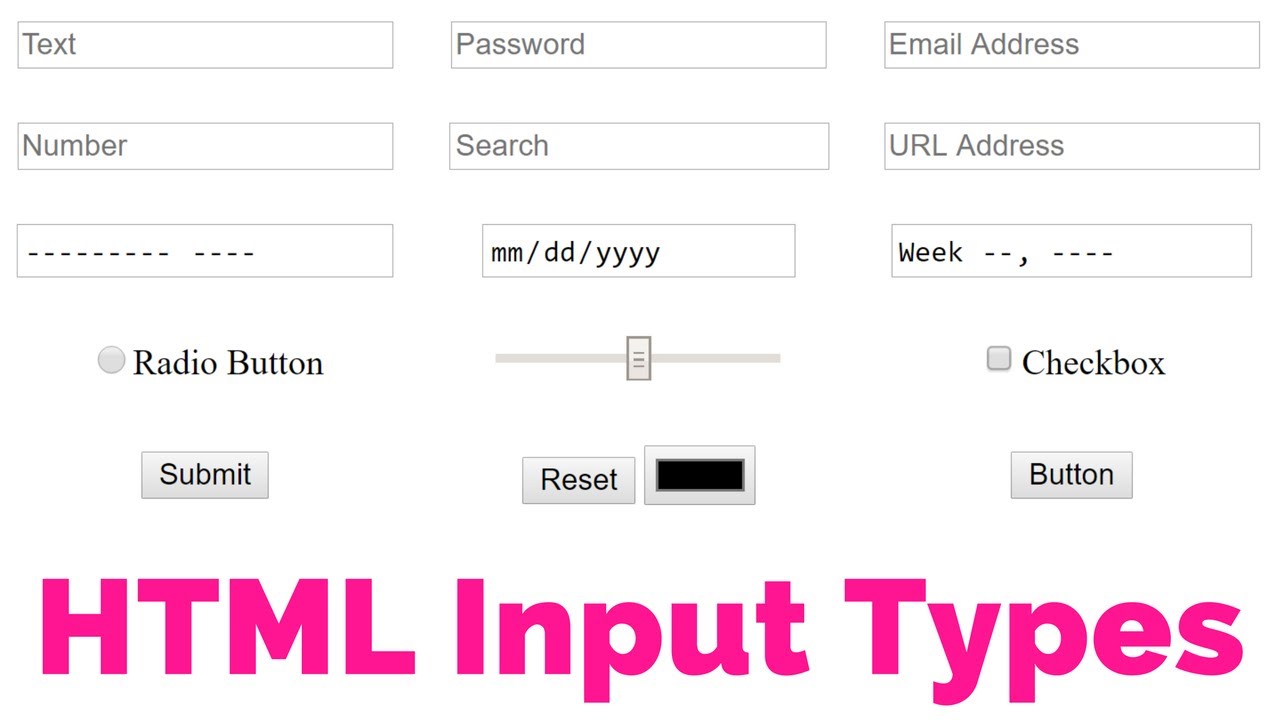
HTML Forms Learn 18 HTML Input Types HTML5 2020 YouTube
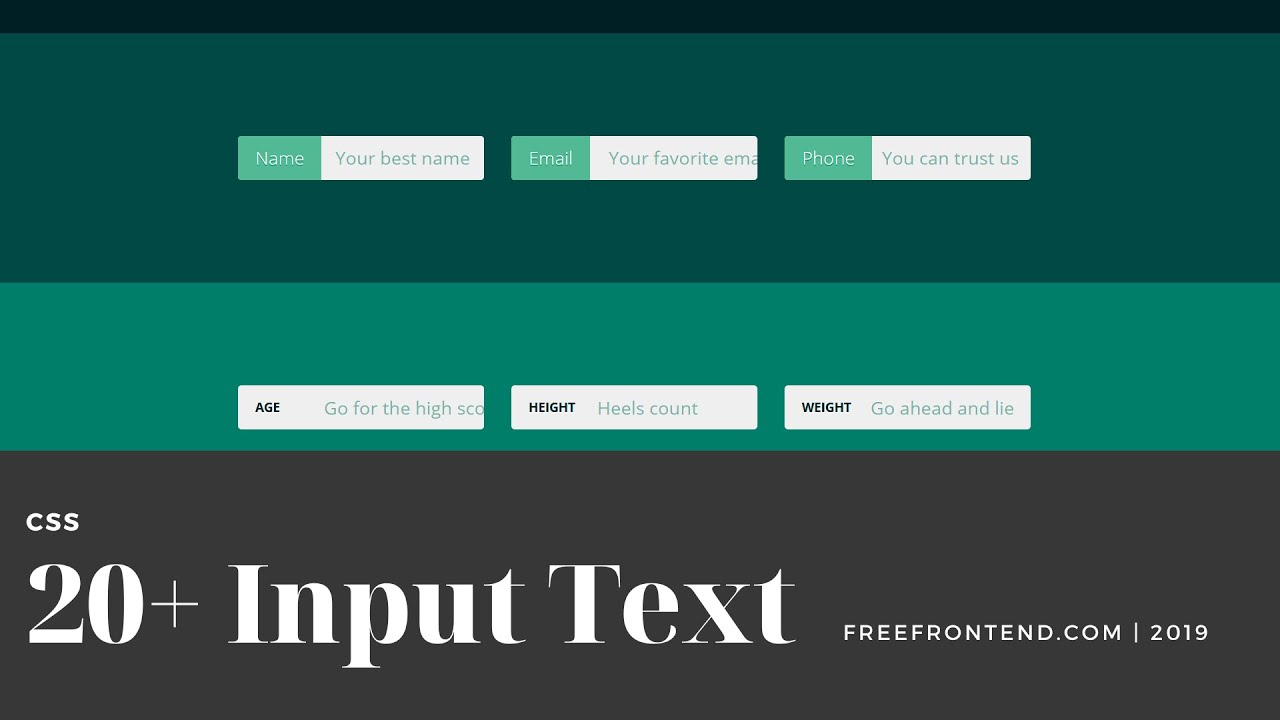
Html Input Css Class Fujisawa style jp

Tra Poreme aj Zahvat Input Type File Shiraberu

34 Javascript Add Placeholder To Input Javascript Answer
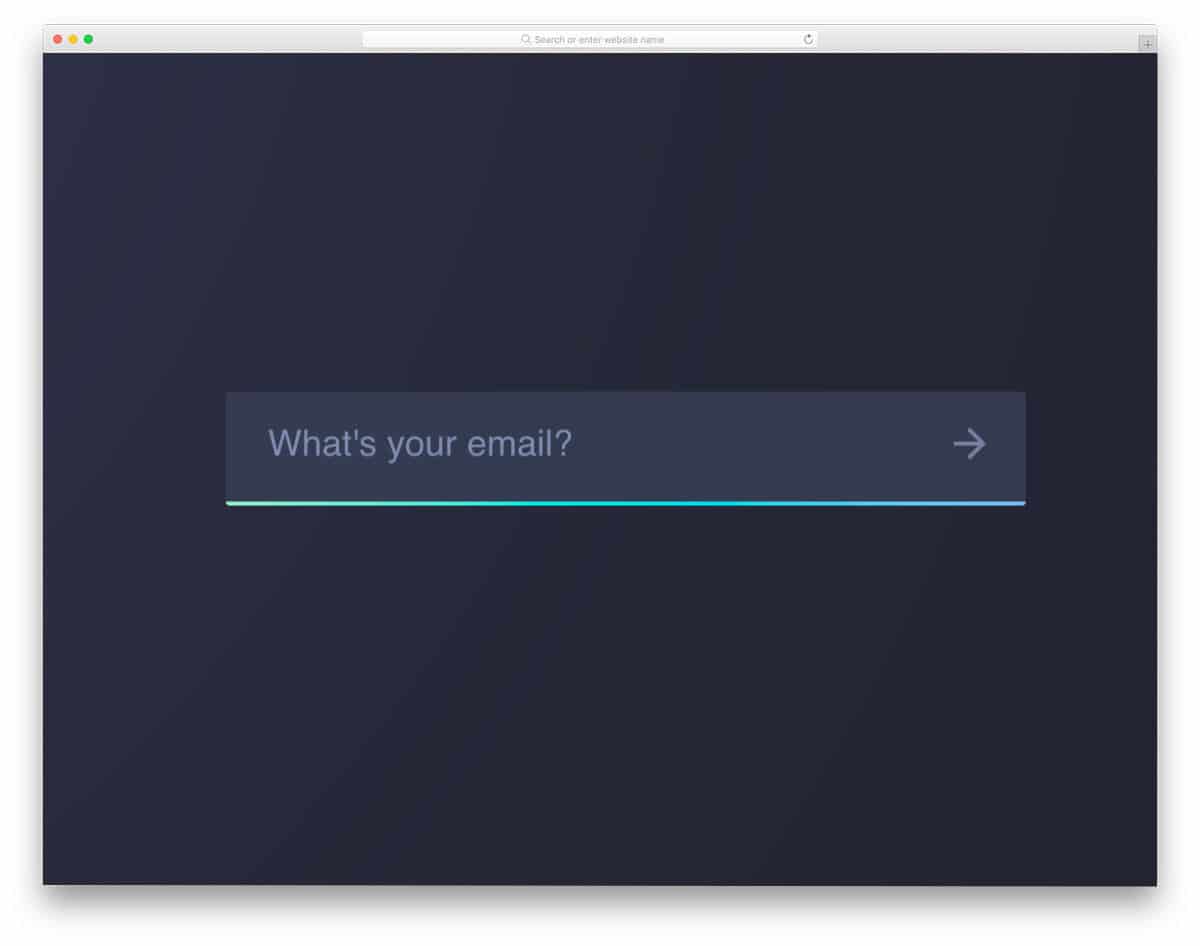
Html Text Field Sakeikura jp

On your iPhone or iPad open App Store In the search bar enter Chrome Tap Get To install follow the on screen instructions If prompted enter your Apple ID password To start

Create an account Tip To use Gmail for your business a Google Workspace account might be better for you than a personal Google Account With Google Workspace you get increased

To easily manage and share content across all of your devices and the cloud use Google s desktop sync client Drive for desktop If you edit delete or move a file on the Cloud the same
How to install Chrome Important Before you download you can check if Chrome supports your operating system and other system requirements

If you forgot your password or username or you can t get verification codes follow these steps to recover your Google Account That way you can use services like Gmail Pho
[desc-11] [desc-12]
[desc-13]