Flutter Navigator Get History Flutter Navigator V2 GetX DuCafeCat 32 FLUTTER NAVIGATOR CANPOP YouTube Flutter Navigate To New Page Navigator push Flutter Navigator pop Reload A Widget After Navigator pop Flutter Navigator 2 0 Made Easy With Auto Router Coletiv Blog 1 Storing navigation routes It s quite clear we need a data structure for storing routes Thought process When we navigate between different links in a browser the last link is usually the first to be traced back on click of the back button Flutter Web and Navigation History Going 1 link to several You navigate to link A
4 Answers Sorted by 16 I think the only way you could do this currently is to override the Navigator class and keep track of the Routes yourself If you look at the Navigator source code there is a variable called history which contains all the navigated routes but there s no way to access it unfortunately Share Follow The navigation history of routes is saved from the flutter web via navigator observers
Flutter Navigator 2 0 Made Easy With Auto Router Coletiv Blog 31 FLUTTER NAVIGATOR POP YouTube Flutter Navigator 2 0 11 Curso De FLUTTER NAVIGATOR 1 0 YouTube Flutter Navigator 2 0 Tutorial For Beginners Go Router YouTube Flutter s Complex Navigator 2 0 Velocity X And V Router In Hindi By Flutter Navigator 2 0 Vs Navigator 1 0 The What The Why And The Tea Basic Navigation In Flutter Navigator Only Cheatsheet By Dane Keluargaberbisnis Navigator Operation Requested With A Context That
Flutter Navigator Get History
 Flutter Navigator Get History
https://ducafecat.tech/2021/10/14/flutter-daily/flutter-navigator-v2-introduce/2021-10-15-08-42-33.png
Mar 29 2022 This Flutter Navigator 2 0 tutorial assumes that you have a working knowledge of Dart and Flutter Navigation is a core concept in mobile app development It enables users to move from one screen to another Well managed navigation keeps your app organized and enhances its capabilities Flutter offers an imperative API Navigator
Templates are pre-designed documents or files that can be utilized for various purposes. They can conserve time and effort by providing a ready-made format and design for producing various type of material. Templates can be utilized for personal or professional projects, such as resumes, invites, flyers, newsletters, reports, presentations, and more.
Flutter Navigator Get History

Pass Arguments To A Named Route Flutter Navigator YouTube

31 FLUTTER NAVIGATOR POP YouTube
Flutter Navigator 2 0

11 Curso De FLUTTER NAVIGATOR 1 0 YouTube

Flutter s Complex Navigator 2 0 Velocity X And V Router In Hindi By

Flutter Navigator 2 0 Vs Navigator 1 0 The What The Why And The Tea
Flutter applications with advanced navigation and routing requirements such as a web app that uses direct links to each screen or an app with multiple Navigator widgets should use a routing package such as go router that can parse the route path and configure the Navigator whenever the app receives a new deep link
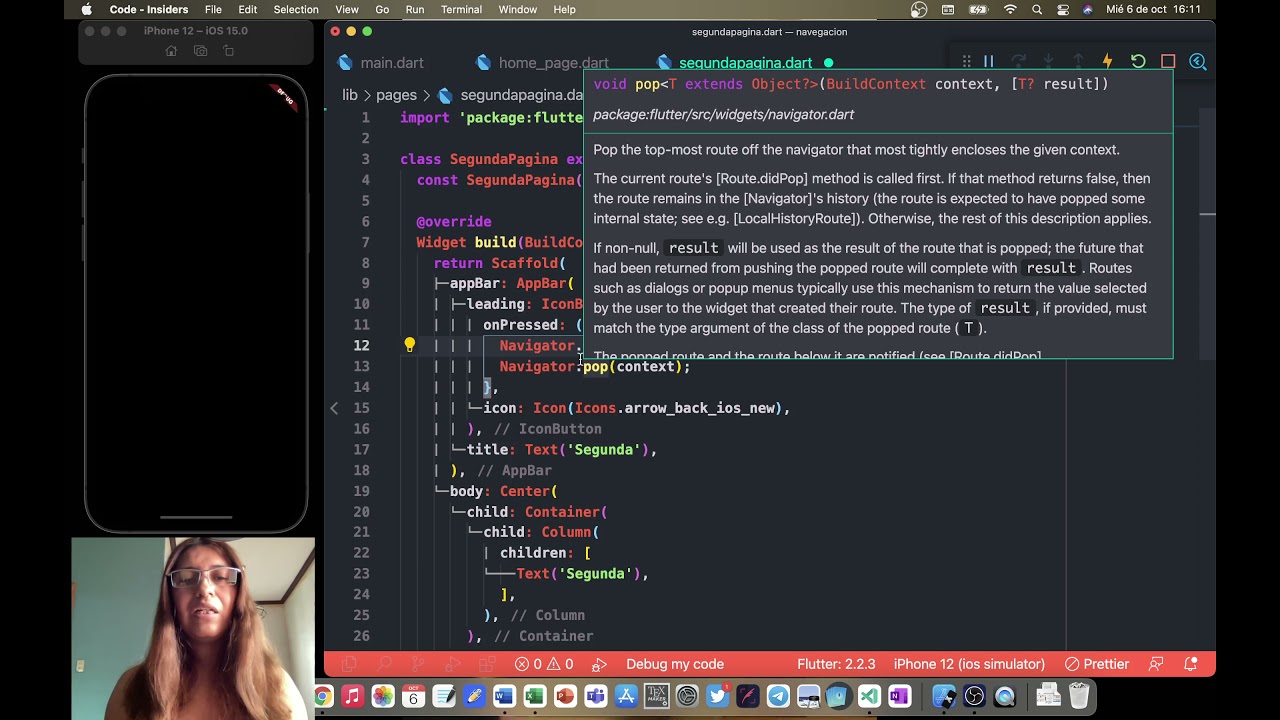
Using the Pages API The Navigator will convert its Navigator pages into a stack of Route s if it is provided A change in Navigator pages will trigger an update to the stack of Route s The Navigator will update its routes to match the new configuration of its Navigator pages
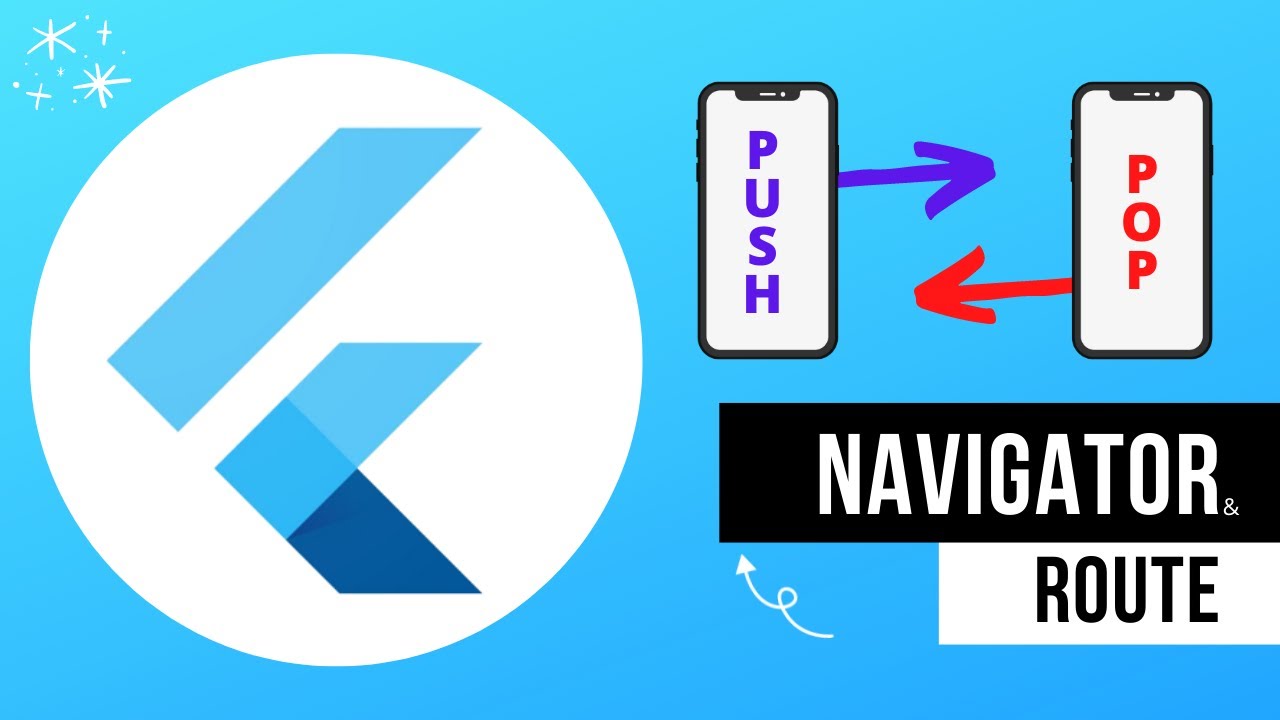
Flutter Navigation History Observer A flutter navigation observer that adds access to lists that track the navigation stack both forwards and backwards Usage This is a singleton meaning you can access its single instance from anywhere by calling the default constructor
Sep 26 2020 Flutter Web and Navigation History How to know the navigation history in Flutter Web Hmm All in one Flutter resource

Using Flutter s Navigator Navigator push context MaterialPageRoute builder context SomeScreen Using GetX Get to SomeScreen Obviously the 2nd way is much shorter and doesn t need to worry about context Note GetX comes with a lot of features but each of these features is in separate containers and is only started after use
Get now fully implements a Bindings interface for full integration of routes state manager and dependency manager This will take us 3 steps Step 1 create our Binding class Step 2 add the You may need to clear the navigation history in some cases like pages after splash screen login screen or similar kinds of pages where you want to disable the back button See the example How to Clear All Navigation History Stack in Flutter
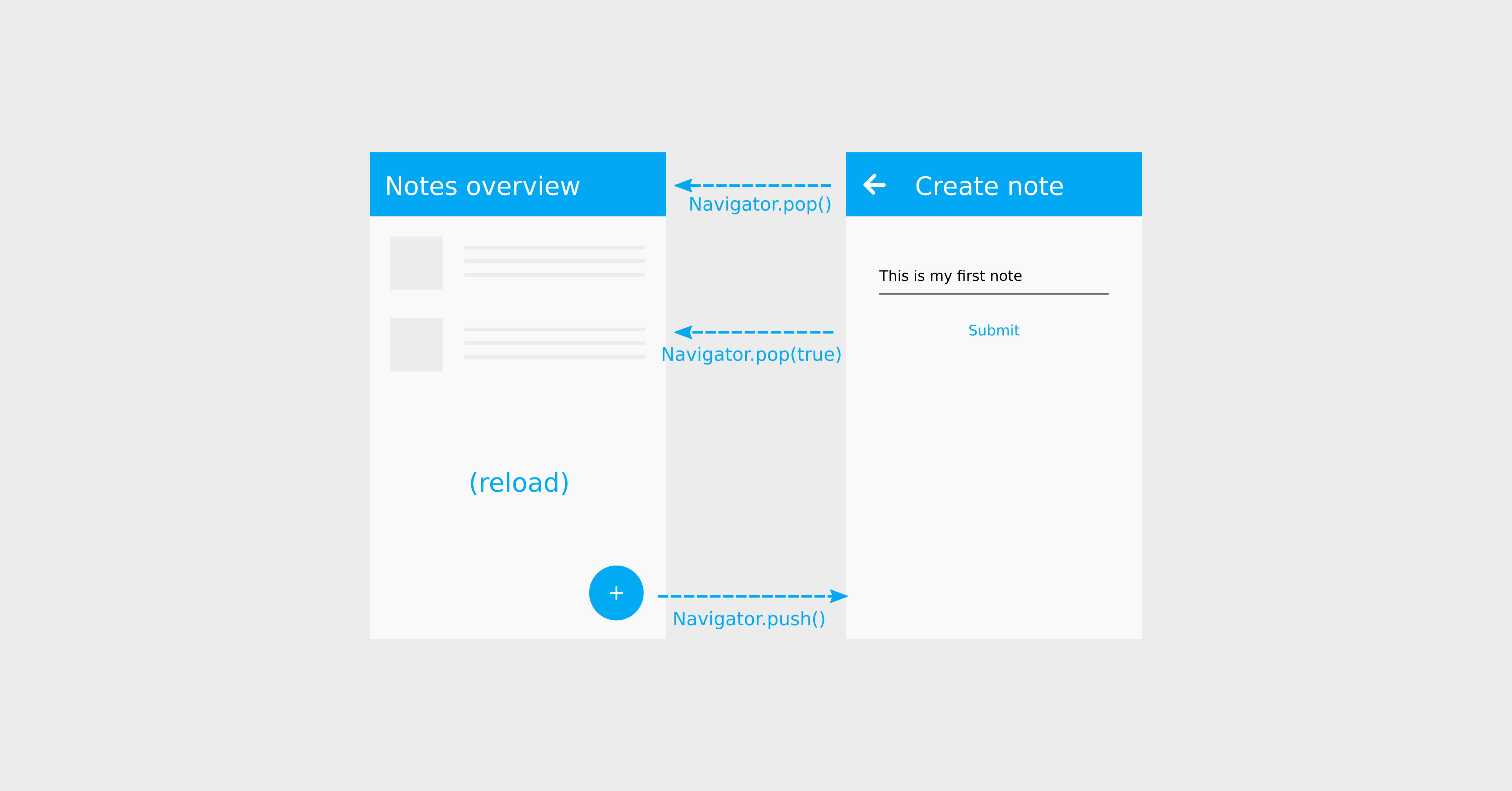
Navigation Navigate to a new screen and back Contents 1 Create two routes 2 Navigate to the second route using Navigator push 3 Return to the first route using Navigator pop Interactive example Navigation with CupertinoPageRoute Most apps contain several screens for displaying different types of information