Flutter Keyboard Listener Example Image Classification Flutter App Flutter Ui Flutter Medium Flutter Using TextEditingController Examples Flutter Creating OTP PIN Input Fields 2 Approaches KindaCode Know Why Flutter For Your Next Mobile App Development Singsys Blog Overview Flutter comes with a focus system that directs the keyboard input to a particular part of an application In order to do this users focus the input onto that part of an application by tapping or clicking the desired UI element
The following code snippet tells us how to implement RawKeyboardListener Widget in Flutter FocusScope of context requestFocus focusNode return RawKeyboardListener focusNode textNode onKey key handleKey key data child child The complete source code will look like below Learn how to use Keyboard Events in Flutter and detect specific keypresses with a Keyboard Listener in Flutter Web Preview Buy My Courses Watch Video YouTube video where the source code is explained Subscribe YouTube channel Watch My Video Social Media
Know Why Flutter For Your Next Mobile App Development Singsys Blog A Flutter Material Theme Editor Vrogue GitHub Surfstudio flutter keyboard listener Flutter Push Notification Tutorial With Example Using Fcm Vrogue Flutter How To Avoid Bottom Overflow When Keyboard Open In Alert Vrogue Beginning Flutter Introduction To Flutter And Dart Jedipixels EroFound Flutter Text On Image In Flutter Flutter Move Bottomsheet Along With Keyboard Which Has Textfield Flutter Flow
Flutter Keyboard Listener Example
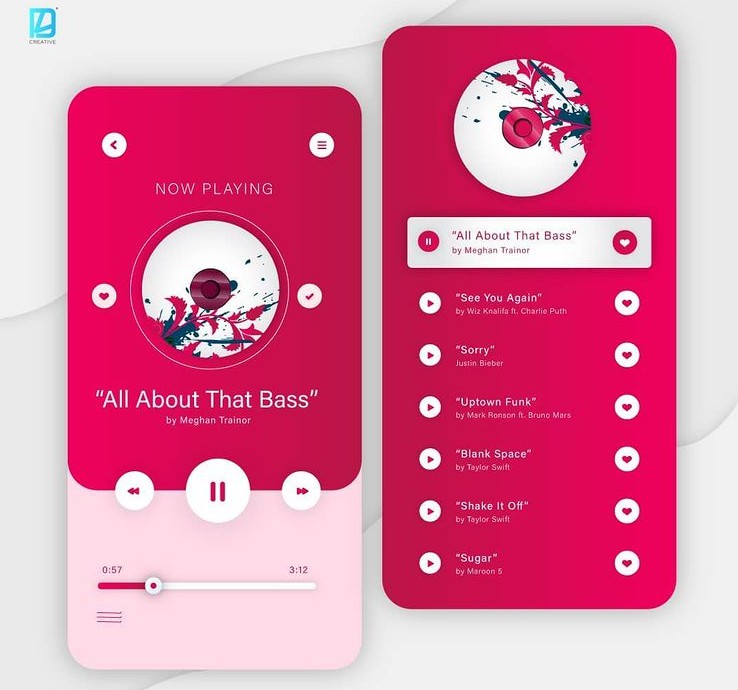 Flutter Keyboard Listener Example
https://flutterawesome.com/content/images/2021/12/Snipaste_2021-12-23_11-28-33.jpg
So you put Keyboard key logic inside the parenthesis to check if you press keyboard same as the Keyboard key logic event isKeyPressed inside your keyboard key logic You can use
Pre-crafted templates offer a time-saving option for developing a diverse series of files and files. These pre-designed formats and layouts can be utilized for numerous personal and professional jobs, including resumes, invitations, leaflets, newsletters, reports, presentations, and more, enhancing the material production procedure.
Flutter Keyboard Listener Example
A Custom Keyboard UI For Flutter
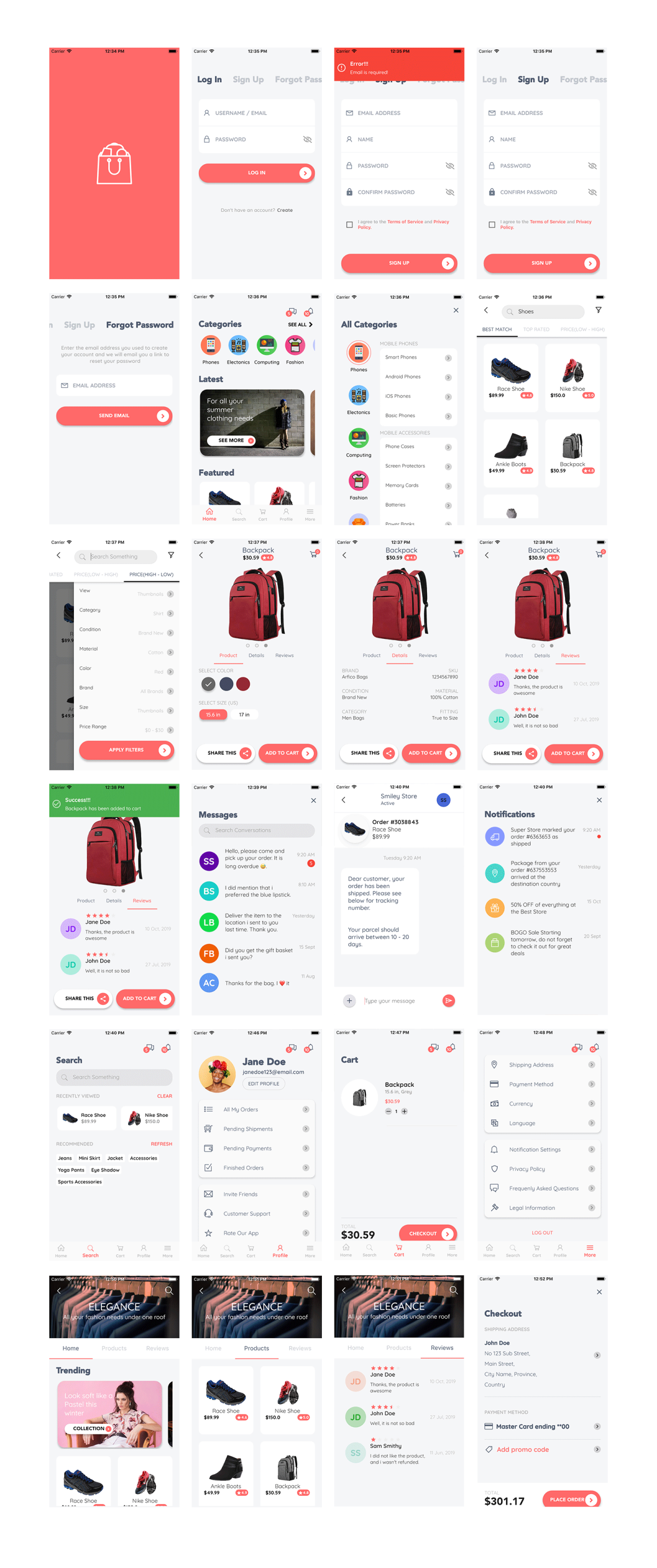
A Flutter Material Theme Editor Vrogue
GitHub Surfstudio flutter keyboard listener
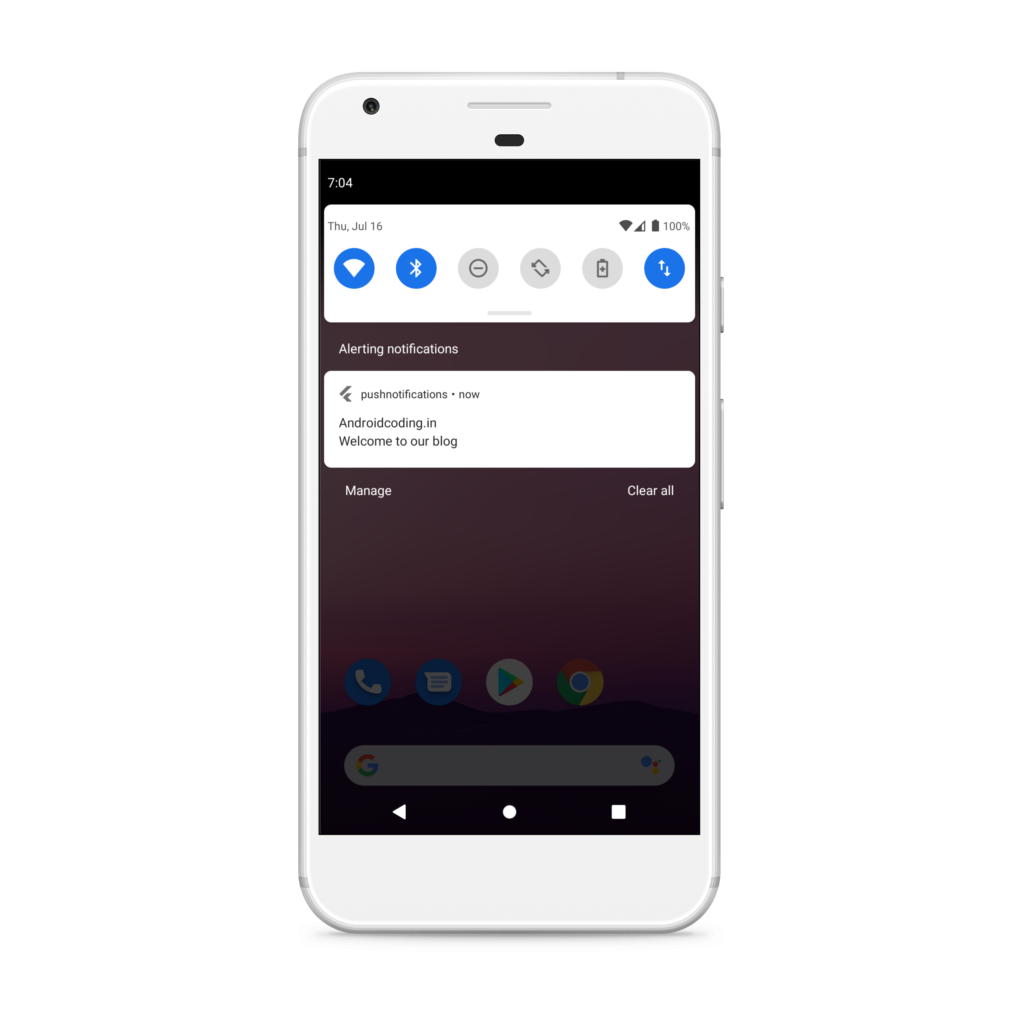
Flutter Push Notification Tutorial With Example Using Fcm Vrogue
Beginning Flutter Introduction To Flutter And Dart Jedipixels EroFound

Flutter Text On Image In Flutter
A KeyboardListener is useful for listening to key events and hardware buttons that are represented as keys Typically used by games and other apps that use keyboards for purposes other than text entry For text entry consider using a EditableText which integrates with on screen keyboards and input method editors IMEs

It takes time and can clutter up your example code substantially not to mention the on screen clutter that half a dozen tappable areas introduces Coming from a Unity background and also Flash we were accustomed to using keyboard listeners to quickly test things only building UI when we actually want to see it It turns out this is quite

Learn how to use Keyboard Events in Flutter and detect specific keypresses with a Keyboard Listener in Flutter Web Click here to Subscribe to Johannes Milke

A widget that calls a callback whenever the user presses or releases a key on a keyboard A RawKeyboardListener is useful for listening to raw key events and hardware buttons that are represented as keys Typically used by games and other apps that use keyboards for purposes other than text entry

Creates a widget that receives keyboard events For text entry consider using a EditableText which integrates with on screen keyboards and input method editors IMEs The key is an identifier for widgets and is unrelated to keyboards See Widget key Implementation
Use case When we need to add shortcuts for desktop users for example pressing ctrl tab to switch tab of inside app or pressing to focus the search field or pressing or to switch pages in our paginated content so we need global key listener which don t need focus on specific element Current scenario We have KeyboardListener widget but it need focus on specific widget to perform properly 1 New to Flutter I have a keyboard listener wrapping my Scaffold body to detect Enter and backspace key I noticed however upon every page refresh there will be additional listeners causing double firing of events i e increment function triggered within the listener will double 1st open every 1 enter keypress 1 count
Flutter Plugin for Windows to catch ALL keyboard events even if you are using other programs This Plugin use Windows s SetWindowsHookEx API click the links for details WH KEYBOARD LL Installs a hook procedure that monitors low level keyboard input events For more information see the LowLevelKeyboardProc hook procedure