Fix Windows Boot From Command Prompt How To Fix System Thread Exception Not Handled Error In Windows Curr Dogs Tree It All Nasadnotes How To Use Command Prompt For Windows 7 Boot Repair Fix Windows Boot Entry Not Detected Hackintosh OpenCore YouTube Repair Windows 10 Or 11 Using Command Prompt 5 Ways Web Feb 10 2022 nbsp 0183 32 Try to repair the BCD file automatically using this command bootrec RebuildBCD Reboot your computer and check if Windows boots don t forget to change the boot device priority in the BIOS settings If Windows does not boot boot from the installation media again and open a command prompt
Web Dec 20 2023 nbsp 0183 32 Click the quot Repair your computer quot option in the bottom left corner Image credit Mauro Huculak Once you complete the steps use the steps below to continue to the quot Startup Repair quot tool Web Oct 18 2023 nbsp 0183 32 If you can still boot into your Windows 10 computer you can perform Windows startup repair from Command Prompt from Settings Step 1 Press the quot Windows I quot keys to open the Settings Window Next click quot Update amp Security quot and choose quot Recovery quot in the left panel Step 2
Repair Windows 10 Or 11 Using Command Prompt 5 Ways How To Fix The Windows Boot Manager After Installing Linux Systran Box Best 2 Ways To Boot To Command Prompt In Windows 10 How To Boot To Command Prompt Windows Vista Showmanager How To Repair Windows 10 11 Using Command Prompt How To Repair Master Boot Record MBR On Windows 10 Pureinfotech Boot Quickly Into Safe Mode Command Prompt In Windows 10 Command Prompt In Windows 7 How To Open And Use It Full Guide How To Fix Windows Boot Error 0xc000000d Icon Remover
Fix Windows Boot From Command Prompt
 Fix Windows Boot From Command Prompt
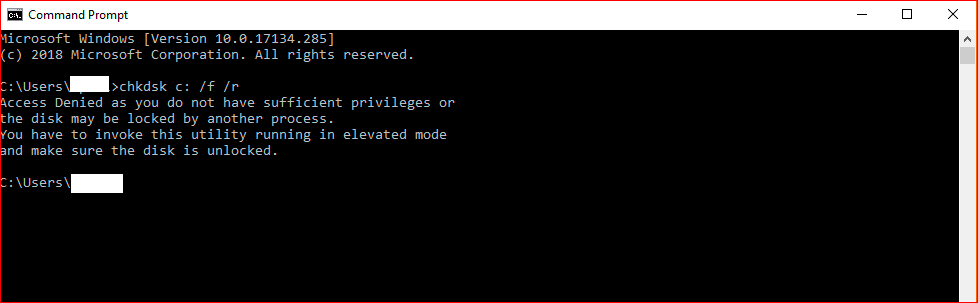
https://softwaretested.com/wp-content/uploads/2018/12/Command-Prompt.png
Web Jan 6 2022 nbsp 0183 32 After you ve managed to get to the Command Prompt from BIOS you can use simple commands and more advanced tools such as diskpart or bootrec to repair your system s partitions boot records write a new boot sector if needed or rebuild the Boot Configuration Data
Templates are pre-designed files or files that can be used for various functions. They can conserve time and effort by providing a ready-made format and layout for creating different kinds of material. Templates can be used for personal or expert jobs, such as resumes, invitations, leaflets, newsletters, reports, discussions, and more.
Fix Windows Boot From Command Prompt

How To Start Xp From Command Prompt Documentride5

How To Fix The Windows Boot Manager After Installing Linux Systran Box

Best 2 Ways To Boot To Command Prompt In Windows 10

How To Boot To Command Prompt Windows Vista Showmanager

How To Repair Master Boot Record MBR On Windows 10 Pureinfotech
Boot Quickly Into Safe Mode Command Prompt In Windows 10
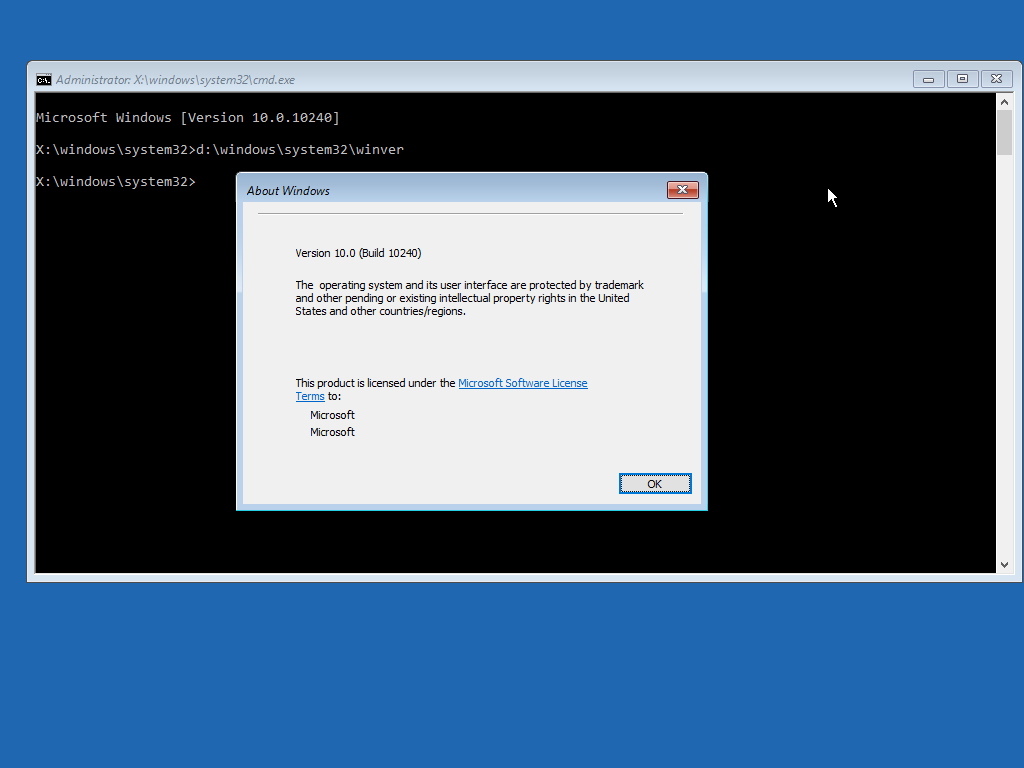
Web Jul 29 2021 nbsp 0183 32 After booting into setup choose the Repair Computer option gt Troubleshoot gt Advanced Options gt Command Prompt If you are using a recovery drive click Troubleshoot gt Advanced Options

Web Jan 3 2024 nbsp 0183 32 Way 1 Repair system files using SFC command Way 2 Check and fix disk errors through CHKDSK command Way 3 Run Bootrec exe tool to repair boot errors Way 4 Access the System Restore with Command Prompt Run Command Prompt from Windows Recovery mode first
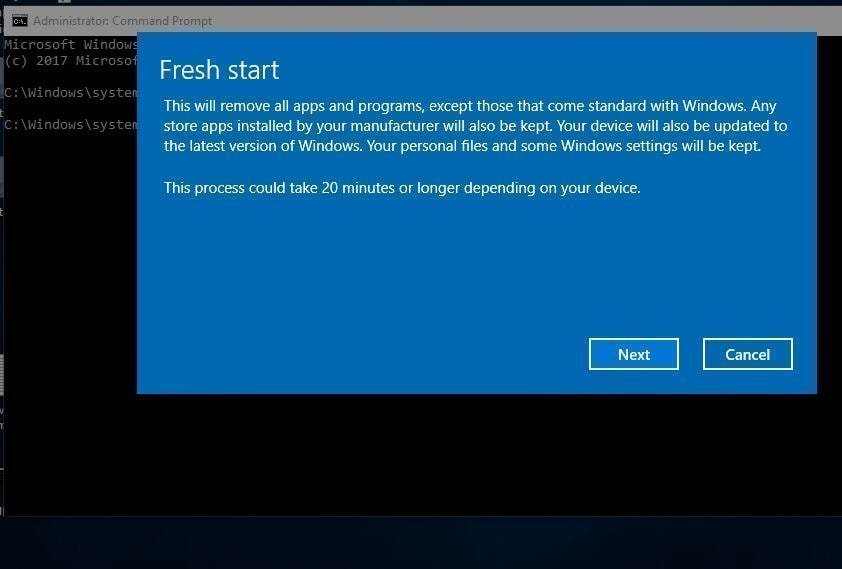
Web Aug 18 2023 nbsp 0183 32 1 Open quot Start quot search for the Command Prompt select it and run as administrator 2 Then type the command quot sfc scannow quot and press quot Enter quot If SFC is unable to fix the problem probably the utility cannot get the necessary files from the Windows image which might have become broken In this situation you can try the next

Web Feb 8 2023 nbsp 0183 32 To troubleshoot this problem use Windows installation media to start the computer press Shift F10 for a command prompt and then use any of the following methods Method 1 Startup repair tool The Startup Repair tool automatically fixes many common problems The tool also lets you quickly diagnose and repair more complex
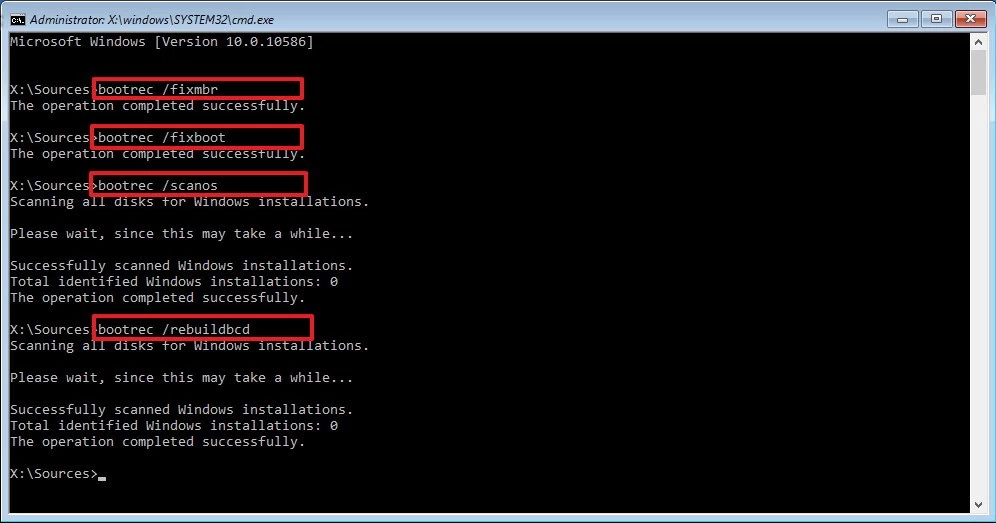
Web Aug 18 2023 nbsp 0183 32 BOOTREC FIXMBR this command will fix any corruption issues with the master boot record BOOTREC FIXBOOT this command will attempt to write a new boot sector on the hard disk if Windows detects damage BOOTREC RebuildBcd this command may be able to fix an error like Boot Manager is Missing and can also
Web Dec 8 2023 nbsp 0183 32 Open Start Search for Command Prompt right click the top result and select the Run as administrator option Type the following command to repair the Windows 10 image and press Enter DISM Web Aug 29 2023 nbsp 0183 32 Click the Repair your computer button from the lower left corner Click on Troubleshoot Click on Advanced options Click the Command Prompt option In Command Prompt use the Bootrec exe tool to repair the Master Boot Record on Windows 10 The Bootrec exe tool supports many options depending on your situation
Web Jun 29 2022 nbsp 0183 32 Alternatively you can also access the app by following the steps below Open the Settings app from the Start menu Click Update amp Security Click Recovery from the menu on the left side of the