Fix Problems Chrome Has A Malware Problem And Google Needs To Fix It I May Not Fix Your Problems The Way You Want Me To The Fix For My Problem Created More Hassle P s That s Life I Don t Fix My Problems I Fix My Thinking And Then My Problems Fix Audio Troubleshooter Find And fix Problems Solution 1 Check for updates Solution 2 Search and Indexing troubleshooter Solution 3 Restart Windows Search Solution 4 Reset Windows Search Show 2 more Try our Virtual Agent It can help you quickly identify and fix common Windows Search issues
Uninstall and reinstall Chrome There could be something wrong with your Chrome profile that s causing problems Uninstall Chrome and make sure to check the box to delete browsing data Then reinstall Chrome Uninstall and reinstall extensions One of your Chrome extensions could be causing a problem By Max Slater Robins last updated 5 December 2021 Easy fixes for widespread issues Image Credit TechRadar Page 1 of 6 Getting started with Windows 10 Now that Windows 10 has overtaken
Audio Troubleshooter Find And fix Problems Fix Problems THIS YEAR Training Package Auto Profit Masters Bono Quote We Can t Fix All Problems But We Must Fix The Ones We Can The Quick Fix For The Hard Questions In Life Choosing Wisdom Quote I Do Not fix Problems I Fix My Thinking Then Problems Fix How Engineers fix Problems 9GAG Pin On Themindsjournal How To fix Problems With Your Privately Rented Home Advicenow MDR Home Inspections How To fix Problems In A New Build Home
Fix Problems
 Fix Problems
https://betanews.com/wp-content/uploads/2014/01/fix-it.jpg
Run the Windows Update Troubleshooter Select Start Settings Update Security Troubleshoot Under Get up and running select Windows Update If the Troubleshooter doesn t fix the
Pre-crafted templates use a time-saving service for creating a diverse range of files and files. These pre-designed formats and layouts can be utilized for numerous individual and expert projects, including resumes, invites, flyers, newsletters, reports, discussions, and more, improving the content production procedure.
Fix Problems
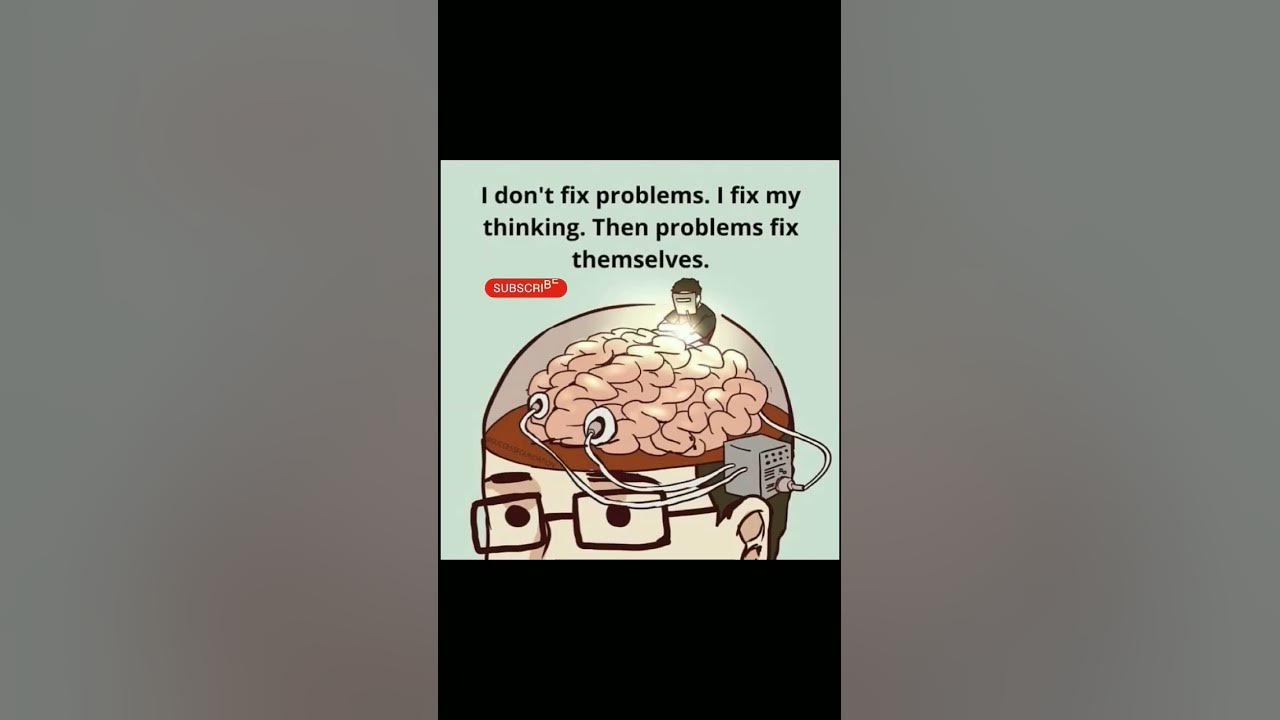
If You Don t fix Problems I Fix My Thinking Then Problems Fix

Fix Problems THIS YEAR Training Package Auto Profit Masters
Bono Quote We Can t Fix All Problems But We Must Fix The Ones We Can

The Quick Fix For The Hard Questions In Life Choosing Wisdom
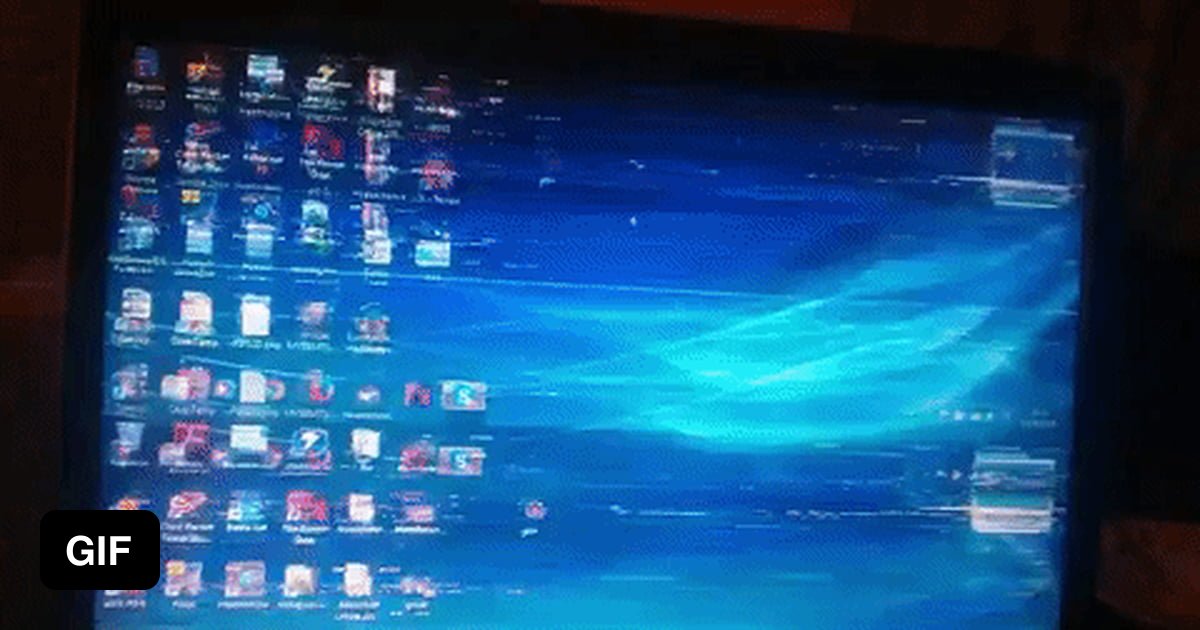
How Engineers fix Problems 9GAG

Pin On Themindsjournal
The troubleshooter helps fix problems that Corrupt registry keys on 64 bit operating systems Corrupt registry keys that control the update data Prevent new programs from being installed Prevent existing programs from being completely uninstalled or updated

First sign in to your Microsoft account Next work through these possible solutions in the order presented Make sure Windows is up to date Select Start Settings Windows Update Check for updates If there is an available update select Install now Make sure that your app works with Windows 11

1 Reboot your computer if you re experiencing issues This may sound like a simple suggestion but rebooting your computer will solve more problems than you may think Make sure to save any open documents before rebooting 2 Reset your network if you can t connect to the internet

Windows 7 and 8 Windows includes a variety of troubleshooters designed to quickly diagnose and automatically solve various computer problems Troubleshooters can t fix everything but they re a great place to start

Open Settings Click on Update security Click on Troubleshoot Select the troubleshooter that best describe your issue and click the Run the troubleshooter button to start the process
[desc-11] [desc-12]
[desc-13]