Find Path Of Executable Windows Powershell A Dive Into The PE File Format PE File Structure Part 1 Overview Antimalware Service Executable High Disk Windows 11 Swingeing Diary Exe Files Everything You Need To Know About Them GlassWire Blog All Categories Accessdefol How To Find The Location Of Your G Executable Systran Box WEB Apr 23 2024 nbsp 0183 32 To locate an executable s path in PowerShell you can use any of the following commands xxxxxxxxxx get command adb source get command adb path gcm adb path Remember that gcm is just an alias of the Get Command cmdlet
WEB Jul 13 2015 nbsp 0183 32 I am trying to get the location of currently running process on your computer using PowerShell Example C Program Files x86 Mozilla Firefox C Windows sysWOW64 WindowsPowerShell v1 0 C Program Files x86 Internet Explorer When I run the command path Get Process Select Object Path Split WEB Sep 15 2014 nbsp 0183 32 Look at the path to the executable to find information about a process If it is legitimate often the folder provides decent information Here is an example Get Process Name snagit32 path
How To Find The Location Of Your G Executable Systran Box How To Disable Antimalware Service Executable 2020 Www vrogue co How To Stop Antimalware Service Executable Windows 10 Steps Techs 3 Clever PowerShell Functions After Upgrading To Windows 10 Powershell Install Appx Via Command Line Lab Core The Lab Of Mrnettek How To Disable Antimalware Service Executable 2020 Www vrogue co PowerShell Executable Location List Of PowerShell Locations Executing PowerShell Core From Windows PowerShell Max Trinidad The EXE EXE
Find Path Of Executable Windows Powershell
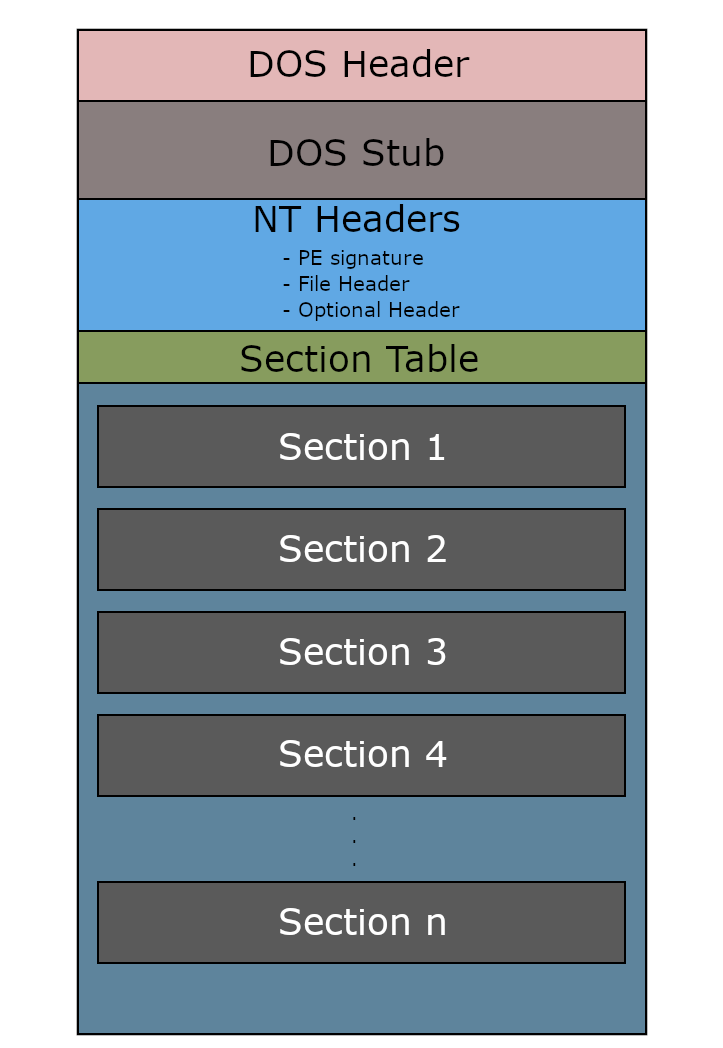 Find Path Of Executable Windows Powershell
https://0xrick.github.io/images/wininternals/pe2/1.png
WEB Sep 20 2019 nbsp 0183 32 The where command is a Windows which equivalent in a command line prompt CMD In a Windows PowerShell the alternative for the which command is the Get Command utility In this note i will show how to find paths of executable commands in
Templates are pre-designed documents or files that can be used for numerous functions. They can conserve time and effort by supplying a ready-made format and design for developing various sort of content. Templates can be used for individual or professional projects, such as resumes, invites, leaflets, newsletters, reports, discussions, and more.
Find Path Of Executable Windows Powershell

Setting The Location Of Windows PowerShell Executable File With
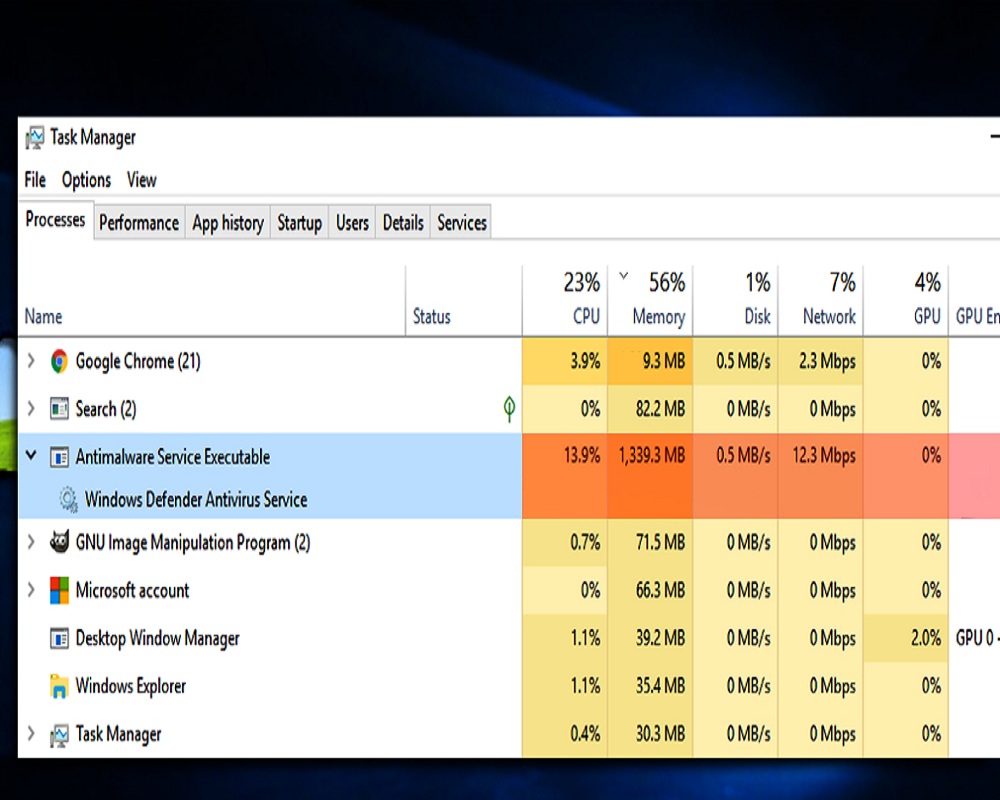
How To Disable Antimalware Service Executable 2020 Www vrogue co

How To Stop Antimalware Service Executable Windows 10 Steps Techs
3 Clever PowerShell Functions After Upgrading To Windows 10
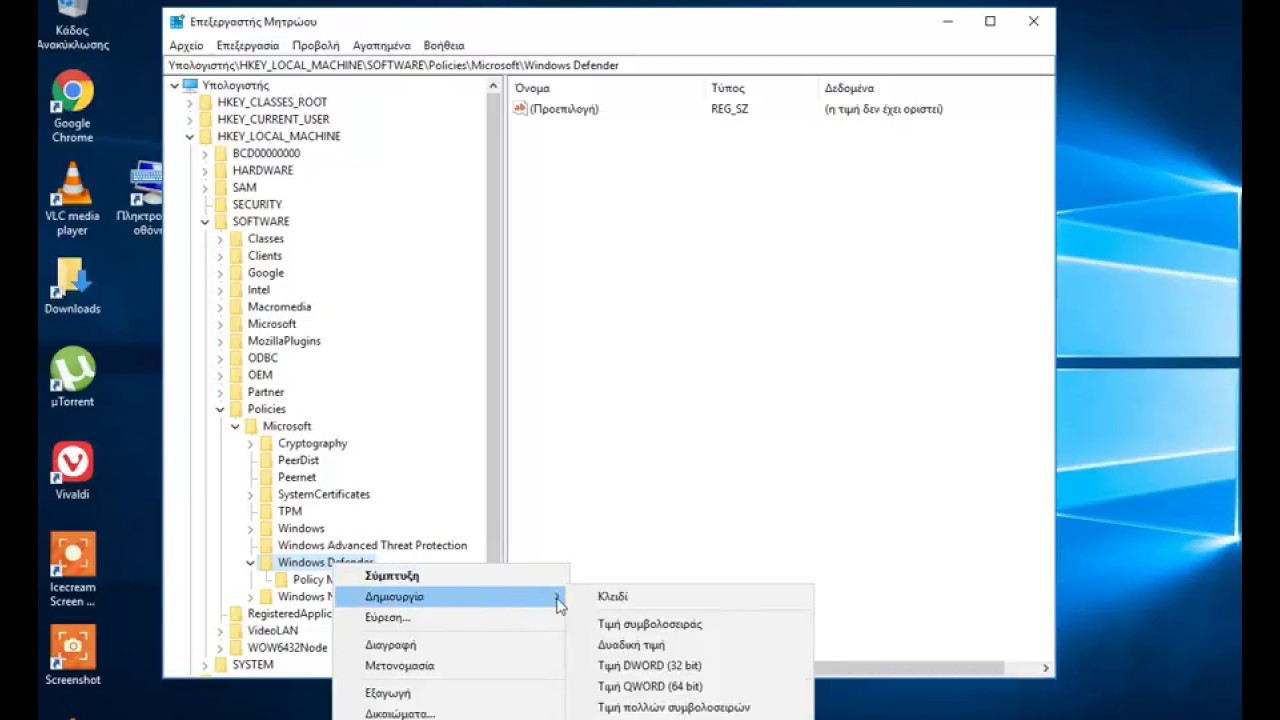
How To Disable Antimalware Service Executable 2020 Www vrogue co

PowerShell Executable Location List Of PowerShell Locations
WEB Jun 25 2021 nbsp 0183 32 Whilst using PowerShell the executable is available but the physical location of the file has not always been easy to find One way is to search every folder on the PATH or even worse the system gci r but this is not the most efficient use of time to re code every time
WEB May 18 2022 nbsp 0183 32 When I open a PowerShell window and type an executable file name in order to run it I expect the actual executable to be found among the folders specified in PATH Env Path in pwsh environment variable in Windows

WEB To find where the PowerShell Core executable is if it s installed you can if it s in Env Path use the command Get Command pwsh exe from Windows PowerShell

WEB Nov 12 2013 nbsp 0183 32 If you re just looking to have the same functionality without invoking cmd you can call where exe from powershell as long as C Windows System32 is in your path The command where without the exe is aliased to Where Object

WEB Jul 11 2023 nbsp 0183 32 Look for pwsh exe via the Path environment variable that is consider the pwsh exe executable if any found in the first directory listed in the Path environment variable to be the current user s preferred version See the answers to this post for how to locate an executable via Path in C
WEB Feb 27 2024 nbsp 0183 32 Method 1 Run EXE File Using Dot Slash To run an executable file EXE located in your PowerShell working directory use the dot slash prefix This tells PowerShell to execute the WEB Nov 16 2021 nbsp 0183 32 On Windows 11 Pro 22H2 the executable can be found at C Users USERNAME AppData Local Microsoft WindowsApps Microsoft PowerShell 8wekyb3d8bbwe pwsh exe The numbers there in the folder name might be different for your installation
WEB Nov 1 2023 nbsp 0183 32 To run an executable file without admin rights launch PowerShell type the ampersand amp symbol press Spacebar enter your EXE file s path in double quotes and press Enter