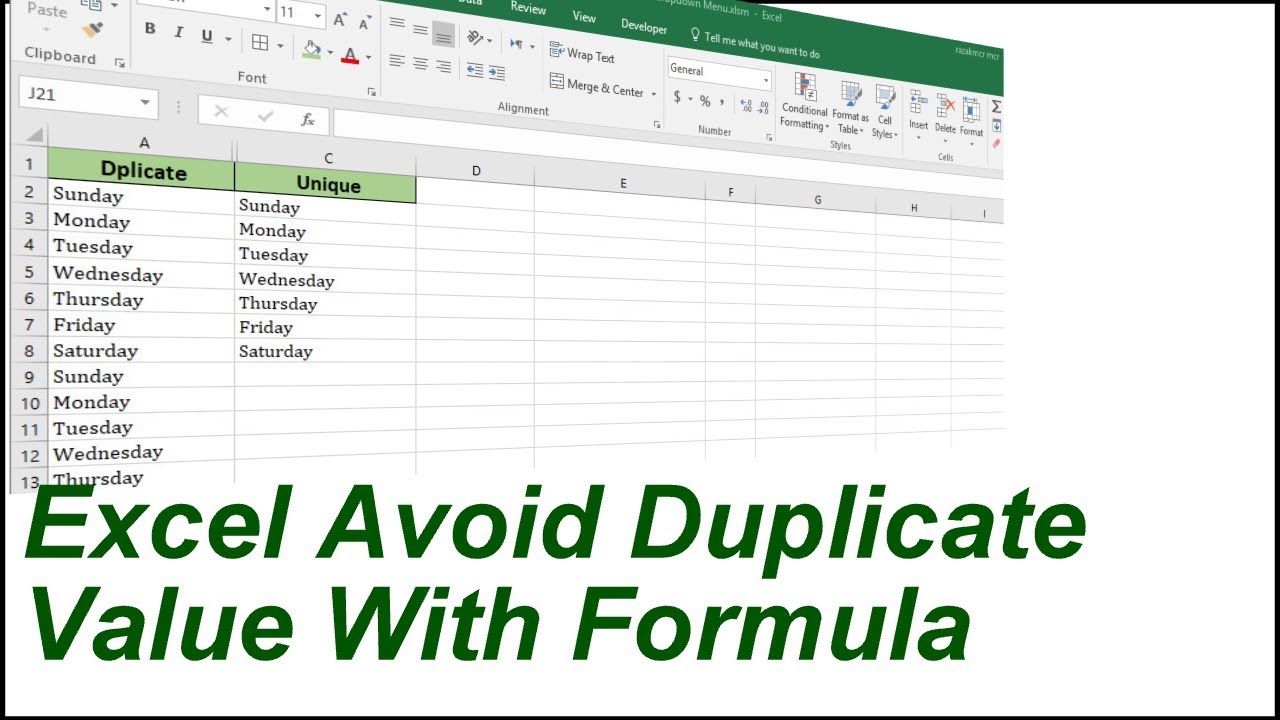
Find Duplicate In Excel Formula 31 Find Duplicate Values In Excel Using Formula Most Complete Formulas G si i Duplicate n Excel Invatatiafaceri ro Find Duplicate Items In Excel Tips SKOTechLearn Tips How To Count Duplicate Values In A Column In Excel How To Remove Duplicates In Excel YouTube Start Excel In a new worksheet enter the following data as an example leave column B empty Type the following formula in cell B1 IF ISERROR MATCH A1 C 1 C 5 0 A1 Select cell B1 to B5 In Excel 2007 and later versions of Excel select Fill in the Editing group and then select Down
Select Data Remove Duplicates and then under Columns check or uncheck the columns where you want to remove the duplicates For example in this worksheet the January column has price information I want to keep So I unchecked January in the Remove Duplicates box Select OK Method 1 Finding Duplicates using Conditional Formatting Method 2 Deleting Duplicate Records by using the Remove Duplicates Option Method 3 Separating Unique Records by Using Advanced Filters Method 4 Using the COUNTIF Formula for Identifying and Deleting Duplicate Records Example Find Duplicates in Excel Using the COUNTIF Function
How To Remove Duplicates In Excel YouTube Formula To Find Duplicates In Excel 6 Suitable Examples Excel Formula To Remove Duplicates In A Column Mountainlasopa Online Offline Earn Money With Easy Skills What Is The Duplicates shorts Excel Me Duplicate Nikalne Ka Formula How To Find Duplicate Trending Formula To Identify Duplicates In Excel Most Complete Formulas How Can Remove Duplicate Value In Excel Excel Formula YouTube How To Find Duplicates In An Excel Worksheet YouTube Find Duplicate Value In Excel Excel Tutorial
Find Duplicate In Excel Formula
 Find Duplicate In Excel Formula
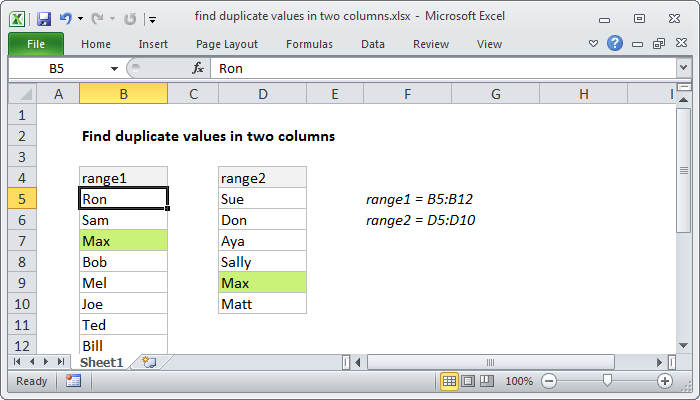
https://exceljet.net/sites/default/files/styles/function_screen/public/images/formulas/find duplicate values in two columns.png?itok=rH-Li19n
Go to the Data tab and select the Filter command or use the keyboard shortcut Ctrl Shift L Click on the filter toggle Select Filter by Color in the menu Filter on the color used in the conditional formatting to select duplicate values or filter on No Fill to select unique values
Pre-crafted templates offer a time-saving option for creating a varied variety of files and files. These pre-designed formats and layouts can be utilized for various individual and professional tasks, including resumes, invites, leaflets, newsletters, reports, discussions, and more, simplifying the content creation process.
Find Duplicate In Excel Formula
Online Offline Earn Money With Easy Skills What Is The Duplicates
Formula To Find Duplicates In Excel 6 Suitable Examples
Excel Formula To Remove Duplicates In A Column Mountainlasopa
Online Offline Earn Money With Easy Skills What Is The Duplicates
Trending Formula To Identify Duplicates In Excel Most Complete Formulas
How Can Remove Duplicate Value In Excel Excel Formula YouTube
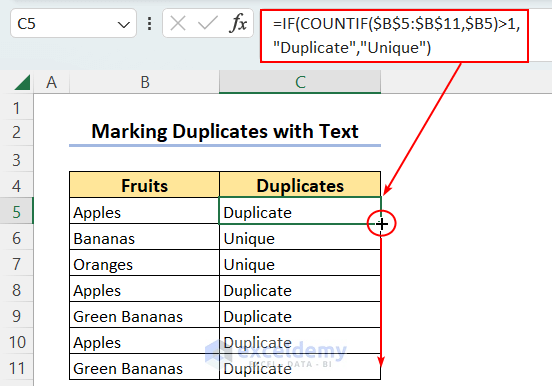
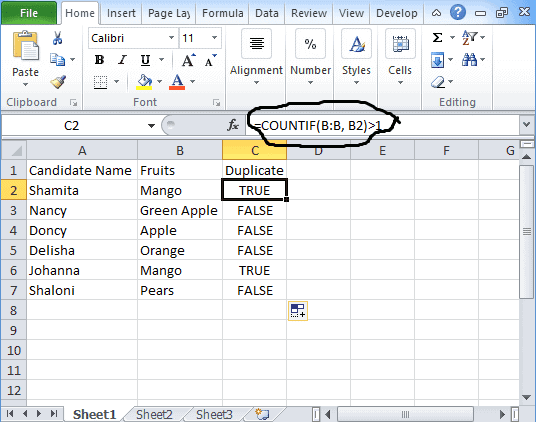
1 Using Logical Formula with COUNTIF to Find Duplicates in One Column in Excel Let s have a table of items like fruits Here the item name is in the column and you want to find a duplicate Here is the first formula to find duplicates in Excel It will include first occurrences too COUNTIF B B B5 1

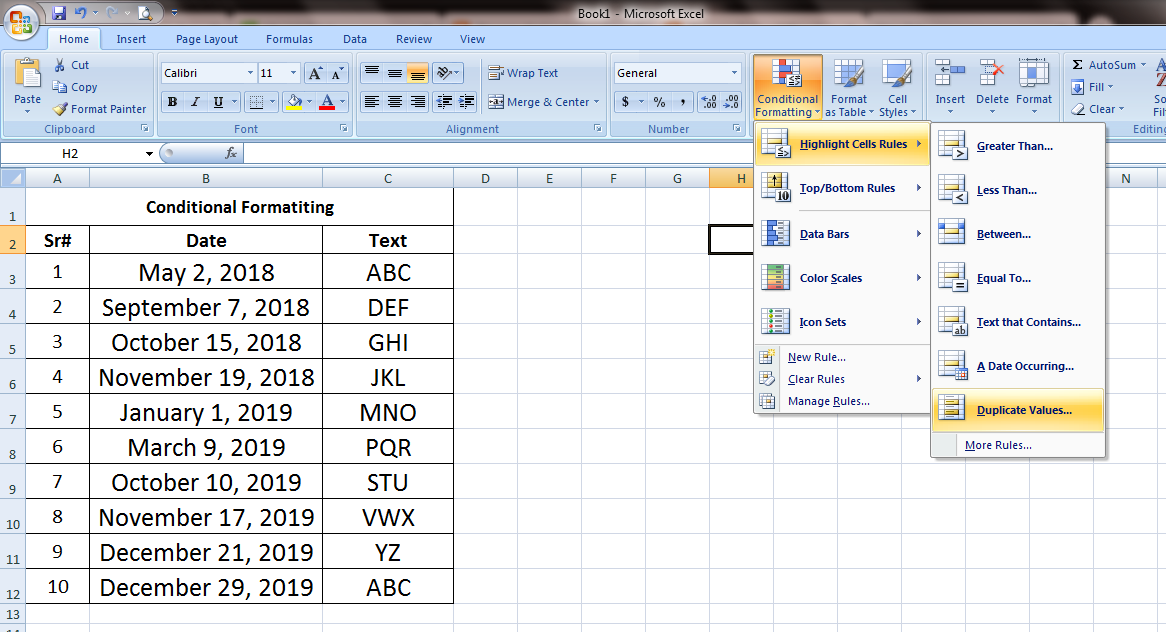
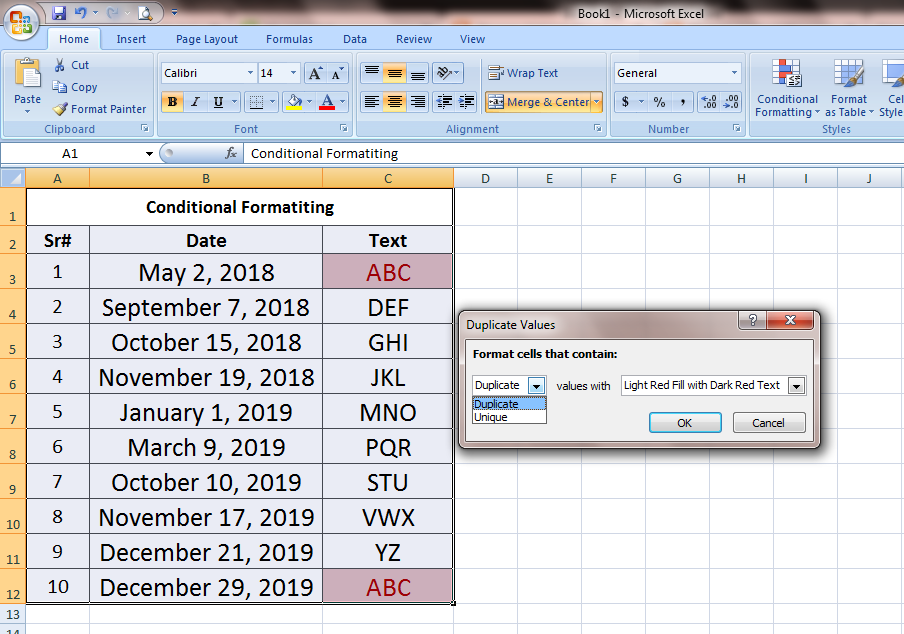
To find and highlight duplicate values in Excel execute the following steps 1 Select the range A1 C10 2 On the Home tab in the Styles group click Conditional Formatting 3 Click Highlight Cells Rules Duplicate Values 4 Select a formatting style and click OK Result Excel highlights the duplicate names

Creating an Excel Formula with IF and COUNTIF Functions to Find Duplicates in One Column We can also combine IF and COUNTIF functions to return the outputs with customized texts Under the Output header the formula will return Duplicate for the duplicate names present in Column B

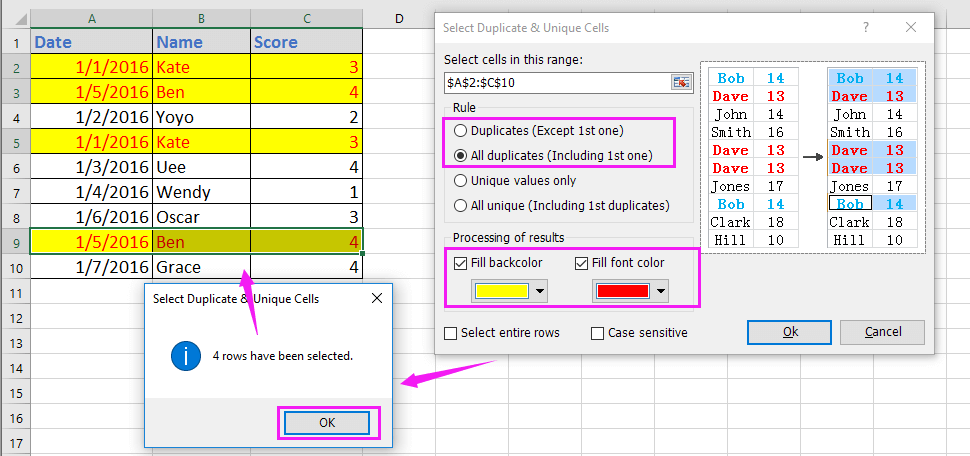
To find duplicate values in Excel you can use conditional formatting excel formula Vlookup and Countif formula After finding out the duplicate values you can remove them if you want by using different methods that are described below Choose the cells from where you want to find duplicate values Then go to the home tab or ribbon
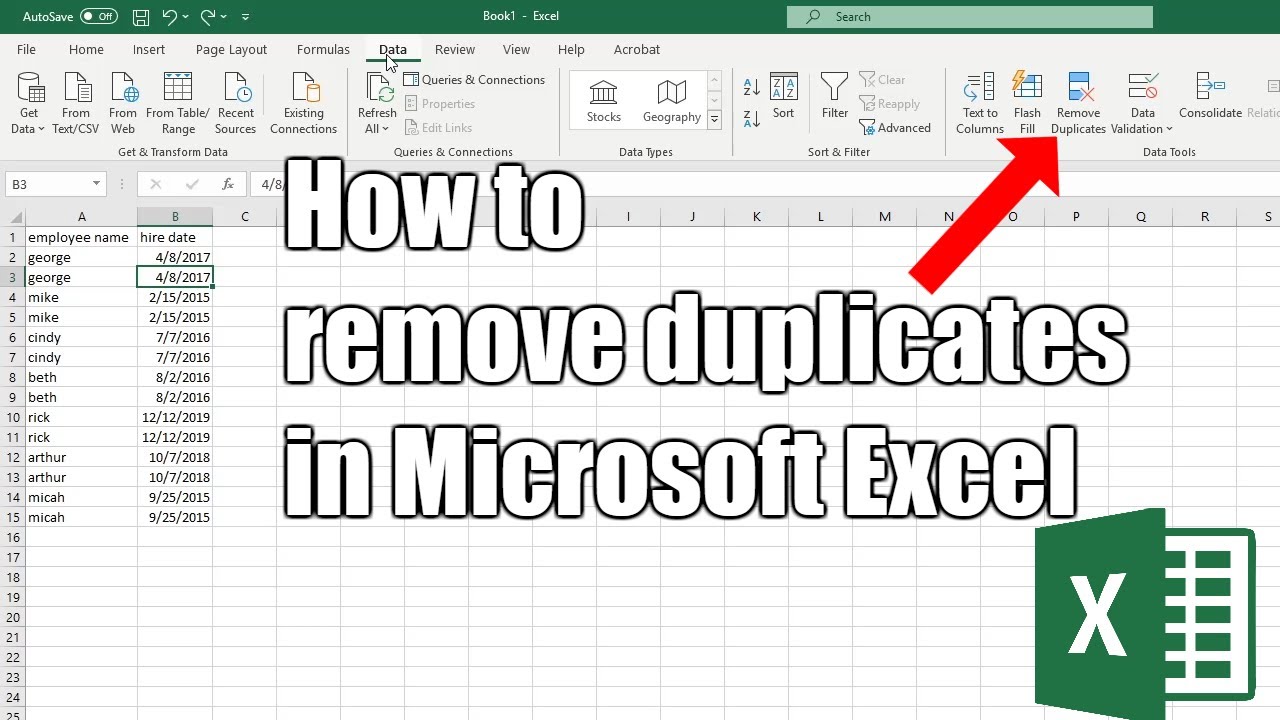
1 Open your original file The first thing you ll need to do is select all data you wish to examine for duplicates 2 Click the cell in the upper left hand corner of your data group This begins the selecting process 3 Hold down the Shift key and click the final cell
Step 1 Select the data range where we need to highlight the duplicate values i e from A2 A14 Step 2 Go to the Home tab and click on the Conditional Formatting drop down list 1 Using Conditional Formatting to Find Highlight Duplicates in Excel 1 1 Highlighting Duplicates in Excel with Duplicate Values Command 1 2 Getting Duplicate Values with COUNTIF Function 1 3 Finding Highlighting Triplicate Cells 3 Occurrences 1 4 Highlighting Duplicate Values from Two Different Worksheets 1 5
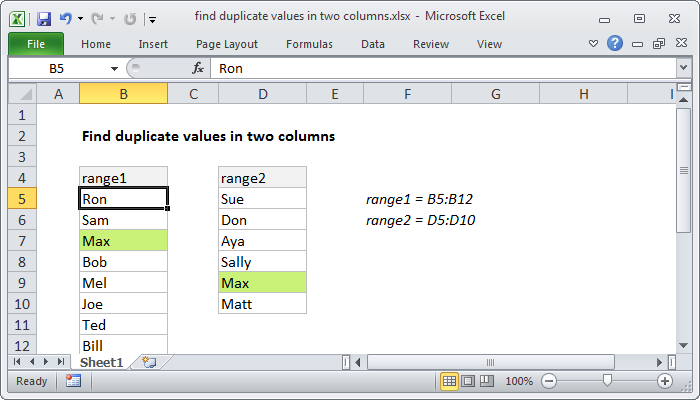
To list duplicate values in a set of data based on a threshold count you can use a formula based on FILTER UNIQUE and the COUNTIF function In the example shown the formula in F5 is UNIQUE FILTER data COUNTIF data data D5 This formula lists the duplicate values in the named range data B5 B16 using the Min count value in D5 as a minimum threshold