Find Computer Name On Network Command Prompt Basic Commands For Command Prompt How To Find Computer Name Via Command Prompt In Windows Windows Command Line Cheat Sheet Command Prompt Windows 10 Tell Your Windows To Take Actions Filing Types Of Network Pasasafari Type cmd k hostname into the start menu and hit Enter Your computer name will be displayed in the first line of a command prompt window
Via the hostname command prompt Use the key combination Windows R to open the Run window Type in cmd and press the Enter key Type How to Find the Computer Host Name MAC Physical Address IP Address on a Windows Computer Open the Command Prompt Type ipconfig all after the prompt and
Types Of Network Pasasafari Best Command Prompt Hacks And Tricks Command Prompt What It Is And How To Use It Top 10 Command Prompts Commands From Zerothcode Blog How To See Computer Name Using Cmd How To Find Computer Name On Lab3 Network Commands Using Command Prompt YouTube How To Check Computer Name On Network How To Check Your Computer Camera Resolution How To Find Computer Name On Network
Find Computer Name On Network Command Prompt
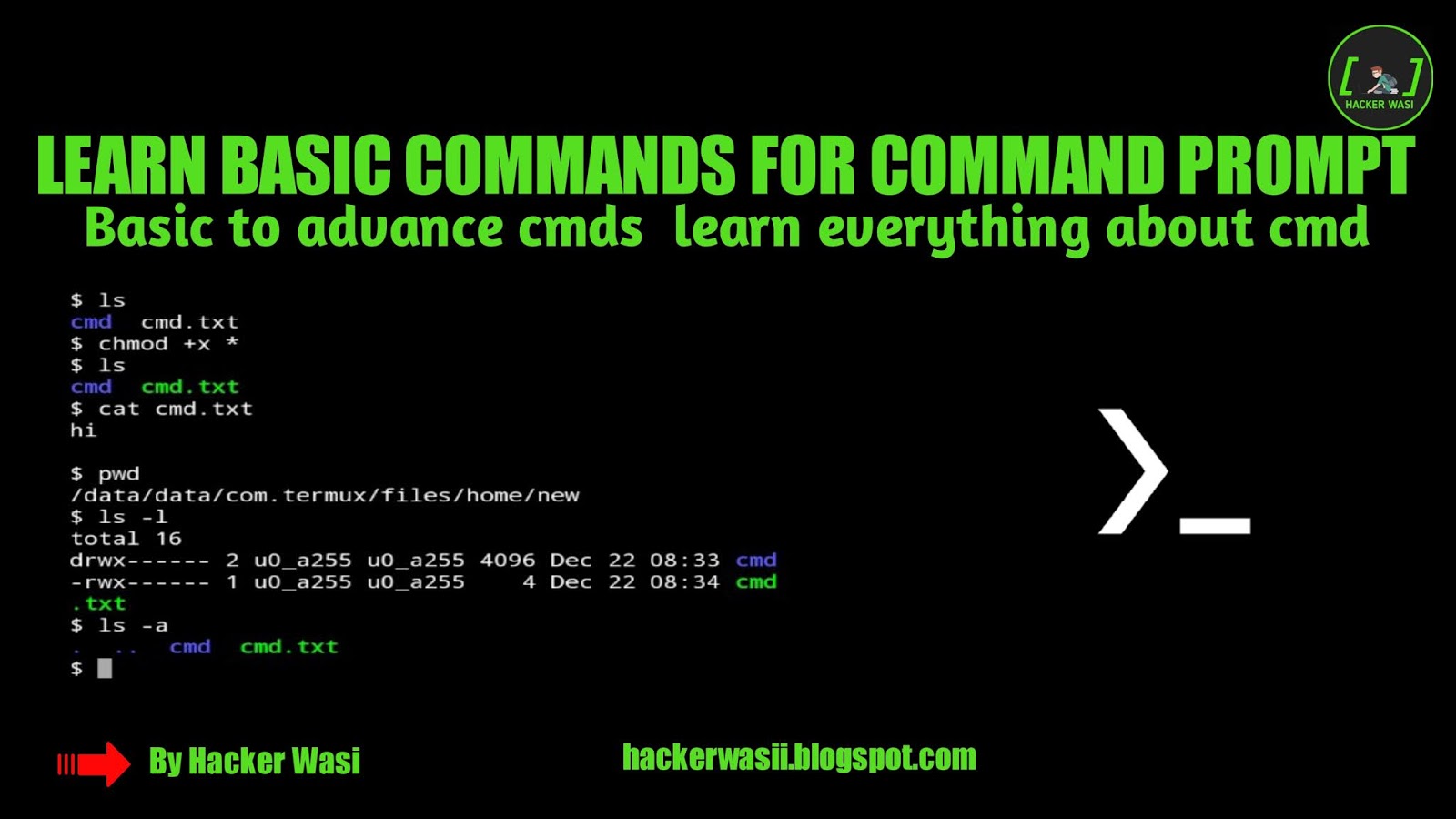 Find Computer Name On Network Command Prompt
https://1.bp.blogspot.com/-_rUdtnCP2M4/X-FrUbTCqiI/AAAAAAAAAkg/z1kVPFRrtHYjoFHbSPh2VXBcF_H0gkNJQCLcBGAsYHQ/w1600/20201222_083742.jpg
Type nbtstat a ip address Note that ip address is the IP address of the computer How to find a hostname via private IP address
Templates are pre-designed documents or files that can be used for different functions. They can save time and effort by offering a ready-made format and design for developing different type of content. Templates can be used for individual or expert tasks, such as resumes, invites, flyers, newsletters, reports, discussions, and more.
Find Computer Name On Network Command Prompt
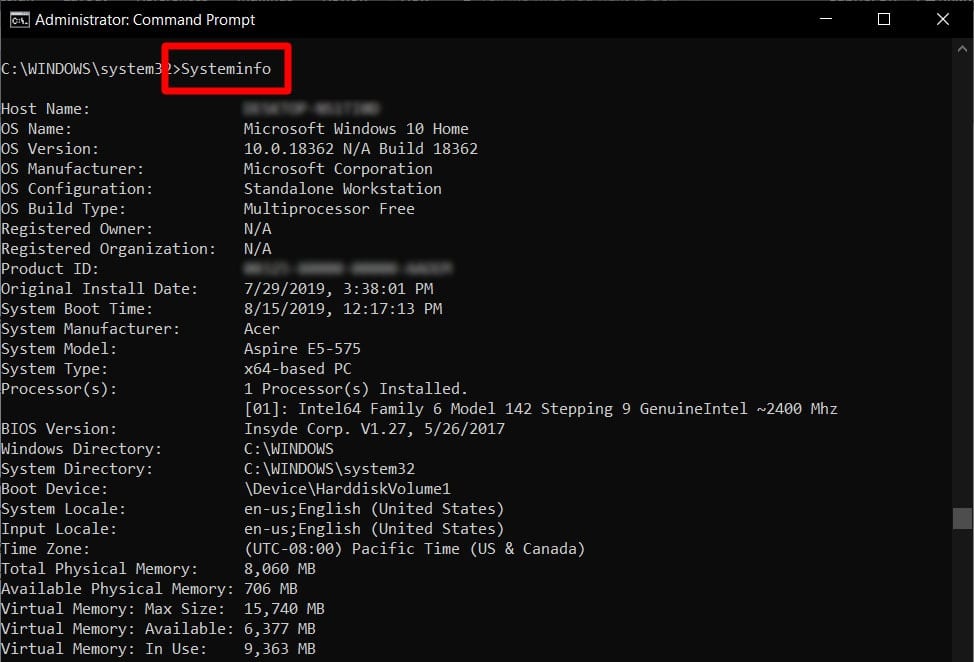
Complete List Of Cmd Commands For Windows 10 8 7 Vista And Xp Command
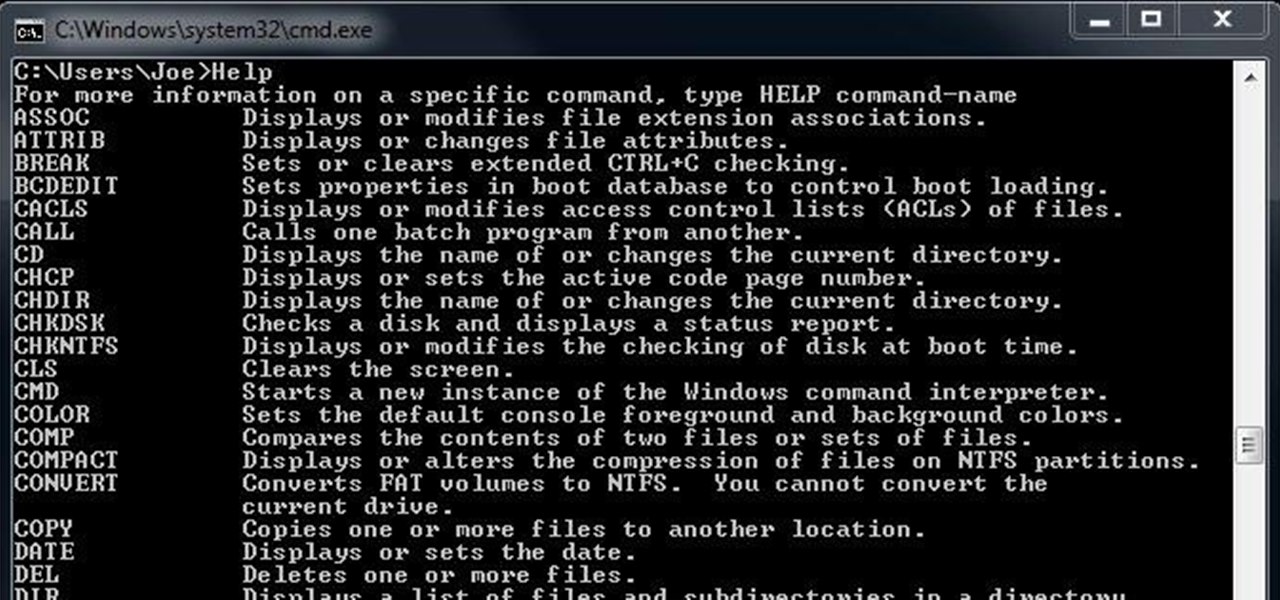
Best Command Prompt Hacks And Tricks

Command Prompt What It Is And How To Use It
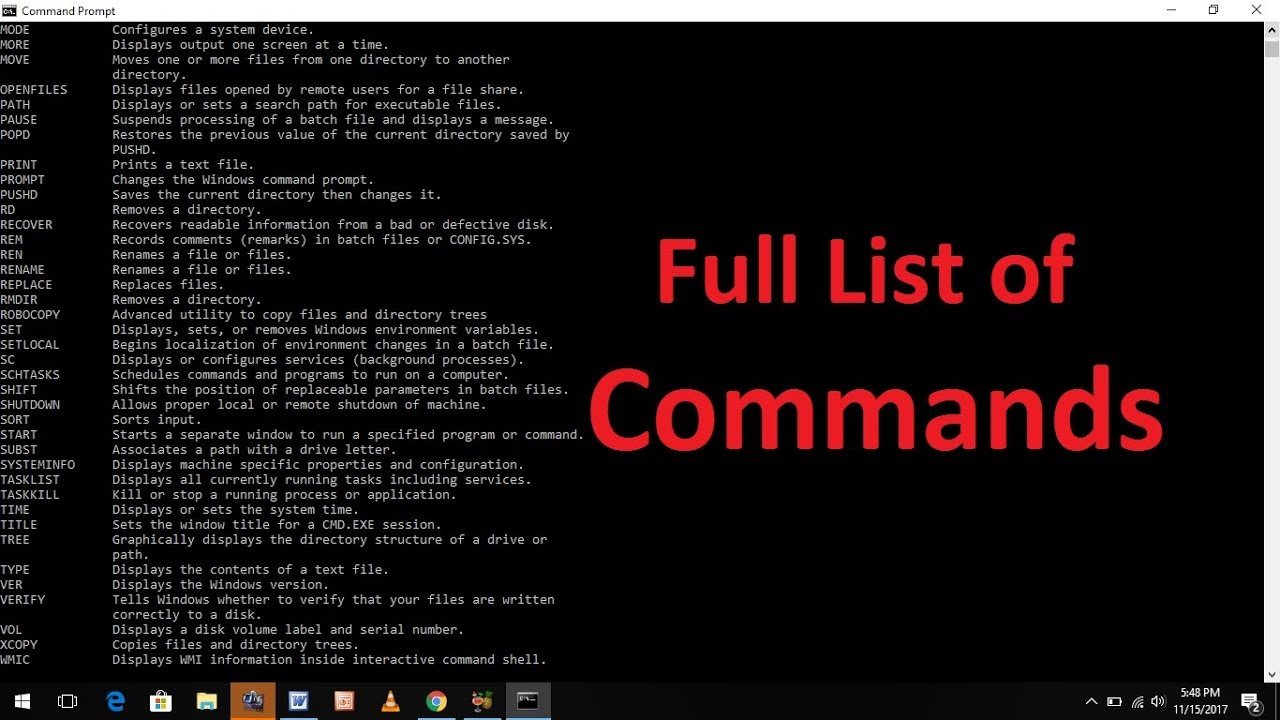
Top 10 Command Prompts Commands From Zerothcode Blog

Lab3 Network Commands Using Command Prompt YouTube

How To Check Computer Name On Network

The command prompt window will appear In this window type hostname and press Enter Screenshot of the Command Prompt with hostname entered in

Press and hold the Windows key then press the R key Type the letters cmd into the prompt box that appears Type the word hostname and press enter
The correct command is nbstat Type nbtstat a ip address Note that ip address is the IP address of the computer Erik Dec 03 2021 Work great

Open a new instance of the command prompt by hitting the start button typing CMD and hitting enter Step 2 Net View image for step 2 The

4 Using the ipconfig Command Open the Command Prompt as described in Method 1 Type ipconfig and press Enter Look for the line that says Host Name
Use the Command Prompt ipconfig to Find a Computer Name You can enter a separate command prompt called ipconfig to find your computer name Look next to Device name to find out the answer 3 Use Command Prompt hostname Command Prompt Press Windows key
Find your computer name in Windows 8 Press the Windows logo key X to see a list of commands and options Click System The computer name appears under