File Path In Excel Formula How To Set File Path In Excel My Microsoft Office Tips How To Display File Path In Excel How To Get File Location In Excel Excel Formula To Reference Cells In Another closed Workbook With How To Quickly Insert File Path Into Excel Get Full Workbook Name And Path Excel Formula Exceljet Here s a 5 step Guide on how to include the file name in Excel Cells Click on the cell where you want to display the filename Type the following formula CELL filename Press Enter on your keyboard Copy the file path and the filename separately if needed Finalize by pressing Enter on your keyboard again
FIND the File Name Position As shown above the CELL Function returns the file path name and worksheet We don t need the worksheet or the square brackets so we use the FIND function to determine the position of the last character i e the one before of the file name FIND B3 1 I have a cell lets say A1 that contains the following file path C Required file path Sheetname now I want to use this to create a formula in cell B1 lets say Trim C Required file path Sheetname B26 Since this link will be decided dynamically I want to be able to do something like this Trim A1 B26 Where A1 my required filepath
Get Full Workbook Name And Path Excel Formula Exceljet How To Get File Name In Excel Quick Formula Mac Finder Window Show File Path Lasopaei How To Set File Path In Excel My Microsoft Office Tips How To Display File Path Or Document Location Of Your Excel File YouTube How To Set File Path In Excel My Microsoft Office Tips What Is File Path In Excel How To Set File Path In Excel My Microsoft Office Tips How To Show File Path In Excel Worksheet
File Path In Excel Formula
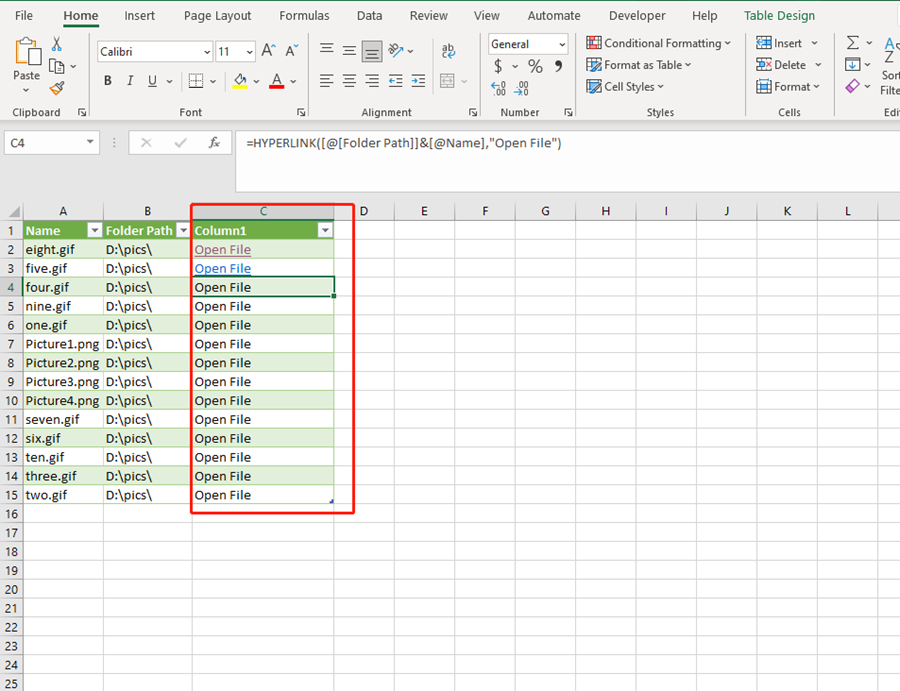 File Path In Excel Formula
https://www.myofficetricks.com/wp-content/uploads/2023/02/image-19.png
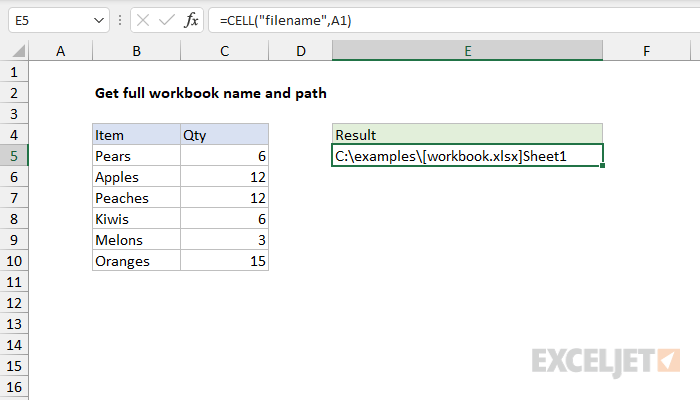
To get a path to the current workbook you can use a formula based on the CELL function the TEXTBEFORE function and the SUBSTITUTE function In the example shown the formula in E5 is SUBSTITUTE TEXTBEFORE CELL filename A1 The result is a path and filename like this C examples workbook xlsx The sheet name and the square brackets that normally enclose the file
Pre-crafted templates use a time-saving service for developing a varied variety of documents and files. These pre-designed formats and designs can be utilized for various personal and expert tasks, consisting of resumes, invites, flyers, newsletters, reports, discussions, and more, simplifying the content creation procedure.
File Path In Excel Formula

How To Display The File Path Of Your Excel File Excel Tutorials How

How To Get File Name In Excel Quick Formula
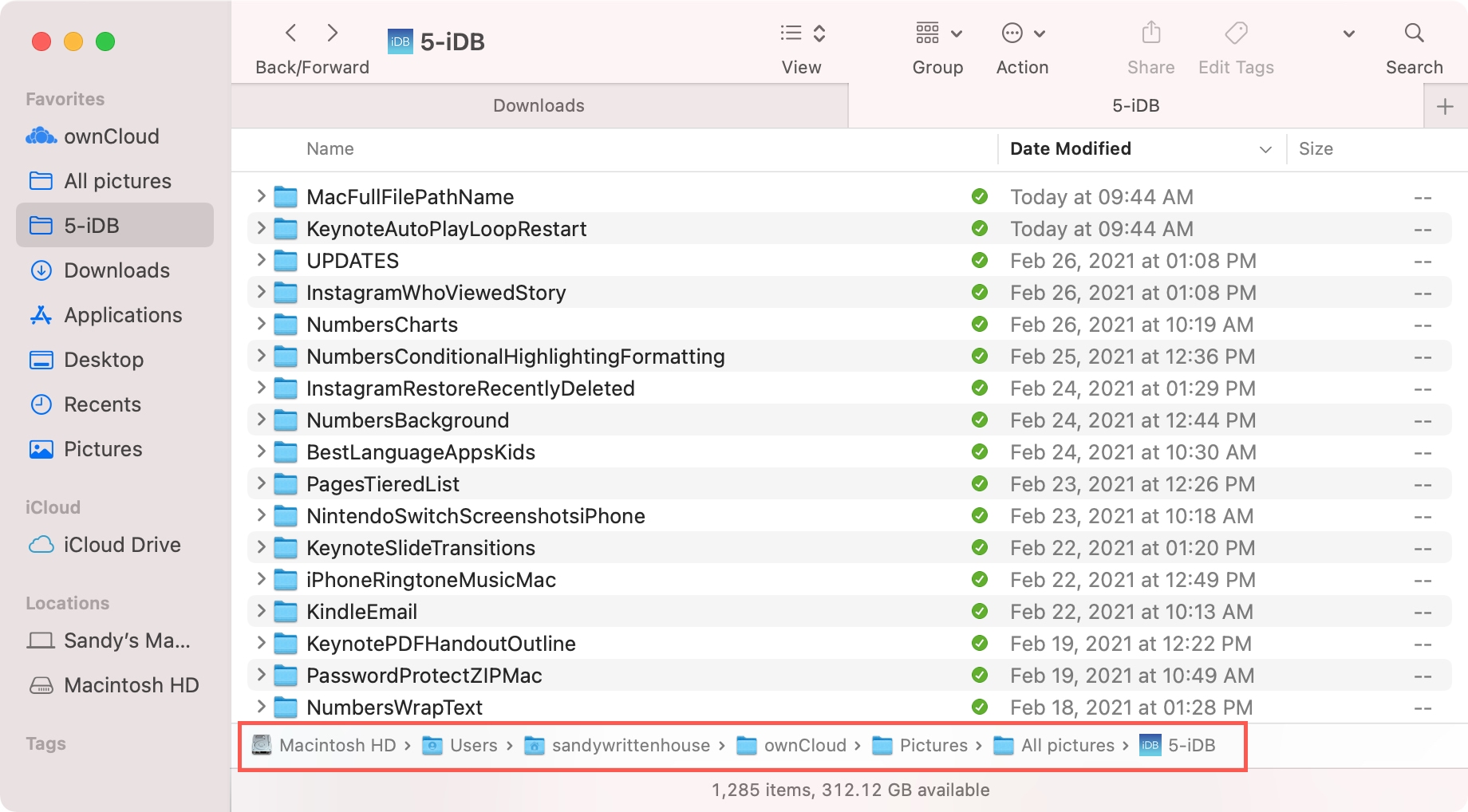
Mac Finder Window Show File Path Lasopaei
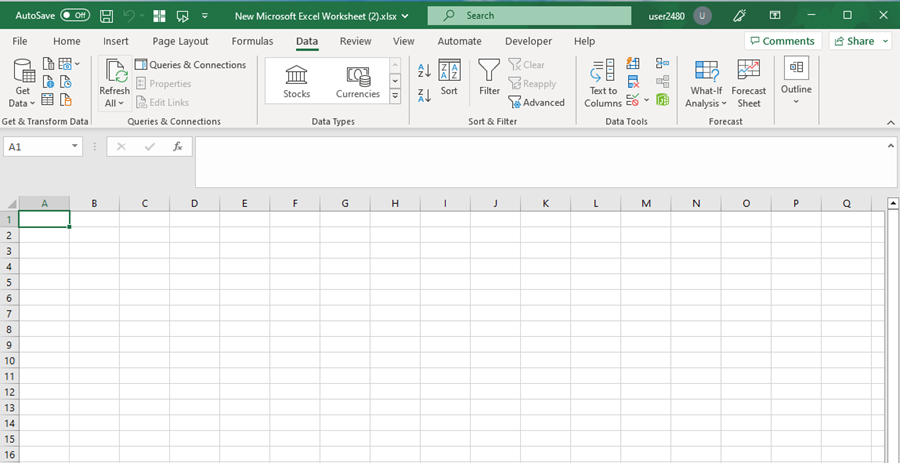
How To Set File Path In Excel My Microsoft Office Tips
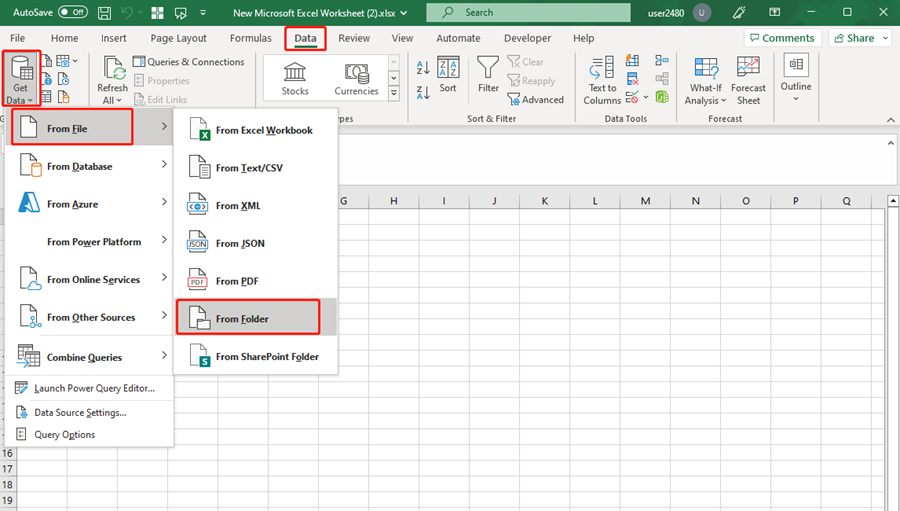
How To Set File Path In Excel My Microsoft Office Tips
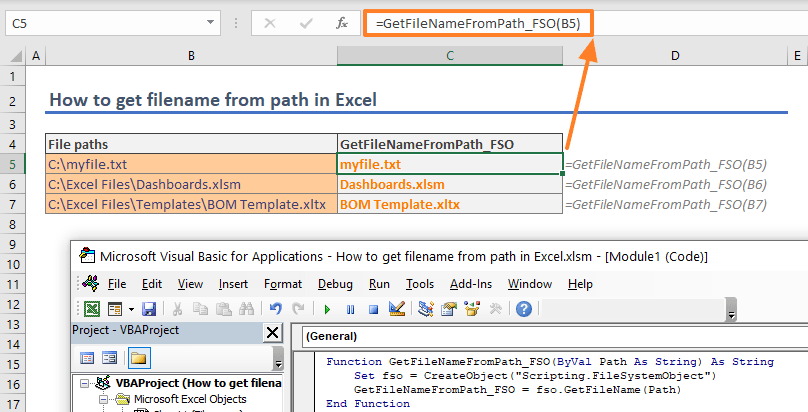
What Is File Path In Excel
To enter a formula as an array formula press CTRL SHIFT ENTER The formula returns the name of the worksheet as long as the worksheet has been saved at least once If you use this formula on an unsaved worksheet the formula cell will remain blank until you save the worksheet
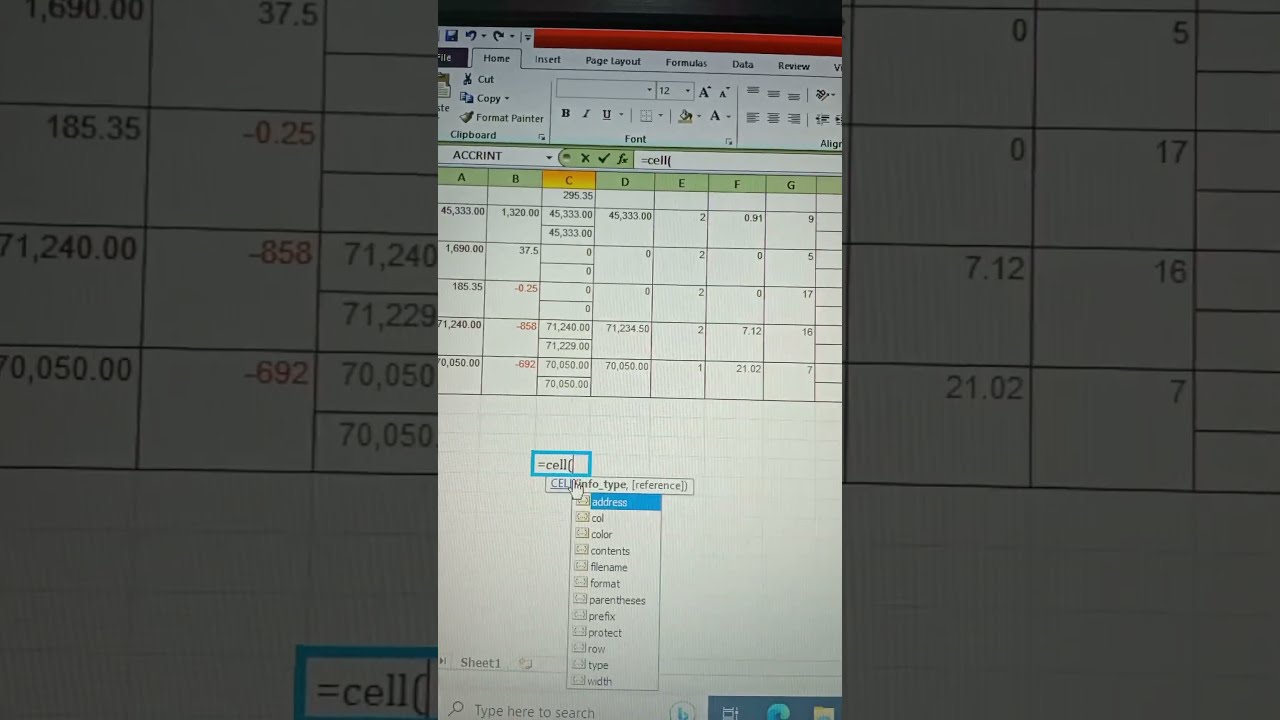
Get path and filename To get the path and file name we use the CELL function like this The Excel CELL function returns information about a cell in a worksheet The type of information to be returned is specified as info type CELL can get things like address and filename as well as detailed info about the formatting used in the cell

Step by step guide on using the CELL function to get file path in excel formula Step 1 Select the cell where you want the file path to be displayed Step 2 Enter the following formula into the selected cell CELL filename Step 3 Press the Enter key to confirm the formula The cell will now display the file path of the current workbook

To get a full path and name for the current workbook you can use the CELL function and a reference to any cell in the workbook In the example shown the formula is CELL filename A1 You must save the worksheet in order to get the a result Note the CELL function is a volatile function and can cause performance problems in larger or more
To enter a formula as an array formula press CTRL SHIFT ENTER The formula returns the name of the worksheet as long as the worksheet has been saved at least once If you use this formula on an unsaved worksheet the formula cell will remain blank until you save the worksheet
1 First of all select the range where you have the FilePaths 2 Next press Ctrl H this will open a Find and Replace dialog 3 In the Find What textbox enter without quotes and keep the Replace With textbox empty Click Replace All and all your Filepaths will be replaced by Filenames Insert current file name or path in header footer with Header Footer function On the Ribbon click Header Footer There will be three editing box in the Header or Footer section click box that you want to insert the filename or path Then under the Sheet Name that you need to insert See screenshot
This is a quirky one You can use the excel function call CELL filename to retrieve something that should be the file name but for some odd reason isn t Fortunately the function call does have a couple of uses You can use it to retrieve the file path by using a few text functions around it like so LEFT CELL filename A1 FIND