Factory Settings Macbook Pro 2015 How To Reformat Macbook Air To Factory Settings Mybestlasopa How To Reset MacBook Pro To Factory Settings Tutorial 2020 YouTube How To Factory Reset Your MacBook Pro YouTube Reset Macbook Air To Factory Settings Without Disk 1 888 272 9xxx How To Reset A Macbook To Factory Settings YouTube Web Feb 7 2022 nbsp 0183 32 How to factory reset a MacBook Pro 1 Backup your data If you use iCloud then all your photos contacts documents mail and other important files will already be stored
Web May 23 2022 nbsp 0183 32 Click quot System Preferences quot in the menu bar and choose quot Erase All Content and Settings quot in the menu An app called quot Erase Assistant quot will open and will ask you for an administrator s account name and password You can type the name and password of any local account on your Mac that has Administrator privileges Web May 14 2015 nbsp 0183 32 How to Factory Reset MacBook 2015 Method CLICK HERE TO BUY A NEW MACBOOK https amzn to 2F7V0lm Today I show you guys how to perform a factory reset to your MacBook Pro MacBook
How To Reset A Macbook To Factory Settings YouTube Reboot MacBook Pro YouTube MacBook PRO 4 1 Intel Core 2 Duo 2 4GHz Works Reset To Factory How To Restore Macbook Pro Os X To Factory Settings Sterlingdas How To Restore MacBook Pro To Factory Settings YouTube MacBook PRO 4 1 Intel Core 2 Duo 2 4GHz Works Reset To Factory Restore Macbook Pro Air When Selling Factory Settings OSX Reset MacBook PRO 4 1 Intel Core 2 Duo 2 4GHz Works Reset To Factory How To Reset A Mac To Factory Settings MacBook IMac Mac Pro Mac
Factory Settings Macbook Pro 2015
 Factory Settings Macbook Pro 2015
https://i0.wp.com/www.alphr.com/wp-content/uploads/2016/11/apple-1771911_1280.jpg
Web Feb 20 2020 nbsp 0183 32 13 Facebook x Reddit When you re preparing a MacBook Pro to sell these are the steps you need to take to put the machine ready for a new user and making sure all your personal and account
Templates are pre-designed documents or files that can be utilized for various purposes. They can save effort and time by offering a ready-made format and layout for developing various type of material. Templates can be used for personal or professional projects, such as resumes, invites, flyers, newsletters, reports, presentations, and more.
Factory Settings Macbook Pro 2015
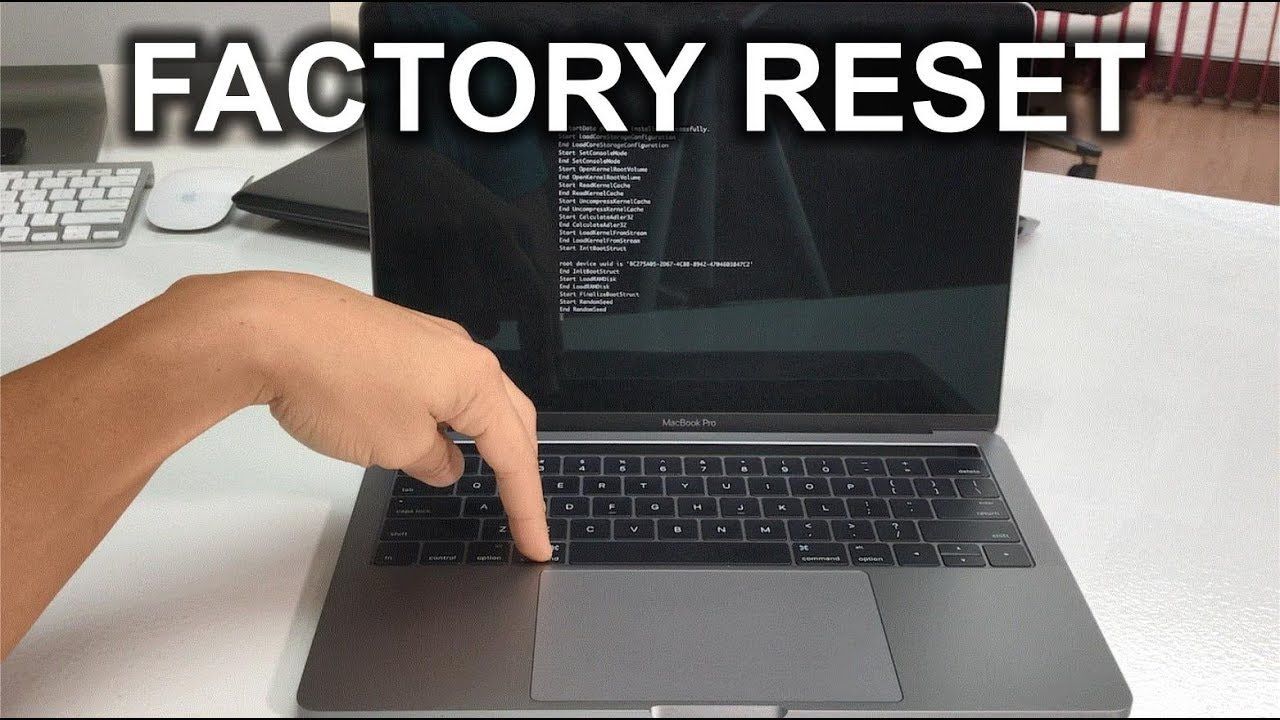
How To Factory Reset A Macbook Bopqearrow
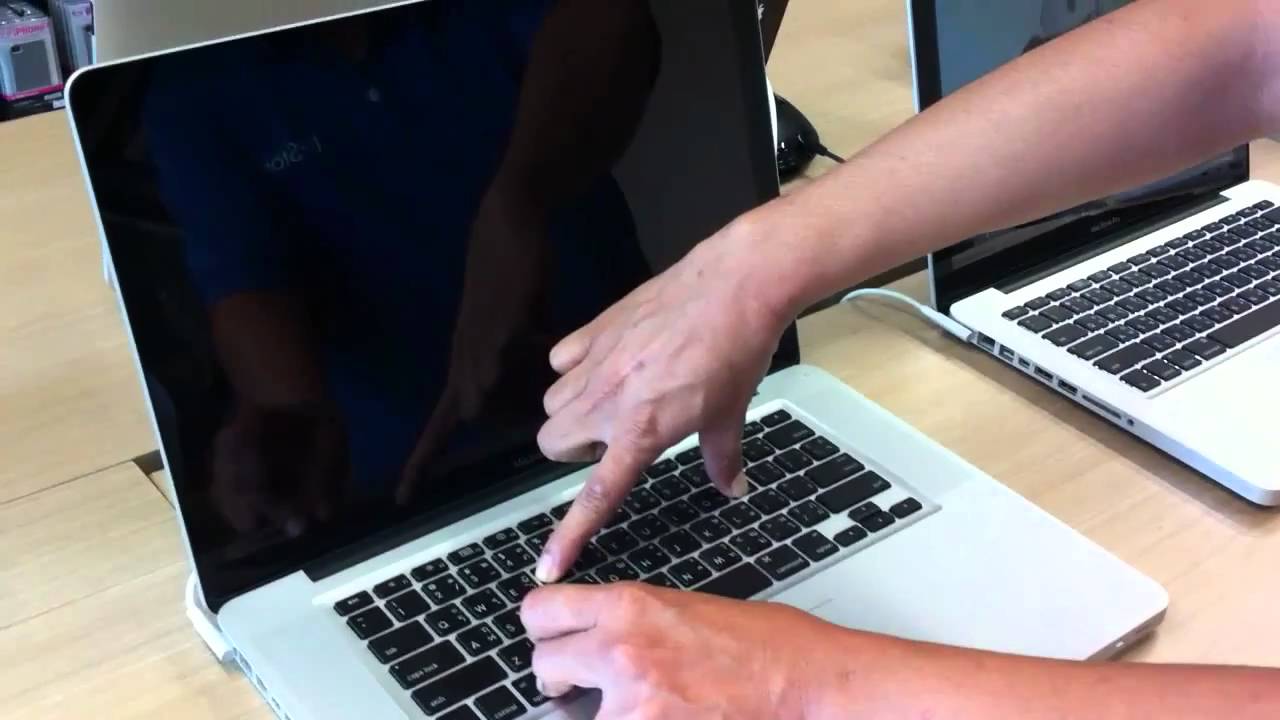
Reboot MacBook Pro YouTube

MacBook PRO 4 1 Intel Core 2 Duo 2 4GHz Works Reset To Factory
How To Restore Macbook Pro Os X To Factory Settings Sterlingdas

MacBook PRO 4 1 Intel Core 2 Duo 2 4GHz Works Reset To Factory

Restore Macbook Pro Air When Selling Factory Settings OSX Reset

Web Sep 3 2023 nbsp 0183 32 Factory resetting a 2015 MacBook Pro I am the owner of a early 2015 MacBook Pro 128gb SSD model I recently bough a new laptop and I therefore wanted to factory reset the MacBook so it could be resold or given away to family members

Web Erase and reinstall macOS You can erase your Mac and use macOS Recovery the built in recovery system on your Mac to reinstall macOS WARNING Erasing your Mac removes all the information from it Before you start back up your Mac with Time Machine
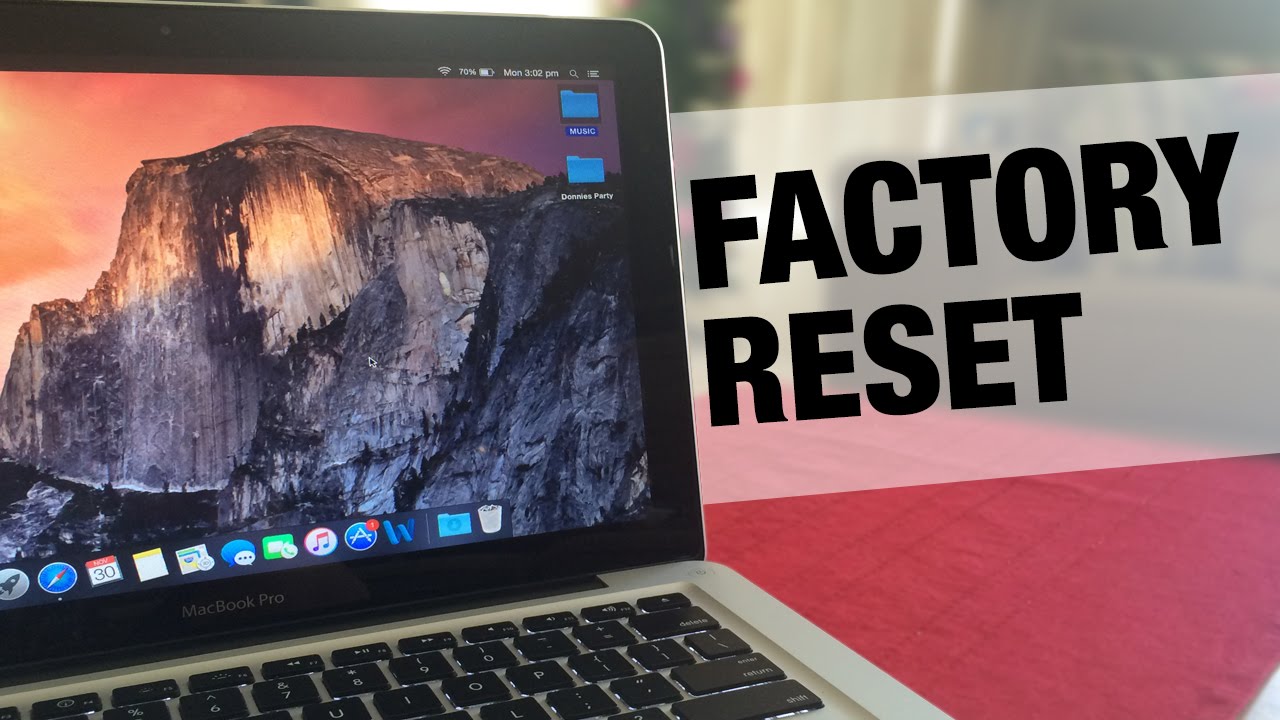
Web How To How to factory reset a MacBook or Mac Reset a Mac to factory settings Need to erase your MacBook Want to wipe a Mac and reinstall macOS before selling Here s how to erase a Mac

Web Jan 31 2023 nbsp 0183 32 1 Open your System Settings You ll find this option in the Apple menu at the top left corner of your screen Resetting your MacBook Pro will delete all of the data on your computer If you haven t already created a backup you should do so now 2 Click General in the left sidebar 3 Click Transfer or Reset in the right panel 4

Web 1 Turn your Mac computer off 2 Press the power button to turn it on then immediately press and hold Command R Keep holding it until you see either the Apple logo or an animation of a
Web Nov 20 2023 nbsp 0183 32 If you plan to give away sell or trade in your Mac the first thing you should do for security and practical reasons is erase the data on it and perform a factory reset This article shows you how Web Choose Apple menu gt System Settings then click General in the sidebar You may need to scroll down Click Transfer or Reset on the right then click Erase All Contents and Settings In Erase Assistant enter your administrator information and click Unlock Review items that will be removed in addition to your content and settings
Web Mar 2 2020 nbsp 0183 32 Learn how you can reset or format MacBook Pro 2015 back to factory default This will allow to re install a fresh copy of macOS on your Apple laptop and start fresh again iOS 13