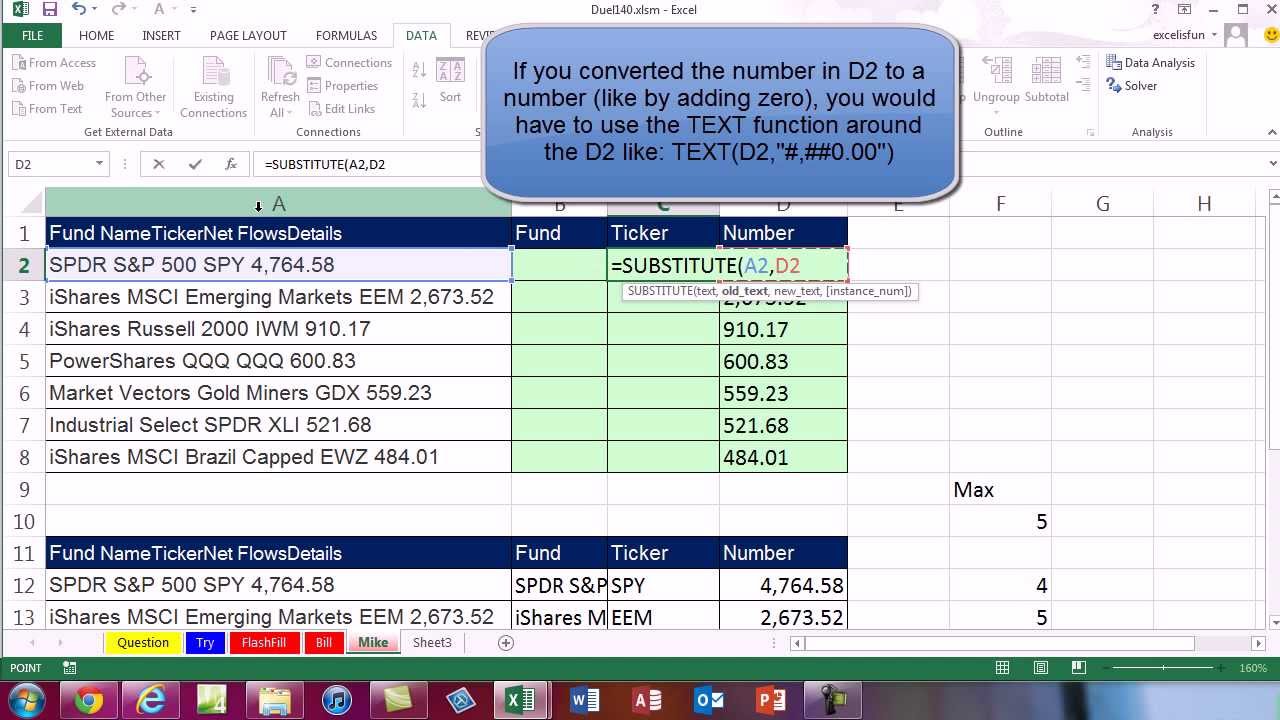
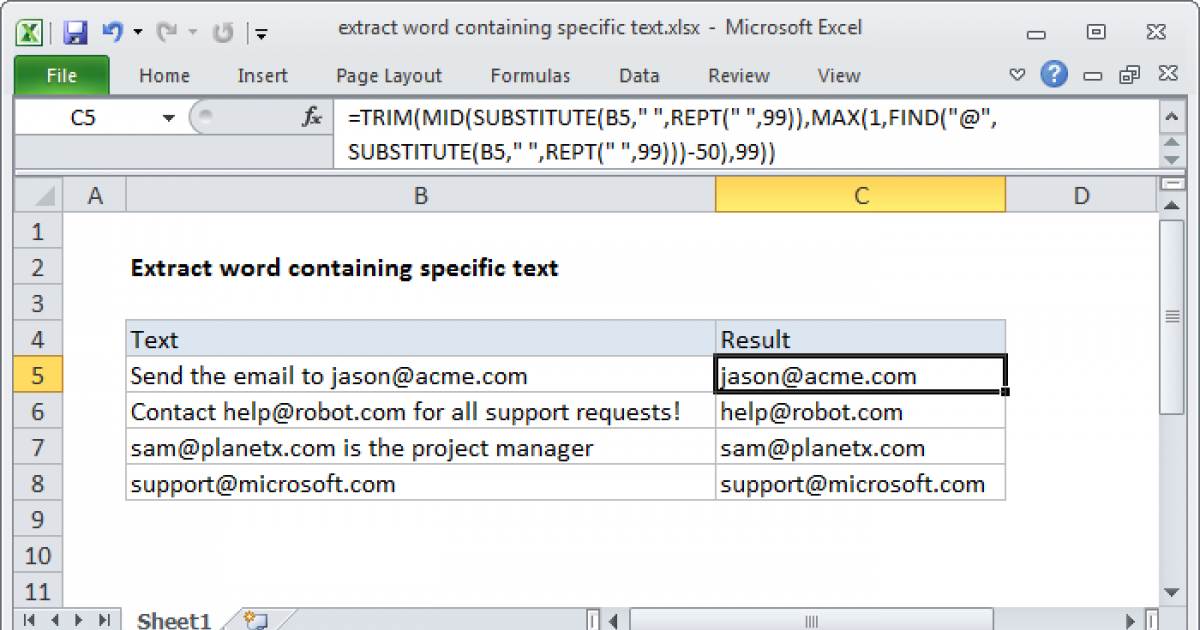
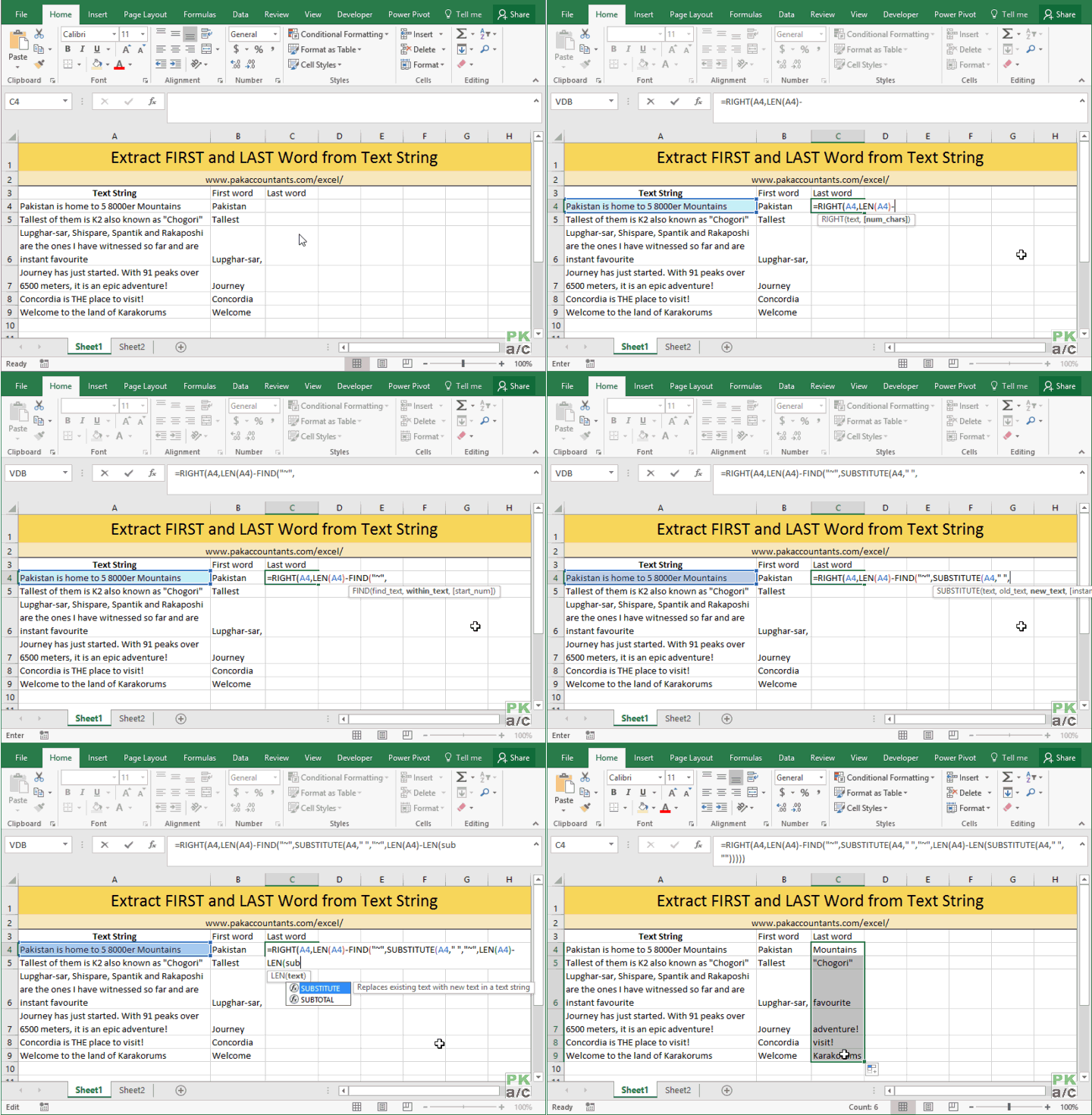
Extract Text From Excel After Character Extract Text From Excel After Character Printable Templates Free Extract Text From Excel After Character Printable Templates Extract Text From Excel After Character Printable Templates Extract Text From Excel After Character Printable Templates Free How To Extract Text After A Character In Excel 6 Ways ExcelDemy Web In Excel you can write formulas to extract text after or before a specific character And in this tutorial we will learn to write these formulas Extract Text After a Character We need to use TRIM RIGHT SUBSTITUTE REPT and LEN in this formula And In the below example we have values two words in the values and character in between
Web Jun 1 2023 nbsp 0183 32 You can use the TEXTAFTER function in Excel to extract all text in a cell after a specific character or substring This function uses the following syntax TEXTAFTER text delimiter instance num match mode match end if not found where text Text to search delimiter Character or substring to extract text after Web Sep 19 2022 nbsp 0183 32 When you want to extract part of a text string or split a string into rows or columns there are three particular functions that get the job done With TEXTBEFORE and TEXTAFTER you can pull out text before or after a certain word or character
How To Extract Text After A Character In Excel 6 Ways ExcelDemy Extract Word Containing Specific Text Excel Formula Exceljet Extract Text After A Character In Excel 6 Ways ExcelDemy How To Extract Text From Images In Python OCR How To Extract Text After A Character In Excel SpreadCheaters Excel How To Extract Text Between Two Characters Statology Hot Sex Extract First And Last Word From Text String Using Excel Formula KING How To Extract Text Between Two Commas In Excel Extract First And Last Word From Text String Using Excel Formula
Extract Text From Excel After Character
 Extract Text From Excel After Character
https://i.ytimg.com/vi/3xnunhpmJUY/maxresdefault.jpg
Web Download Worksheet Summary To split a text string at a specific character with a formula you can use the TEXTBEFORE and TEXTAFTER functions In the example shown the formula in C5 is TEXTBEFORE B5 quot quot left side And the formula in D5 is TEXTAFTER B5 quot quot right side
Pre-crafted templates provide a time-saving solution for developing a diverse variety of documents and files. These pre-designed formats and layouts can be utilized for different personal and professional jobs, including resumes, invitations, flyers, newsletters, reports, discussions, and more, streamlining the content development process.
Extract Text From Excel After Character

How To Extract Text Before Or After A Specific Character In An Excel
Extract Word Containing Specific Text Excel Formula Exceljet

Extract Text After A Character In Excel 6 Ways ExcelDemy

How To Extract Text From Images In Python OCR

Excel How To Extract Text Between Two Characters Statology Hot Sex
Extract First And Last Word From Text String Using Excel Formula KING
Web Mar 7 2023 nbsp 0183 32 Excel formula extract text after character To extract the text that appears after a specific character you supply the reference to the cell containing the source text for the first text argument and the character in double quotes for
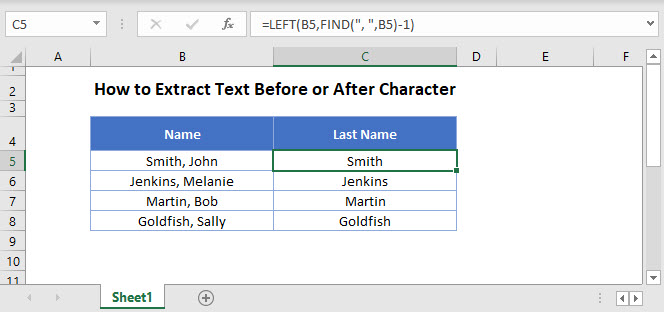
Web Feb 8 2023 nbsp 0183 32 Use LEFT Function We then use the left function to extract the text before the position returned by the FIND function above LEFT B3 C3 Combining these functions yields the formula LEFT B3 FIND quot quot B3 1 Extract Text After Character using the FIND LEN and RIGHT Functions
Web Returns text that occurs after given character or string It is the opposite of the TEXTBEFORE function Syntax TEXTAFTER text delimiter instance num match mode match end if not found The TEXTAFTER function syntax has the following arguments text The text you are searching within Wildcard characters not
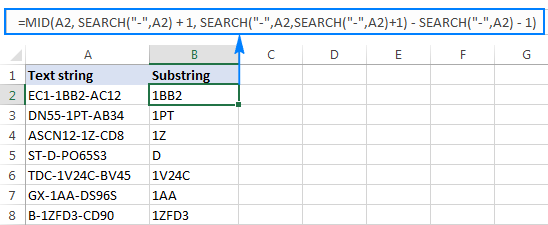
Web Sep 13 2023 nbsp 0183 32 To extract text from the left of a string you use the Excel LEFT function LEFT text num chars Where text is the address of the cell containing the source string and num chars is the number of characters you want to extract For example to get the first 4 characters from the beginning of a text string use this formula LEFT A2 4

Web To extract the text that occurs after a specific character or substring provide the text and the character s to use as delimiter in double quotes quot quot For example to extract the first name from quot Jones Bob quot provide a comma in double quotes quot quot as delimiter TEXTAFTER quot Jones Bob quot quot quot returns quot Bob quot
Web Oct 23 2023 nbsp 0183 32 Method 1 Using Flash Fill Feature to Extract Text after a Specific Text Here we will use the Flash Fill feature the simplest and easiest way for extracting the name of the products after the text XYZ from the codes and then gathering them in the Product column Steps First write down part of the product name Apple from the code in cell C4 Web Jul 26 2023 nbsp 0183 32 How This Formula Works Recall the formula we used to extract all of the text after the third character from cell A2 MID A2 3 1 LEN A2 This function uses the MID function which extracts the text from a specific cell
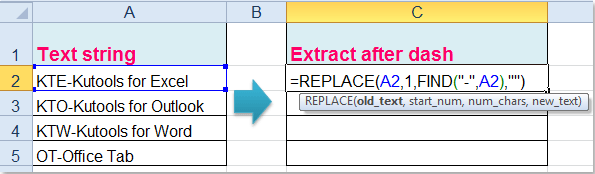
Web If you have data in cell A1 the following worksheet formula extracts everything after the 7th quot quot REPLACE A1 1 FIND quot quot SUBSTITUTE A1 quot quot quot quot 7 quot quot SUBSTITUTE function replaces the 7th quot quot with quot quot use any character or combination of characters that you know won t appear in the data