Exchange Powershell Get All Mailbox Sizes Exchange Get All Mailbox Folder Permissions Wit IT PowerShell Mailbox Size In Microsoft 365 Explained Vrogue Remove Exchange Online Mailboxes Using PowerShell GitHub Houndtech Get MailboxSizeReport Powershell Script To Get Using PowerShell Get All Users Are Password Never Expires In Domain You can use the Powershell cmdlet Get Mailbox to get all the mailboxes and pipe the results into the Get MailboxStatistics cmdlet to get mailbox size for all users 1 2 Get Mailbox ResultSize Unlimited RecipientTypeDetails UserMailbox Get MailboxStatistics
This command is useful if you want to pull off information about your user s mailboxes including size mailbox database and other attributes In its simplest form he command is Get MailboxDatabase Get MailboxStatistics Export CSV c temp mailboxdata csv This will just output all information about all of your user s mailboxes Get the user mailbox size of each mailbox If the mailbox size exceeds a set threshold add to a mailbox usage report Optional Export report and send by email Fire up your favorite script editor and let s get started Getting Office 365 Mailbox Sizes Before you go on with creating the script let us discuss a little bit of context first
Using PowerShell Get All Users Are Password Never Expires In Domain How To Install Exchange Online Powershell Module Easily Connect With Get Mailbox Size Of All Users In Exchange With PowerShell ALI TAJRAN Meest Bruikbare PowerShell Cmdlets Om Exchange Online Mailboxen Te Beheren Arriba 89 Imagen Get Mailbox Size Office 365 Powershell Abzlocal mx Using Powershell Get All Users And Their Permissions On Folder YouTube Most Useful PowerShell Cmdlets To Manage SharePoint Online Efficiently PowerShell List Automapped Mailboxes For All Mailboxes In Exchange View User Mailbox Size Using PowerShell Exchange Server 2016 YouTube
Exchange Powershell Get All Mailbox Sizes
 Exchange Powershell Get All Mailbox Sizes
https://witit.blog/wp-content/uploads/2021/10/Featured_Exchange-Get-All-Mailbox-Folder-Permissions.png
Use the Get MailboxFolderStatistics cmdlet to retrieve information about the folders in a specified mailbox including the number and size of items in the folder the folder name and ID and other information Note In Exchange Online PowerShell we recommend that you use the Get EXOMailboxFolderStatistics cmdlet instead of this cmdlet
Templates are pre-designed files or files that can be used for various purposes. They can conserve time and effort by offering a ready-made format and layout for producing different kinds of material. Templates can be used for individual or expert jobs, such as resumes, invites, leaflets, newsletters, reports, discussions, and more.
Exchange Powershell Get All Mailbox Sizes

Rich Bronze Secure Curbside Locking Mailbox MailCase
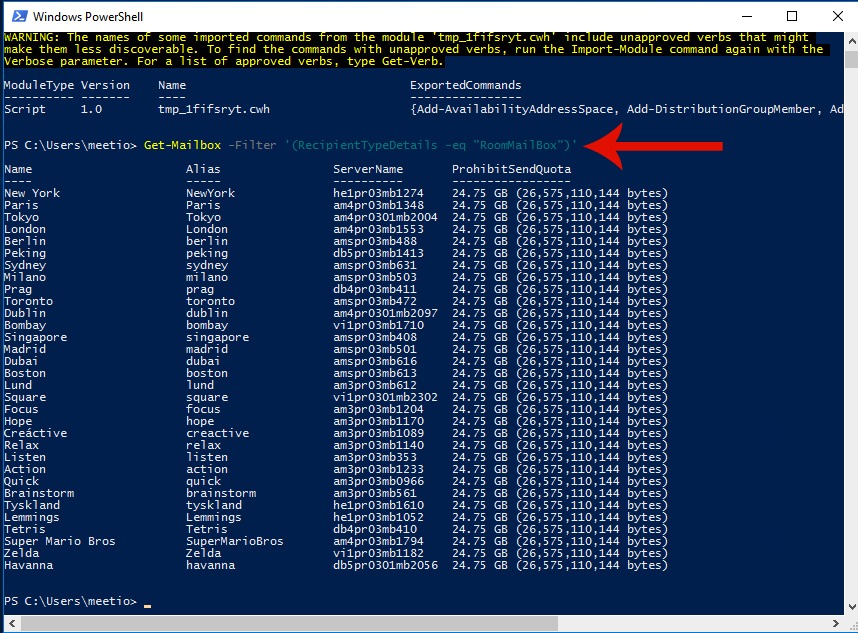
How To Install Exchange Online Powershell Module Easily Connect With

Get Mailbox Size Of All Users In Exchange With PowerShell ALI TAJRAN
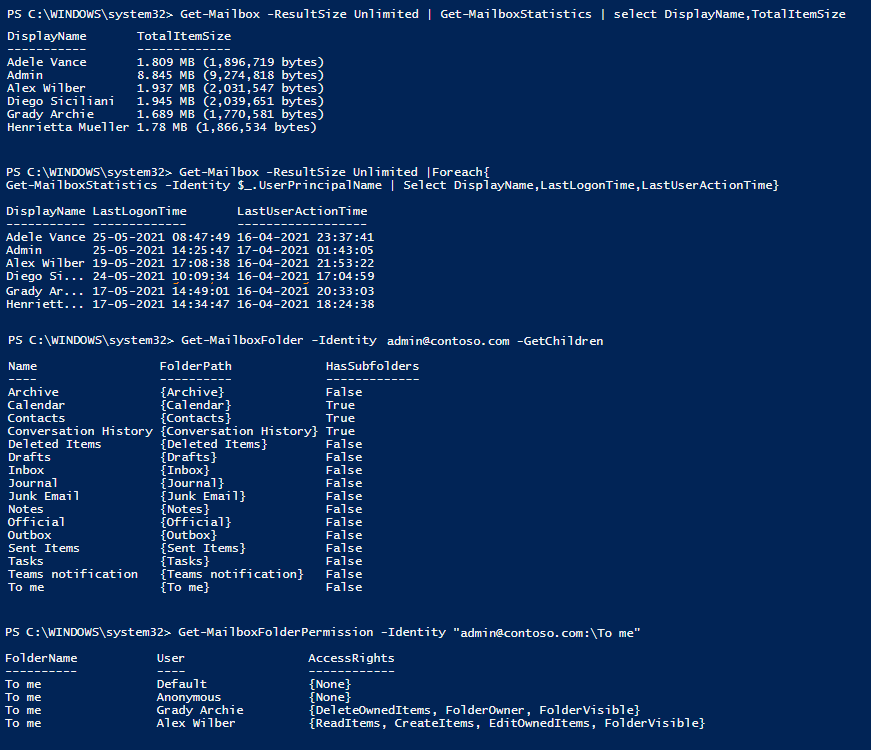
Meest Bruikbare PowerShell Cmdlets Om Exchange Online Mailboxen Te Beheren
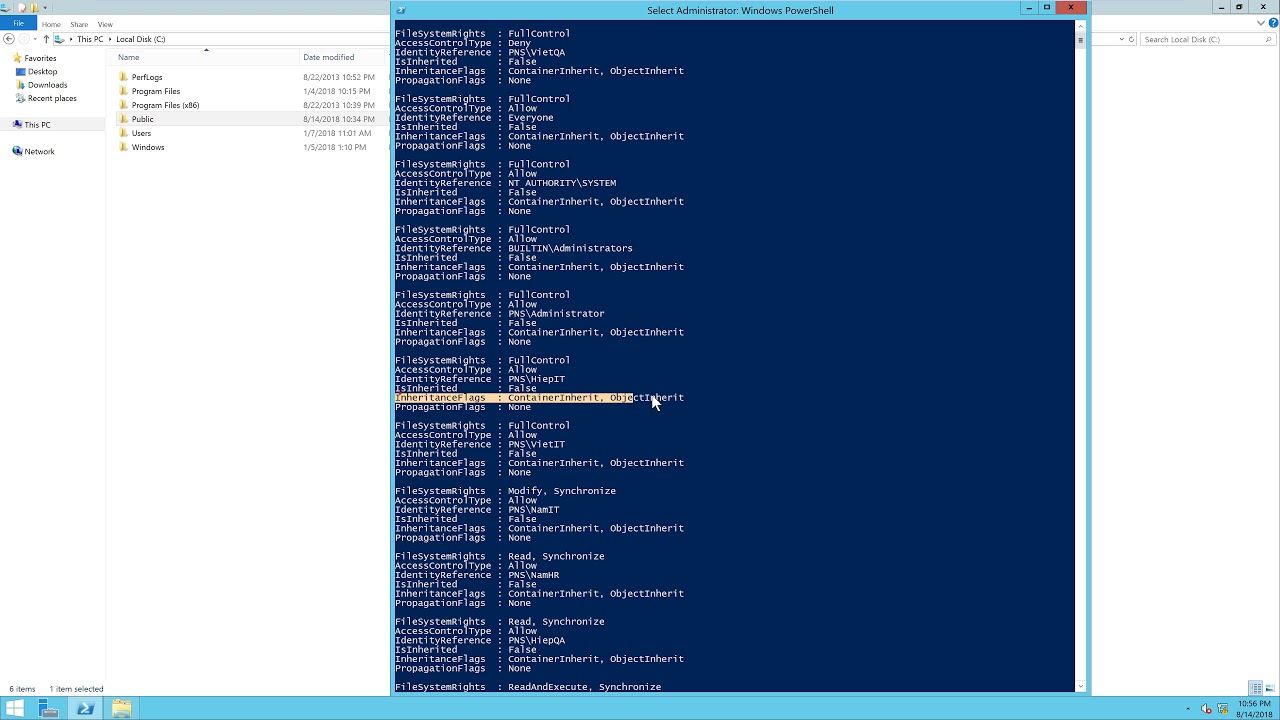
Using Powershell Get All Users And Their Permissions On Folder YouTube
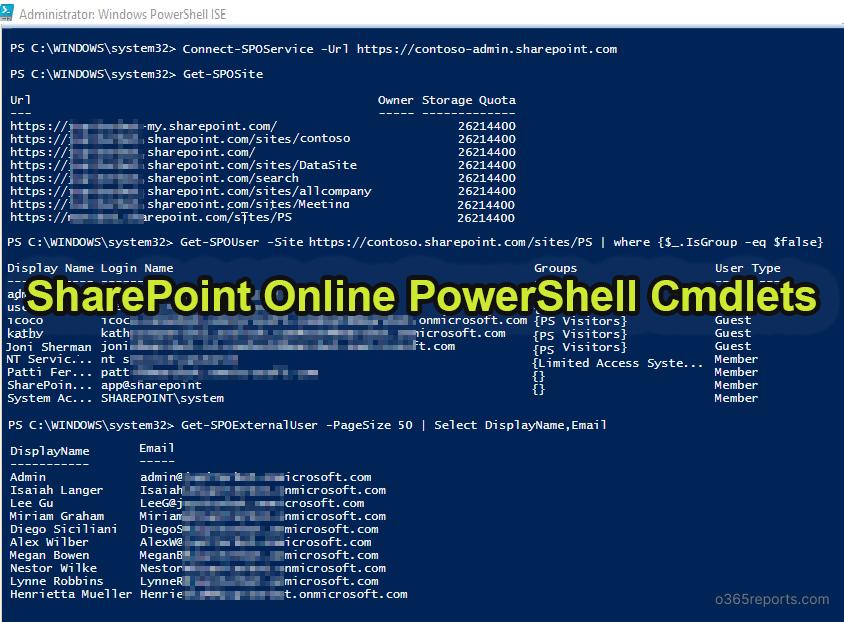
Most Useful PowerShell Cmdlets To Manage SharePoint Online Efficiently

Exchange Online Microsoft 365 Office 365 Run PowerShell as administrator and connect to Exchange Online PowerShell The MailboxSizeReport ps1 PowerShell script got 7 options Display in Exchange Management Shell Export to CSV File Export to CSV File Specific to Database Enter the Mailbox Name with Wild Card Export

The command instructs Exchange Online PowerShell to return all of the available properties for the mailbox in a list There are about 200 different properties and property values You can also use the Format List and Format Table cmdlets to return only specific property values
We can have the cmdlet display just specific fields such as DisplayName ItemCount and TotalItemSize which will show the size of the mailbox For that we use the FT command short for
With the help of PowerShell we can create an Office 365 Mailbox Size Report that gives you all the info you need The PowerShell script below exports the following data from user shared and archive mailboxes to a CSV file Display name Primary Emailadres Mailbox type Last user action time Total mailbox size Deleted item size Item Count

Description When you use the Get Mailbox cmdlet in on premises Exchange environments to view the quota settings for a mailbox you first need to check the value of the UseDatabaseQuotaDefaults property The value True means per mailbox quota settings are ignored and you need to use the Get MailboxDatabase cmdlet to see the actual values
The Exchange PowerShell module also includes the ability to convert these values to a common byte unit The TotalItemSize has built in methods to convert to bytes kilobytes KB megabytes MB gigabytes GB and terabytes TB You can view these methods by passing the value of TotalItemSize to Get Member Available members properties and We can find the total used space of mailbox of all users by using the exchange powershell cmdlet Get MailboxStatistics The Get MailboxStatistics cmdlet is used to obtain information about a mailbox such as the total size of the mailbox the number of messages it contains and the mailbox logon activity Summary Get Mailbox Size for Single User
Find a user in the Recipients section open its properties and go to the Mailbox Usage section The screenshot shows that the current mailbox size is 26 MB 0 used of 100GB available However it is easier for me to use PowerShell to get the size of user mailboxes in Exchange Server