Exchange Powershell Check Shared Mailbox Permissions Export Shared Mailbox Permission Report To CSV Using PowerShell How To Create Shared Mailboxes With GUI based Tool In Exchange Online Exchange Online And Shared Mailbox Permissions CloudAppie Creating A Shared Mailbox In An Exchange Hybrid Using PowerShell TechLabs Export Shared Mailbox Permissions Natively you can use the Exchange Online Management Console to get shared mailbox permissions for single address but if you need to investigate user access rights on all your shared mailboxes using PowerShell is your best option
Managing Office 365 Exchange Online shared mailboxes can be done in the Office 365 Admin Center but managing them in PowerShell is much quicker and gives additional options not available in the GUI To view the permissions of a shared mailbox you can use the Get MailboxPermission and Get RecipientPermission cmdlets Is there a way to Description Note You can use this cmdlet to add a maximum of 500 permission entries ACEs to a mailbox To grant permissions to more than 500 users use security groups instead of individual users for the User parameter Security groups contain many members but only count as one entry
Export Shared Mailbox Permissions How To Get Mailbox Permissions With PowerShell Inc Complete Report How To Get Mailbox Permissions With PowerShell Inc Complete Report Get Mailbox Permissions With PowerShell ALI TAJRAN Give Full Access And Send As Permissions To Exchange Online Mailbox Check exchange powershell check exchange edge synchronization ps1 At Cyber Fu Get Shared Mailbox In Office 365 Using PowerShell Office 365 Reports SOLVED Shared Mailbox Vs M365 Group Vs Mailbox Permissions Best
Exchange Powershell Check Shared Mailbox Permissions
 Exchange Powershell Check Shared Mailbox Permissions
https://o365reports.com/wp-content/uploads/2019/12/Shared-Mailbox-Permission-Report.png
Description In Exchange Online PowerShell if you don t use the SendNotificationToUser or SharingPermissionFlags parameters there are no changes to the functionality of the cmdlet
Pre-crafted templates use a time-saving service for producing a varied series of documents and files. These pre-designed formats and designs can be utilized for various individual and professional jobs, consisting of resumes, invites, flyers, newsletters, reports, discussions, and more, enhancing the content production process.
Exchange Powershell Check Shared Mailbox Permissions

Creating A Shared Mailbox In An Exchange Hybrid Using PowerShell TechLabs
How To Get Mailbox Permissions With PowerShell Inc Complete Report

How To Get Mailbox Permissions With PowerShell Inc Complete Report
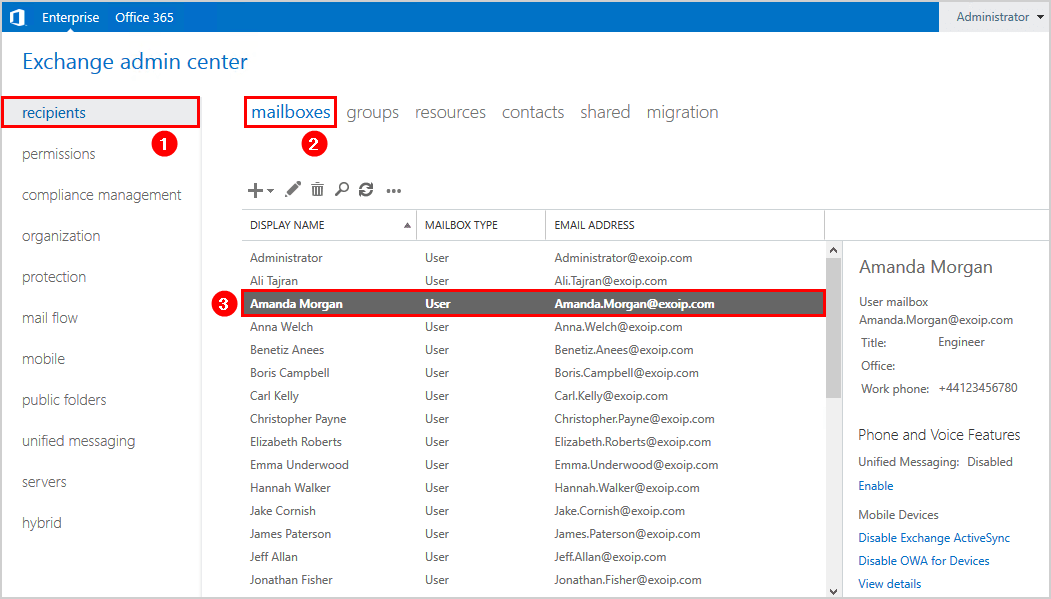
Get Mailbox Permissions With PowerShell ALI TAJRAN
Check exchange powershell check exchange edge synchronization ps1 At

Cyber Fu
To view all users that have access to the mailbox we will need to use the cmdlet Get EXOMailboxPermissions We want to make sure that we don t list the default system permissions so we filter them out Get EXOMailboxPermission Identity userprincipalname where not User match NT AUTHORITY and IsInherited eq false ft
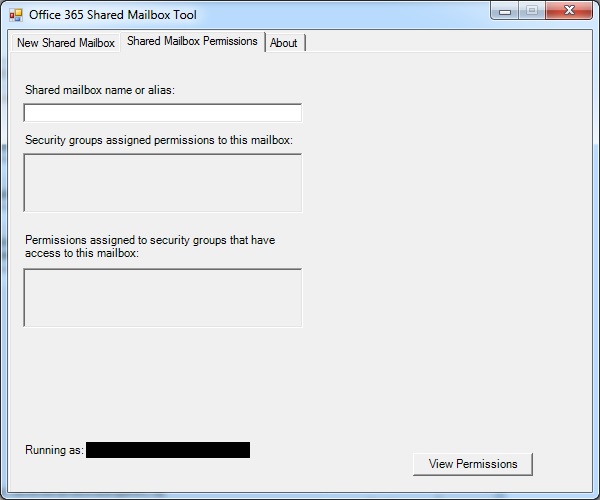
Example 1 PowerShell Get MailboxFolderPermission Identity john contoso Marketing Reports This example returns the current list of user permissions for the Reports subfolder in the Marketing folder in John s mailbox Example 2 PowerShell Get MailboxFolderPermission Identity john contoso Marketing Reports User Ayla contoso

In Exchange Online you can use the Exchange admin center EAC or Exchange Online PowerShell to assign permissions to a mailbox or group so that other users can access the mailbox the Full Access permission or send email messages that appear to come from the mailbox or group the Send As or Send on Behalf permissions
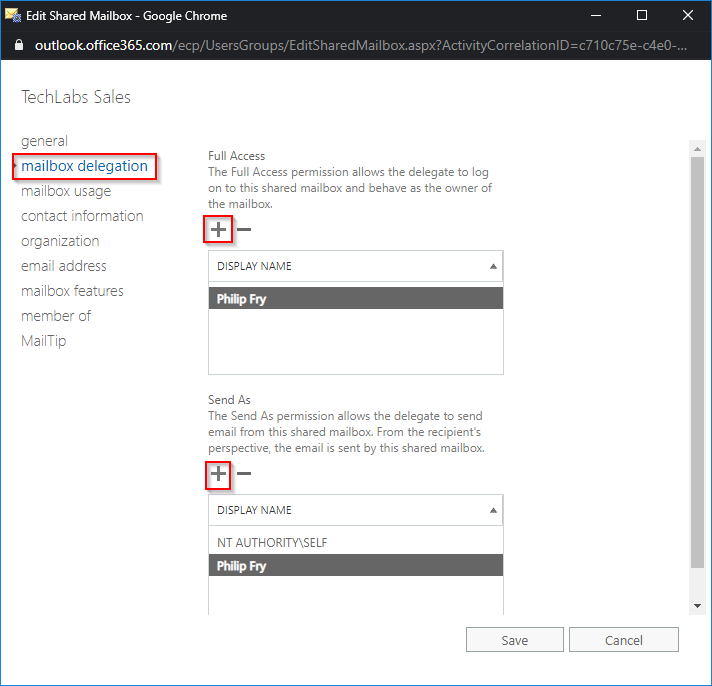
Exchange Server has two ways to grant permissions to a shared mailbox Grant permissions directly to a user mailbox The advantage of this option is that it enables a feature called automapping
Use Exchange Online PowerShell to create a shared mailbox Which permissions should you use More information Important Effective from December 2022 the classic Exchange Admin Center will be deprecated for worldwide customers Microsoft recommends using the new Exchange Admin Center if not already doing so
How to Get a List of Shared Mailboxes Members and Permissions Connect to Office 365 PowerShell run the PowerShell ISE as Administrator and execute the following command Type your user ID and password in the Windows PowerShell Credential Request and click OK 0 Likes Troubleshooting hint Ensure the user is assigned suitable administrative roles like Global Administrator or Exchange Online Administrator to assign the permissions to shared mailboxes in Exchange Online Run the below cmdlet to connect MSonline account Connect MsolService Run the below cmdlet to add the required role
Perform these simple steps to create a list of all Shared Mailboxes in Exchange Online and a list of all permissions set on the shared mailboxes 1 Connect to Exchange Online Connect ExchangeOnline 2 Retrieve a list of all shared mailboxes Get Mailbox RecipientTypeDetails SharedMailbox ResultSize Unlimited ft Name WindowsEmailAddress 3