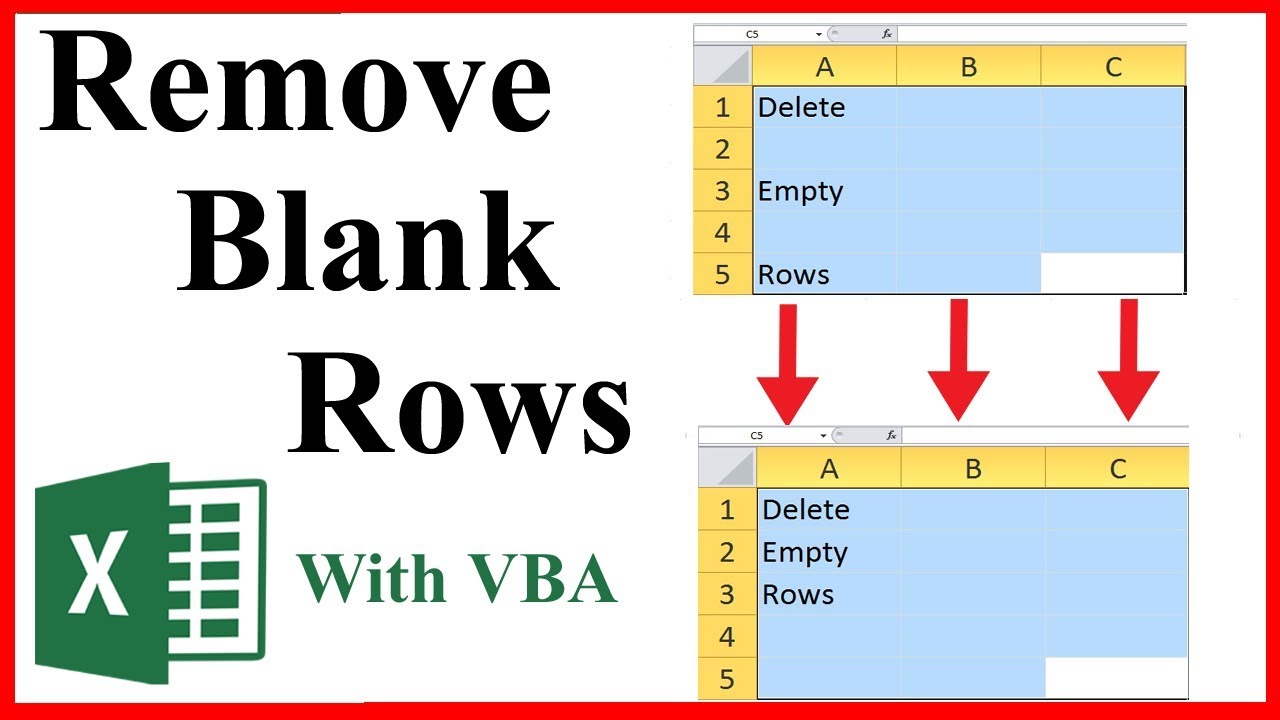
Excel Vba Remove Blank Rows Delete Blank Columns In Excel Vba Lasopamt How To Delete Blank Rows In Excel How To Use VBA To Delete Empty Rows In Excel ExcelDemy Remove Blank Rows In Excel 5 Ways VBA Delete Empty Cells In Excel Excelnays One thing that can help organize data into a neatly structured data set is to remove unnecessary blank cells or rows Below are two macros that can accomplish this task very efficiently This first VBA macro code will delete all blank cells from your range
How to Delete COMPLETELY Blank Rows VBA duplicate Ask Question Asked 5 years 2 months ago Modified 5 years 2 months ago Viewed 547 times 0 This question already has answers here How to find out if an entire row is blank in excel thorough vba 2 answers Closed 5 years ago In my macro I want to delete completely The easiest way to fix this is by deleting the blank rows and columns at the end of each worksheet This article will show you how to delete blank rows and columns at the end of worksheets using VBA The code we re going to be using in this article begins with parameter definitions and initialization of some of those variables
Delete Empty Cells In Excel Excelnays How To Delete Rows Using VBA VBA And VB Net Tutorials Education And Programming Services Excel Delete Blank Rows Access Excel Tips Riset Remove Blank Rows In Excel Delete Empty Columns And Sheets Vrogue How To Delete Blank Rows In Excel With Vba Formulas And Power Query Riset Remove Blank Rows In Excel For Mac 2011 Txseoseogg Remove Blank Rows Columns With This VBA Macro Delete Blank Columns In Excel Vba Lasopamt Easy Way To Delete Blank Rows In Excel Psawethereal
Excel Vba Remove Blank Rows
 Excel Vba Remove Blank Rows
https://skillsandautomation.com/wp-content/uploads/2021/11/Blank-Rows.jpg
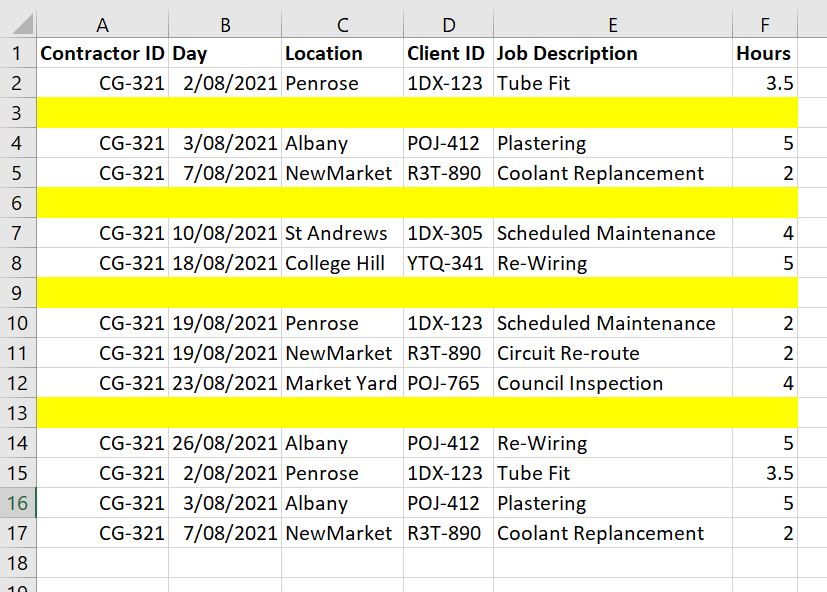
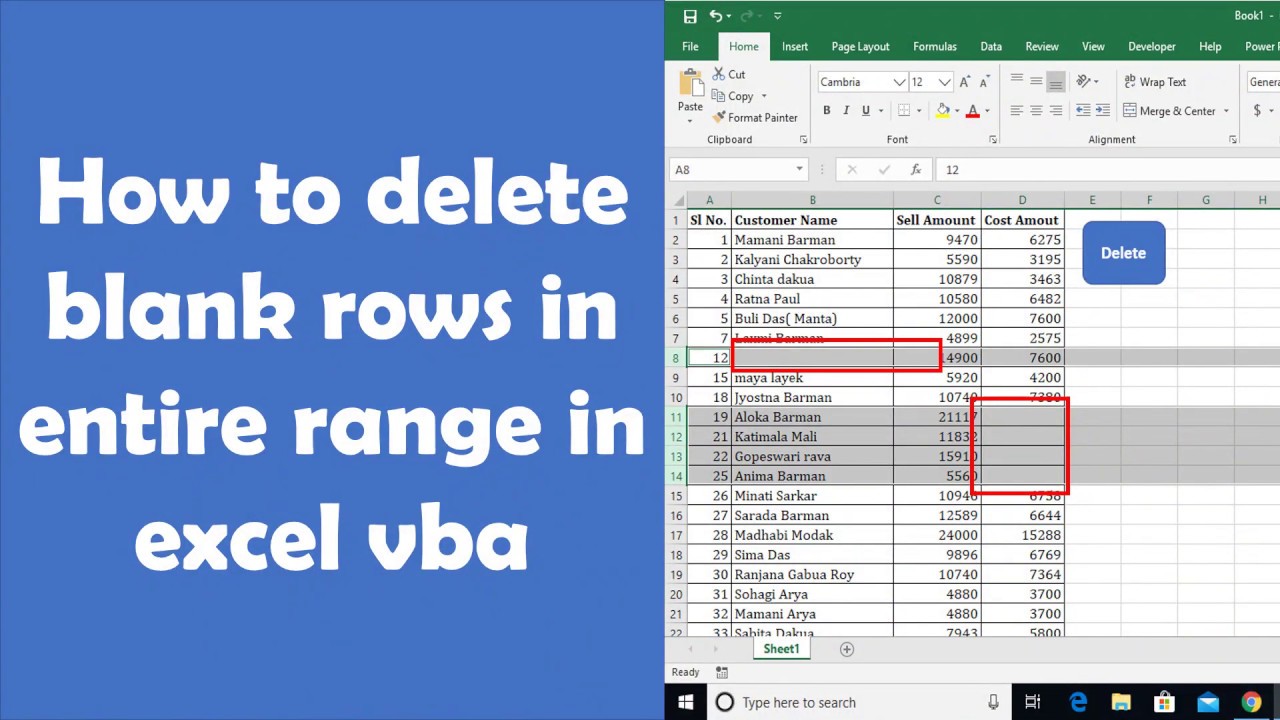
In VBA in excel I want to know how I can automatically remove rows in my spreadsheet table where all the columns in the row are blank For example If I have a table with four columns from A D if a row has all columns blank then how can I remove it from the table automatically
Pre-crafted templates use a time-saving option for producing a varied series of documents and files. These pre-designed formats and layouts can be utilized for numerous personal and professional jobs, consisting of resumes, invitations, flyers, newsletters, reports, discussions, and more, simplifying the content creation process.
Excel Vba Remove Blank Rows
How To Delete Blank Row From Selected Range In Excel VBA Remove Blank Rows YouTube

How To Delete Rows Using VBA VBA And VB Net Tutorials Education And Programming Services
Excel Delete Blank Rows Access Excel Tips Riset

Remove Blank Rows In Excel Delete Empty Columns And Sheets Vrogue

Remove Blank Rows In Excel For Mac 2011 Txseoseogg
Remove Blank Rows Columns With This VBA Macro

For those who are intersted to remove empty and blank rows Ctrl Shift End going deep down of your worksheet here is my code It will find the last real row in each sheet and delete the remaining blank rows

Macro 1 named Delete Blank Rows deletes entire rows based on whether a cell of that row in a given range is empty Macro 2 named Delete Blank Rows 2 achieves the same purpose as Macro 1 but uses a different structure

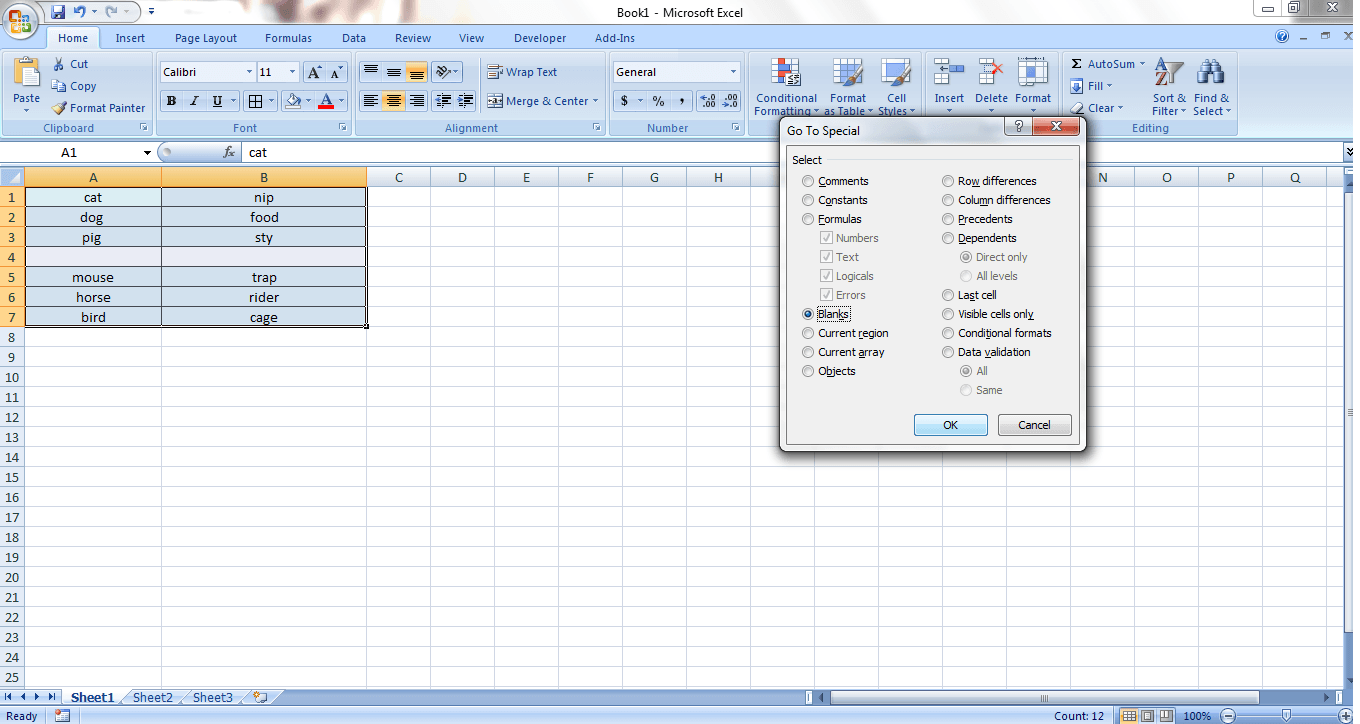
Asked 11 years 11 months ago Modified 4 years 9 months ago Viewed 48k times 10 I am trying to delete Empty rows by using below code worksheet Columns A A SpecialCells xlCellTypeBlanks EntireRow Delete The code above is working fine but giving run time error 1004 No Cells were found excel vba

Press OK on the Remove Blank Rows dialog box and you are taken back to the Visual Basic Editor Click the View Microsoft Excel button on the toolbar to switch to the active worksheet
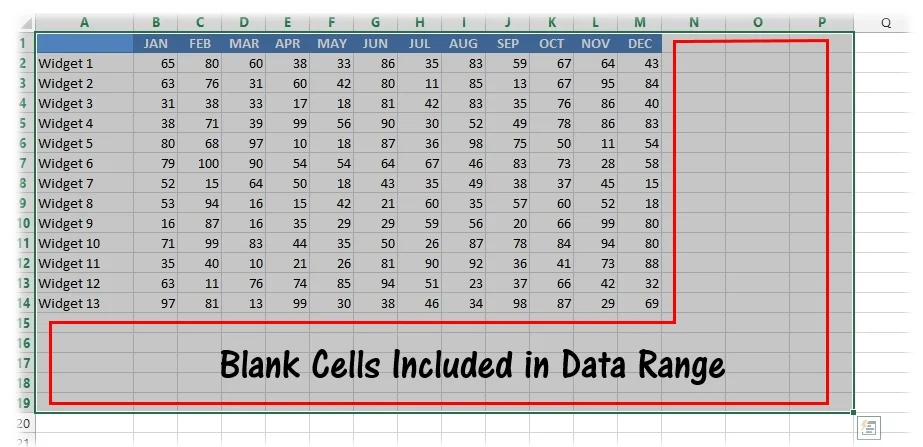
Ever try to use the shortcut Ctrl Shift Down Arrow to select all of your data and the selection includes a bunch of blank rows or columns This is because those cells once held data but only the cell values were removed not the cells themselves Hint using your delete key does not delete the cell it only deletes the cell s value
[desc-11] [desc-12]
[desc-13]