Excel Vba Listbox Delete All Items Excel VBA Using CheckBox To Select All Items In A ListBox Computer Excel Delete A Line Or Item Selected On Listbox Of Userform Stack Excel Vba Copy The Listbox Items Into Closed Workbook Hints And Tips Delete Row Listbox Vba Excel VBA UserForm Listbox Select All The Items YouTube WEB The Excel VBA ListBox is a list control that allows you to select or deselect one or more items at time This is compared to the VBA ComboBox which only allows you to select a single items from a drop down list Let us explore how to create clear and make a VBA ListBox let you select multiple items
WEB Aug 17 2022 nbsp 0183 32 Clear a Listbox In order to clear a Listbox in VBA you need to use Clear method of Sheet1 lstListBox object It will delete all the items from the Listbox Here is the code Sheet1 lstListBox Clear Note If the attribute ListFillRange is set the above code will produce an error You have to clear the attribute ListFillRange first WEB Oct 7 2018 nbsp 0183 32 If you are asking removing selected items from a multiselect listbox MultiSelect property set to Simple or Extended or else Style property set to CheckBox the following code may help Just check the attached
Excel VBA UserForm Listbox Select All The Items YouTube Excel VBA Listbox MultiSelect To Fill Other ListBox Excelhub Excelhub Creating An Excel VBA ListBox 500 Rockets Marketing Select Multiple Items In An Excel Drop Down List Easy VBA Trick Select Multiple Items On ListBox In Excel VBA ListBox Property Excel VBA ListBox YouTube Listbox Mover Python GUI Tkinter CSDN
Excel Vba Listbox Delete All Items
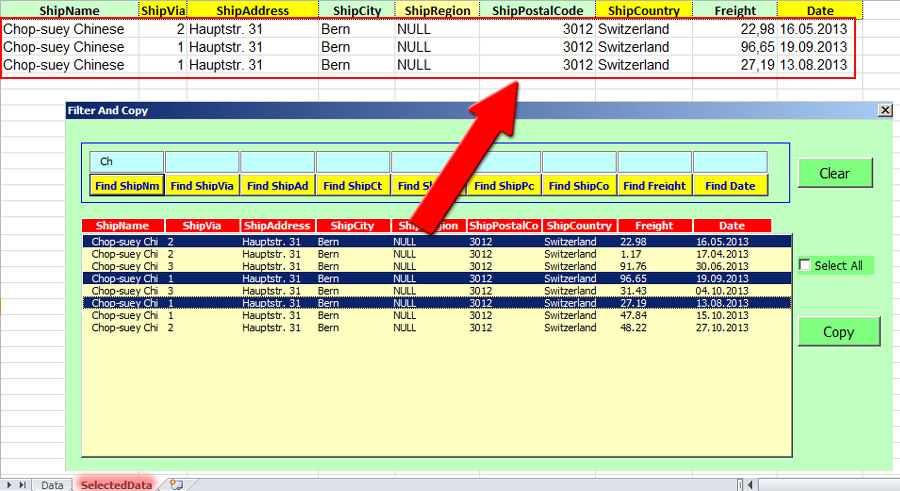 Excel Vba Listbox Delete All Items
https://netmerkez.files.wordpress.com/2015/08/excel_search_on_listbox_.jpg
WEB Apr 5 2022 nbsp 0183 32 This article will demonstrate how to work with the selected item in a List Box in Excel VBA List Boxes show a list of options to users allowing them to select one or more of the items They are largely used in VBA forms but can also be used within your Excel worksheet
Templates are pre-designed documents or files that can be used for different functions. They can save effort and time by providing a ready-made format and design for developing various type of content. Templates can be utilized for individual or expert tasks, such as resumes, invitations, flyers, newsletters, reports, discussions, and more.
Excel Vba Listbox Delete All Items
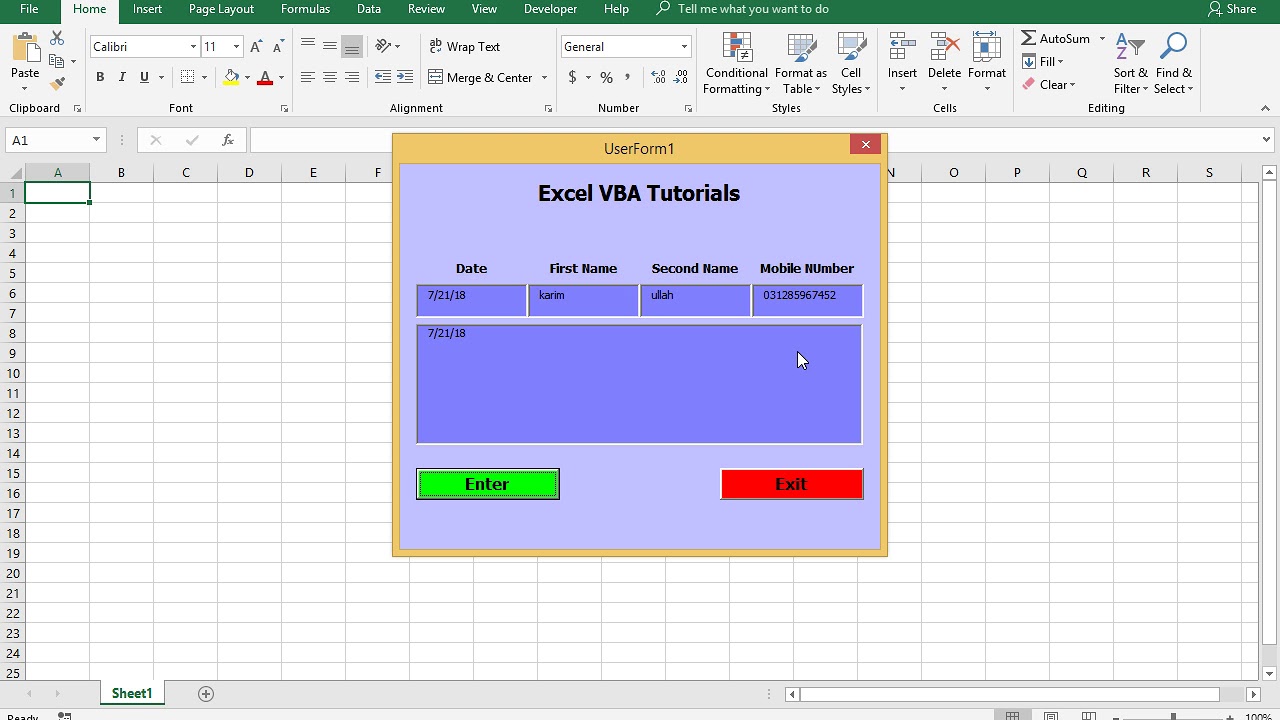
Excel Vba Add Items To Listbox YouTube
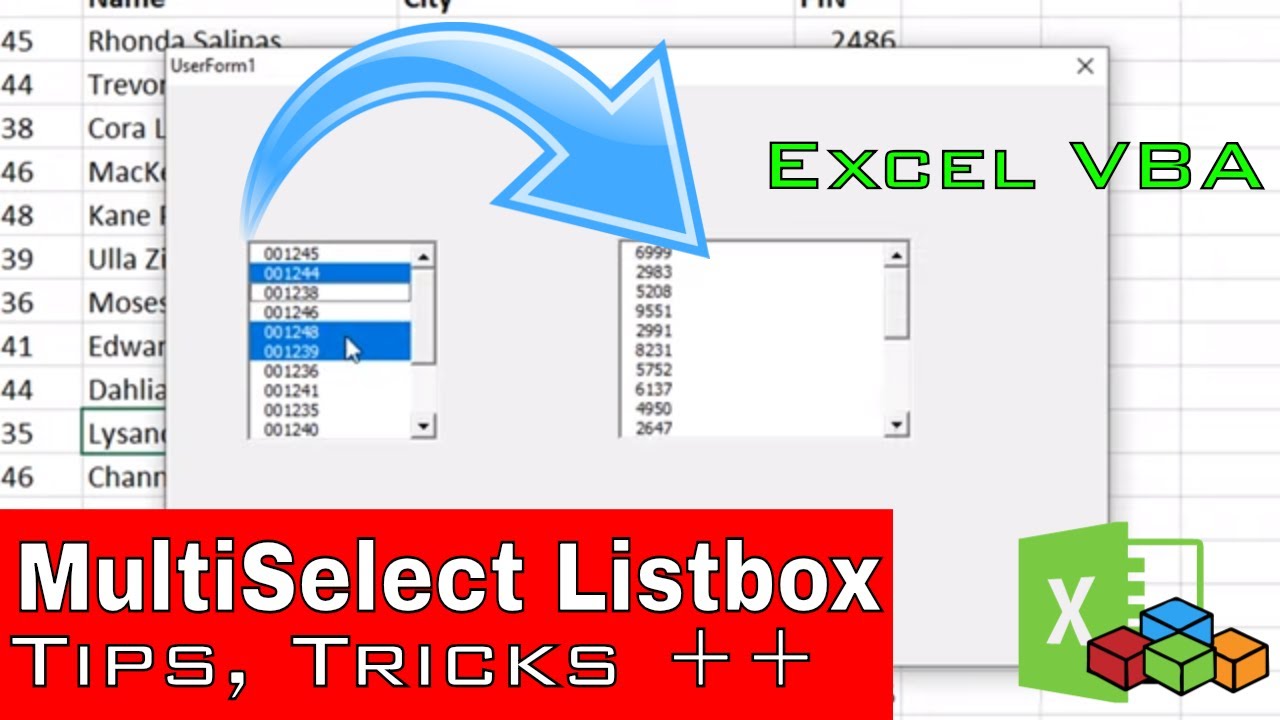
Excel VBA Listbox MultiSelect To Fill Other ListBox

Excelhub Excelhub
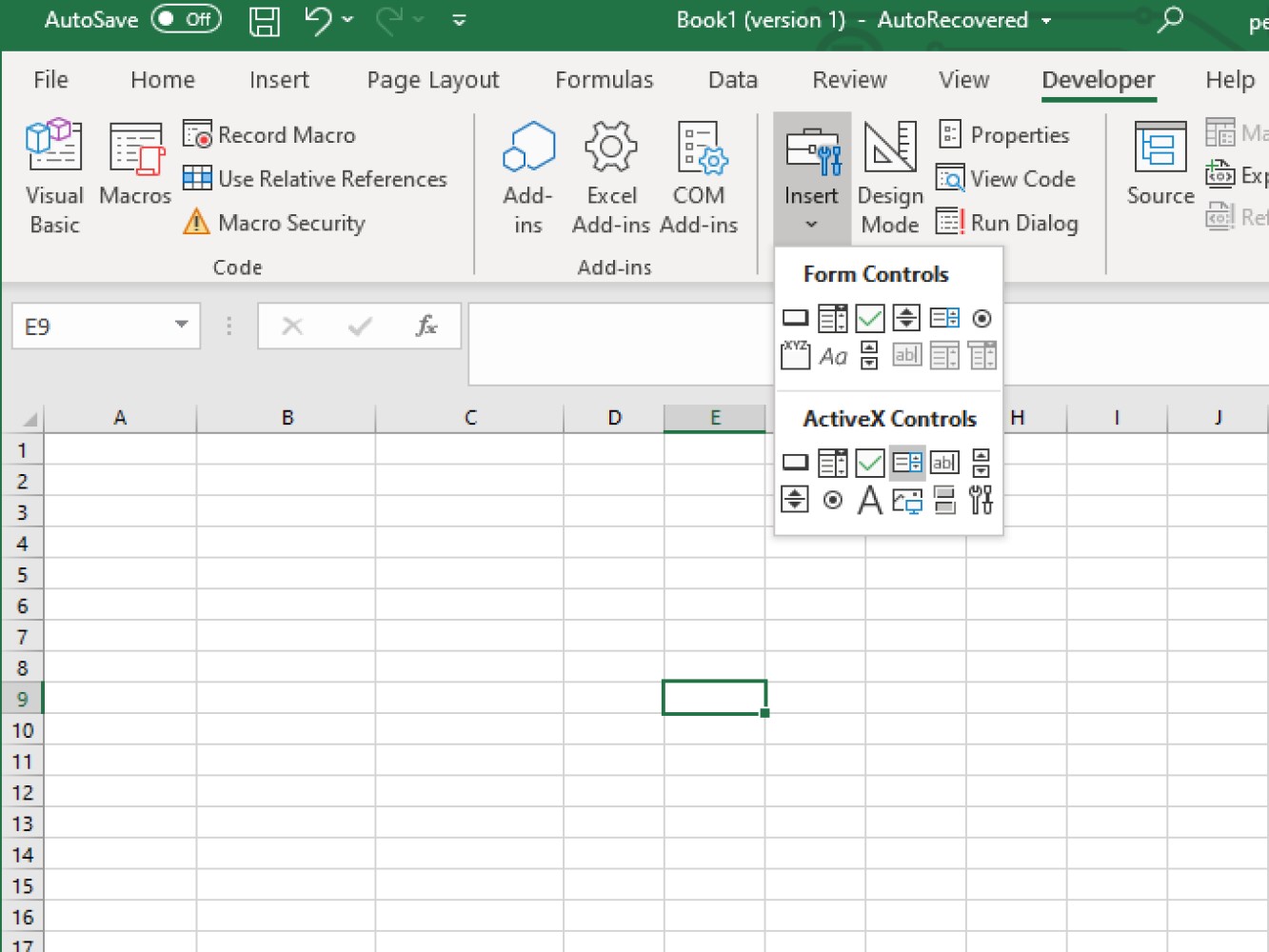
Creating An Excel VBA ListBox 500 Rockets Marketing
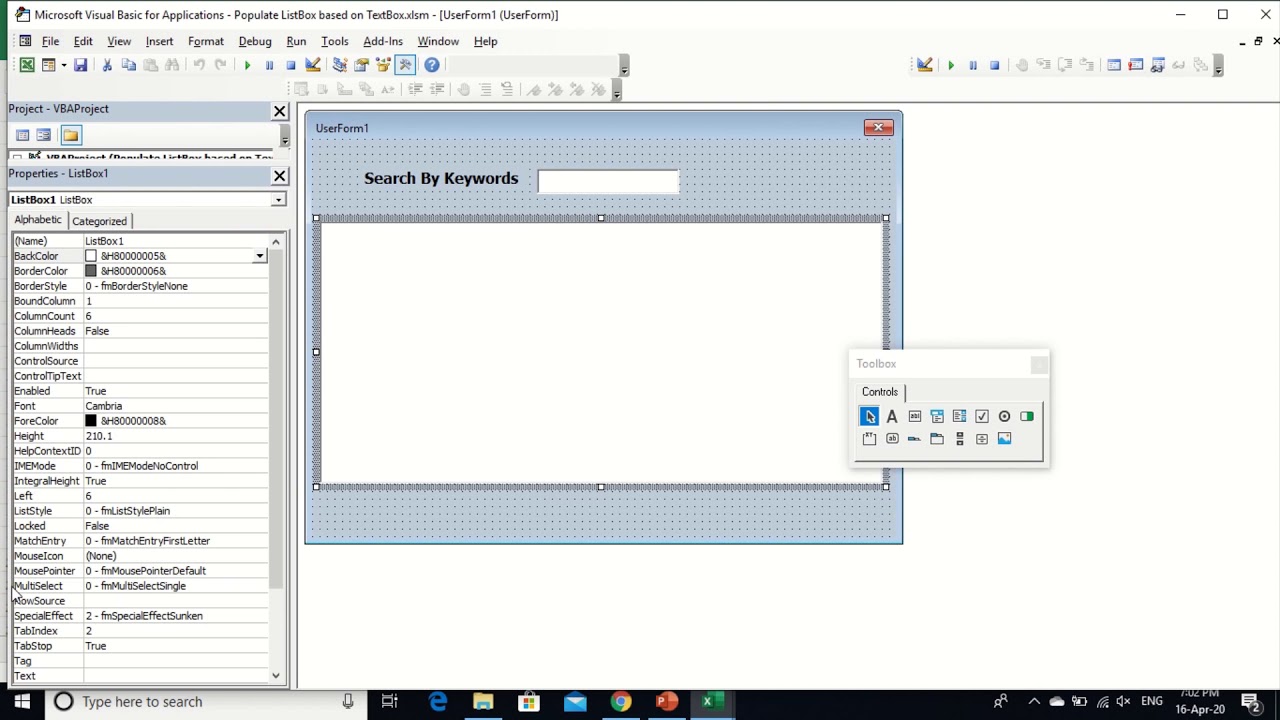
Select Multiple Items On ListBox In Excel VBA ListBox Property
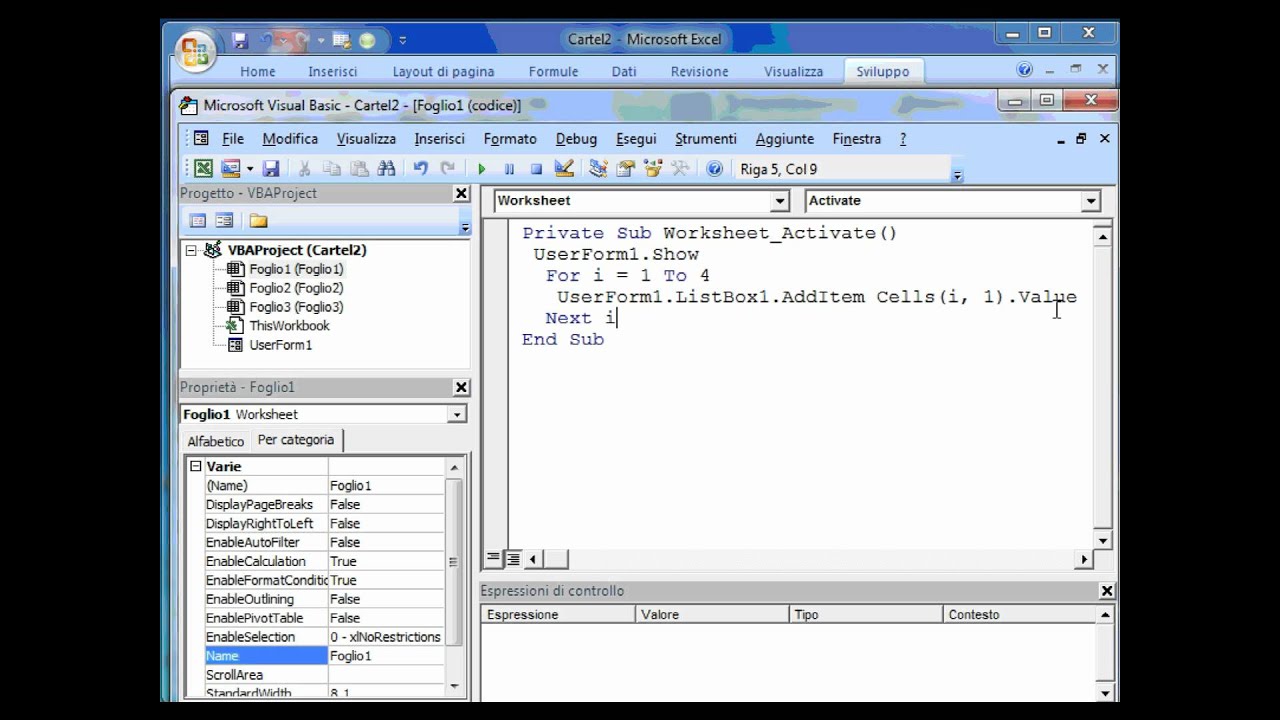
Excel VBA ListBox YouTube

WEB You can deselect any selected values in a listbox by running this Me Listbox1 Value quot quot where quot Listbox1 quot is the name of your listbox To clear a multiselect listbox use this code Me listbox1 MultiSelect fmMultiSelectSingle Me listbox1 Value quot quot

WEB Psuedo code ahead updated with actual code Do While ComboBox1 ListCount gt 0 ComboBox1 RemoveItem 0 Loop Basically while you have items remove the first item from the combobox Once all the items have been removed count 0 your box is blank Method 2 Even better

WEB The following example adds and deletes the contents of a ListBox using the AddItem and RemoveItem methods and the ListIndex and ListCount properties To use this example copy this sample code to the Declarations portion of a form

WEB Aug 27 2021 nbsp 0183 32 If the ListBox has multiple selections and you want to get all the data from each then you can use the GetSelectedRows sub from the section VBA ListBox Selected Items This will get a collection of all selected rows

WEB Jul 23 2016 nbsp 0183 32 If you use the clear method it leaves empty rows at the end of the list If i fill it up with a smaller list than it will leave empty entries that i can select at the bottom of the list Does it function like an array and i need to redim it
WEB Jun 17 2022 nbsp 0183 32 The following procedure will show how to clear the ListBox items this procedure will clear ListBox items before loading an items to ListBox Code Sub Clear ListBox Clear ListBox Items With Sheet1 ListBox1 Clear ListBox2 Clear End WEB Sep 12 2021 nbsp 0183 32 Add and Remove Items from a List Box The following example adds and deletes the contents of a ListBox using the AddItem RemoveItem and SetFocus methods and the ListIndex and ListCount properties Note The SetFocus method is inherited from the Microsoft Forms 2 0 ListBox control
WEB May 27 2010 nbsp 0183 32 The code would remove all items from the list box to remove just the once you select use this code change the lstSelected name to your control name Private Sub Command18 Click Dim i As Integer For i lstSelected ListCount 1 To 0 Step 1