Excel Vba Clear Range Values 3 Excel VBA Save Search Delete Clear Close Hp Elite 7200 Mt Drivers Passlfor Excel VBA Clear Invoice And Automate Next Invoice Number YouTube VBA Clear Contents How To Use Excel VBA Clear Contents Excel VBA Clear Cells Blog Th Thu t Microsoft Excel Excel
Microsoft 365 for the web Web Word Excel PowerPoint OneNote With Microsoft 365 for the web you can edit and share Word Excel PowerPoint and OneNote files on your devices using a web browser
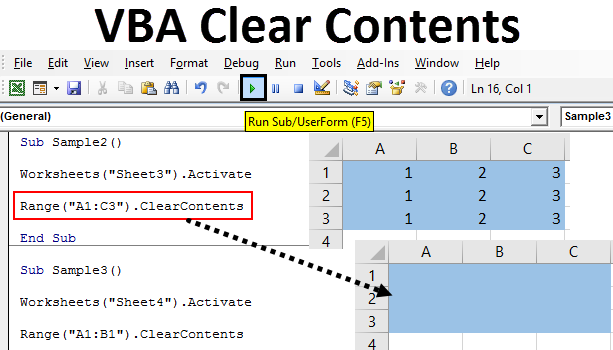
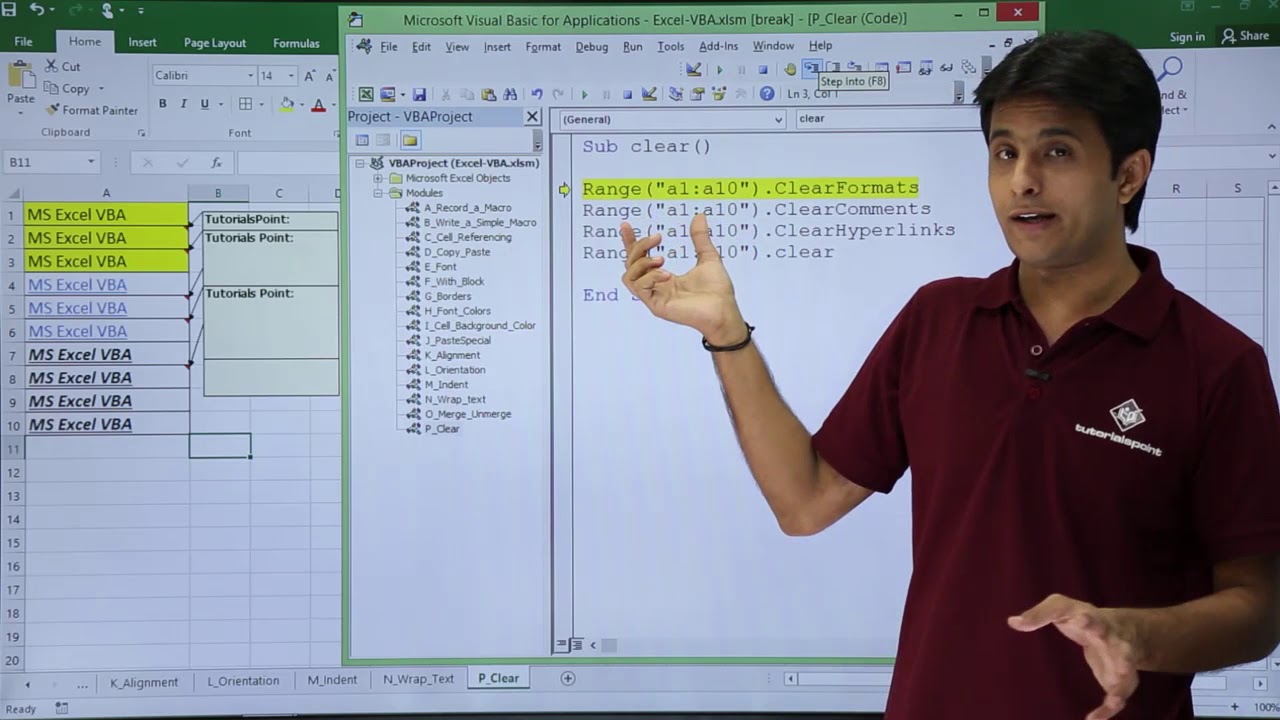
Excel VBA Clear Cells Blog Th Thu t VBA Clear Range In Excel Explained With Examples Excel VBA To Clear Contents Of Range 3 Suitable Cases How To Use VBA To Clear Entire Sheet In Excel VBA Clear Content Of A Range YouTube Four VBA Clear Methods Excel VBA Clear Contents If Cell Contains Specific Values How To Clear Filters With VBA Macros Excel Campus Learn How To Delete Cell Contents With Simple Excel Macro
Excel Vba Clear Range Values
 Excel Vba Clear Range Values
https://i.ytimg.com/vi/--7HagBWjw0/maxresdefault.jpg
Microsoft Excel to wiod cy w bran y program do obs ugi arkuszy kalkulacyjnych oraz zaawansowane narz dzie do analizy i wizualizacji danych Program Excel umo liwia
Pre-crafted templates use a time-saving option for developing a diverse series of documents and files. These pre-designed formats and designs can be made use of for different personal and professional projects, consisting of resumes, invitations, leaflets, newsletters, reports, presentations, and more, improving the material development procedure.
Excel Vba Clear Range Values
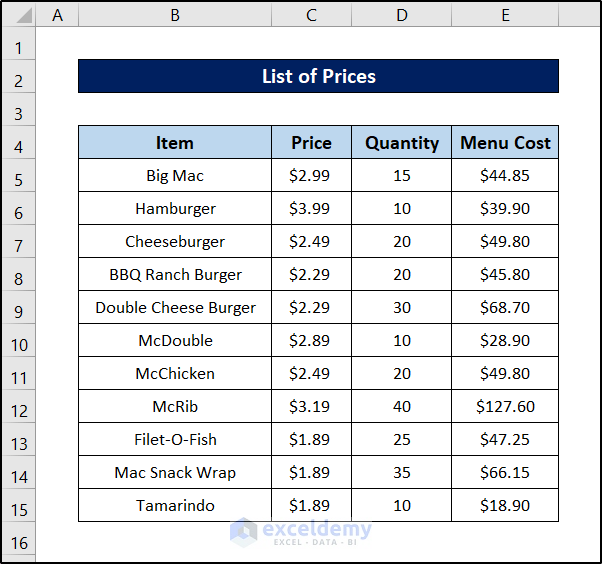
How To Clear Contents Of A Sheet With Excel VBA 5 Examples

VBA Clear Range In Excel Explained With Examples

Excel VBA To Clear Contents Of Range 3 Suitable Cases

How To Use VBA To Clear Entire Sheet In Excel
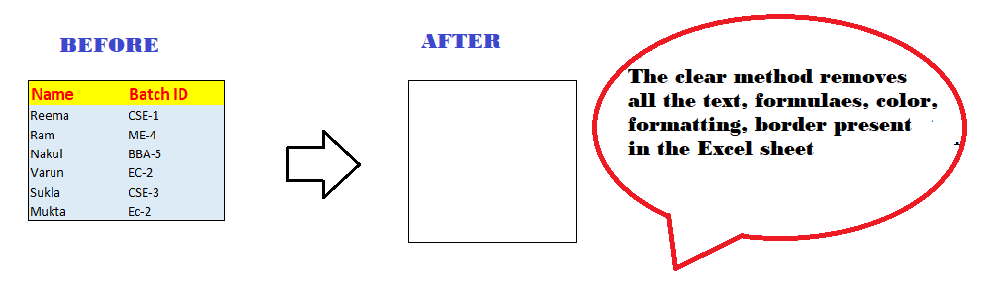
Four VBA Clear Methods

Excel VBA Clear Contents If Cell Contains Specific Values

Find Microsoft Excel help and learning resources Explore how to articles guides training videos and tips to efficiently use Excel

Microsoft Excel Excel

What is Excel Excel makes it easy to crunch numbers With Excel you can streamline data entry with AutoFill Then get chart recommendations based on your data and create them with one
Microsoft Excel Windows MacOS iOS Android
Get started with basic tasks in Excel such as opening a workbook entering and formatting data calculating data and trying some quick analysis features
[desc-11] [desc-12]
[desc-13]