Excel Vba Application Getopenfilename Example Excel VBA GetOpenFilename Excel VBA GetOpenFilename Excel VBA GetOpenFilename Excel VBA GetOpenFilename Excel VBA GetOpenFilename Microsoft Excel Excel
Excel Easily add formulas reorder columns and resize spreadsheet tables on your mobile device or tablet 1 day ago nbsp 0183 32 Your community for how to discussions and sharing best practices on Microsoft Excel If you re looking for technical support please visit Microsoft Support Community
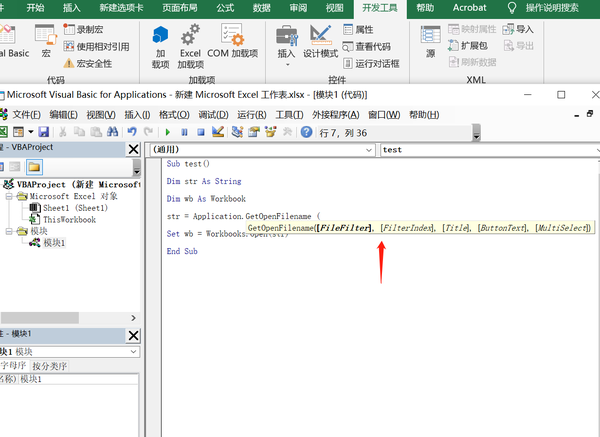
Excel VBA GetOpenFilename Excel VBA GetOpenFilename Excel VBA GetOpenFilename HandsomeFa Excel VBA GetOpenFilename EXCEL VBA GetOpenFilename FindFile FileDialog Dialogs Excel VBA GetOpenFilename Excel VBA Application Menu YouTube Excel VBA GetOpenFilename Getopenfilename Default File Path For Desktop Cakeasl
Excel Vba Application Getopenfilename Example
 Excel Vba Application Getopenfilename Example
https://pic2.zhimg.com/v2-20ead24c9c3621f03e50c5ebc17662a5_r.jpg
Con Microsoft 365 para la Web puedes editar y compartir archivos de Word Excel PowerPoint y OneNote en tus dispositivos con un explorador web
Pre-crafted templates provide a time-saving service for developing a varied series of documents and files. These pre-designed formats and designs can be made use of for numerous individual and expert tasks, including resumes, invites, leaflets, newsletters, reports, presentations, and more, improving the content creation process.
Excel Vba Application Getopenfilename Example
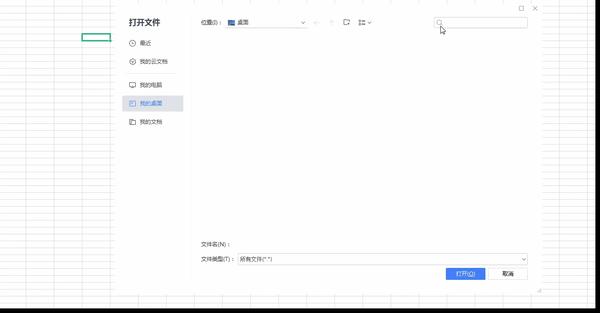
Excel VBA GetOpenFilename

Excel VBA GetOpenFilename

Excel VBA GetOpenFilename HandsomeFa

Excel VBA GetOpenFilename

Excel VBA GetOpenFilename

Excel VBA Application Menu YouTube
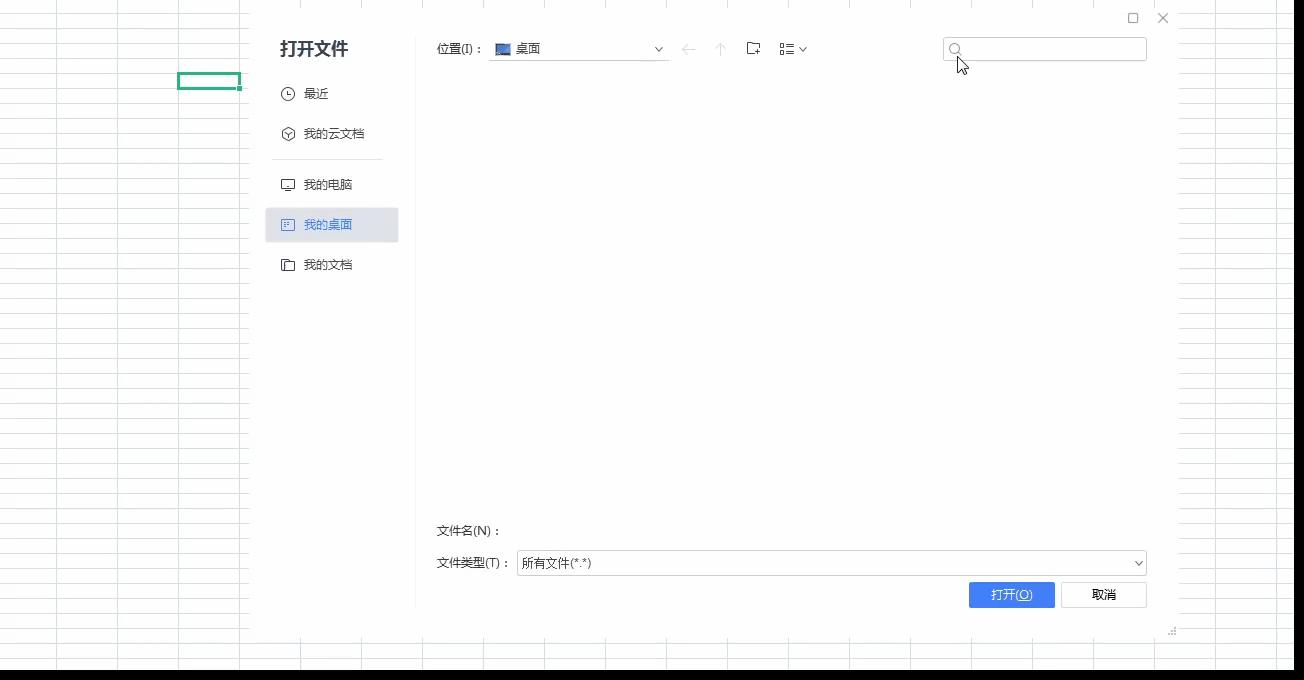
Find Microsoft Excel help and learning resources Explore how to articles guides training videos and tips to efficiently use Excel

With Microsoft 365 for the web you can edit and share Word Excel PowerPoint and OneNote files on your devices using a web browser
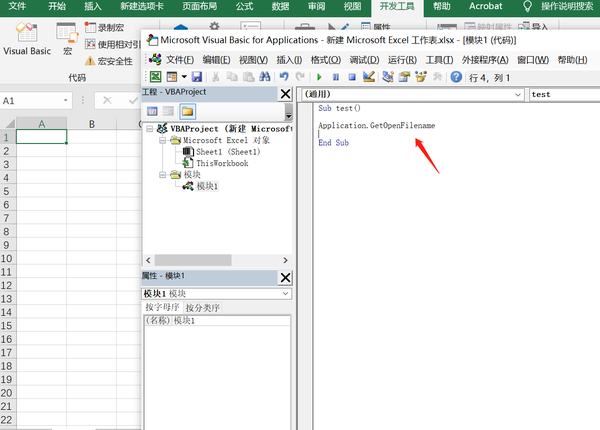
Get started with basic tasks in Excel such as opening a workbook entering and formatting data calculating data and trying some quick analysis features
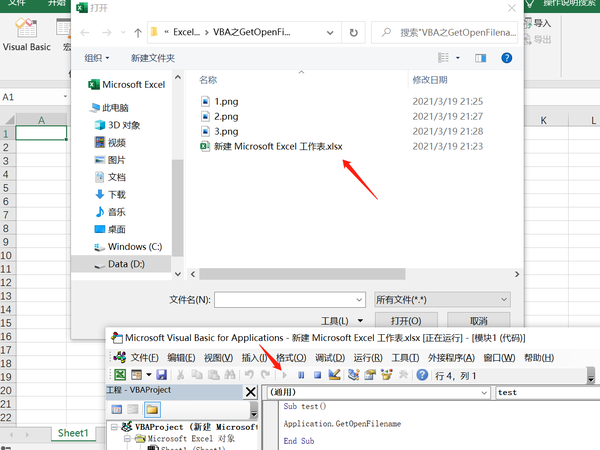
What is Excel Excel makes it easy to crunch numbers With Excel you can streamline data entry with AutoFill Then get chart recommendations based on your data and create them with one click Or easily spot trends and patterns with data bars color coding and icons
How to use the IF function combined with the AND OR and NOT functions in Excel to make logical comparisons between given values
[desc-11] [desc-12]
[desc-13]