Excel Trim After Second Space Excel TRIM Function Using The TRIM Function In Excel YouTube Excel TRIM Function 5 Examples Wikitekkee How To Use TRIM Function ExcelNotes Why Is TRIM Not Removing Spaces In Excel Excel Me Web 22 feb 2021 nbsp 0183 32 TRIM A2 To remove extra spaces from a text string directly you could use the following formula replacing the example string with your own text TRIM quot This text
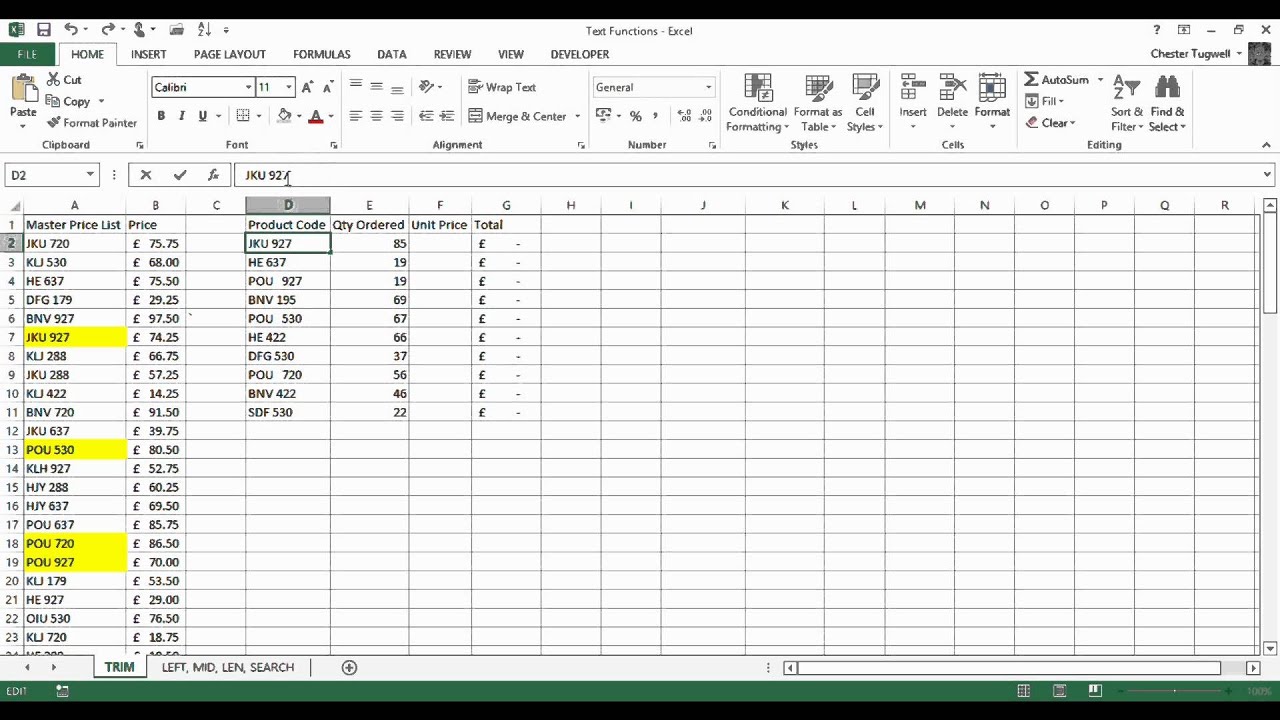
Web The TRIM function strips extra spaces from text leaving only a single space between words and removing any leading or trailing space For example TRIM quot A stitch in time quot returns quot A stitch in time quot The Web 7 mrt 2023 nbsp 0183 32 To extract the text that appears after a specific character you supply the reference to the cell containing the source text for the first text argument and the character in double quotes for the second delimiter
Why Is TRIM Not Removing Spaces In Excel Excel Me TRIM Function How To Use Trim Function In Excel MS Excel In Hindi Excel TRIM VLOOKUP Remove Trailing And Extra Spaces In Lookup Values Remove Unwanted Space In Excel Trim Function Not Working In Excel Civil lbum Insatisfactorio Remove Gaps In Excel Casete Querer Polilla How To Remove Extra Spaces In Excel Excel TRIM Function Earn Excel Extract Text After Last Space In Excel Printable Templates Free Trim Function In Excel Trim Function Excel How To Use The TRIM Function In Excel
Excel Trim After Second Space
 Excel Trim After Second Space
https://www.w3schools.com/excel/img_excel_trim2.png
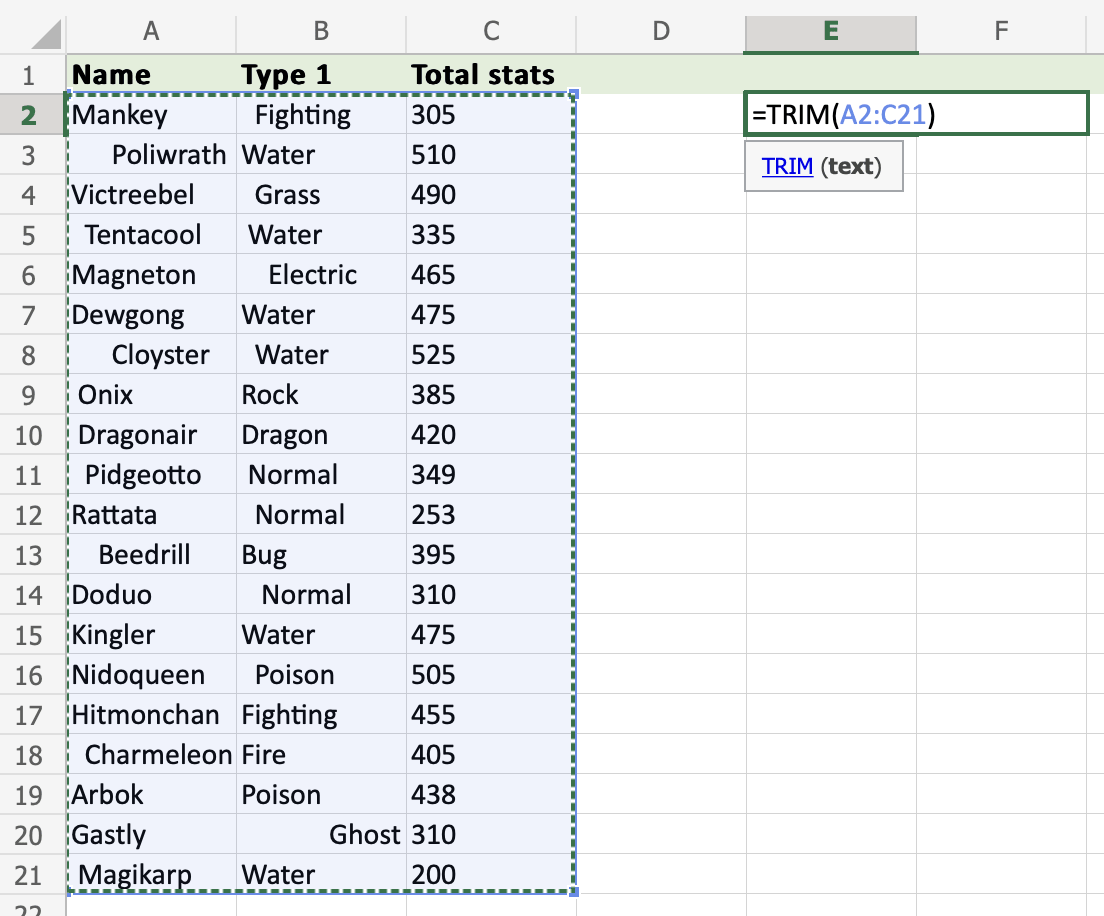
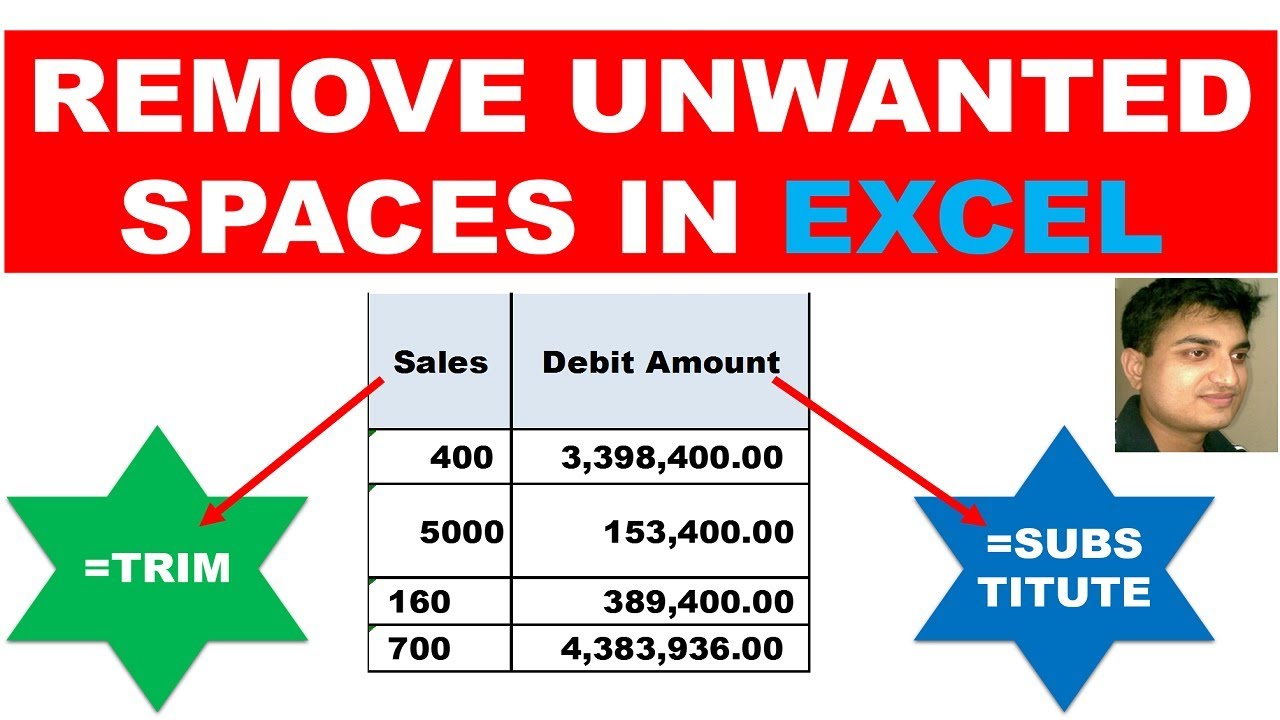
Web 30 nov 2021 nbsp 0183 32 In Excel to remove the leading trailing and extra spaces between words in a particular string use the TRIM function This function deletes all spaces except for single spaces between words To remove
Pre-crafted templates use a time-saving solution for creating a varied variety of files and files. These pre-designed formats and designs can be made use of for numerous personal and professional tasks, consisting of resumes, invitations, leaflets, newsletters, reports, presentations, and more, improving the content development procedure.
Excel Trim After Second Space

Fix TRIM Function Not Working In Excel 2 Solutions

TRIM Function How To Use Trim Function In Excel MS Excel In Hindi
Excel TRIM VLOOKUP Remove Trailing And Extra Spaces In Lookup Values
Remove Unwanted Space In Excel Trim Function Not Working In Excel

How To Remove Extra Spaces In Excel Excel TRIM Function Earn Excel

Extract Text After Last Space In Excel Printable Templates Free
Web 26 sep 2023 nbsp 0183 32 2 Extract Text after Second Space with Excel TRIM Function The TRIM Function can also extract text after the second space Here we will use the TRIM
Web Extract the text after the second or nth space or comma in Excel In Excel the combination of the TRIM MID FIND and SUBSTITUTE functions can help you to deal with this task the generic syntax is TRIM MID

Web Extract text after the second space or comma with formula IF ISERROR FIND quot quot A2 FIND quot quot A2 1 1 A2 LEFT A2 FIND quot quot A2 FIND quot quot A2 1 1 into a blank cell where you want to locate the result IF
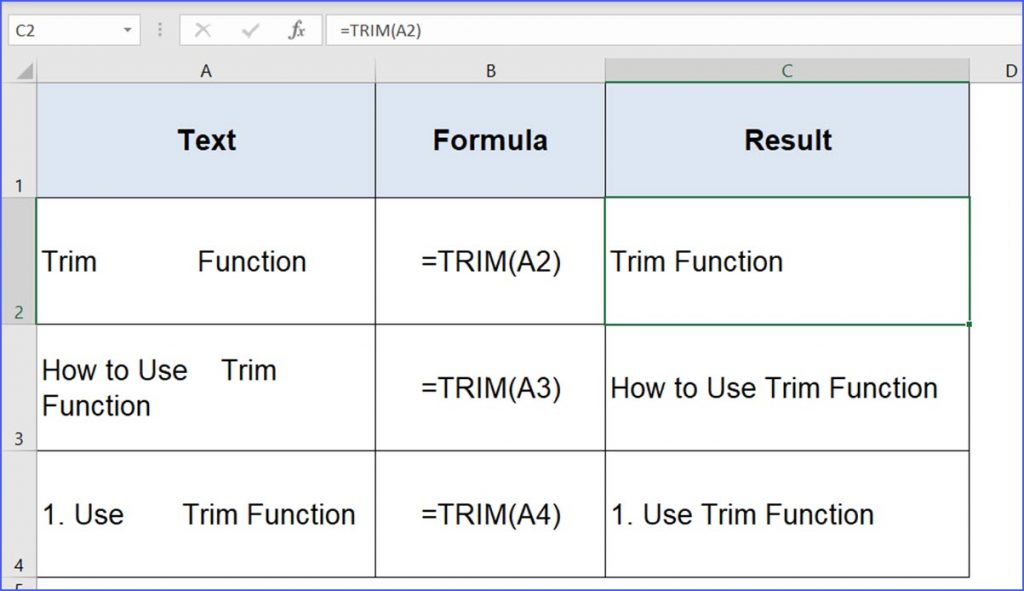
Web 13 mrt 2023 nbsp 0183 32 To eliminate a leading space we again use the TRIM function as a wrapper TRIM RIGHT SUBSTITUTE A2 quot quot quot quot 2 LEN A2 FIND quot quot SUBSTITUTE A2 quot quot quot quot 2 How this formula

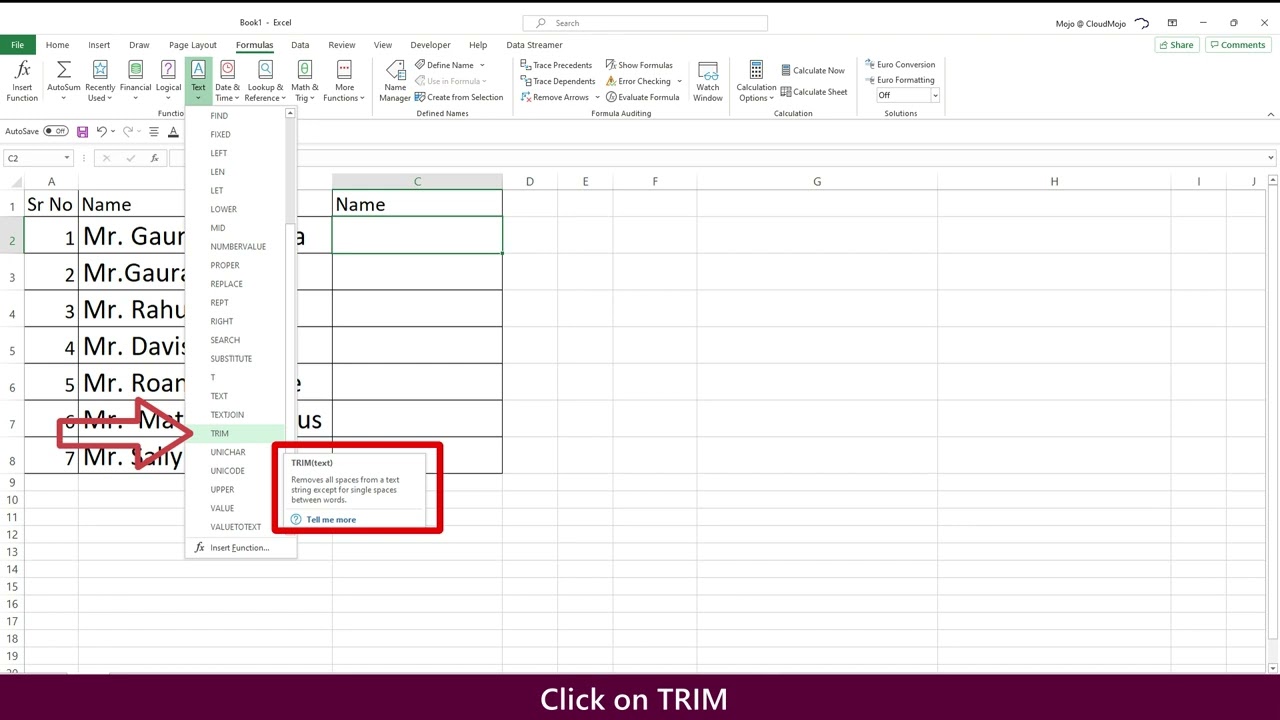
Web 20 mrt 2023 nbsp 0183 32 You use the TRIM function in Excel removes extra spaces from text It deletes all leading trailing and in between spaces except for a single space character between words The syntax of the TRIM function
Web You might need to remove items of a list after a specific symbol like say the third comma symbol There are many other instances where you might need to remove text after a Web However there are also some leading spaces in row 2 and 4 If you use the TRIM function on this it will remove the leading spaces but it will also remove the double spaces that
Web Remove all characters after the last space Select a blank cell enter the formula LEFT A2 FIND quot quot SUBSTITUTE A2 quot quot quot quot LEN A2 LEN SUBSTITUTE A2 quot quot quot quot