Excel Table Function 7 Excel Functions And Features To Know How To Use Excel Table Function YouTube Reglementa Satul Frontier Excel Table Function Forja Actri Frumoasa Sensitivity Analysis In Excel Data Table Function In Excel Advanced Excel YouTube Excel How To Sort Table Using Function equation Only Stack Overflow Here s a video about using the IF function LOOKUP function Use this function when you need to look in a single row or column and find a value from the same position in a second row or column VLOOKUP function Use this function when you need to find things in a table or a range by row
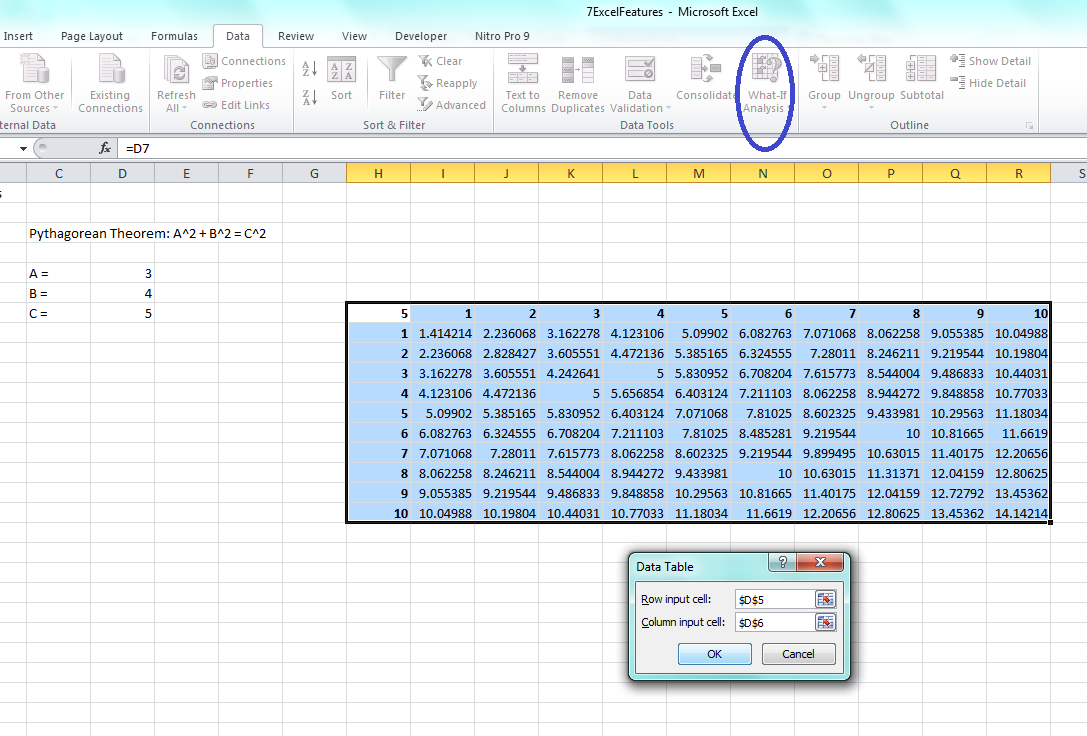
10 most useful features of Excel tables 1 Integrated sorting and filtering options Usually it takes a few steps to sort and filter data in a worksheet In 2 Column headings are visible while scrolling When you are working with a large table that does not fit on a screen 3 Easy formatting In Microsoft Excel a data table is one of the What If Analysis tools that allows you to try out different input values for formulas and see how changes in those values affect the formulas output Data tables are especially useful when a formula depends on several values and you d like to experiment with different combinations of inputs and
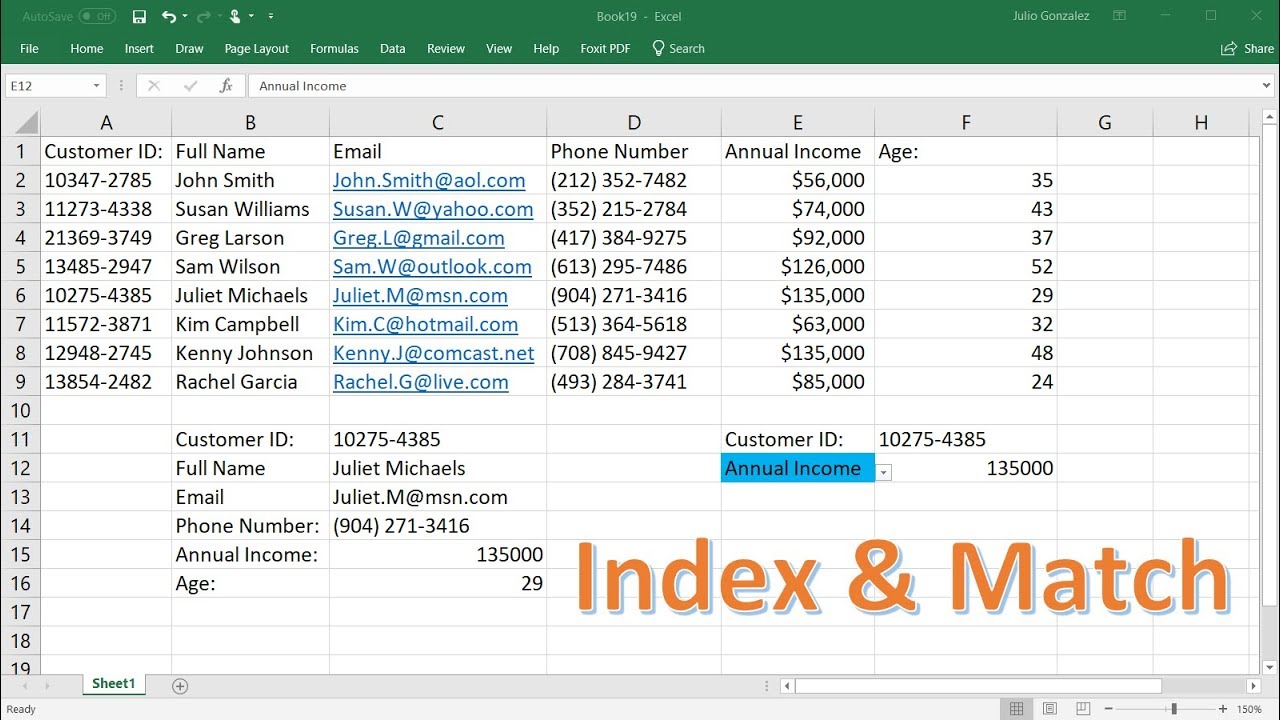
Excel How To Sort Table Using Function equation Only Stack Overflow Index And Match Functions With Drop Down Lists Excel YouTube Value Tables Excel My XXX Hot Girl Excel Tables Exceljet Does TABLE Function Exist In Excel ExcelDemy How To Calculate Percentage Addition In Excel How To Calculate Percentage Excel Formula Get Column Index In Excel Table Exceljet Using Tables In Excel Deskbright Turn Off Excel Table Formulas Structured References PakAccountants
Excel Table Function
 Excel Table Function
https://danbscott.ghost.io/content/images/2015/03/WhatIfDataTable.png
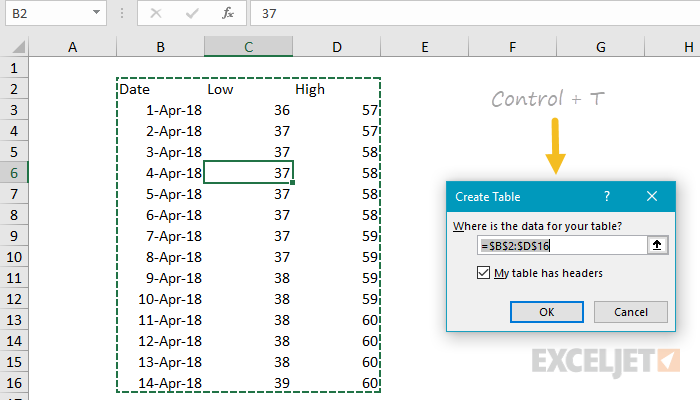
First remove blank rows and make sure all columns have a unique name then put the cursor anywhere in the data and use the keyboard shortcut Control T When you click OK Excel will create the table 2 Navigate directly to tables Like named ranges tables will appear in the namebox dropdown menu Just click the menu and select the table
Templates are pre-designed documents or files that can be used for different purposes. They can save time and effort by offering a ready-made format and layout for producing different type of material. Templates can be utilized for individual or expert jobs, such as resumes, invitations, flyers, newsletters, reports, presentations, and more.
Excel Table Function

GKC Excel Table Function YouTube
Index And Match Functions With Drop Down Lists Excel YouTube

Value Tables Excel My XXX Hot Girl
Excel Tables Exceljet
How To Calculate Percentage Addition In Excel How To Calculate Percentage

Excel Formula Get Column Index In Excel Table Exceljet
A data table is a range of cells in which you can change values in some of the cells and come up with different answers to a problem A good example of a data table employs the PMT function with different loan amounts and interest rates to calculate the affordable amount on a home mortgage loan
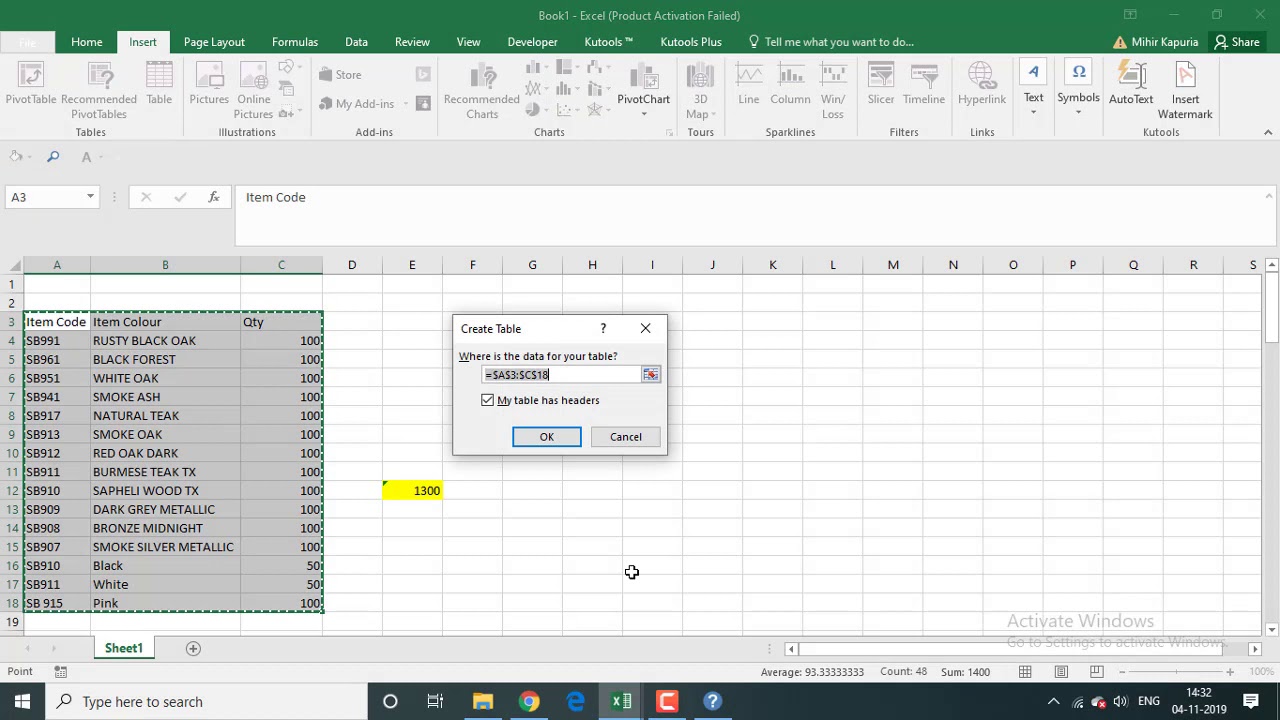
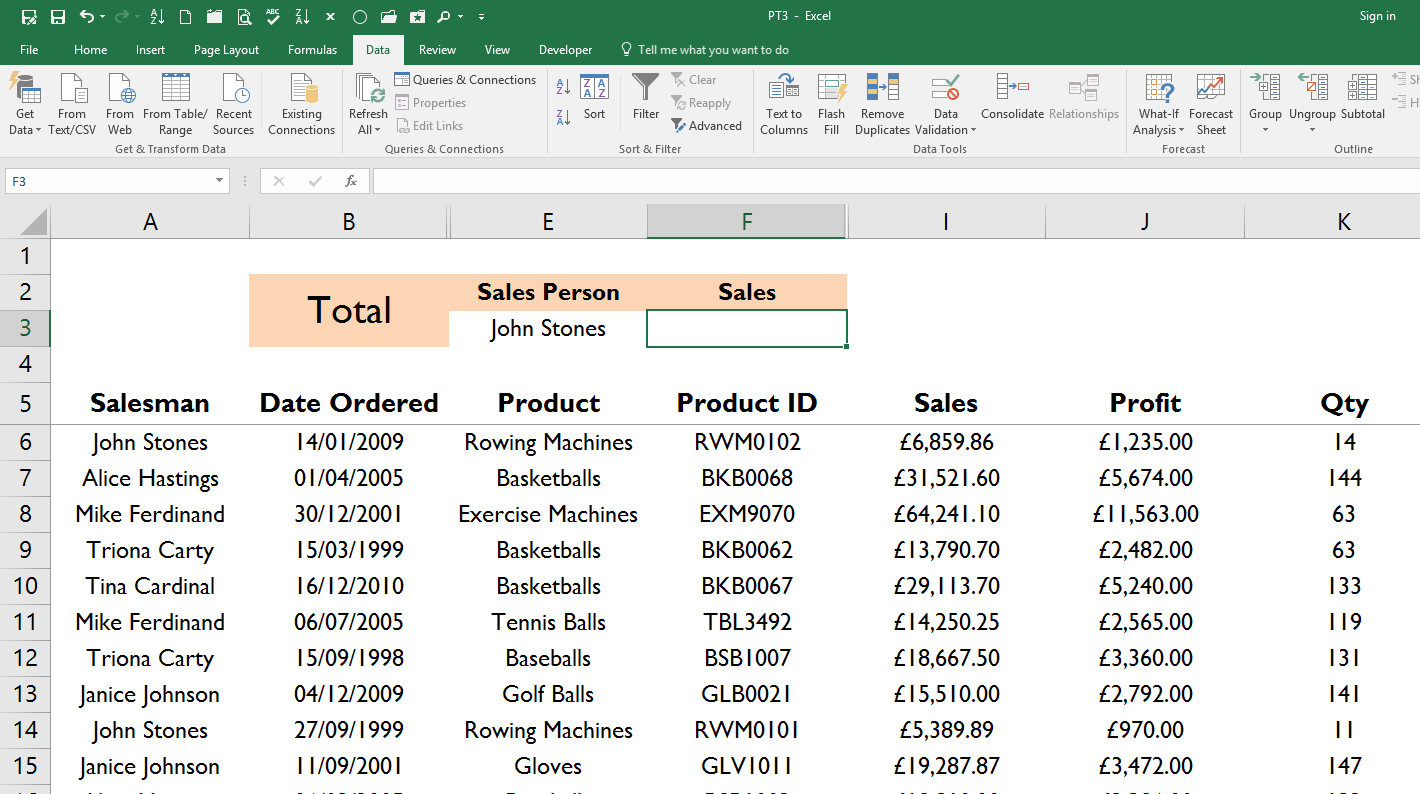
Table Array The whole lookup table A2 C5 Lookup Value The value to be found in the first
Select the range of cells that you want to convert open the Insert tab and click Table in the ribbon Confirm the Cells and Apply Headers Using either of the above methods a pop up window will appear next Here you can confirm or edit the range of cells

Two Variable Data Table To create a two variable data table execute the following steps 1 Select cell A12 and type D10 refer to the total profit cell 2 Type the different unit profits highest price in row 12 3 Type the different percentages in column A 4 Select the range A12 D17

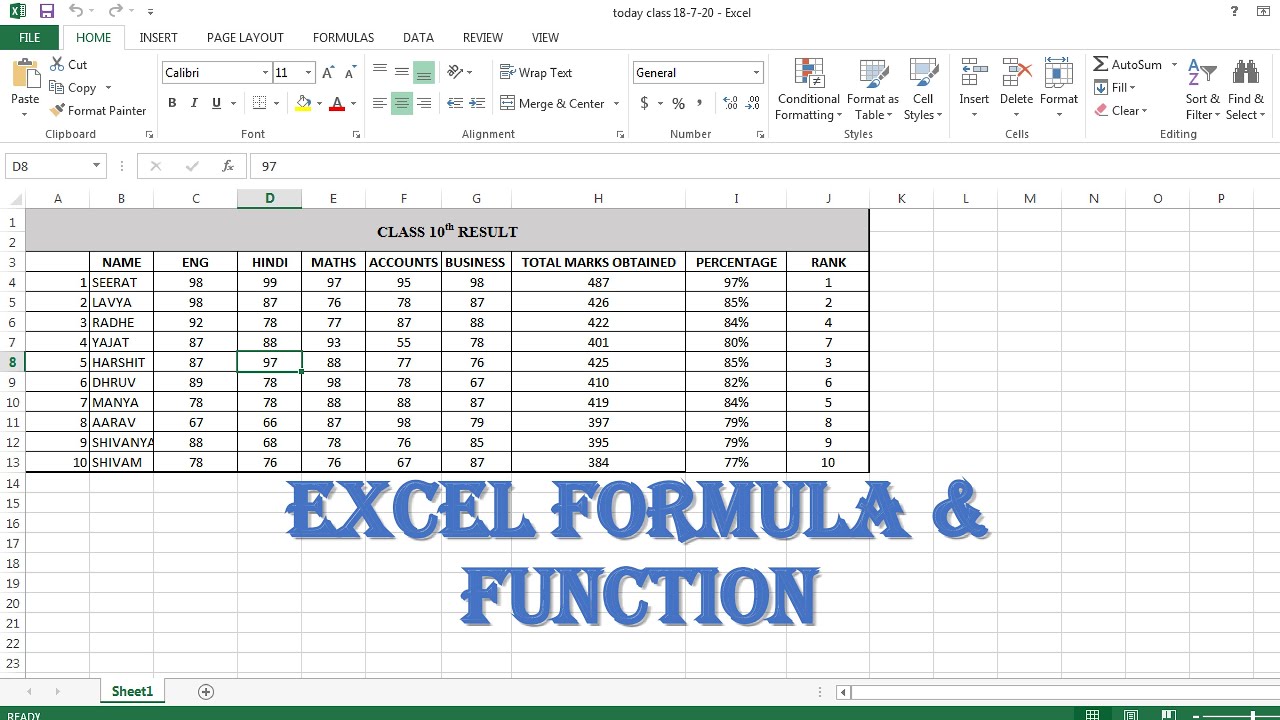
Press Enter Excel automatically creates a calculated column and copies the formula down the entire column for you adjusting it for each row What happens when I use explicit cell references If you enter explicit cell references in a calculated column it can be harder to see what the formula is calculating
[desc-11] [desc-12]
[desc-13]