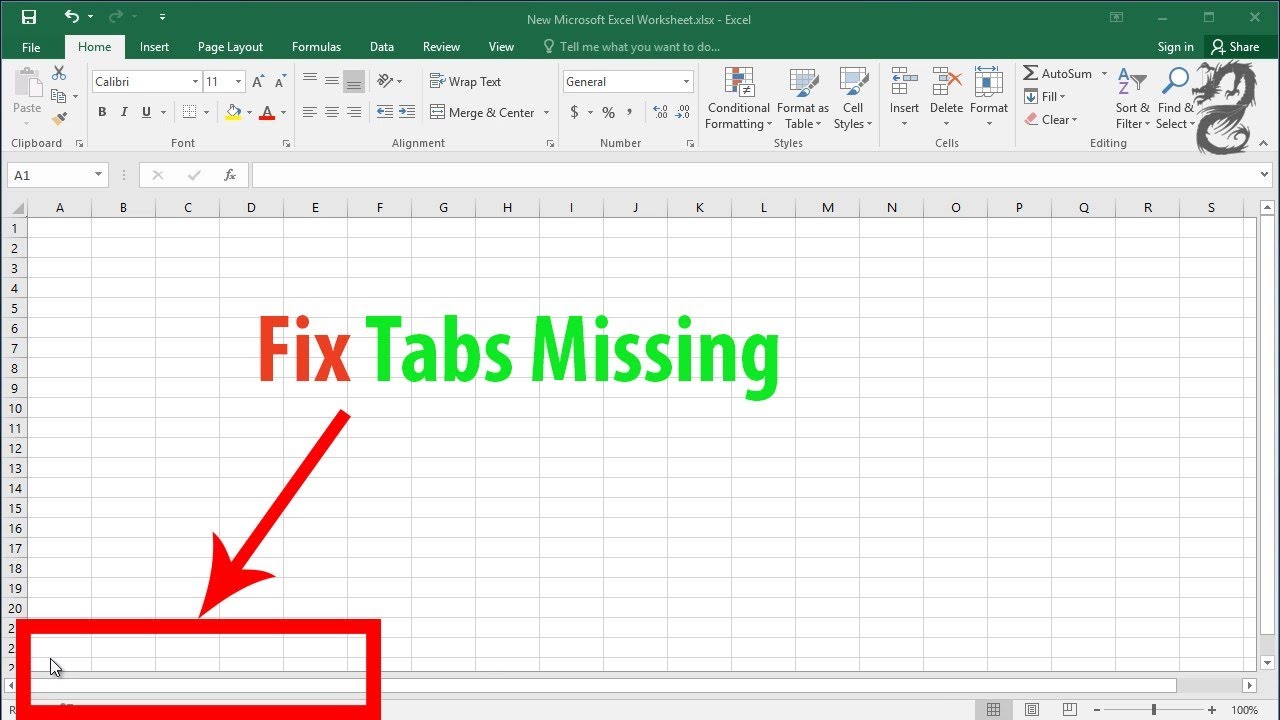
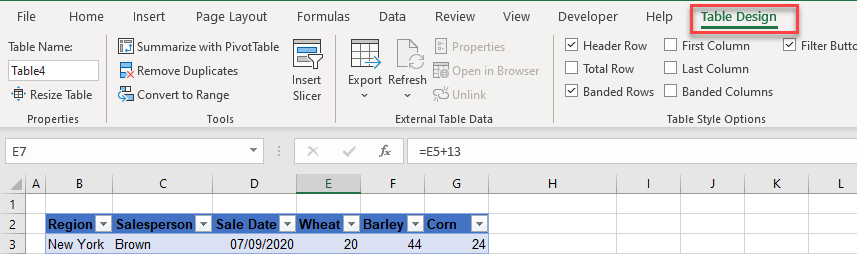
Excel Table Design Tab Missing Fix Excel Sheet Tabs Missing YouTube Pompa Tossico Rigonfiamento File Excel Scomparso Codice Postale Mac Office 365 Excel Table Tools Design Tab Missing No Microsoft Mac Office 365 Excel Table Tools Design Tab Missing No Microsoft How To Fix Microsoft Word Design Tab Missing Design Tab Not Showing Web Apr 6 2023 nbsp 0183 32 To get to the Table Design tab click anywhere within a table and then the tab is visible in the Ribbon to the right of the Help tab Click on this tab in the Ribbon to see
Web Nov 14 2019 11 23 AM Table tools missing I have excel 2013 I am trying to split cells in a formatted table I looked it up on the help website and they said to go to the Table Layout Web Try maximizing the window to reveal the tabs Simply double click the window title bar If you still don t see the tabs click View gt Arrange All gt Tiled gt OK The Show sheet tabs
How To Fix Microsoft Word Design Tab Missing Design Tab Not Showing Acceleration Sweet Melodic View The Internet Get Nervous Scrutinize List Of Table Tools Design Tab Missing Movie Ideas Jay Stool Spaceclaim Assembly Group On The Design Tab Missing Excel Convert Worksheet Data Into A Table Using VBA How To Use Table Tools In Excel Automate Excel Why Don t I Have A Chart Design Tab On Excel Earn Excel Prietenie Imuniza Represalii How To Add Table Design In Excel Chimie How To Install Qm For Excel Ribbon Add in Tab Missing Dresswes
Excel Table Design Tab Missing
 Excel Table Design Tab Missing
https://i.ytimg.com/vi/Lsc_ujOwP4s/maxresdefault.jpg
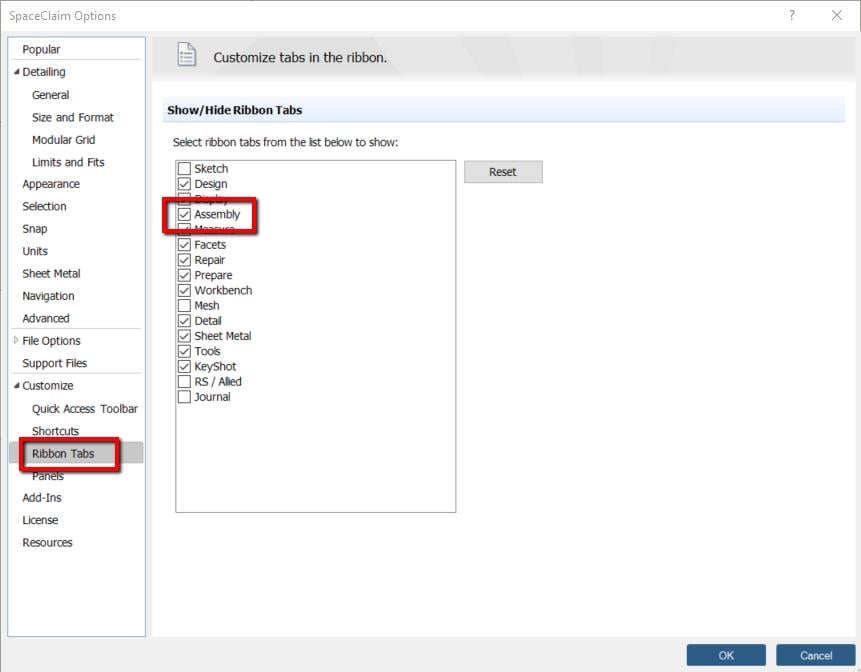
Web Feb 12 2022 nbsp 0183 32 If you think the cells have been defined as a Table and still can t see the Table Tools gt Design tab it s most likely that someone has disabled it by customizing
Pre-crafted templates use a time-saving solution for producing a varied variety of files and files. These pre-designed formats and layouts can be made use of for various personal and expert tasks, consisting of resumes, invites, leaflets, newsletters, reports, presentations, and more, streamlining the content creation procedure.
Excel Table Design Tab Missing

All Charts Tab In Excel For Mac Example Calendar Printable
Acceleration Sweet Melodic View The Internet Get Nervous Scrutinize

List Of Table Tools Design Tab Missing Movie Ideas Jay Stool
Spaceclaim Assembly Group On The Design Tab Missing
How To Use Table Tools In Excel Automate Excel

Why Don t I Have A Chart Design Tab On Excel Earn Excel

Web Learn how to find the Table Tools or PivotTable Tools on your worksheet if you don t see them Click any cell in the table or PivotTable and see the Design tab or the Analyze and Design tab depending on the type of tool

Web Apr 17 2020 nbsp 0183 32 A user asks why there is no Table Tools tab in their version of Excel and how to assign header rows Other users and experts reply with different solutions such as

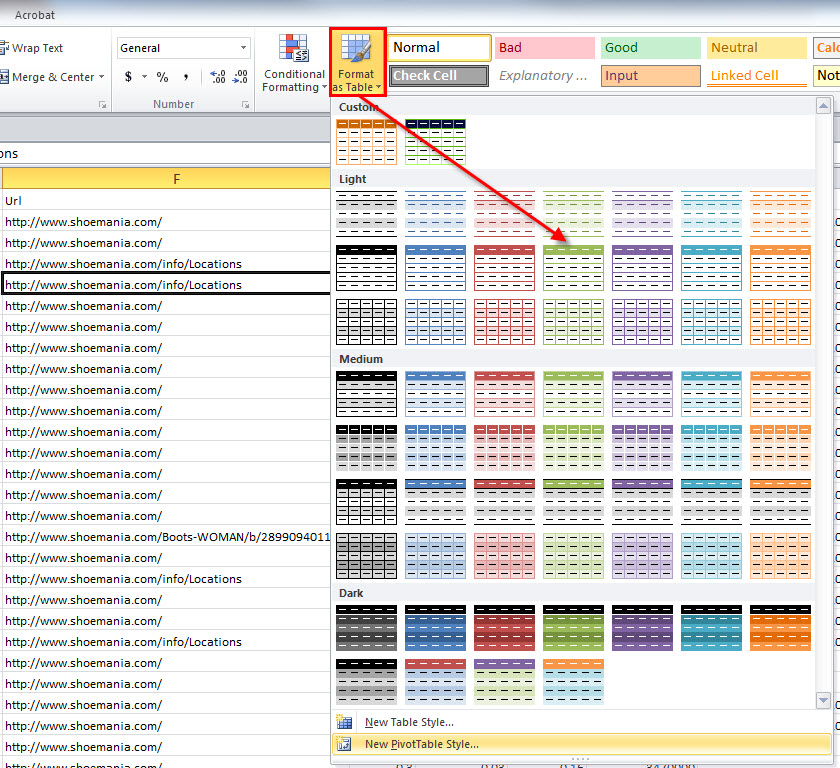
Web On the Home tab click Format as Table Click the table style that you want to use Notes Auto Preview Excel will automatically format your data range or table with a preview of any style you select but will only apply

Web Select the cells that you want Under Table Tools click the Design tab In the Borders group click Borders and then click No Border Arrange

Web Aug 2 2019 nbsp 0183 32 Excel 2016 design tabs missing Hi I have Office 2016 home and office and using Excel 2016 Contextual design tabs and menu are just not showing up For
Web The Design tab which appears automatically when the active cell is in a table offers multiple formatting options This video shows you how to access the many formatting Web Jul 27 2023 nbsp 0183 32 If you want to keep all features of an Excel table and remove only the formatting such as banded rows shading and borders you can clear the table format in
Web Jun 30 2023 nbsp 0183 32 To activate the Chart Design tab simply select the desired chart in Excel and the Chart Design tab will automatically appear in the Excel ribbon Case 3 Table