Excel Select Two Highest Values Excel Replace Blank With 0 Riset Excel How To Calculate Average Excluding Zero In Excel Haiper Excel VBA Select Case Between Two Values 6 Examples Excel VLOOKUP For Two Values 2023 Guide Coupler io Blog LARGE Download Worksheet Summary To get the nth largest value i e 1st largest 2nd largest 3rd largest etc in a set of data you can use the LARGE function In the example shown the formula in I5 is LARGE C5 G5 I 4 As the formula is copied across and down the table it returns the top 3 scores for each student in the list
What I want excel to do is find the heaviest weight lifted for the most reps i e if the second occurrence of the heaviest weight lifted was lifted for more reps than the first instance I want that value reported In my example this is 5 reps The MAX function in Excel is used to find the highest value in a set of data It takes one or more arguments which can be a range of cells and returns the maximum value in that range For example the formula MAX A1 A10 would return the highest value in cells A1 to A10
Excel VLOOKUP For Two Values 2023 Guide Coupler io Blog Compare Values In Excel 5 Ways Beginner To Advanced YouTube Finding Out Highest Values In Excel Super User 00115 How To Use The LARGE Function To Find The Highest Values Using How To Select The Highest Or Lowest Value In Excel Using Function YouTube How To Use The Excel Rank Function 500 Rockets Marketing How To Count Unique Values In Excel Free Excel Tutorial Www vrogue co How To Calculate The Range In Excel Highest Value In Excel How To Fix A Pivot Chart All Columns One Color
Excel Select Two Highest Values
 Excel Select Two Highest Values
https://www.wikihow.com/images/d/dd/Replace-Values-in-Excel-Step-15.jpg
CHOOSE index num value1 value2 The CHOOSE function syntax has the following arguments Index num Required Specifies which value argument is selected Index num must be a number between 1 and 254 or a formula or reference to a cell containing a number between 1 and 254 If index num is 1 CHOOSE returns value1 if it is 2 CHOOSE
Templates are pre-designed files or files that can be utilized for various purposes. They can save time and effort by supplying a ready-made format and design for producing various type of material. Templates can be used for individual or professional projects, such as resumes, invites, flyers, newsletters, reports, discussions, and more.
Excel Select Two Highest Values

How To Sort The Highest To The Lowest Value In Excel KANDA DATA
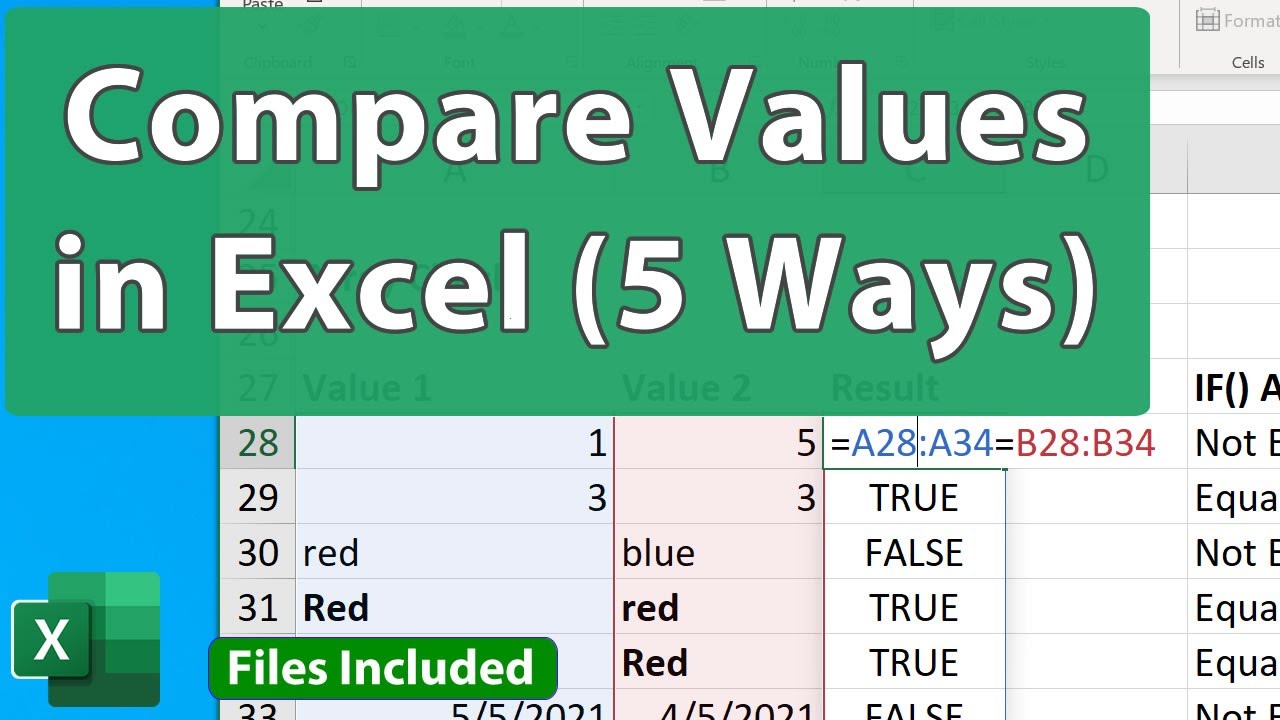
Compare Values In Excel 5 Ways Beginner To Advanced YouTube

Finding Out Highest Values In Excel Super User
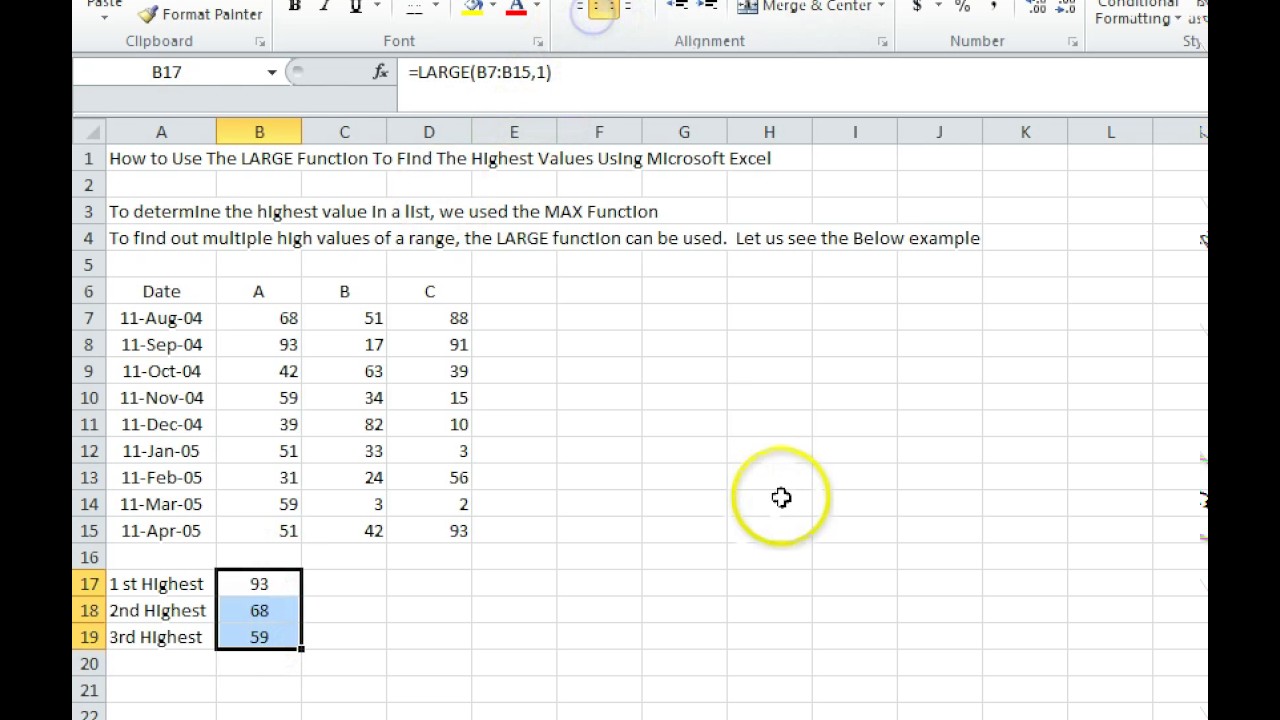
00115 How To Use The LARGE Function To Find The Highest Values Using
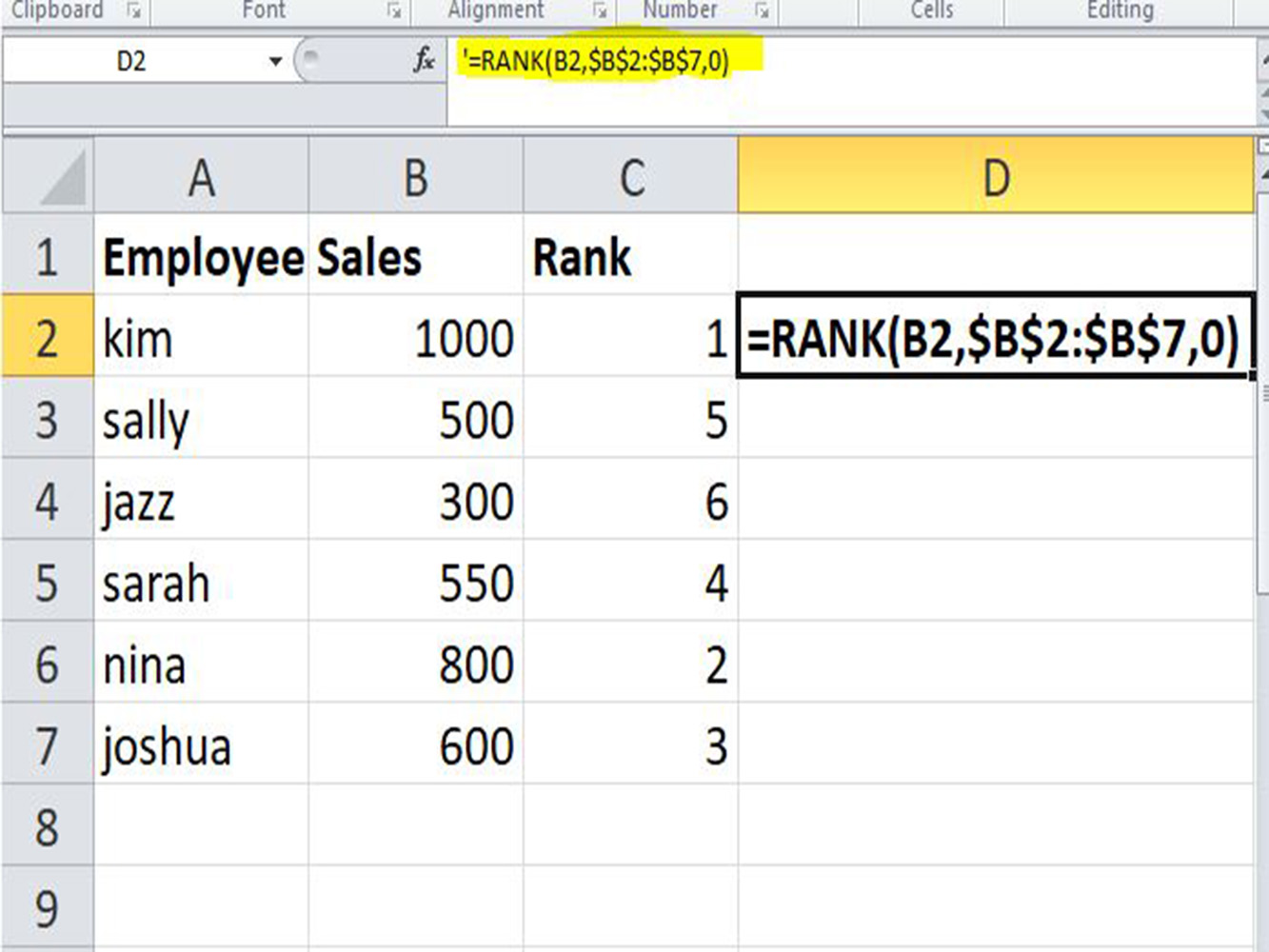
How To Use The Excel Rank Function 500 Rockets Marketing
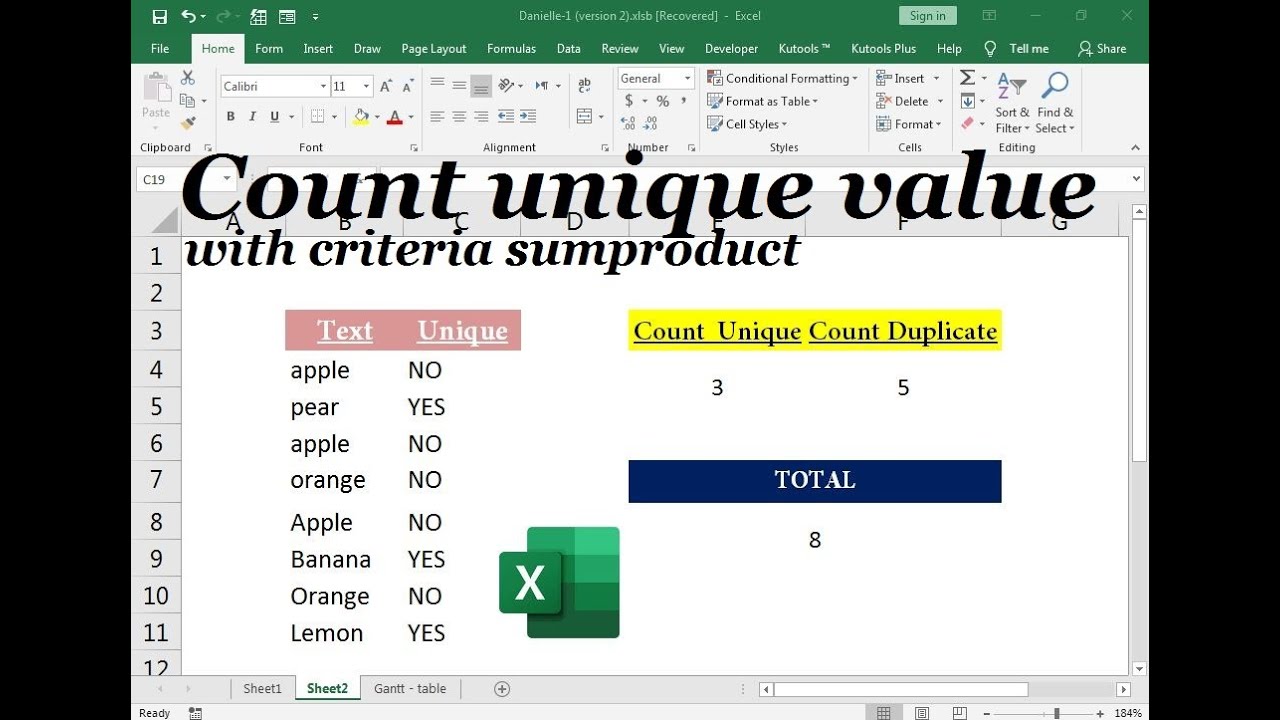
How To Count Unique Values In Excel Free Excel Tutorial Www vrogue co

If you want to get the highest value in a column or a range you can easily do that using the built in MAX function in Excel But what if you want to get the second largest value the third largest value or the nth largest value from the same data set
To get the highest N values in a list use the LARGE and ROWS functions together in this way LARGE values ROWS A 2 A2 For example to find top N values in B2 B12 you enter the below formula in the topmost cell where you want the results to appear D2 and then drag it through as many cells as needed LARGE B 2 B 12 ROWS A 2 A2
The MAX function in Excel returns the highest value in a set of data that you specify The syntax is as follows MAX number1 number2 Where number can be represented by a numeric value array named range a reference to a cell or range containing numbers Number1 is required number2 and subsequent arguments are optional

As you have just seen the Excel MAXIFS is quite straightforward and easy to use However it does have a few little nuances that make a big difference In the below examples we will try to make the most of conditional max in Excel Find max value based on multiple criteria

Select a blank cell F1 for instance type this formula LARGE A1 D8 2 and press Enter key to get the second largest value of the range See screenshot If you want to find the second smallest value you can use this formula SMALL A1 D8 2 see screenshot
Description Returns the k th largest value in a data set You can use this function to select a value based on its relative standing For example you can use LARGE to return the highest runner up or third place score Syntax LARGE array k The LARGE function syntax has the following arguments Array Required Get highest value with MAX function To get the highest value in the list A2 A7 by using the MAX function please do as follows Select a blank cell Enter the below MAX formula and press Enter to get the result MAX A2 A7 Tip To obtain the Nth greatest number you can utilize the LARGE function
Logical values and text representations of numbers that you type directly into the list of arguments are counted If an argument is an array or reference only numbers in that array or reference are used Empty cells logical values or text in the array or reference are ignored If the arguments contain no numbers MAX returns 0 zero