Excel Replace Escape Character Excel REPLACE Function Exceljet Remove First Character Excel Formula Exceljet Excel REPLACE Function 11 Examples Wikitekkee Excel Replace Tab Character Sworldazgard Replace Values Power Query Excel Riset The REPLACE function in Excel allows you to swap one or several characters in a text string with another character or a set of characters REPLACE
Find To find something press Ctrl F or go to Home Editing Find Select Find Note In the following example we ve selected Options to show the entire Find dialog box By default it displays with Options hidden 1 The A2 are useful The outer quotes 1 and 4 tell Excel that this is text and the second quote tells Excel to escape the next character and thus the
Replace Values Power Query Excel Riset Kutools Excel Find And Replace Ohioinput Replace One Character With Another Excel Formula Exceljet Java Triple Quotes Excel Replace Symbol In String Excel Replace Tab Character Qleroarticles How To Use The REPLACE Function In Excel Replace Text Easily Excel Tricks April 2017 0ctf 2016 unserialize M1kael CSDN
Excel Replace Escape Character
 Excel Replace Escape Character
https://exceljet.net/sites/default/files/styles/og_image/public/images/functions/main/exceljet replace function.png
RegExpReplace text pattern text replace instance num match case Where Text required the text string to search in Pattern required the regular
Pre-crafted templates use a time-saving solution for producing a diverse variety of files and files. These pre-designed formats and layouts can be utilized for various individual and expert jobs, consisting of resumes, invites, leaflets, newsletters, reports, discussions, and more, enhancing the content production procedure.
Excel Replace Escape Character
Kutools Excel Replace Multiple Values Lanaprotection
Kutools Excel Find And Replace Ohioinput
Replace One Character With Another Excel Formula Exceljet

Java Triple Quotes
Excel Replace Tab Character Qleroarticles
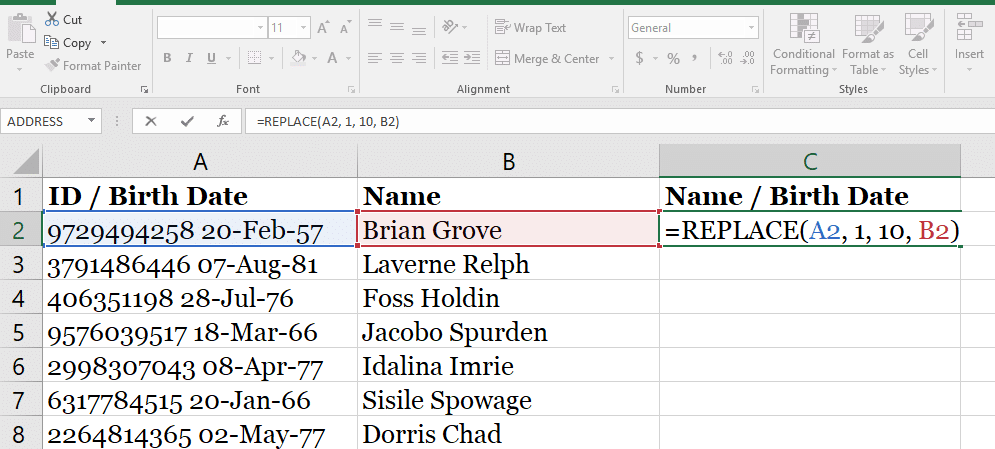
How To Use The REPLACE Function In Excel Replace Text Easily
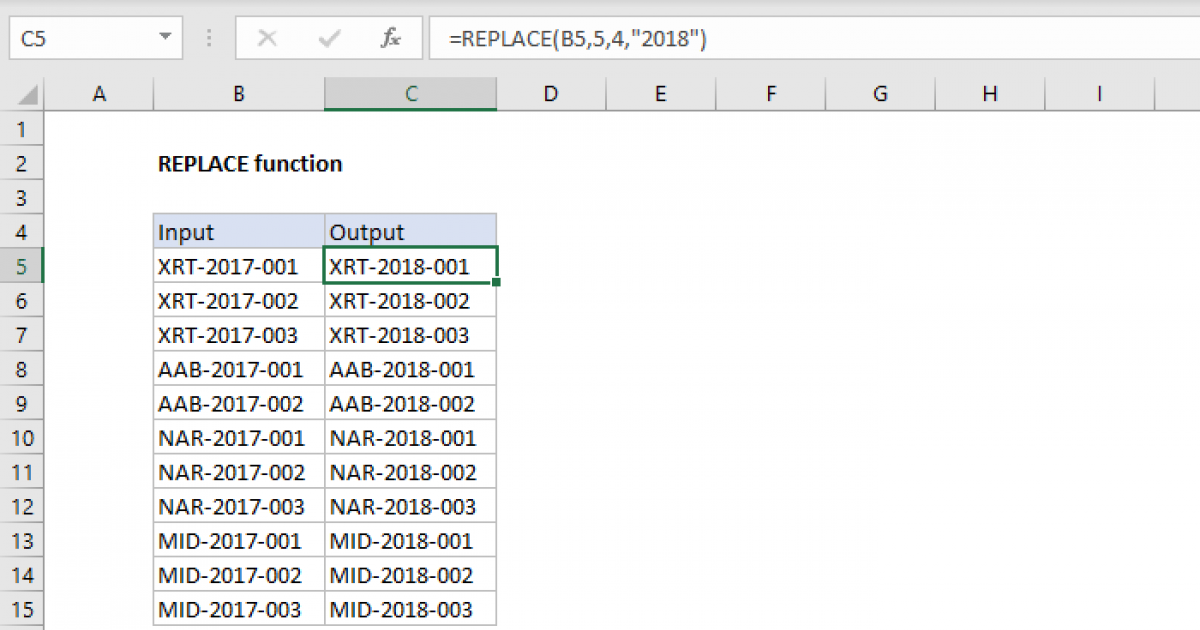
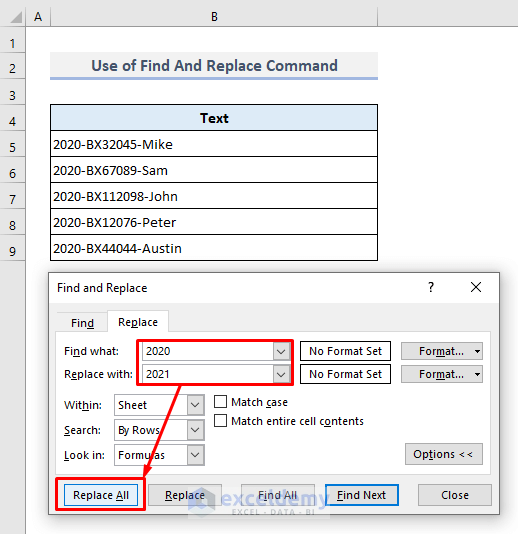
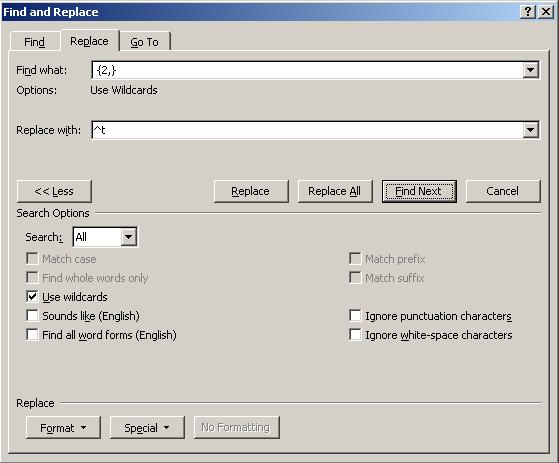
In the Ribbon go to Home Find Select Replace or use the keyboard shortcut CTRL H Typically with Find and Replace you just type in the character you want to find then the character you wish to
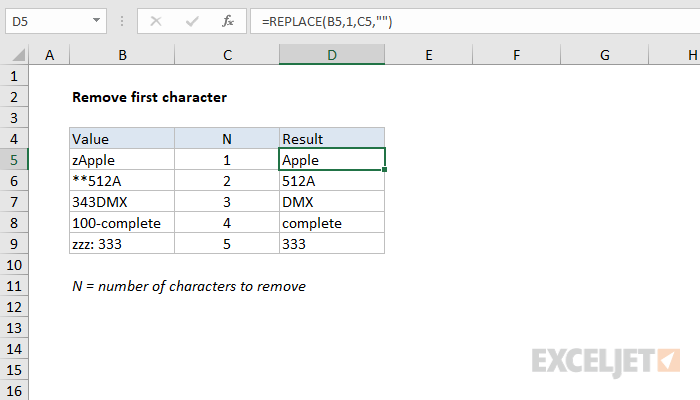
Created on December 6 2016 Search Replace a tilde This is new to Excel I think Why can t we use for a substitute character in find and replace I d
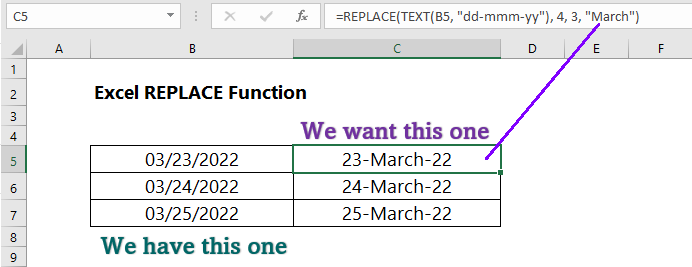
This means a simple Find and Replace operation using a in the Find what field will not do any good Instead you will need to prefix the asterisk with an escape character like the tilde Microsoft Excel uses the

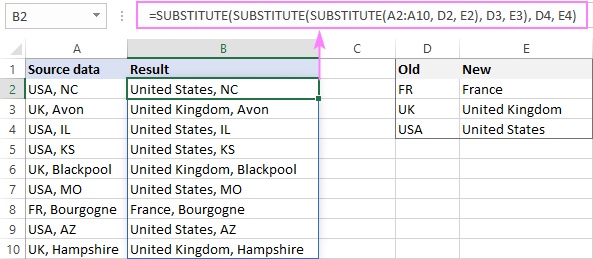
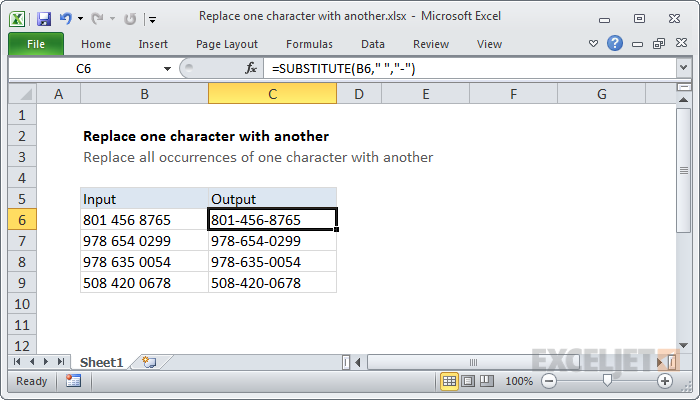
Remove special character from Excel cell To delete a specific character from a cell replace it with an empty string by using the SUBSTITUTE function in its simplest form SUBSTITUTE cell char
1 Use Ribbon to Find and Replace Asterisk Character in Excel We can use the Find and Replace features from the ribbon to find and replace the character The Find feature allows searching for
There are three main types of wildcards in Excel the asterisk wildcard the question mark wildcard and the tilde escape character By utilizing wildcards in Replace The Excel REPLACE function replaces characters specified by location in a given text string with another text string For example REPLACE XYZ123 4 3 456 returns
To include double quotes inside a formula you can use additional double quotes as escape characters By escaping a character you are telling Excel to treat the character as