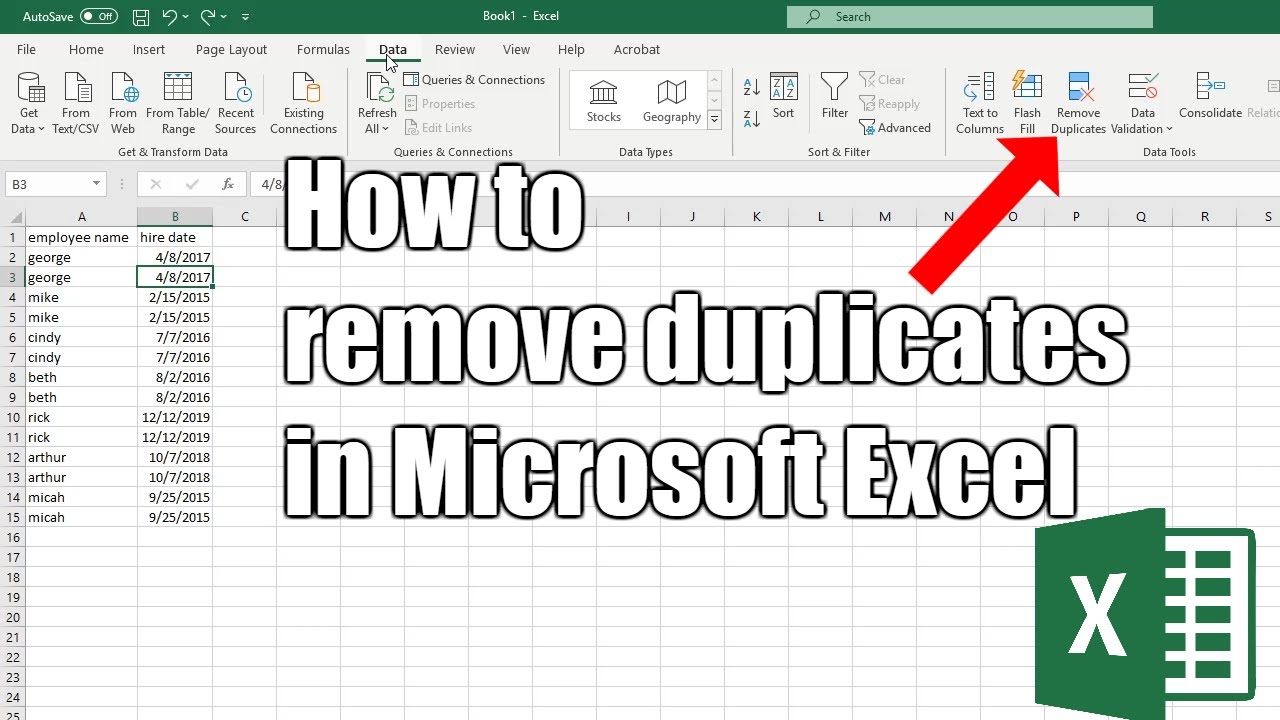
Excel Remove Duplicate Rows Keep Last How To Remove Duplicates In Excel YouTube How To Delete Duplicate Rows From A List In Excel Or Microsoft Office Removing Duplicates In An Excel Using Python Find And Remove How To Delete Blank Rows In Excel YouTube How To Remove Duplicate Rows Based On One Column In Excel Go to the Data tab Data Tools group and click the Remove Duplicates button The Remove Duplicates dialog box will open you select the columns to check for duplicates and click OK To delete duplicate rows that have completely equal values in all columns leave the check marks next to all columns like in the screenshot below
1 Open your Excel spreadsheet and select any range in your spreadsheet which you want to delete duplicate rows from How to Find and Remove Duplicates in Excel Find duplicate rows 2 Go to Data Remove duplicates How to Find and Remove Duplicates in Excel Remove duplicates 63 1 1 3 Add a comment 1 Answer Sorted by 13 The trick is to sort your table before using Remove duplicates Excel always keeps the first data set of a duplicated row All consecutive rows are removed In your case Set up a helper column and fill it with numerical values Start by 1 and use autofill till the end of our table
How To Remove Duplicate Rows Based On One Column In Excel MySQL Delete Duplicate Rows But Keep One Delete Duplicate Rows In How To Delete All Blank Rows At Once In Excel Tip DotTech How To Remove Duplicate Rows In Excel How To Remove Duplicates In Excel Delete Duplicate Rows With A Few Clicks How To Remove Duplicates In Excel In Java HOWOTREMVO Excel Remove Duplicate Rows But Keeping The Highest Value Stack How To Remove Blank Rows In Excel The Easy Way MakeUseOf How To Find And Remove Duplicates In Excel 2016 2007 YouTube
Excel Remove Duplicate Rows Keep Last
 Excel Remove Duplicate Rows Keep Last
https://i.ytimg.com/vi/R1eDuOnGBFo/maxresdefault.jpg
To remove duplicate values use the Remove Duplicates command in the Data Tools group on the Data tab To highlight unique or duplicate values use the Conditional Formatting command in the Style group on the Home tab Source Filter for unique values or remove duplicate values Instructions Switch to the Data tab
Templates are pre-designed documents or files that can be used for different functions. They can save time and effort by providing a ready-made format and design for creating various kinds of content. Templates can be utilized for personal or expert jobs, such as resumes, invitations, leaflets, newsletters, reports, presentations, and more.
Excel Remove Duplicate Rows Keep Last

2 Easy Ways To Remove Duplicates In Excel with Pictures

MySQL Delete Duplicate Rows But Keep One Delete Duplicate Rows In
How To Delete All Blank Rows At Once In Excel Tip DotTech

How To Remove Duplicate Rows In Excel

How To Remove Duplicates In Excel In Java HOWOTREMVO

Excel Remove Duplicate Rows But Keeping The Highest Value Stack
Typically combining spreadsheets with similar data is easy to do by dumping all the data into one sheet and using Remove Duplicates However I want to make sure that the line items which are left represent the latest version of the duplicates I will be importing the following data from each spreadsheet
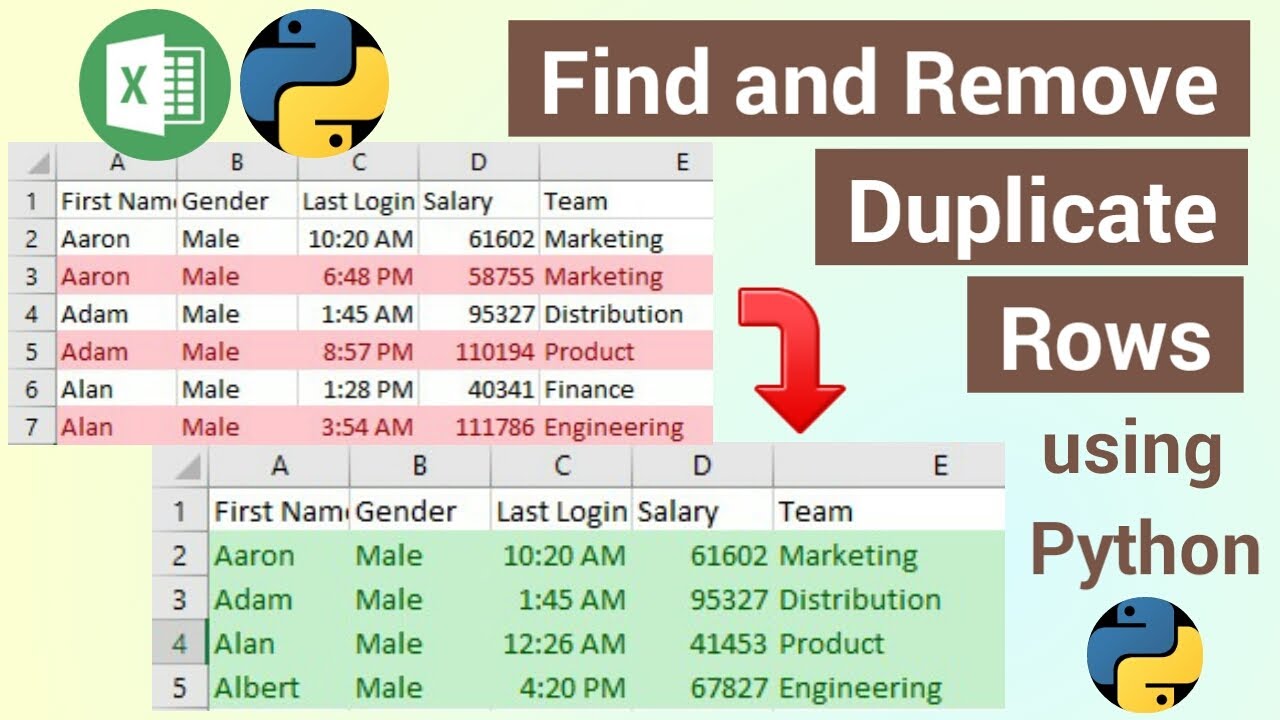
Option 1 Remove Duplicates in Excel If you are using Microsoft Office you will have a bit of an advantage because there is a built in feature for finding and deleting duplicates Begin by selecting the cells you want to target for your search In this case we will select the entire table by pressing Ctrl A on Windows or Command A on Mac
Select the range of cells that has duplicate values you want to remove Tip Remove any outlines or subtotals from your data before trying to remove duplicates Select Data Remove Duplicates and then under Columns check or uncheck the columns where you want to remove the duplicates For example in this worksheet the January column has
To remove duplicates in an Excel table Click in the table that contains the duplicates you want to remove Click the Table Design or Table Tools Design tab in the Ribbon Select Remove Duplicates in the Tools group A dialog box appears Assuming your table has headers ensure My data has headers is checked

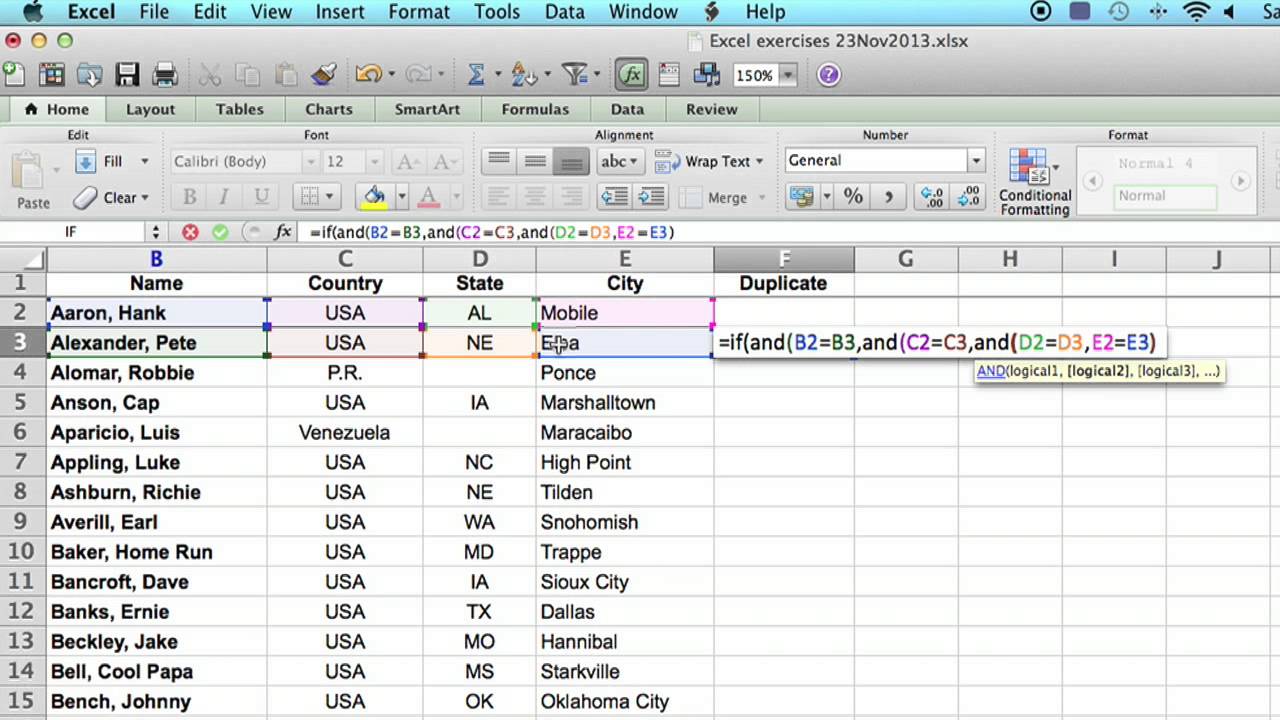
Type or paste CONCAT in the cell select the first cell on row type a column and select the last cell on the row Afterward close the formula with a parenthesis and press Enter In our sample worksheet see image below the first and last cells on the first row have the reference A2 and D2 respectively
1 I m trying to come up with code that look in Column D for any duplicate text then deletes the entire row that the first duplicate is located in There are blanks in between the rows so using the code End xl Up doesn t work unless you re able to target the entire column regardless of the blanks in between the rows somehow 1 Select the data range that you want to remove duplicates and keep the most recent date from another column 2 Then click Kutools Merge Split Advanced Combine Rows see screenshot 3 In the Combine Rows Based on Column dialog box click the column name that you want to remove the duplicate values then click Primary key see screenshot
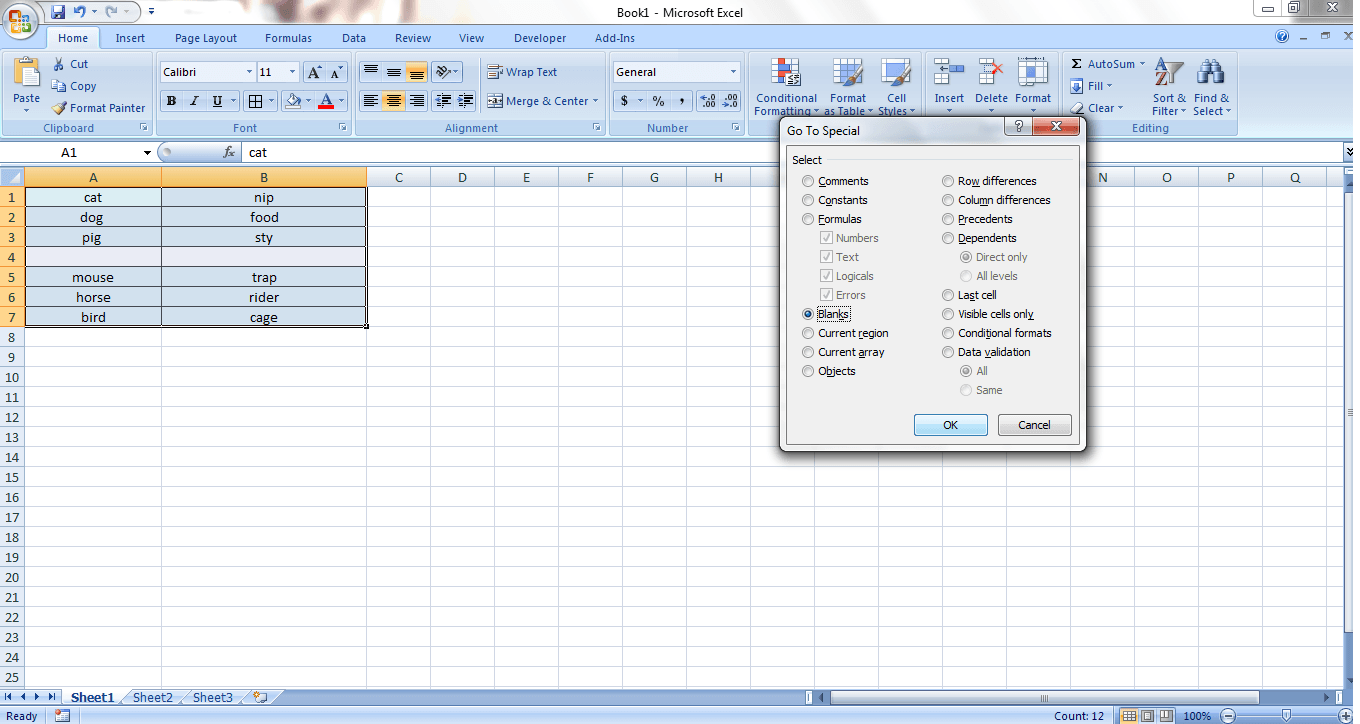
Select a blank row right click and pick Delete Row You can do this for each blank row Do not drag through the blank rows to select and delete them If you do this that selection may include hidden rows that are not blank Once you ve removed the blank rows in your table you can clear the filter Click the filter button next to the