Excel Remove Cell Name 27 How To Clear Formatting Excel EmikoAksara How To Remove Gridlines In Excel 2013 Solvetech How To Remove Cell Borders In Excel 2010 Solveyourtech Excel Remove Formula But Keep Data With Source Formatting Mobile Legends Riset How To Remove Numbers From A Cell In Excel 7 Effective Ways In the Ribbon go to Formulas Defined Names Name Manager The Name Manager shows all named ranges in the Worksheet and Workbook Select the Name to delete and then click Delete Click OK to delete the range name and then click Close to close the Name Manager
To delete the name of a cell in Excel follow these steps Select the Formulas tab on the Ribbon Click on Name Manager in the Defined Names group In the Name Manager dialog box select the cell name you want to delete Click the Delete button Confirm the deletion if prompted Steps to Delete the Name of a Cell in Excel Button will open the Edit Name window where you can edit the name or the cell range of the named range When done click OK and then click the Close button on the Name Manager How to Delete Named Ranges The Name Manager can also be used to delete named ranges Click the named range you wish to remove press the Delete
How To Remove Numbers From A Cell In Excel 7 Effective Ways Remove Unwanted Characters Excel Formula Exceljet How To Remove Spaces In Excel With Formula 5 Quick Ways Space Top 5 Methods Filter Data Vrogue Excel Remove Specific Text From Cell Specific String Specific Characters YouTube 27 How To Clear Formatting Excel EmikoAksara How To Remove Numbers From Text Cells In Excel AuditExcel co za How To Remove Last Ending Comma From Cell In Excel Riset How Do You Delete Certain Rows In Excel 2019 Spplora Name Range On Mac For Excel Downmfile
Excel Remove Cell Name
 Excel Remove Cell Name
https://www.pcguide.com/wp-content/uploads/2022/07/How-To-Clear-Formatting-In-Excel.jpg
Identifying Defined Names to Delete When working with Excel it s important to periodically review and clean up your defined names to ensure a clutter free and organized spreadsheet Here s how you can identify and delete unnecessary defined names A Accessing the Name Manager in Excel
Pre-crafted templates provide a time-saving solution for creating a varied variety of files and files. These pre-designed formats and layouts can be made use of for different individual and expert jobs, including resumes, invites, leaflets, newsletters, reports, presentations, and more, improving the content production process.
Excel Remove Cell Name
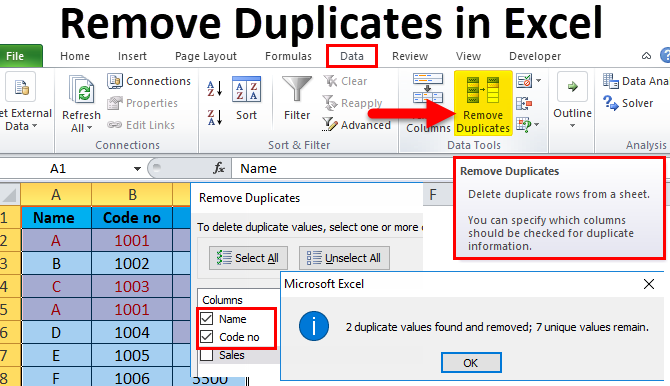
Find Duplicates In Excel By Excelsirji Best Online Courses How To And Remove Examples Vrogue
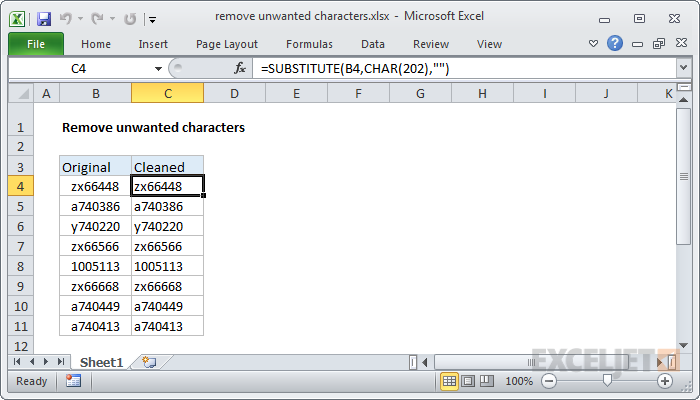
Remove Unwanted Characters Excel Formula Exceljet
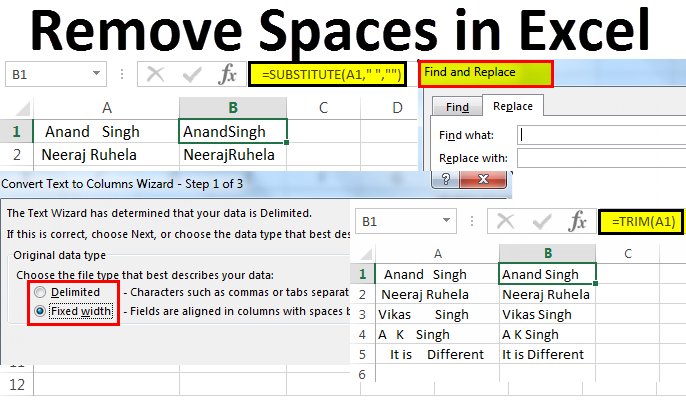
How To Remove Spaces In Excel With Formula 5 Quick Ways Space Top 5 Methods Filter Data Vrogue

Excel Remove Specific Text From Cell Specific String Specific Characters YouTube

How To Remove Numbers From Text Cells In Excel AuditExcel co za
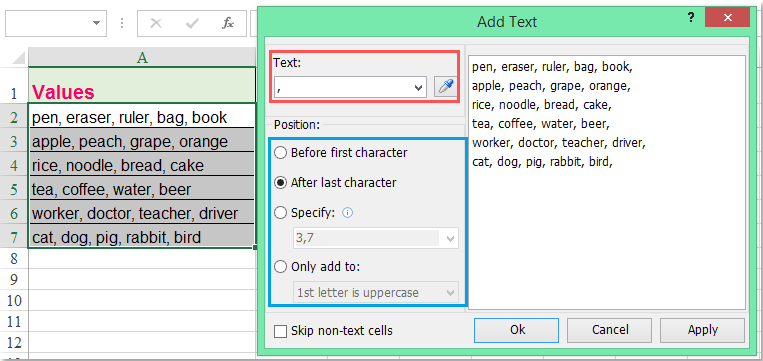
How To Remove Last Ending Comma From Cell In Excel Riset

How can i delete a name reference in the name box Spent ages on this but no results Hi I don t have Excel 2013 but I assume it s the same as earlier versions Formulas tab Name Manager Select the name and click delete

You can also sort and filter the list of names and easily add change or delete names from one location To open the Name Manager dialog box on the Formulas tab in the Defined Names group click Name Manager

Click the Formula tab in the ribbon In the Defined Names group click on Name Manager This will open the Name Manager dialog box that lists all the named ranges in the workbook Select the one that you want to delete Click the Delete button The above steps would delete the selected Named Range from the workbook
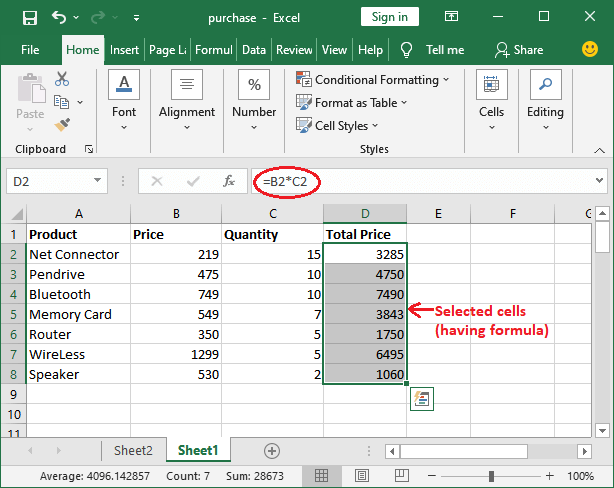
How to delete cell names in Excel Step 1 Select the range of data Step 2 Click on the Manage Name option Step 3 Select the Name Step 4 Click on the delete option

Click on the Delete button which is located at the top of the Name Manager window D Confirming the deletion After clicking Delete a confirmation dialog box will appear asking if you are sure you want to delete the selected cell name Click OK to confirm the deletion and the unwanted cell name will be removed from your spreadsheet
[desc-11] [desc-12]
[desc-13]